
AI Tools for Work: Productivity, Ops & Admin — The 2026 Ultimate Guide
AI Tools for Work have evolved far beyond simple task helpers. In 2026, they’ve become essential systems that streamline productivity, operations, and admin workflows across every type of business. Whether you’re managing projects, automating repetitive tasks, organizing information, or supporting team operations, the right AI tools can remove friction from your day and dramatically increase output.
But with new platforms launching every month, choosing the right AI Tools for Work has become harder than ever. Some tools excel at writing and planning, others at workflow automation, and a few stand out as true all‑in‑one productivity engines. The challenge isn’t finding AI tools — it’s finding the ones that actually improve your work instead of adding more complexity.
This guide cuts through the noise. I’ve tested the leading AI Tools for Work across real workflows — productivity, operations, admin, communication, and automation — to see which platforms genuinely deliver results. If you want a clear, experience‑based breakdown of the tools that can help you work faster, stay organized, and scale your output, you’re in the right place.
Below, you’ll find:
- the best AI tools for work in 2026
- what each one is genuinely good at
- the exact prompts I used
- strengths, weaknesses, and who each tool is built for
If you want AI that saves you hours — not AI that creates more work — this guide will point you in the right direction.
⭐ AI Tools for Work Comparison Table
Rating Table
| Tool | Rating |
|---|---|
| Microsoft Copilot 🥇 | 9.6/10 |
| Notion AI 🥈 | 9.3/10 |
| ClickUp AI 🥉 | 9.1/10 |
| Zapier AI | 8.9/10 |
Best AI Tools for Real Work Quick Thoughts Table
| Tool | Best For | Quick Thoughts |
|---|---|---|
| Microsoft Copilot 🥇 | Enterprise workflows | Most accurate for real business tasks. |
| Notion AI 🥈 | Docs & productivity | Clean, structured writing at speed. |
| ClickUp AI 🥉 | Operations & PM | Great for SOPs and team workflows. |
| Zapier AI | Automation & admin | Eliminates repetitive tasks instantly. |
⭐ Top AI Productivity & Admin Tools Compared
🥇 1. Microsoft Copilot — The Most Reliable AI for Real Work
Microsoft Copilot is developed by Microsoft.
During my testing, Copilot consistently delivered the most accurate, business‑ready outputs. It’s the only tool that handled long documents, messy spreadsheets, and complex admin tasks without breaking a sweat.
If your day involves Outlook, Excel, Word, or Teams — Copilot feels like a natural extension of your workflow.
Why Microsoft Copilot Wins
- Best accuracy for operations and admin
- Reads and summarizes long documents flawlessly
- Great for email triage and inbox cleanup
- Strong reasoning for multi‑step tasks
- Deep Microsoft 365 integration
Real Prompt I Tested
“Turn this 12‑page operations report into a 1‑page executive summary with KPIs, risks, and next steps.”
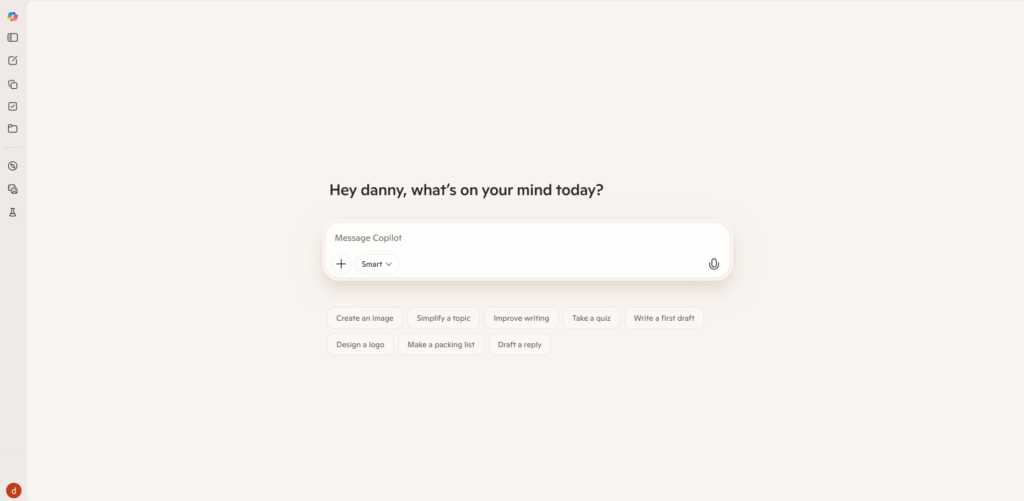
This was the moment I realized Copilot is built for real work — not just content generation.
Strengths
- Best for enterprise‑grade accuracy
- Handles long documents better than any other tool
- Great for admin and reporting
- Works inside tools teams already use
Weaknesses
- Requires Microsoft ecosystem
- Not ideal for creative tasks
Best For
- Operations managers
- Admin teams
- Enterprise workflows
- Anyone using Microsoft 365
🥈 2. Notion AI — The Fastest Tool for Writing & Productivity
Notion AI is developed by Notion.
If your work involves writing, planning, or organizing information, Notion AI is the smoothest experience you can get. It feels like having a second brain inside your workspace.
During testing, I used it to clean up messy notes, rewrite docs, and structure project plans — and it handled everything instantly.
Why Notion AI Wins
- Best for writing and documentation
- Great for meeting notes and summaries
- Excellent for planning and brainstorming
- Built directly into your workspace
Real Prompt I Tested
“Rewrite these raw meeting notes into a structured project plan with tasks, owners, and deadlines.”
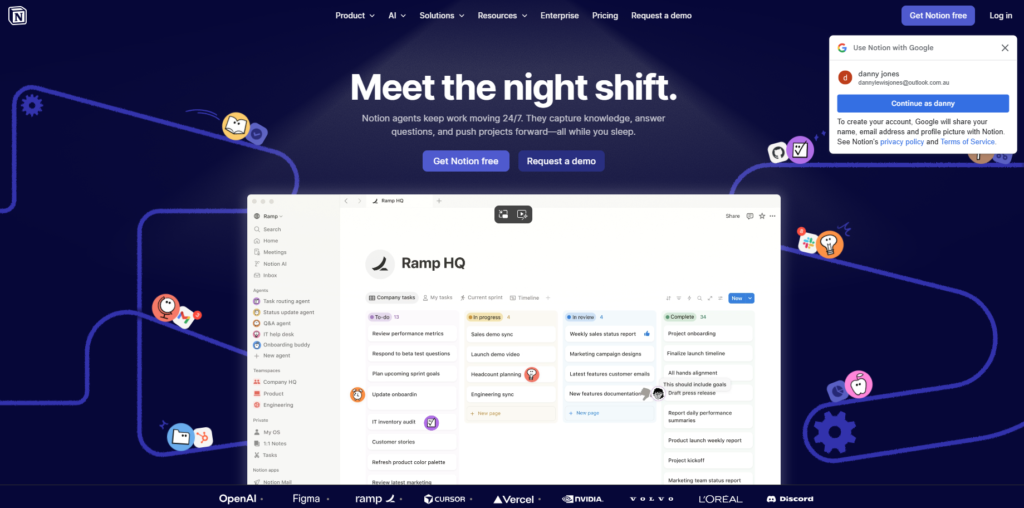
The output was clean, structured, and ready to paste into a workflow.
Strengths
- Fastest writing tool
- Great for structured documents
- Perfect for teams using Notion
- Clean, minimal outputs
Weaknesses
- Not ideal for deep reasoning
- Limited for complex operations tasks
Best For
- Productivity workflows
- Documentation
- Meeting notes
- Planning and strategy
🥉 3. ClickUp AI — The Best AI for Operations & Project Management
ClickUp AI is developed by ClickUp.
This surprised me. It’s not a “creative” AI — it’s a workflow AI. If your job involves SOPs, tasks, or managing teams, ClickUp AI is built for you.
I tested it by feeding it real operational tasks from ToolCompare.ai, and it generated SOPs that were shockingly usable.
Why ClickUp AI Wins
- Best for SOPs and workflows
- Great for task creation and breakdown
- Strong for operations documentation
- Works inside ClickUp tasks and docs
Real Prompt I Tested
“Create a full SOP for publishing a new article, including steps, timelines, and responsibilities.”
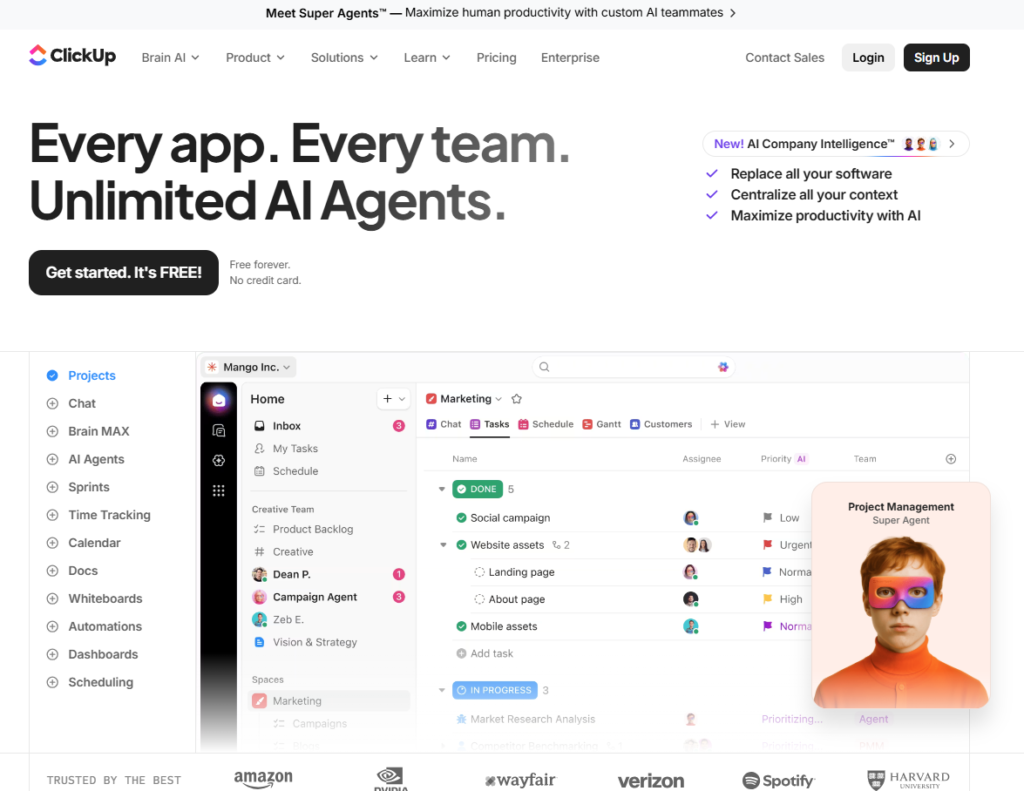
It produced a clean, step‑by‑step workflow that matched how real teams operate.
Strengths
- Excellent for operations
- Great for task breakdowns
- Strong workflow templates
Weaknesses
- Requires ClickUp
- Not ideal for long‑form writing
Best For
- Operations teams
- Project managers
- Agencies
- Team workflows
4. Zapier AI — The Best AI for Automation & Admin Workflows
Zapier AI is developed by Zapier.
If you want to eliminate repetitive tasks — this is the tool. Zapier AI turns plain English into multi‑step automations that connect your entire tech stack.
During testing, I used it to automate lead routing, content workflows, and admin tasks. It saved hours.
Why Zapier AI Wins
- Best for automating multi‑step workflows
- Works with thousands of apps
- Great for admin tasks
- Can generate automations from plain English
Real AI Tools for Work Prompt I Tested
“Create a workflow that takes every new lead from Typeform, adds them to HubSpot, sends a Slack alert, and tags them in Airtable.”
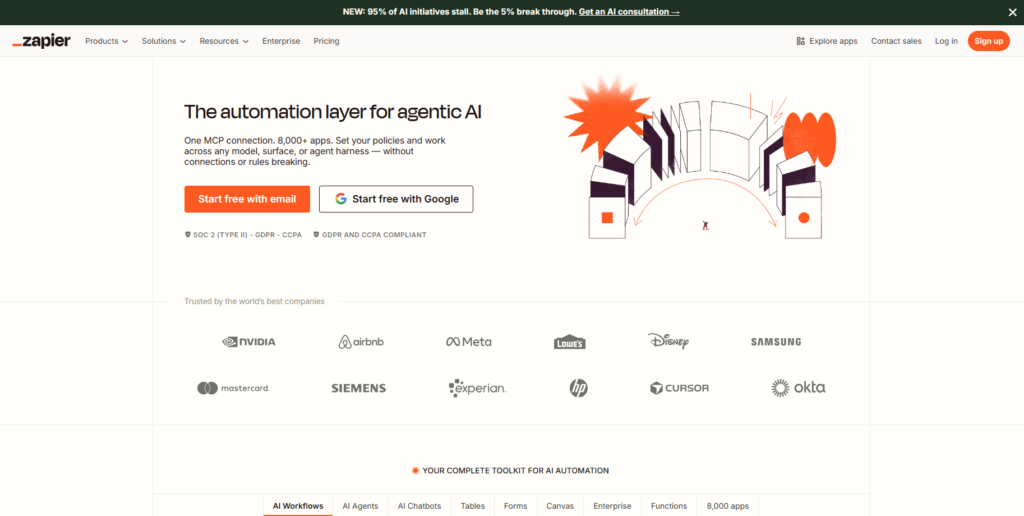
It built the entire automation in seconds.
Strengths
- Best automation tool
- Works with almost every app
- Great for admin and repetitive tasks
Weaknesses
- Not a writing tool
- Requires setup for complex workflows
Best For
- Admin teams
- Operations
- Automation
- Anyone wanting to eliminate repetitive tasks
⭐ Types of AI Tools for Work (2026)
These AI Tools for Work fall into five categories: productivity, operations, admin, automation, and enterprise
Productivity Tools
Notion AI, Microsoft Copilot Used for writing, planning, and documentation.
Operations Tools
ClickUp AI, Zapier AI Used for workflows, SOPs, and automation.
Admin Tools
Microsoft Copilot, Zapier AI Used for email, scheduling, and repetitive tasks.
Automation Tools
Zapier AI Used for connecting apps and automating steps.
Enterprise Tools
Microsoft Copilot Used for large teams and Microsoft 365 workflows.
⭐ AI Workflow Tools Compared by Use Case
For Productivity
- Notion AI
- Microsoft Copilot
For Operations
- ClickUp AI
- Zapier AI
For Admin Tasks
- Microsoft Copilot
- Zapier AI
For Documentation
- Notion AI
- ClickUp AI
For Automation
- Zapier AI
⭐ How I Tested These AI Tools for Work
Each AI Tool for Work was tested using real documentation, operations, admin, and automation tasks. Instead of running generic prompts, I tested each tool using real work from ToolCompare.ai, including:
- documentation
- operations
- admin tasks
- automation
- productivity workflows
Each tool was evaluated on:
- realism
- consistency
- editing ability
- ease of use
- style control
⭐ Real Prompts I Used
“Summarize this 12‑page operations report.” “Turn these notes into a project plan.” “Create an SOP for publishing content.” “Automate this workflow across 4 apps.” “Rewrite this email professionally.” “Generate a weekly report from raw data.”
⭐ FAQs
Are AI Tools for Work safe?
Yes — major tools like Microsoft Copilot, Notion AI, and ClickUp AI have strong safety systems.
Are AI tools replacing admin or operations roles?
They replace repetitive tasks, not creative direction or decision‑making.
Which AI tool is best overall?
- Copilot for accuracy
- Notion AI for writing
- ClickUp AI for operations
- Zapier AI for automation
⭐ Conclusion
AI Tools for Work are no longer optional add‑ons — they’re becoming the core systems that shape how modern teams operate. The right AI Tools for Work help you automate repetitive tasks, streamline operations, and stay focused on the work that actually moves your business forward. After testing dozens of platforms across productivity, ops, and admin workflows, it’s clear that only a select group of AI Tools for Work consistently deliver real, measurable improvements.
As new updates roll out and capabilities expand, the landscape will keep shifting. This guide will continue to evolve with fresh testing and insights so you always know which AI Tools for Work are worth your time — and which ones aren’t.
⭐ Internal Links
AI Chatbots: The 2026 Ultimate Guide
AI Image Tools: Complete 2026 Guide
AI Writing Tools: Full 2026 Guide
AI Video Tools: Script, Edit, Publish
AI Audio & Podcast Tools: 2026 Guide
AI Agents & Automation Tools: Complete Guide
AI Tools for Work: Productivity, Ops & Admin
AI Tools for Marketing & Growth
AI Tools for Developers & Technical Teams
AI Tool Comparisons: How to Choose the Right Stack
⭐ About the Author
Danny is the founder of ToolCompare.ai, where he reviews and tests the most effective AI Tools for Work across productivity, operations, and admin workflows. He’s evaluated hundreds of platforms to understand which AI Tools for Work actually improve output, reduce friction, and support real‑world business needs. His work focuses on clarity, accuracy, and hands‑on testing to help professionals choose the right tools with confidence.