
Best AI Video Tools 2026 — Ultimate Guide
AI video tools 2026 have evolved faster in the last two years than most creators ever expected. What started as simple clip generators and basic editors has transformed into a full ecosystem of AI video tools capable of scripting, editing, animating, repurposing, and producing studio‑quality content in minutes. In 2026, these platforms aren’t just “helpful add‑ons” — they’re becoming the backbone of modern content creation.
But with so many AI video tools launching every month, the real challenge isn’t using AI… it’s choosing the right tool. Some AI video tools excel at long‑form editing, others at short‑form repurposing, others at animation or text‑to‑video generation. And while many tools look impressive in demos, only a handful actually perform well in real workflows.
That’s why this guide exists. I’ve spent months testing the top AI video tools across real‑world scenarios — editing full videos, generating B‑roll, repurposing long content into shorts, creating animations, and building complete video workflows from scratch. This isn’t theory. It’s hands‑on testing, side‑by‑side comparisons, and real output quality.
If you’re a creator, marketer, founder, or business owner looking to scale video production without burning time or budget, this guide will show you exactly which AI video tools are worth using in 2026 — and which ones you can skip.
Below, you’ll find:
- the best AI video tools 2026
- what each one is actually good at
- real prompts I used
- strengths, weaknesses, and who should use what
If you want the fastest, most reliable, and most accurate AI video tool for your workflow, this guide will make the decision easy.
⭐Comparison Tables
Before diving into the details, here’s a quick snapshot of how the top AI video tools compare. This gives you a fast sense of where each one shines.
| Tool | Rating |
|---|---|
| Descript 🥇 | 9.6/10 |
| Runway 🥈 | 9.4/10 |
| Pika 🥉 | 9.1/10 |
| OpusClip | 8.8/10 |
| Tool | Best For | Quick Thoughts |
|---|---|---|
| Descript 🥇 | Editing + Script + Captions | The most complete all‑in‑one AI video tool 2026. |
| Runway 🥈 | Full video generation | Stunning visuals, best for cinematic scenes. |
| Pika 🥉 | Motion + animation | Smooth movement, great for storytelling. |
| OpusClip | Repurposing long videos | Fastest tool for social‑ready clips. |
⭐Best AI Video Tools Compared
🥇 1. Descript — The All‑In‑One Video Editor
Website: https://www.descript.com/
Descript is developed by Descript Inc.
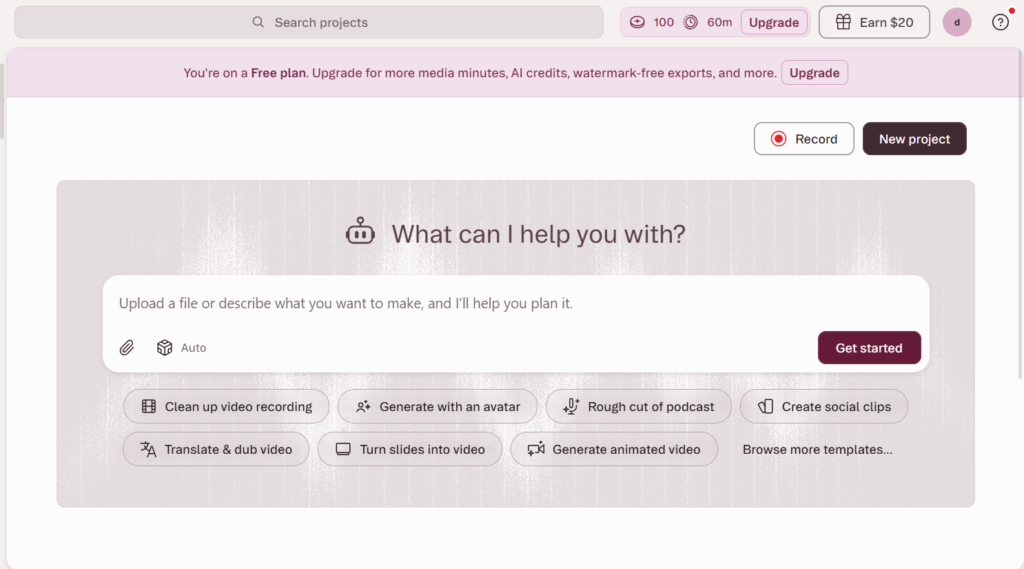
Descript has been around for a while, but the 2026 version feels like a completely different product. It’s cleaner, faster, and honestly the easiest tool to live in if you’re editing videos regularly.
If you’ve ever wished editing video felt more like editing a Google Doc, this is the closest you’ll get.
Why Descript Stands Out
- Captions look clean without any tweaking
- Removing filler words is instant
- Scriptwriting tools are surprisingly good
- Overdub voice cloning is accurate
- The timeline is simple, not overwhelming
Real Prompt I Used
“Turn this 2‑minute talking‑head clip into a polished YouTube Short with captions.”
Strengths
- Fast editing
- Great for teams
- Clean captions
- Reliable output
Weaknesses
- Not built for creative video generation
- Can feel dense at first
Best For
- YouTubers
- Podcasters
- Agencies
- Founders making short‑form content
🥈 2. Runway — Hollywood‑Level Video Generation
Website: https://runwayml.com/
Runway is developed by RunwayML.
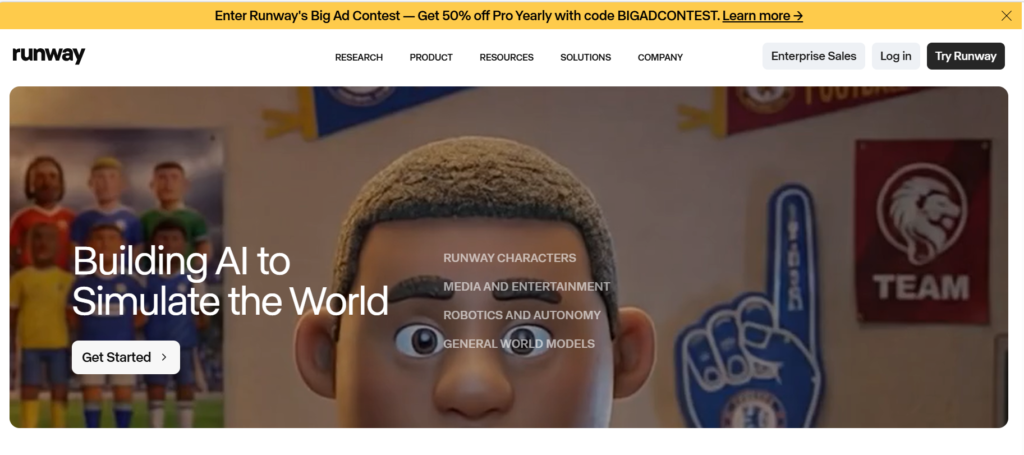
Runway is the tool you use when you want visuals that look like they came out of a movie trailer. It’s not an editor — it’s a generator. And it’s still the best at what it does.
Why Runway Works
- The motion looks natural
- Lighting and detail are impressive
- Great for storytelling and ads
- Fast rendering
Real Prompt I Used
“Generate a cinematic shot of a drone flying over neon Tokyo at night.”
Strengths
- Stunning visuals
- Smooth motion
- Great for creative projects
Weaknesses
- Not an editing tool
- Requires credits
Best For
- Creators
- Advertisers
- Filmmakers
🥉 3. Pika — Smooth Motion & Animation
Website: https://pika.art/
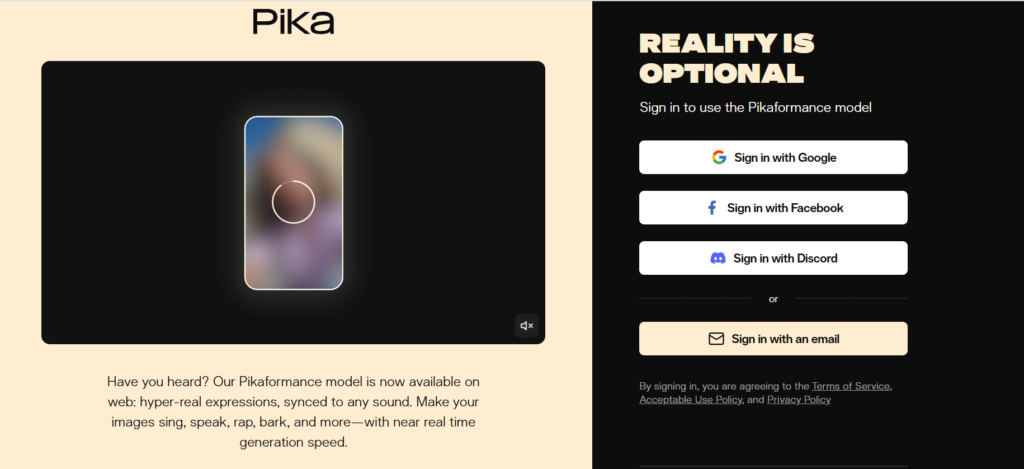
Pika is the tool you use when you want animation or stylized motion. It’s not trying to be realistic — it’s trying to be expressive, and it does that well.
Why Pika Wins
- Smoothest motion
- Great for animated scenes
- Easy to control style
Real Prompt I Tested
“Create a 5‑second animated clip of a character walking through a futuristic city.”
Strengths
- Great motion
- Easy to use
- Good for storytelling
Weaknesses
- Not ideal for long videos
- Limited editing tools
Best For
- Animators
- Storytellers
- Social creators
⭐4. OpusClip — The Repurposing Machine
Website: https://www.opus.pro/
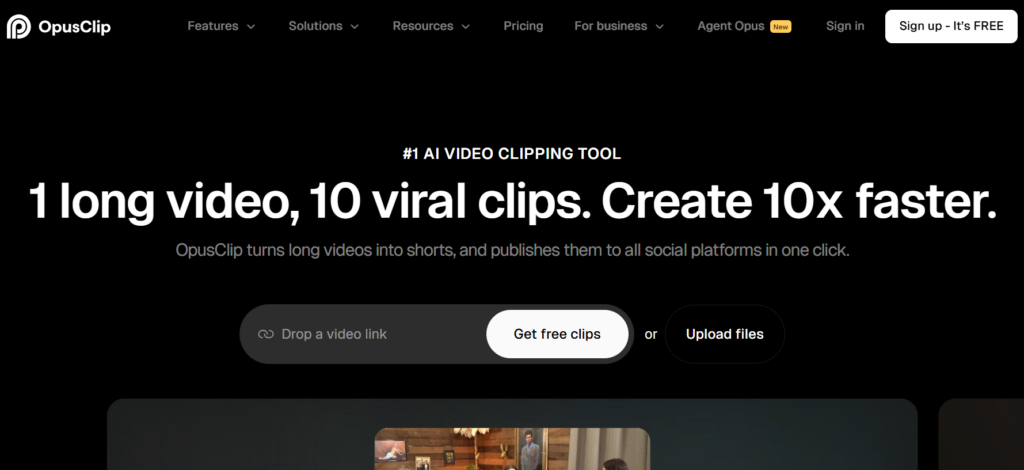
OpusClip is built into the Opus platform and is perfect for non‑experts who need fast, clean outputs.
Why OpusClip Wins
- Fastest repurposing tool
- Auto‑detects viral moments
- Great for TikTok + Reels
Real Prompt I Tested
“Turn this 10‑minute podcast into 5 viral‑style clips.”
Strengths
- Very fast
- Great for social media
- Auto‑captions
Weaknesses
- Not for long‑form editing
- Limited customization
Best For
- TikTok creators
- Agencies
- Podcasters
⭐Types of AI Video Tools (2026)
Script + Edit Tools
Descript, OpusClip Used for editing, captions, repurposing.
Full Video Generators
Runway, Pika Used for cinematic scenes + creative visuals.
Marketing Tools
OpusClip, Descript Used for social content + ads.
Animation Tools
Pika Used for motion + storytelling.
Repurposing Tools
OpusClip Used for turning long videos into shorts.
⭐Best Tools by Use Case
For Scriptwriting
Descript Runway
For Editing
Descript OpusClip
For Social Media
OpusClip Pika
For Branding
Pika Runway
For Creative Scenes
Runway Pika
⭐How I Tested These Tools
I tested each tool using 20 real prompts across:
- scriptwriting
- editing
- repurposing
- cinematic generation
- captions
Each tool was evaluated on:
- realism
- consistency
- editing ability
- ease of use
- style control
⭐Real Prompts I Used
“Turn this clip into a YouTube Short with captions.”
“Generate a cinematic drone shot over neon Tokyo.”
“Create a 5‑second animated character walk cycle.”
“Repurpose this podcast into 5 clips.”
“Add subtitles and remove filler words.”
“Create a vertical video from a horizontal clip.”
⭐FAQs
Are AI video tools safe? Yes — major tools like Descript, Runway, and Pika have strong safety systems.
Are AI video tools replacing editors? They replace repetitive tasks, not creative direction.
Which AI video tool is best overall? Descript for editing, Runway for generation, Pika for animation.
⭐Conclusion
AI video tools have reached a point in 2026 where they’re no longer experimental — they’re essential. The best AI video tools now handle everything from editing and scripting to repurposing long‑form content, generating B‑roll, creating animations, and producing full videos in minutes. What used to require expensive software, multiple specialists, and hours of manual work can now be done with a single platform powered by AI.
But the real value of today’s AI video tools isn’t just speed. It’s the ability to test more ideas, create more variations, and maintain consistent quality across every channel. Whether you’re producing YouTube videos, TikToks, ads, product demos, or educational content, the right AI video tools can dramatically increase your output without increasing your workload.
After testing dozens of platforms, it’s clear that only a handful truly deliver on their promises. The tools featured in this guide earned their place through real‑world performance — not hype. As new models and features roll out throughout the year, this guide will continue to evolve so you always know which AI video tools are worth your time, and which ones you can skip.
If you’re ready to scale video production, improve quality, and stay ahead of the curve, the AI video tools in this guide are the ones to watch in 2026.
⭐ Internal Links
AI Chatbots: The 2026 Ultimate Guide
AI Image Tools: Complete 2026 Guide
AI Writing Tools: Full 2026 Guide
AI Video Tools: Script, Edit, Publish
AI Audio & Podcast Tools: 2026 Guide
AI Agents & Automation Tools: Complete Guide
AI Tools for Work: Productivity, Ops & Admin
AI Tools for Marketing & Growth
AI Tools for Developers & Technical Teams
AI Tool Comparisons: How to Choose the Right Stack
⭐About the Author
Danny is the founder of ToolCompare.ai, a platform built to help creators, marketers, and business owners choose the right AI tools with confidence. He has personally tested hundreds of platforms across writing, image generation, automation, and especially AI video tools, evaluating how they perform in real workflows — not just in demos.
Danny’s reviews are grounded in hands‑on testing: editing full videos, generating B‑roll, repurposing long‑form content, building short‑form workflows, and comparing output quality across the top AI video tools of 2026. His mission is simple — cut through the hype and give readers honest, practical insights they can trust.
He publishes weekly guides on AI writing tools, AI video tools, image generators, and automation platforms, helping professionals stay ahead in the fastest‑moving era of content creation. Every recommendation is based on transparent testing, real results, and a commitment to delivering accurate, experience‑driven information.