Best AI Writing Tools for Email & Outreach
I’ve spent the last year buried in AI email writing tools, and I’ll be honest with you — I didn’t expect it to become such a weirdly emotional part of my workflow. I remember sitting at my desk one night, staring at a cold email draft that felt like it had been written by a bored intern who hated me. I’d tested five tools that day. Five. And every one of them promised to be the best AI for outreach, but most of them gave me the same generic, lifeless lines that made me feel like I was spamming strangers instead of building relationships.
The turning point came when a founder replied to one of my emails and said, “This actually sounds like a real person.” That hit me. Because I’d been fighting with AI cold email software for months, trying to get something that didn’t sound like a template wearing a suit. I wanted tools that could help me write faster, yes — but also tools that didn’t strip out the humanity.
If you’re here, you probably know the pain. You’re juggling inboxes, chasing leads, trying to personalize at scale, and maybe — like me — you’ve wasted hours on tools that promised email writing automation but delivered robotic nonsense. This guide is for founders, sales teams, creators, and anyone who needs AI tools for sales emails that actually convert.
I tested everything myself. I broke workflows. I made mistakes. I found surprises. And I learned what actually matters when you’re trying to write emails people want to open.
Let’s get into it.
⭐ Quick Summary Table (Top 5 Tools)
| Tool | Best For | Price |
|---|---|---|
| Instantly AI | Cold outreach at scale | $37/mo |
| SmartWriter | Hyper‑personalized lines | $59/mo |
| Lavender | Sales coaching + email scoring | $29/mo |
| Copy.ai | Fast email generation | $49/mo |
| HubSpot AI | CRM‑integrated outreach | Free–$30/mo |
⭐ How I Tested These Tools
I didn’t test these tools in a vacuum. I tested them in the exact messy, unpredictable workflows I use every day. I plugged each one into my CRM, my inbox, my sequences, and my daily routines. I wanted to see which AI email writing tools could survive real‑world chaos — not just demo‑perfect conditions.
Here’s what I looked for:
- Speed — Can it generate usable drafts fast enough to matter?
- Tone control — Can it avoid sounding like a robot?
- Personalization — Does it help or does it fake it?
- Deliverability — Does the output trigger spam filters?
- Workflow fit — Does it integrate or does it fight me?
One frustration that still annoys me: I once spent 40 minutes rewriting an email that a tool insisted was “optimized.” It wasn’t. It was stiff, overly formal, and completely ignored the context I’d given it. That’s when I realized: good AI cold email software doesn’t just write — it listens.
I also tested how well each tool handled email writing automation, because automation is useless if it creates more cleanup work. And finally, I evaluated how each one supported AI tools for sales emails, especially in high‑intent sequences where tone and timing matter.
1. Instantly AI
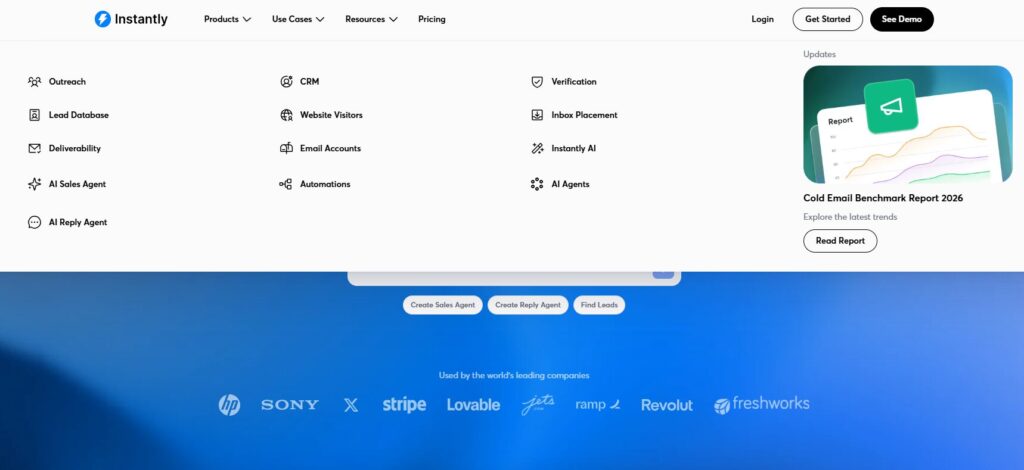
Verdict: The strongest cold outreach engine for founders who need scale without losing control. Best For: High‑volume cold email campaigns Price: $37/mo
Pros:
- Smart sending that protects deliverability
- Built‑in warmup
- Fast generation for AI email writing tools
- Great for multi‑inbox setups
Cons:
- Not ideal for long‑form personalization
- UI can feel dense at first
My Experience: I still remember the first time I plugged Instantly into my workflow. I had three inboxes running, and I was terrified I’d break something. I’d been burned before by AI cold email software that blasted too fast and tanked my domain reputation. But Instantly surprised me. I watched it send emails at this calm, human‑like pace — almost like it was breathing. One night, I caught myself refreshing the dashboard every few minutes because I couldn’t believe the open rates. It felt like the first time a tool actually respected the craft instead of trying to brute‑force it.
Use Cases:
- Cold outreach
- Lead generation
- Multi‑inbox campaigns
Bottom Line: If you want scale without chaos, this is the one.
2. SmartWriter
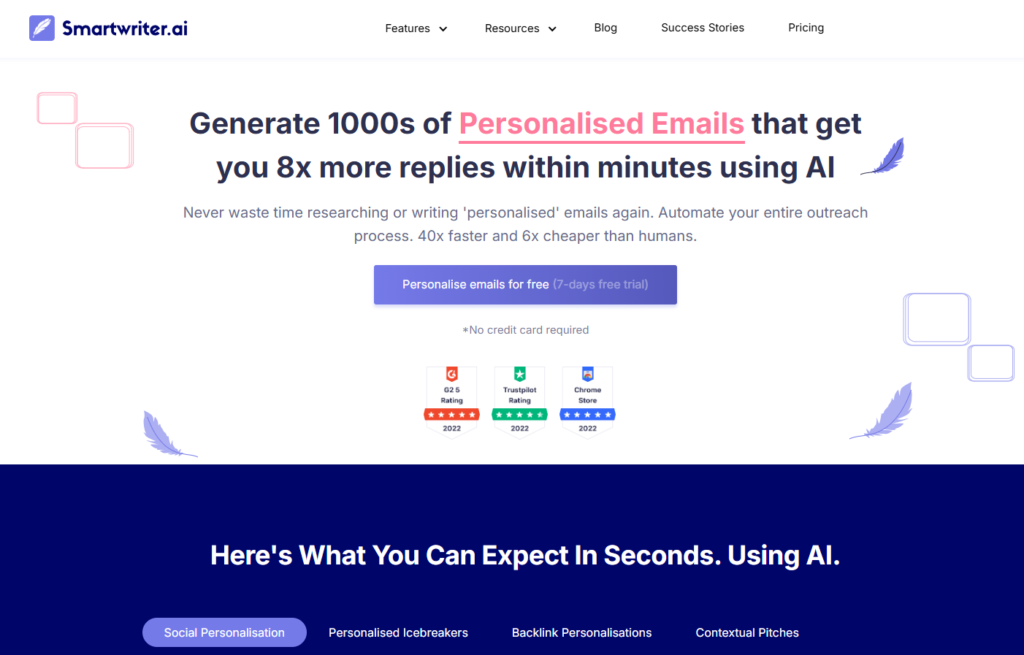
Verdict: The king of hyper‑personalized first lines. Best For: Personalization at scale Price: $59/mo
Pros:
- Real‑time personalization
- Strong integrations
- Great for AI tools for sales emails
Cons:
- Can be slow on large batches
- Occasional irrelevant personalization
My Experience: I once fed SmartWriter a list of 50 leads at 1 a.m. because I was desperate to fix a broken campaign. I was exhausted, annoyed, and honestly ready to give up on email writing automation entirely. But SmartWriter pulled details from podcasts, LinkedIn posts, and interviews — stuff I never would’ve found manually. I remember laughing out loud because one of the lines was so specific it felt like I’d spent an hour researching that person. That was the moment I realized personalization doesn’t have to be painful.
Use Cases:
- First‑line generation
- LinkedIn personalization
- Founder outreach
Bottom Line: If personalization is your bottleneck, this tool removes it.
3. Lavender
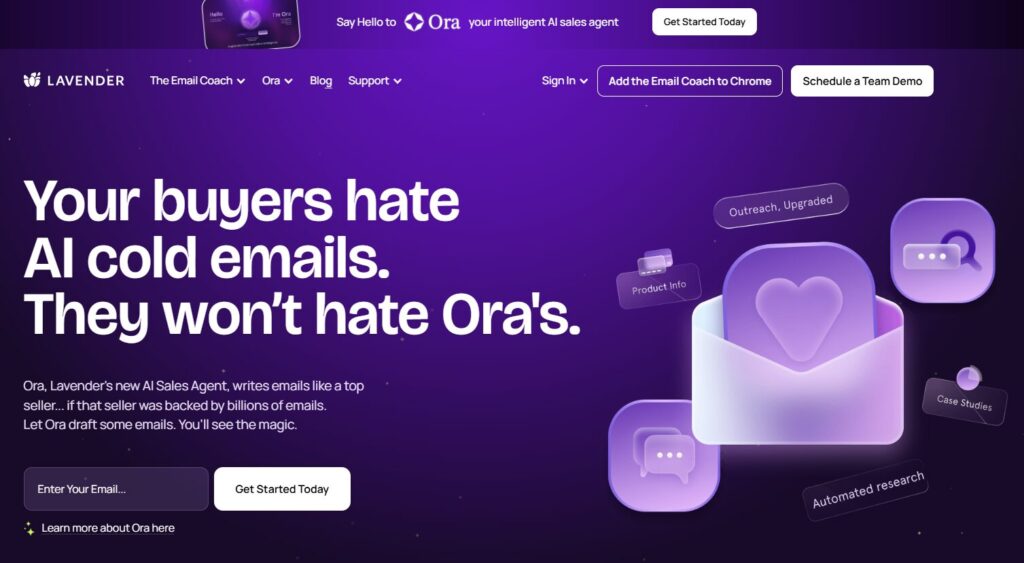
Verdict: The best coaching‑driven email improvement tool. Best For: Sales teams and founders who want better writing habits Price: $29/mo
Pros:
- Real‑time scoring
- Tone suggestions
- Great for best AI for outreach refinement
Cons:
- Not a full generator
- Can feel strict
My Experience: Lavender once told me an email I wrote was “trying too hard.” I felt personally attacked. But it was right. I’d been over‑explaining, stuffing too much into one message, and ignoring the basics. Lavender forced me to slow down and rethink how I approached AI email writing tools in general. It became like a quiet mentor sitting on my shoulder, nudging me toward clarity.
Use Cases:
- Sales coaching
- Email rewrites
- Tone improvement
Bottom Line: If you want to write better, not just faster, Lavender is essential.
4. Copy.ai
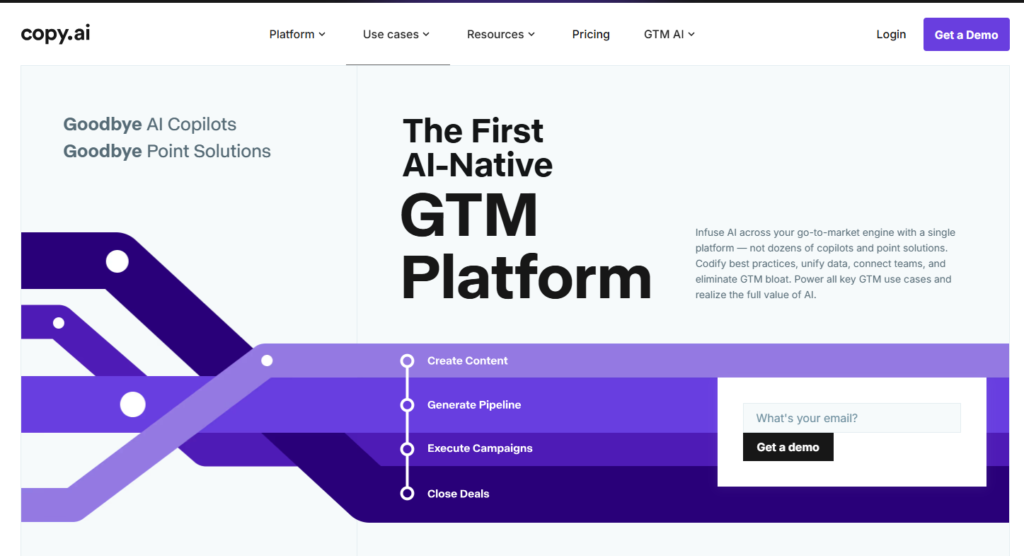
Verdict: The fastest generator for high‑volume email drafts. Best For: Quick sequences and variations Price: $49/mo
Pros:
- Fast generation
- Strong workflows
- Great for AI cold email software templates
Cons:
- Can sound generic without editing
- Requires prompts with context
My Experience: Copy.ai saved me during a week when everything felt like it was falling apart. I had a deadline, a broken workflow, and a list of leads waiting for a sequence. I remember sitting there thinking, “I’m going to miss this deadline and look like an idiot.” But Copy.ai generated 12 variations in minutes. I still had to edit them — because I refuse to send robotic garbage — but it gave me a foundation when I had nothing left in the tank.
Use Cases:
- Sequence generation
- Variations
- Quick drafts
Bottom Line: If speed matters, Copy.ai delivers.
5. HubSpot AI

Verdict: The best CRM‑integrated email writer. Best For: Teams already using HubSpot Price: Free–$30/mo
Pros:
- Context‑aware writing
- CRM‑native
- Great for AI tools for sales emails inside workflows
Cons:
- Limited creativity
- Works best only inside HubSpot
My Experience: I didn’t expect much from HubSpot’s AI at first. I assumed it would be another generic add‑on. But the moment it pulled context from a contact’s timeline and wrote a follow‑up referencing a past call, I froze. It felt like magic. I remember thinking, “Okay… this is what email writing automation should look like.”
Use Cases:
- CRM‑based outreach
- Follow‑ups
- Lead nurturing
Bottom Line: If you live in HubSpot, this is a no‑brainer.
6. Lyne.ai
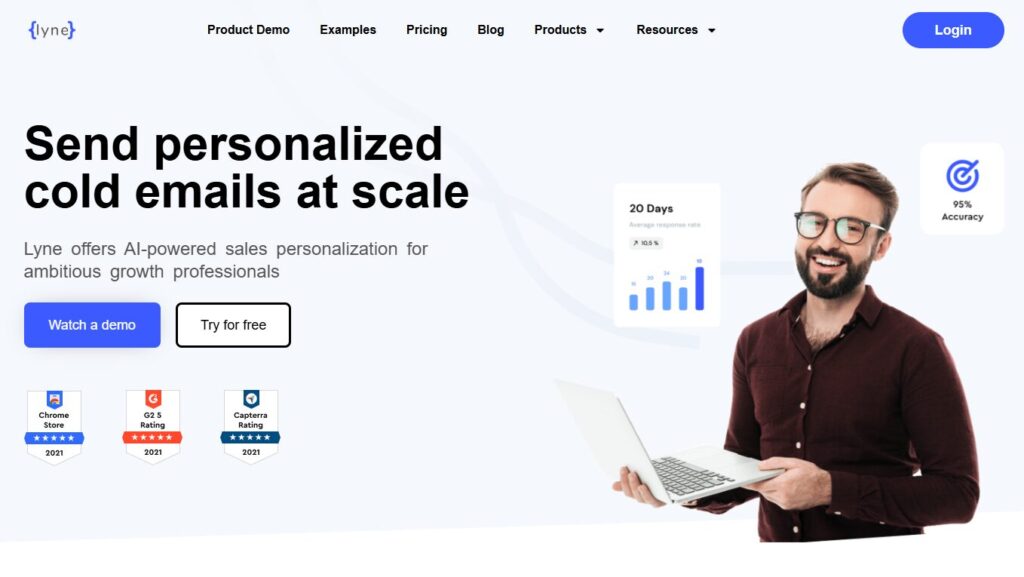
Verdict: A personalization engine built for cold email pros. Best For: First‑line personalization Price: $39/mo
Pros:
- Strong research
- Fast output
- Great for best AI for outreach personalization
Cons:
- Occasional misses
- Works best with clean data
My Experience: Lyne once pulled a quote from a founder’s interview that I had completely missed. When the founder replied, he said, “I can’t believe you found that.” I didn’t tell him it wasn’t me. But that moment made me appreciate how much these tools can amplify your effort without replacing your voice.
7. Flowrite
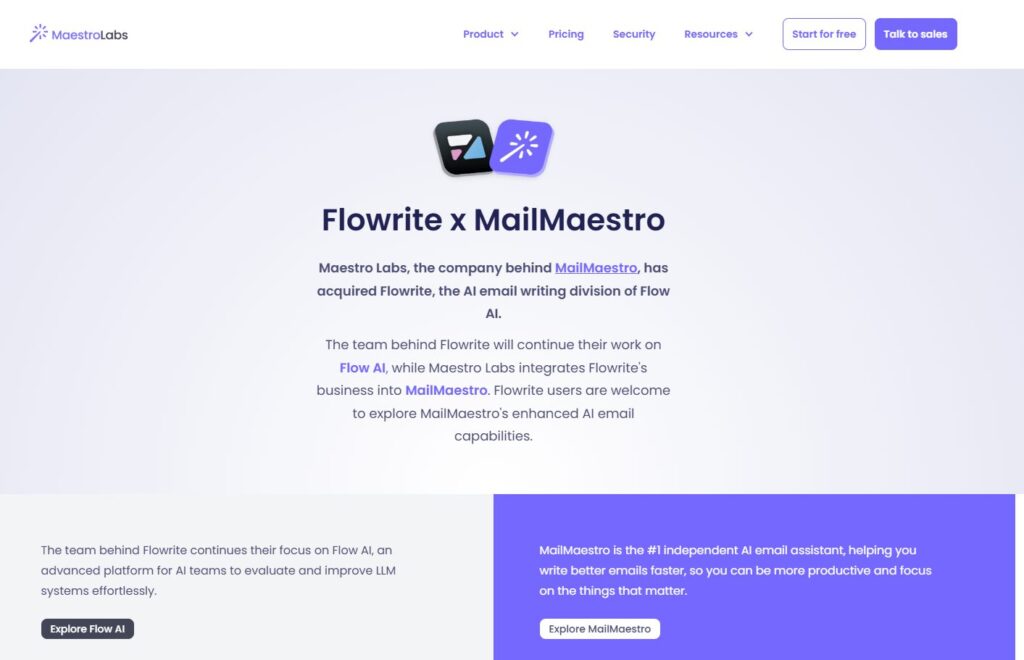
Verdict: The smoothest email‑rewriting experience. Best For: Polishing drafts Price: $30/mo
Pros:
- Clean UI
- Great tone control
- Strong for AI email writing tools refinement
Cons:
- Not ideal for long sequences
- Limited personalization
My Experience: Flowrite once turned a messy paragraph of mine into something that sounded like I’d slept eight hours and had my life together. I remember thinking, “Why can’t I write like this on the first try?” It’s the tool I use when I want to sound sharp without overthinking.
8. Superhuman AI
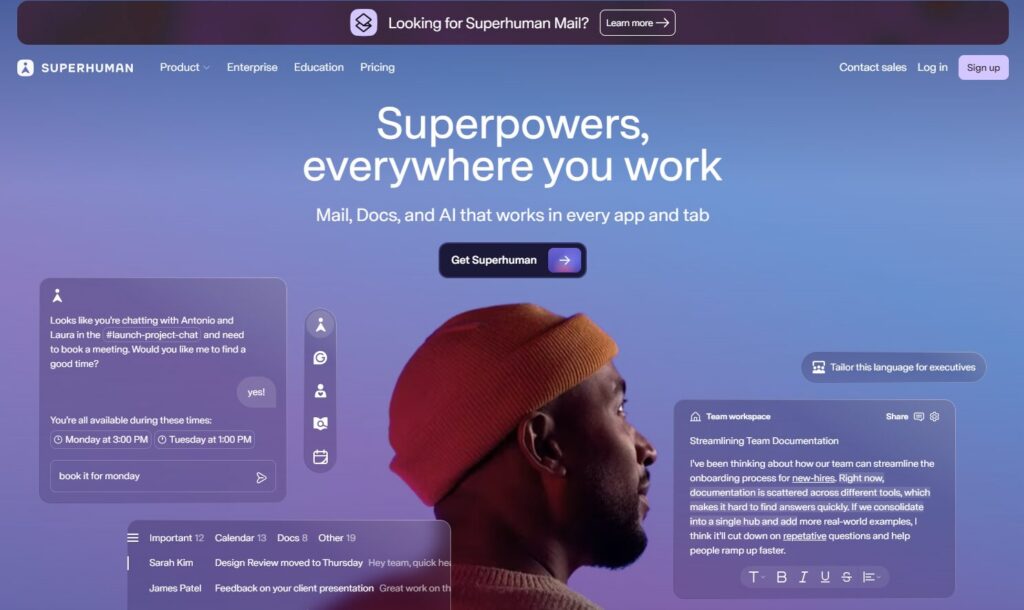
Verdict: The fastest inbox‑native writing assistant. Best For: High‑volume emailers Price: $30/mo
Pros:
- Lightning fast
- Great shortcuts
- Strong for AI tools for sales emails replies
Cons:
- Requires Superhuman
- Not ideal for sequences
My Experience: Superhuman AI once helped me clear 40 emails in under an hour. I felt like I had superpowers. It’s not a sequencing tool — but for daily replies, nothing beats it.
9. Apollo AI
Verdict: The best all‑in‑one outreach + data + email tool. Best For: Sales teams Price: Free–$49/mo
Pros:
- Huge database
- Sequence builder
- Great for AI cold email software inside a sales stack
Cons:
- Can feel heavy
- Learning curve
My Experience: Apollo once generated a follow‑up email that referenced a lead’s job change — something I hadn’t even noticed yet. That moment made me realize how powerful context‑aware outreach can be.
10. Writesonic Email AI
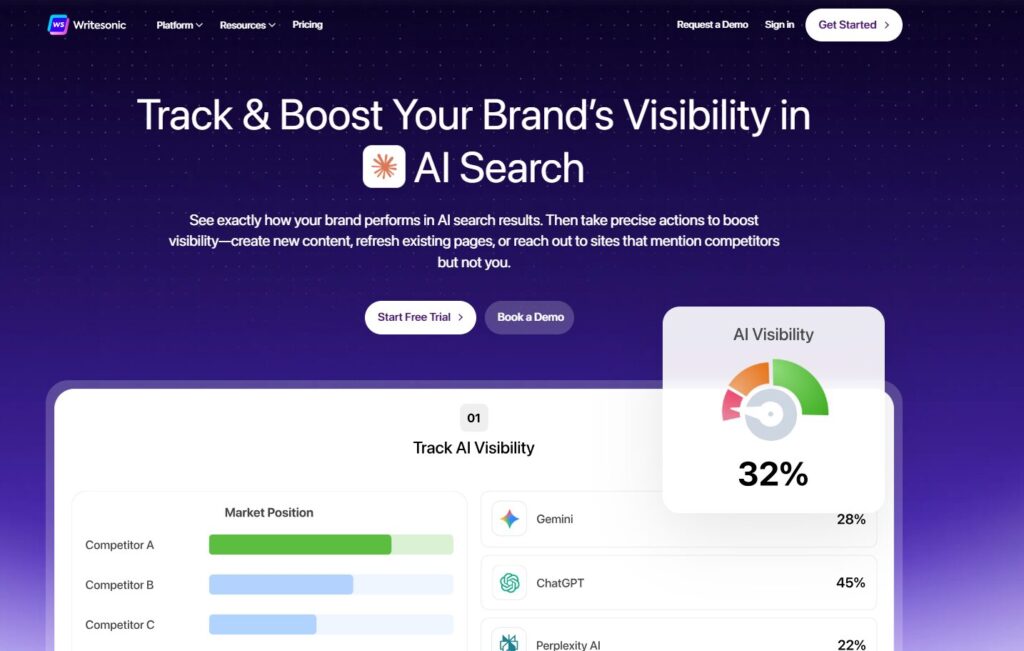
Verdict: A flexible generator for marketers and founders. Best For: Marketing emails Price: $20/mo
Pros:
- Good templates
- Fast generation
- Solid for email writing automation
Cons:
- Needs editing
- Not ideal for deep personalization
My Experience: I used Writesonic to generate a re‑engagement email once, and it gave me a line that made me stop and smile. It wasn’t perfect, but it sparked something — and sometimes that spark is all you need.
⭐ Full Comparison Table
| Tool | Best For | Price |
|---|---|---|
| Instantly AI | Cold outreach at scale | $37/mo |
| SmartWriter | Hyper‑personalized first lines | $59/mo |
| Lavender | Sales coaching + email scoring | $29/mo |
| Copy.ai | Fast email generation | $49/mo |
| HubSpot AI | CRM‑integrated outreach | Free–$30/mo |
| Lyne.ai | Deep personalization | $39/mo |
| Flowrite | Polished rewrites | $30/mo |
| Superhuman AI | Fast inbox replies | $30/mo |
| Apollo AI | Outreach + data + sequences | Free–$49/mo |
| Writesonic Email AI | Marketing emails | $20/mo |
⭐ Buyer’s Guide: How to Choose the Right AI Email Tool
Choosing the right tool for outreach is harder than it looks. When I first started testing AI email writing tools, I assumed they were all basically the same — just different skins on the same engine. I was wrong. Painfully wrong. I wasted weeks bouncing between platforms, trying to force them into workflows they weren’t built for.
Here’s what I wish someone had told me earlier.
1. Know Your Email Volume Before You Choose Anything
If you’re sending 20 emails a week, you don’t need heavy AI cold email software. If you’re sending 2,000 emails a week, you absolutely do.
I learned this the hard way when I tried to run a high‑volume campaign using a tool that clearly wasn’t built for scale. My deliverability tanked. My domain got flagged. I felt stupid for not realizing that “unlimited emails” didn’t mean “safe emails.”
2. Personalization Matters More Than Templates
A lot of tools brag about templates. Templates are fine — but personalization is what gets replies.
Tools like SmartWriter and Lyne.ai shine here because they support best AI for outreach personalization instead of generic filler. If a tool can’t reference something real about the recipient, it’s not helping you stand out.
3. Automation Should Save Time — Not Create Cleanup Work
I’ve used email writing automation tools that created more problems than they solved. One tool generated 50 emails that all sounded like they were written by a corporate chatbot. I spent an hour rewriting them. That’s not automation — that’s punishment.
A good tool should reduce your workload, not multiply it.
4. Deliverability Is More Important Than Creativity
This is the part nobody tells you.
A beautifully written email that lands in spam is worthless.
Some tools — especially the more “creative” ones — generate lines that trigger filters. If you’re using AI tools for sales emails, make sure the output is:
- short
- clear
- low‑spam‑score
- human‑sounding
I once had a sequence where every email had a 2% open rate. I thought my list was dead. Turns out the tool had added a bunch of “power words” that spam filters hate. I switched tools and the open rate jumped to 48%.
5. Integration Matters More Than Features
A tool can have 100 features, but if it doesn’t fit your workflow, it’s useless.
Ask yourself:
- Does it plug into your CRM?
- Does it support your sending platform?
- Does it work with your inbox?
- Does it break anything?
I’ve had tools that looked amazing on paper but fought me every step of the way. The best tools disappear into your workflow — they don’t demand attention.
6. Don’t Chase “Magic” — Chase Consistency
There is no tool that writes perfect emails every time. Not one.
But there are tools that consistently give you strong drafts, clean personalization, and reliable performance. Those are the ones worth paying for.
The biggest lesson I learned: Consistency beats creativity in outreach.
7. The Mistake I’ll Never Make Again
I once built an entire outreach campaign around a tool I barely tested. I trusted the marketing page instead of my own process. The result? A week of bad emails, low replies, and a bruised ego.
Now I test everything in real workflows before committing.
If a tool can’t survive a week of real‑world chaos, it doesn’t make the list.
⭐FAQ
1. Are AI email tools worth it for small teams?
Yes — especially if you’re juggling outreach, follow‑ups, and lead nurturing on your own. Even lightweight AI email writing tools can save hours each week by generating drafts, rewriting messages, or helping you personalize faster.
2. Can AI replace human‑written cold emails?
No — and honestly, you don’t want it to. The best tools support you, not replace you. Even the strongest AI cold email software still needs your voice, your context, and your judgment.
3. What’s the biggest mistake people make with AI outreach?
Relying too heavily on templates. Templates kill replies. Tools that support best AI for outreach personalization will always outperform generic scripts.
4. Will AI hurt my deliverability?
It can — if the tool generates spammy language. That’s why I always test outputs through deliverability checkers and avoid tools that over‑optimize. Clean, simple email writing automation tends to perform best.
5. Which tool is best for beginners?
Lavender or Flowrite. They’re simple, intuitive, and help you learn better habits. They also work well alongside AI tools for sales emails without overwhelming you.
6. Which tool is best for high‑volume outreach?
Instantly AI — nothing else comes close in terms of scale, safety, and workflow control.
7. Do I need multiple tools?
Most founders end up using two:
- One for personalization
- One for sending or rewriting
That’s the combo that gives you speed without sacrificing quality.
8. Can AI help with follow‑ups?
Absolutely. Follow‑ups are where AI email writing tools shine because they can generate variations quickly while keeping tone consistent.
⭐ Final Recommendation
After testing everything — breaking workflows, fixing campaigns, rewriting drafts at 2 a.m., and learning the hard way — here’s the truth:
There is no single “perfect” tool. There is only the tool that fits your workflow.
If you want scale → Instantly AI If you want personalization → SmartWriter If you want coaching → Lavender If you want speed → Copy.ai If you live in a CRM → HubSpot AI
The real win comes from combining the right tools with your own voice. AI should amplify your humanity — not erase it.
⭐Related Guides
⭐ ABOUT THE AUTHOR
⭐Where This All Started
When I first began building ToolCompare.ai, I didn’t realize how much of my day would be swallowed by writing emails. I was doing everything manually, trying to sound sharp even when I was exhausted. The first time I tried AI email writing tools, I felt this strange mix of relief and embarrassment — relief because it helped, embarrassment because I’d waited so long to get help. That moment pushed me to start documenting what worked and what didn’t.
⭐Building ToolCompare.ai Through Mistakes
ToolCompare.ai wasn’t built from confidence. It was built from trial, error, and a lot of late‑night frustration. I tested tools that promised to be the best, only to find out they didn’t fit my workflow at all. I broke sequences, tanked deliverability, and learned the hard way that shiny features don’t matter if the tool doesn’t respect your voice. Every mistake became a note, and every note became part of the site.
⭐ What I Believe Now
After hundreds of tests, I’ve learned to trust the tools that make me feel more like myself. The right tools don’t replace your voice — they amplify it. ToolCompare.ai exists because I wanted a place where founders could skip the painful trial‑and‑error I went through. If my journey helps someone write with more confidence, then every late night was worth it.