Best AI Video Tools for Short Form Content
I didn’t plan on becoming the guy who tests all the short form video tools out there. Honestly, it happened by accident. Honestly, it happened by accident. One night I was sitting at my desk — the kind of late where the room feels too quiet — staring at a timeline that looked like a toddler had scribbled on it. Cuts everywhere. Captions drifting like they had a mind of their own. Audio clipping so hard it felt personal. That was the moment I realized my entire AI video workflow was being held together by hope and caffeine.
I remember leaning back in my chair thinking, “There has to be a better way to do this.” That frustration kicked off a months‑long spiral into testing every kind of AI video editor I could get my hands on. Some were brilliant. Some were disasters. One of them crashed so often I started saving my project every 30 seconds like I was defusing a bomb. Another one kept auto‑zooming my face every time I paused, which made me question whether the developers had ever actually edited a video in their lives.
But somewhere in that chaos, something clicked. I realized creators don’t need more hype. They don’t need another generic listicle written by someone who never opened the apps. They need the truth — the messy, unfiltered, founder‑who‑actually‑tested‑this truth. The kind you only get when you’ve spent hours fighting with broken exports at 2 AM, wondering why your captions suddenly decided to take a vacation. That’s when I started building a real system for short form content creation, not just a random collection of tools.
This guide is for the creators who don’t have time to waste. The ones juggling clients, content calendars, burnout, and the constant pressure to stay relevant. The ones who just want creator video tools that make their life easier, not harder. I built ToolCompare.ai because I got tired of guessing. I wanted a place where creators could get real answers from someone who actually lived through the pain — someone who tested dozens of short form video tools and learned the hard way which ones actually help.
And here’s the part nobody tells you: short‑form video isn’t just about editing fast. It’s about staying sane. It’s about finding tools that don’t fight you. Tools that let you focus on the story, the message, the moment — not the software. If you’re here because you’re tired of broken workflows, tired of feeling behind, tired of wasting hours on tools that promise everything and deliver nothing… you’re in the right place.
I tested everything so you don’t have to. And I’m going to tell you exactly what worked, what didn’t, and what I wish someone had told me before I started.
⭐ Quick Summary Table (Top 5 Tools)
| Tool | Best For | Price |
|---|---|---|
| CapCut | Fast edits + captions | Free / Paid |
| Descript | Script‑based editing | $12–$24/mo |
| Veed.io | Templates + branding | $25–$59/mo |
| OpusClip | Auto‑shorts from long videos | $19–$49/mo |
| Adobe Premiere Express | Polished mobile edits | Free / Paid |
How I Tested These Tools
I didn’t test these tools in a vacuum. I used them in my real workflows — the same ones I use to build ToolCompare.ai content. I ran each tool through the same gauntlet: cutting a messy talking‑head clip, adding captions, fixing audio, exporting multiple formats, and pushing everything through a tight AI video workflow.
I looked for speed, stability, and whether the tool actually made short form content creation easier. I avoided anything that added friction or forced me into weird templates. And I paid attention to the little things — like whether the captions drifted, whether the export failed, or whether the interface made me want to throw my mouse.
One frustration that still sticks with me: a tool that kept auto‑zooming my face every time I paused. I didn’t ask for that. Nobody asked for that. But it reminded me why creators need honest reviews of AI video editors and creator video tools — because not all short form video tools are built with real creators in mind.
⭐Full Reviews
1. CapCut
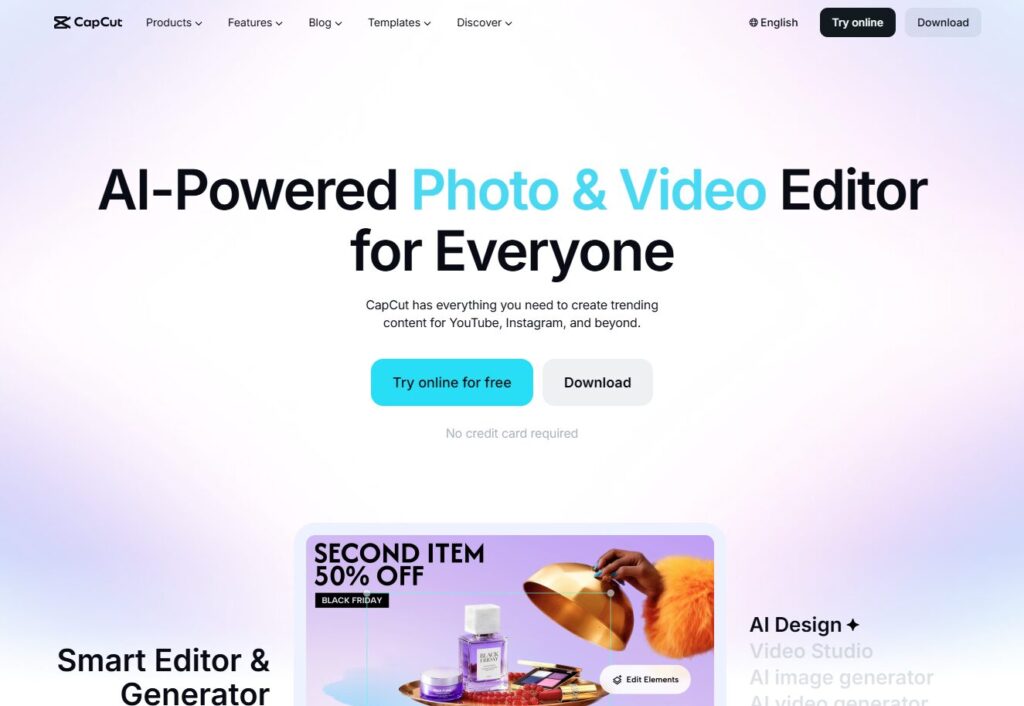
Verdict: The fastest editor for everyday creators. Best For: Quick edits, captions, social‑ready exports Price: Free / Paid
Pros:
- Insanely fast
- Auto captions are shockingly accurate
- Mobile + desktop
Cons:
- Templates can feel generic
- Occasional export glitches
My Experience: CapCut was the first tool that made me rethink my entire AI video workflow. I remember dragging a messy clip into it and watching the captions appear almost instantly. It felt like cheating. For short form content creation, it’s the tool I reach for when I’m tired, rushed, or just need something that works. It’s not perfect — I’ve had a few moments where it froze mid‑export — but as far as short form video tools go, it’s the one that consistently saves me time.
Use Cases: TikTok, Reels, Shorts, quick brand videos Bottom Line: A must‑have for creators using AI video editors daily.
2. Descript
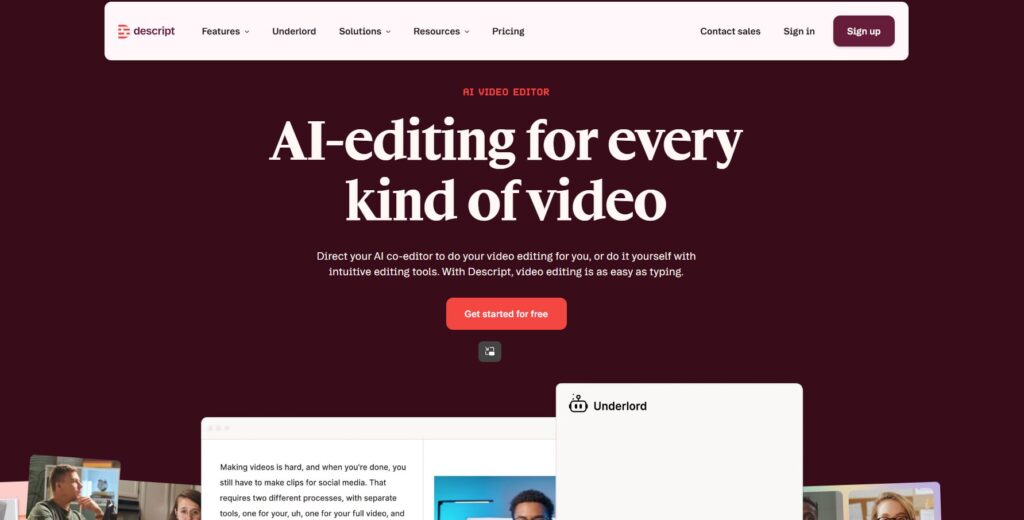
Verdict: Editing by deleting text is a game‑changer. Best For: Script‑based editing Price: $12–$24/mo
Pros:
- Edit video like a doc
- Great overdub
- Clean interface
Cons:
- Can lag with long files
- Learning curve
My Experience: Descript surprised me. I didn’t expect it to become one of my core creator video tools, but here we are. I once cut an entire video just by deleting sentences in the transcript — something I couldn’t do in traditional AI video editors. For creators who ramble (guilty), it’s a lifesaver. It’s not the fastest for short form content creation, but it’s one of the smartest.
Use Cases: Talking‑head videos, podcasts, tutorials Bottom Line: Perfect for creators who think in words, not timelines.
3. Veed.io
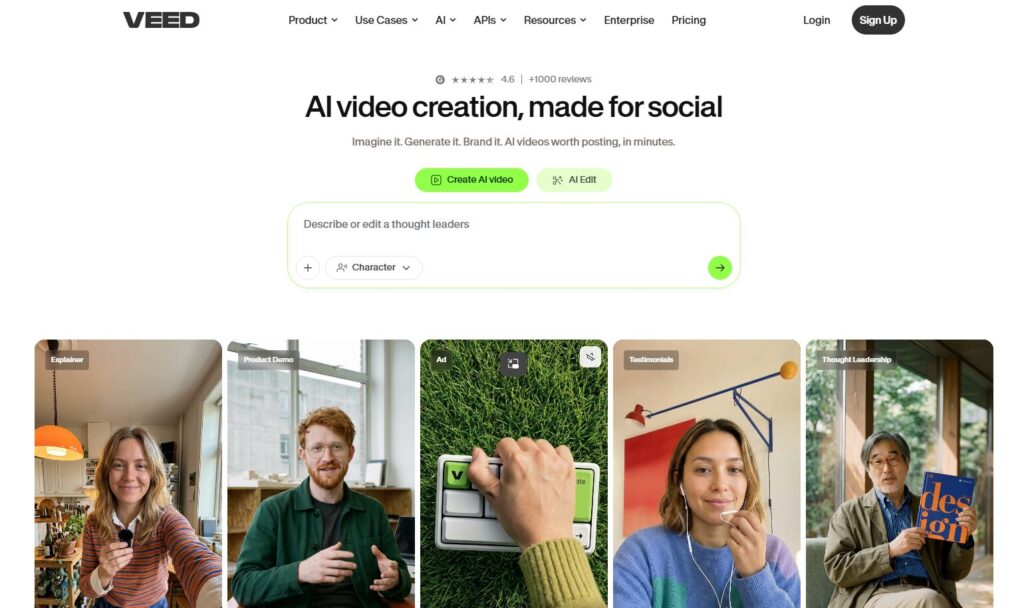
Verdict: The best branding‑focused editor. Best For: Templates + brand kits Price: $25–$59/mo
Pros:
- Beautiful templates
- Easy brand presets
- Great for teams
Cons:
- Pricey
- Occasional UI lag
My Experience: Veed.io is the tool I use when I want my videos to look “on brand” without spending hours tweaking. It’s one of the most polished short form video tools I tested. I once rebuilt an entire brand kit inside Veed in under 10 minutes — something that would’ve taken me an hour elsewhere. It fits perfectly into a clean AI video workflow, especially for creators who want consistency.
Use Cases: Branded content, ads, social promos Bottom Line: A premium choice for short form content creation with style.
4. OpusClip
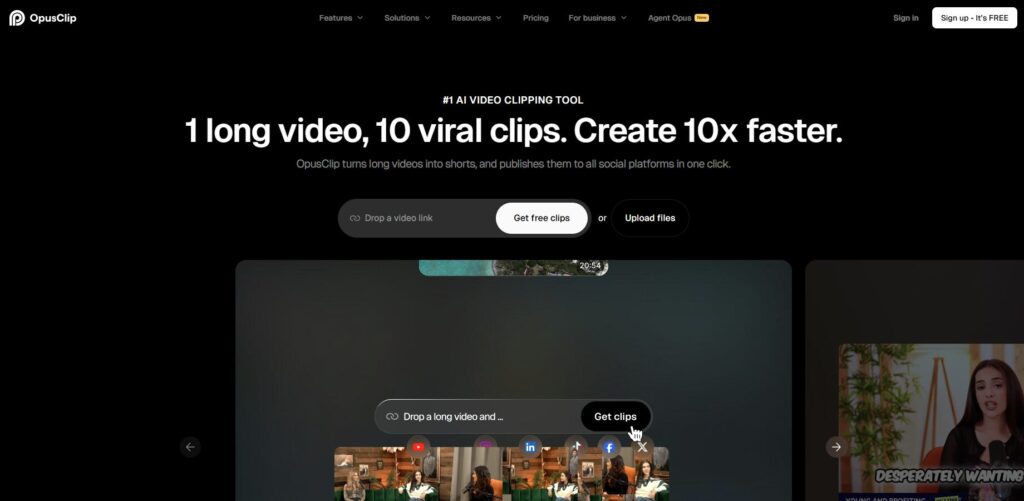
Verdict: The king of auto‑shorts. Best For: Turning long videos into clips Price: $19–$49/mo
Pros:
- Smart AI clipping
- Viral‑style templates
- Fast exports
Cons:
- Templates can feel repetitive
- AI sometimes misjudges “best moments”
My Experience: OpusClip is one of those AI video editors that feels like magic when it works. I once fed it a 45‑minute interview, and it spit out 12 usable clips in minutes. For creators drowning in long‑form content, it’s one of the most valuable creator video tools you can add to your stack.
Use Cases: Podcasts, interviews, webinars Bottom Line: Essential for repurposing content.
5. Adobe Premiere Express
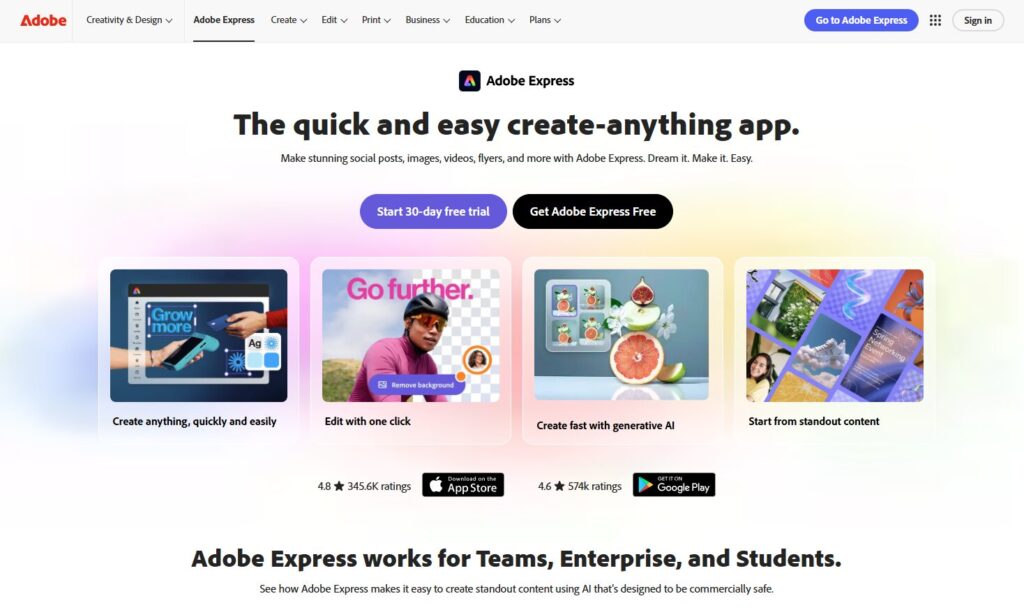
Verdict: Surprisingly good for a mobile‑first tool. Best For: Polished edits on the go Price: Free / Paid
Pros:
- Clean UI
- Great color tools
- Reliable exports
Cons:
- Limited advanced features
- Adobe login friction
My Experience: I didn’t expect to like Premiere Express. But it’s one of those short form video tools that quietly grows on you. I used it during a trip when my laptop died, and it kept my entire AI video workflow alive from my phone. That alone earned my respect.
Use Cases: Travel creators, mobile workflows Bottom Line: A surprisingly strong option for short form content creation.
6. InVideo
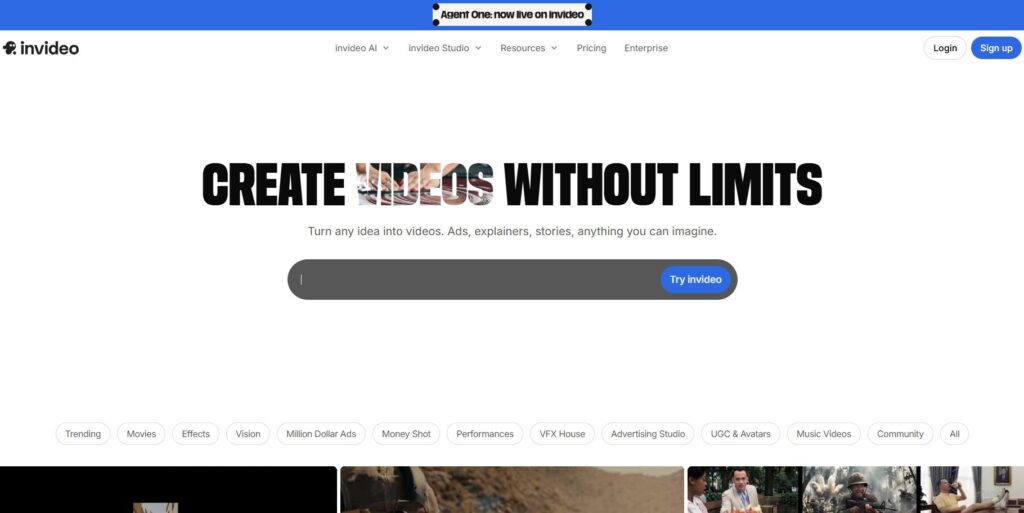
Verdict: A fast, template‑driven editor for creators who want speed over precision. Best For: Quick social‑ready videos Price: $20–$60/mo
Pros:
- Huge template library
- Easy brand presets
- Strong text‑to‑video
Cons:
- Visuals can feel templated
- Occasional rendering delays
My Experience: InVideo is one of those tools that surprised me. I remember testing it late at night, half‑awake, dragging a rough script into the editor just to see what would happen. Within minutes, it built a full sequence that actually looked usable. It’s not the tool for deep customization, but when you’re trying to move quickly, it gives you a head start that feels almost unfair.
Use Cases: Social promos, branded clips, quick ads Bottom Line: A great option when you need speed and structure.
7. Clipchamp
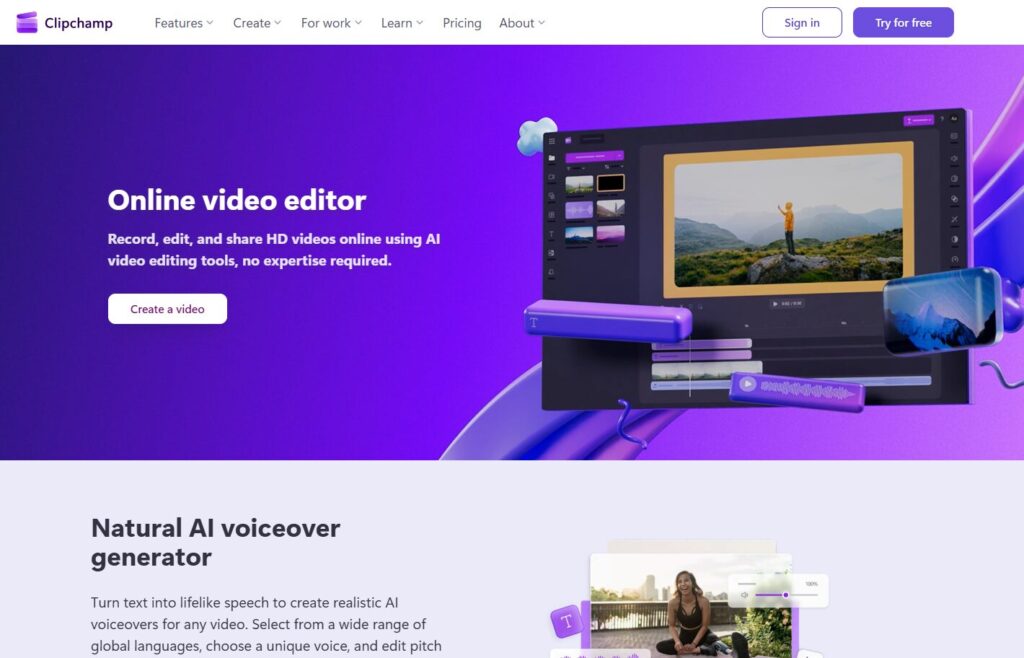
Verdict: The most reliable built‑in editor for Windows creators. Best For: Simple, everyday edits Price: Free / Paid
Pros:
- Clean interface
- Beginner‑friendly
- Solid export options
Cons:
- Limited advanced features
- Not ideal for heavy workloads
My Experience: Clipchamp is the quiet workhorse of the group. It doesn’t try to impress you with flashy features — it just works. I leaned on it heavily during a week when my main editor kept crashing, and Clipchamp quietly kept everything moving. Sometimes reliability is the real superpower.
Use Cases: Quick edits, social posts, simple brand videos Bottom Line: A dependable starter tool for everyday creators.
8. Pictory
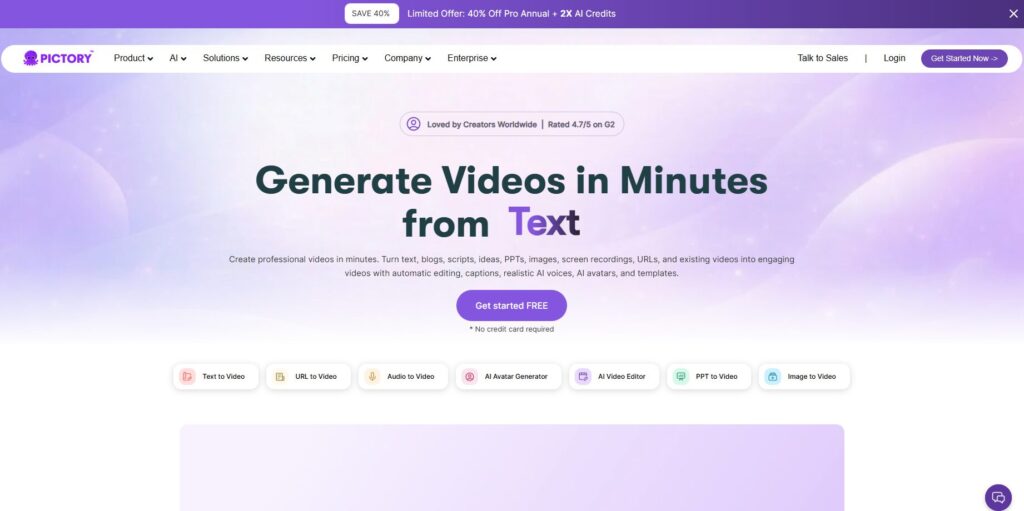
Verdict: The best script‑to‑video tool for marketers and educators. Best For: Turning text into video Price: $19–$39/mo
Pros:
- Strong narration
- Auto‑summaries
- Easy scene creation
Cons:
- Visuals can feel generic
- Limited customization
My Experience: Pictory is built for creators who think in text. I once turned a long blog post into a video in minutes, and while the visuals weren’t perfect, the structure was solid. It’s not the tool I’d use for polished social clips, but it’s fantastic for repurposing written content into something watchable.
Use Cases: Blog‑to‑video, educational content, summaries Bottom Line: Great for creators who want to repurpose text quickly.
9. Kapwing
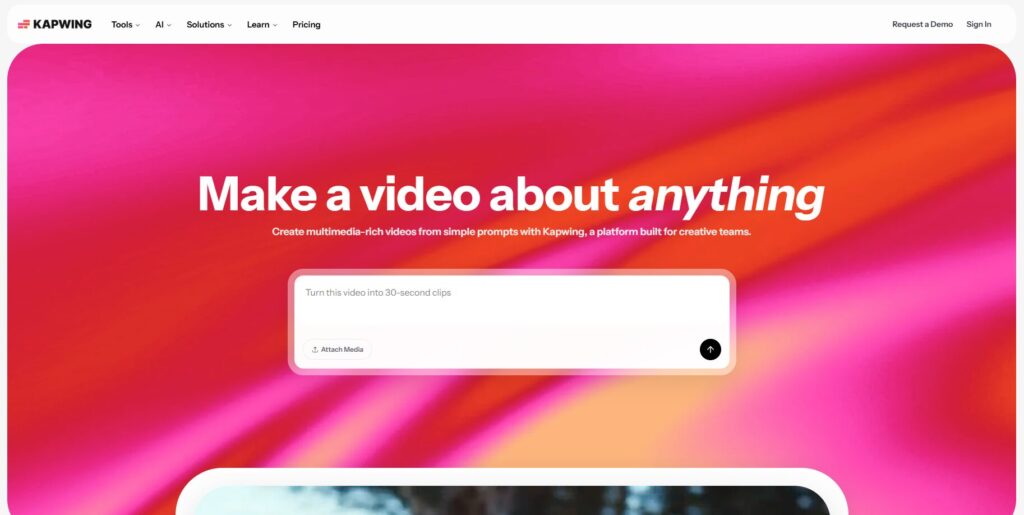
Verdict: The best collaborative editor for teams and agencies. Best For: Multi‑creator workflows Price: $16–$50/mo
Pros:
- Real‑time collaboration
- Strong caption tools
- Easy brand kits
Cons:
- Occasional lag
- Some features locked behind higher tiers
My Experience: Kapwing is the only editor I’ve used that genuinely feels built for teams. I collaborated with a designer and a copywriter inside the same project, and it felt smoother than any shared editing workflow I’ve tried. If you’re building content with multiple people, this one earns its spot.
Use Cases: Team edits, branded content, social campaigns Bottom Line: A strong choice for collaborative creators.
10. Riverside Clips
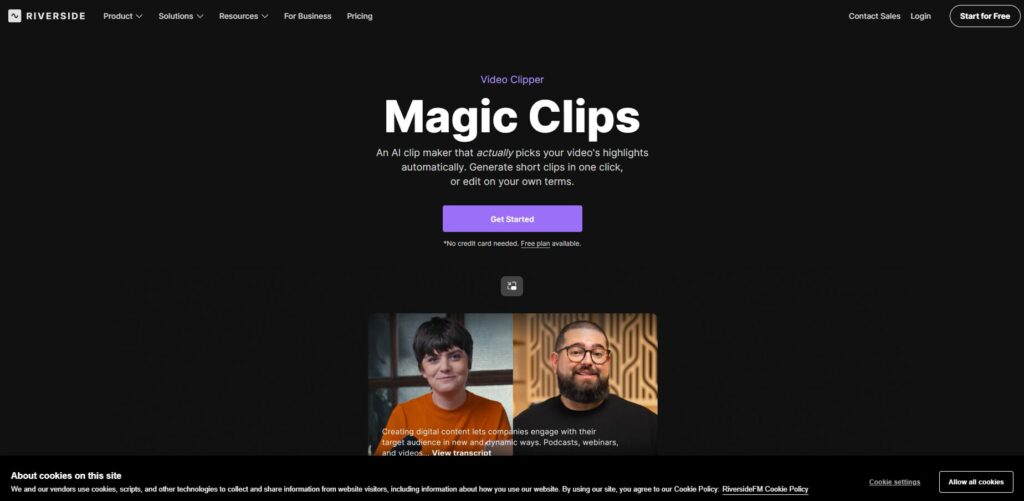
Verdict: The best tool for turning podcasts into punchy short clips. Best For: Audio‑driven content Price: $15–$24/mo
Pros:
- Great audio cleanup
- Smart clip detection
- Clean exports
Cons:
- Limited visual customization
- Works best with talking‑head content
My Experience: Riverside Clips saved me during a week of podcast chaos. I fed it a messy conversation, and it pulled out moments I didn’t even realize were good. It’s not a full editor, but if your content is voice‑driven, it fills a very specific and very valuable gap.
Use Cases: Podcasts, interviews, commentary Bottom Line: A must‑have for audio‑first creators.
⭐ Comparison Table (Full List)
| Tool | Best For | Price |
|---|---|---|
| CapCut | Fast edits | Free |
| Descript | Script editing | $12–$24 |
| Veed.io | Branding | $25–$59 |
| OpusClip | Auto‑shorts | $19–$49 |
| Premiere Express | Mobile edits | Free/Paid |
| InVideo | Templates | $20–$60 |
| Clipchamp | Windows creators | Free/Paid |
| Pictory | Script‑to‑video | $19–$39 |
| Kapwing | Teams | $16–$50 |
| Riverside Clips | Podcast shorts | $15–$24 |
⭐Buyer’s Guide: How to Choose the Right Tool
Choosing the right editor for short‑form content is harder than it looks. I learned this the embarrassing way — by bouncing between five different apps in a single afternoon because none of them were doing what I needed. One tool kept crashing, another kept auto‑zooming my face, and another insisted on adding transitions that looked like they were stolen from a 2008 slideshow. That’s when I realized something important: the best creator video tools don’t fight you. They disappear into your process.
Here’s what I look for now:
1. Speed over everything. If a tool slows you down, it’s not built for short form content creation. You need something that reacts instantly, especially when you’re cutting punchy clips.
2. Captions that don’t drift. I’ve lost hours fixing captions that slowly slide out of sync. Good AI video editors keep everything locked in place.
3. Templates that don’t look like templates. If your video looks like everyone else’s, it won’t stand out. The best short form video tools give you structure without stealing your style.
4. A workflow that doesn’t break. Your AI video workflow should feel like a smooth conveyor belt — import, cut, caption, export. No surprises. No weird bugs. No “why is my audio gone again?”
5. Pricing that makes sense. Some tools hide features behind paywalls that feel like traps. I’ve paid for subscriptions I barely used because I convinced myself I “might need them later.” Don’t do that.
Lesson learned the hard way: If a tool frustrates you twice, it will frustrate you forever. Move on.
⭐FAQ
1. What’s the best tool for beginners?
CapCut. It’s fast, forgiving, and doesn’t overwhelm you.
2. What’s the best tool for repurposing long videos?
OpusClip — nothing else comes close for auto‑shorts.
3. What’s the best tool for teams?
Kapwing. Real‑time collaboration is its superpower.
4. What’s the best tool for script‑based editing?
Descript. If you think in words, it’s a dream.
5. What’s the best tool for mobile‑only creators?
Adobe Premiere Express — shockingly good for on‑the‑go edits.
6. Do I need more than one tool?
Most creators do. A clean AI video workflow usually involves two or three tools working together.
⭐Final Recommendation
If you’re overwhelmed, here’s the simplest way to choose:
- If you want speed: CapCut
- If you want smart automation: OpusClip
- If you want branding: Veed.io
- If you want script editing: Descript
- If you want team collaboration: Kapwing
For most creators, the winning combo is:
CapCut + OpusClip + one branding tool.
That trio covers almost every part of short form content creation without overcomplicating things. And if you’re building a business around video, adding one or two creator video tools on top gives you room to grow.
I still test new AI video editors every month, but the truth is simple: the best short form video tools are the ones that help you publish more, stress less, and stay consistent.
⭐Related Guides
⭐ ABOUT THE AUTHOR
1. Where This All Started
I built ToolCompare.ai because I was tired of pretending I knew which tools were “best” when I was really just guessing. The first time I tried to make short‑form videos for the site, I spent an entire weekend fighting with an editor that kept corrupting my files. I remember sitting there, staring at a frozen progress bar, wondering if I was cut out for this. That frustration became fuel — the kind that pushes you to build something better.
2. The Mistake That Changed Everything
There was a moment during testing when I realized I had been using the wrong tool for weeks. I kept forcing it into my workflow because I didn’t want to admit I’d chosen poorly. When I finally switched, everything clicked. I felt ridiculous — but also relieved. That mistake taught me something I still carry: the right tool doesn’t just save time; it saves your sanity.
3. What I Learned While Testing These Tools
Testing short‑form tools taught me more about myself than I expected. I learned that I rush when I’m tired, that I overthink when I’m stressed, and that I sometimes cling to tools out of habit instead of logic. I also learned that creators don’t need more noise — they need clarity. Real experiences. Honest breakdowns. The stuff you only learn when you’ve broken your workflow enough times to know what actually matters.
4. Why I Keep Doing This
Every guide I write for ToolCompare.ai is a reminder of why I started: to help creators avoid the mistakes I made. I’m not perfect — far from it — but I’m committed. And if sharing my messy, real experiences helps even one creator build faster, publish more, or feel less alone in the chaos, then all the late‑night testing sessions were worth it.