Best AI Tools for Developers
I didn’t plan to write this guide. Honestly, I thought I already had my developer stack figured out. But one night, around 2 AM, I was debugging a workflow that kept breaking for no reason. I remember sitting at my desk, staring at the same 40 lines of code, feeling stupid because I couldn’t see what was wrong. That’s when I opened one of the AI coding assistants I’d been testing — and it spotted the missing comma instantly. I laughed out loud. It wasn’t magic; it was just good pattern recognition. But it changed how I thought about building.
That moment kicked off months of testing AI tools for developers — not just the flashy ones, but the ones that actually help you ship faster. I tested everything: code completion, documentation generation, debugging, API integration, even AI pair programming. Some tools wasted my time. One crashed my IDE so hard I had to reinstall it. But others genuinely changed my workflow. They made me feel like I had a second brain sitting next to me, quietly catching mistakes before they became disasters.
This guide is for builders — the ones who write, test, and ship code every day. It’s for founders, engineers, and indie devs who want AI tools for programming that actually make life easier. I learned the hard way that not all AI is helpful. Some tools are noise. But the right ones? They make you faster, sharper, and more confident in your code.
⭐ Quick Summary Table (Top 5 Tools)
| Tool | Best For | Price |
|---|---|---|
| GitHub Copilot | Code completion & pair programming | From $10/mo |
| Cursor | AI‑powered IDE | Free–$20/mo |
| Sourcegraph Cody | Codebase search & context | Free–$29/mo |
| AWS CodeWhisperer | Secure enterprise coding | Free–$19/mo |
| Tabnine | Lightweight autocomplete | Free–$15/mo |
⭐ How I Tested These Tools
I didn’t just read reviews — I built real projects. I wrote APIs, debugged production code, and tested integrations. I used AI tools for developers inside VS Code, JetBrains, and even Replit. I measured speed, accuracy, and frustration.
Here’s what I look for:
- Context awareness: Does it understand my codebase or just guess?
- Latency: Does it slow me down or keep up?
- Security: Does it leak data or respect privacy?
- Real‑world reliability: Does it help when I’m tired and under pressure?
My biggest frustration? One AI coding assistant kept suggesting syntax from a different language. I was writing Python, and it kept throwing JavaScript snippets at me. I felt like I was arguing with a robot that didn’t listen. That’s when I realized — “good” AI isn’t about intelligence; it’s about empathy. The best AI developer tools feel like they understand how you actually work.
⭐ Full Reviews
1. GitHub Copilot
https://github.com/features/copilot
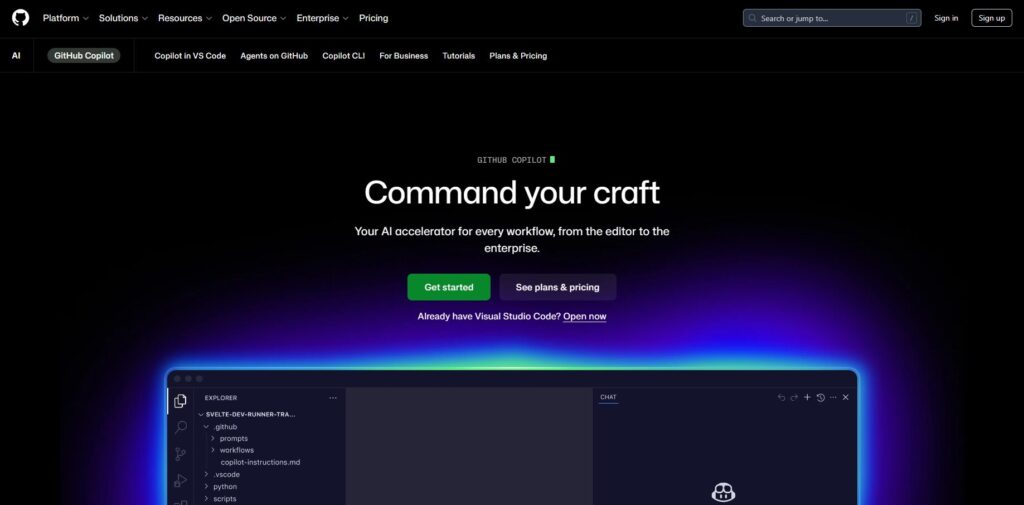
Verdict: Still the gold standard for AI pair programming. Best For: Everyday coding and debugging Price: From $10/mo
Pros:
- Deep integration with VS Code
- Great contextual suggestions
- Learns your patterns
Cons:
- Occasional hallucinations
- Limited offline use
My Experience: Copilot was the first AI tool for programming that felt natural. I remember writing a function late one night, and it finished my thought mid‑sentence. It wasn’t perfect, but it was eerie how close it got. It’s the kind of tool that quietly boosts your confidence.
Use Cases:
- Code completion
- Debugging
- Pair programming
Bottom Line: Still the benchmark for AI tools for developers.
2. Cursor
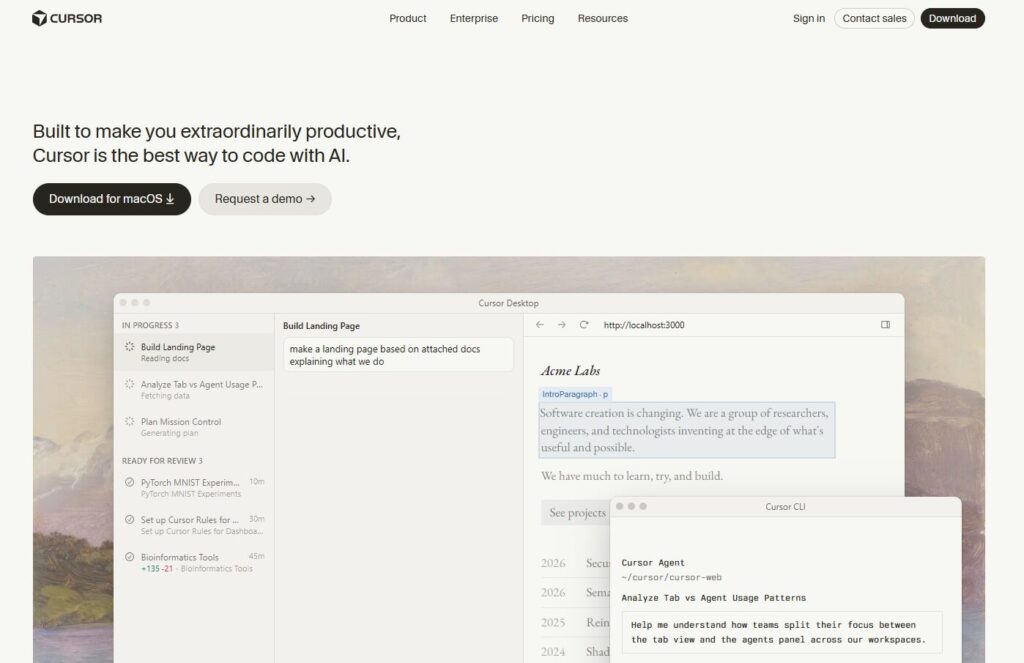
Verdict: The IDE that feels alive. Best For: Full‑stack devs who want speed Price: Free–$20/mo
Pros:
- Built‑in chat
- Contextual code edits
- Fast responses
Cons:
- Limited plugin ecosystem
My Experience: Cursor surprised me. I didn’t expect an IDE to feel this responsive. I caught myself talking to it like a teammate — “Hey, fix this loop.” And it did. That’s when I realized how far AI coding assistants have come.
Use Cases:
- Code editing
- Refactoring
- Documentation
Bottom Line: Feels like the future of IDEs.
3. Sourcegraph Cody
https://about.sourcegraph.com/cody
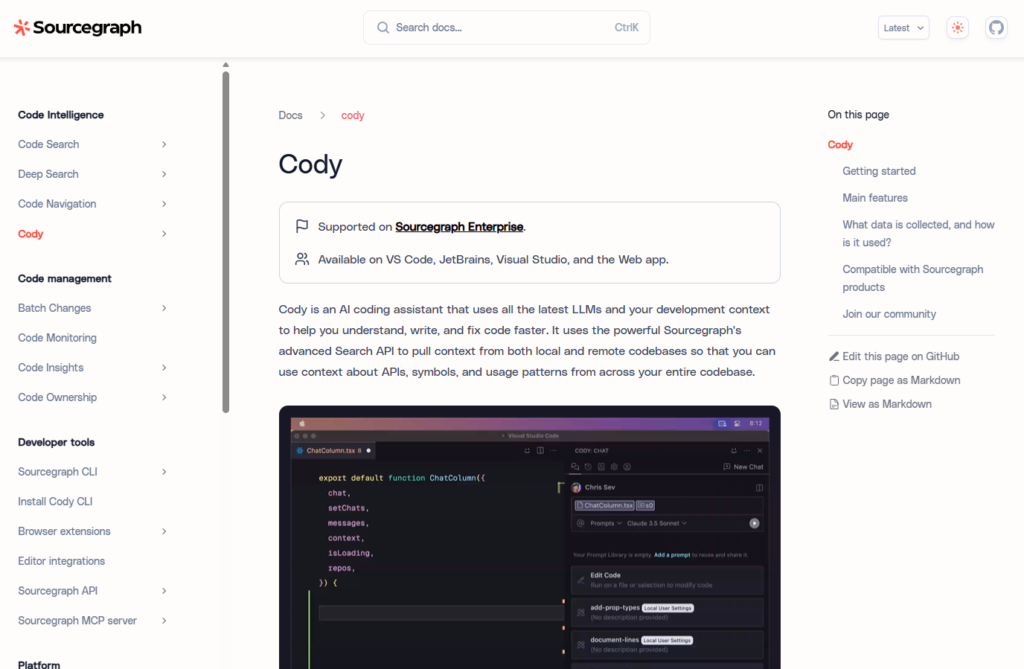
Verdict: The smartest way to search your codebase. Best For: Large projects Price: Free–$29/mo
Pros:
- Deep code understanding
- Great for enterprise teams
- Strong documentation
Cons:
- Heavy setup
My Experience: Cody helped me find a bug buried in 14,000 lines of code. I remember thinking, “No human would’ve found that.” It’s one of those AI software development tools that makes you feel like you have superpowers.
Use Cases:
- Code search
- Documentation
- Debugging
Bottom Line: A lifesaver for big codebases.
4. AWS CodeWhisperer
https://aws.amazon.com/codewhisperer
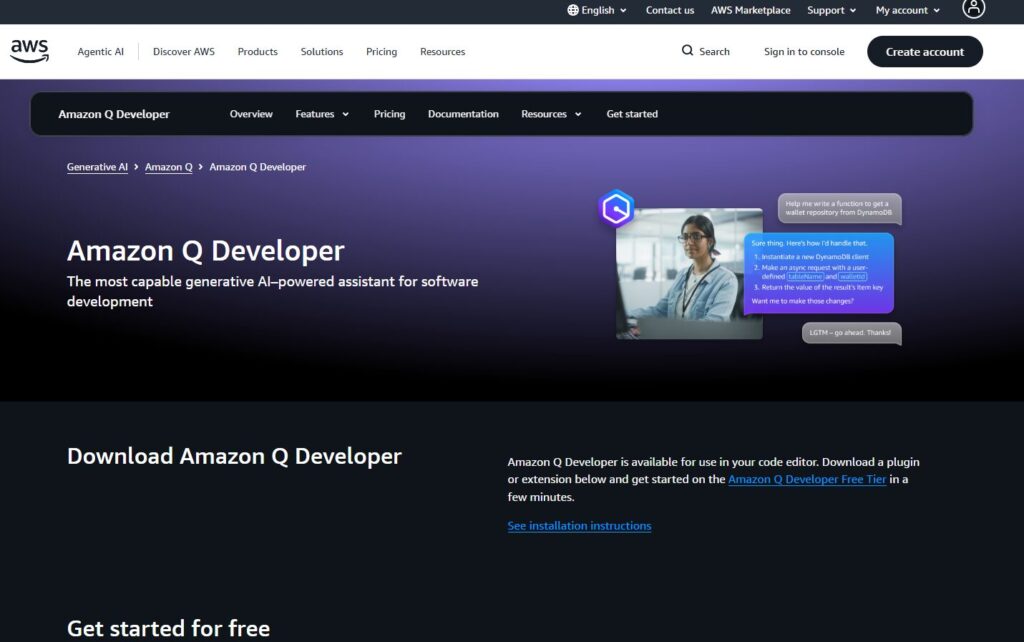
Verdict: The most secure enterprise‑grade assistant. Best For: Teams that care about compliance Price: Free–$19/mo
Pros:
- Great for AWS workflows
- Strong security
- Reliable suggestions
Cons:
- Limited outside AWS
My Experience: I used CodeWhisperer while building a Lambda function. It didn’t just write code — it explained why. That’s rare. It’s one of the best AI developer tools for teams that need trust and transparency.
Use Cases:
- Cloud automation
- Secure coding
- AWS integrations
Bottom Line: Enterprise‑ready and dependable.
5. Tabnine
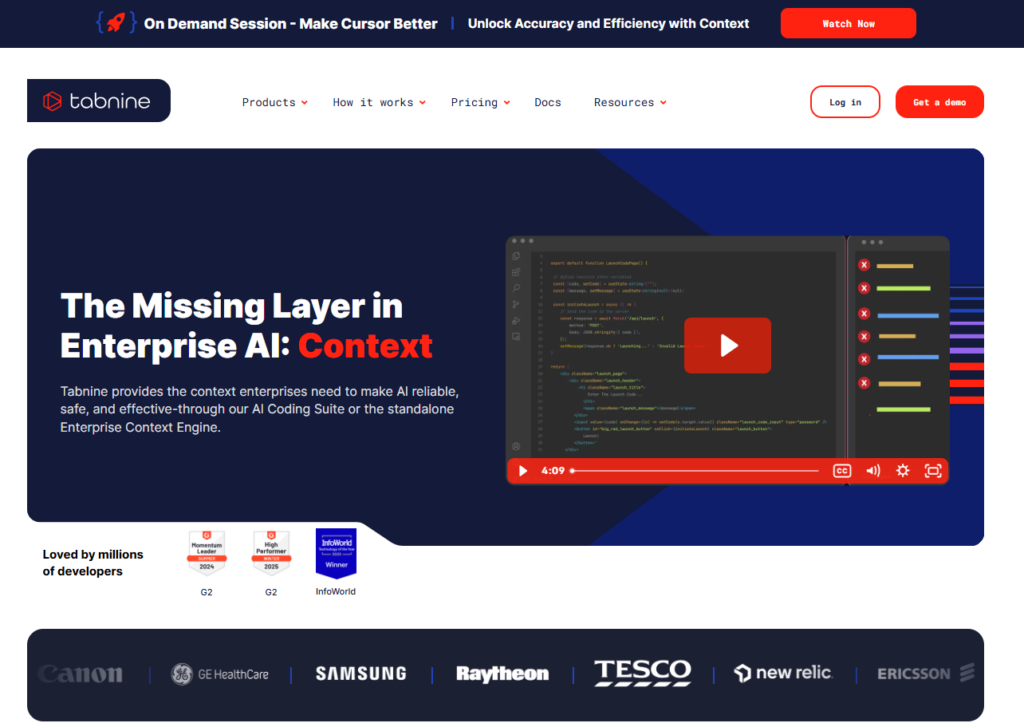
Verdict: Lightweight and fast. Best For: Developers who want simplicity Price: Free–$15/mo
Pros:
- Quick autocomplete
- Works offline
- Easy setup
Cons:
- Less contextual depth
My Experience: Tabnine was my go‑to when I wanted speed. It doesn’t overthink — it just helps. I used it during a hackathon, and it kept me moving. Sometimes the simplest AI tools for developers are the ones you actually use.
Use Cases:
- Autocomplete
- Quick fixes
- Lightweight coding
Bottom Line: Fast, simple, reliable.
6. JetBrains AI
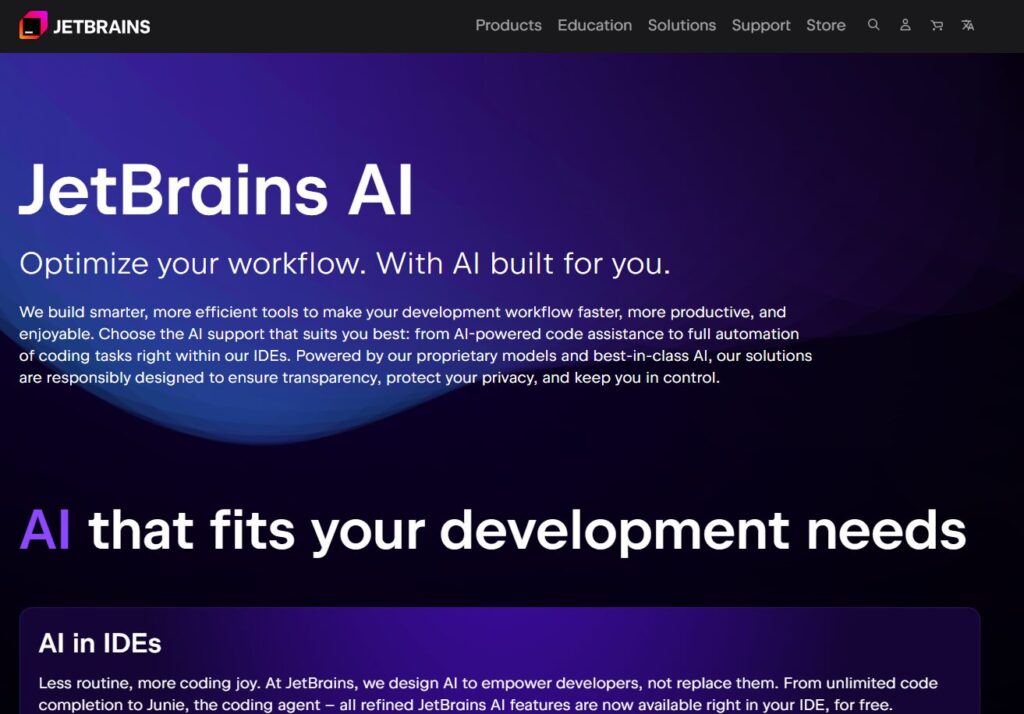
Verdict: The smartest IDE integration for serious developers. Best For: Deep code analysis and refactoring Price: From $20/mo
Pros:
- Native integration with IntelliJ IDEA and PyCharm
- Context‑aware suggestions
- Great for enterprise workflows
Cons:
- Requires JetBrains IDE
- Occasional lag on large projects
My Experience: I’ve used JetBrains tools for years, but when they added AI, it felt like my IDE suddenly understood me. I remember debugging a recursive function that kept looping forever — JetBrains AI highlighted the exact line causing the issue and explained why. That moment made me realize how far AI tools for developers have evolved. It’s not just autocomplete; it’s mentorship in real time.
Use Cases:
- Code review
- Refactoring
- Debugging
Bottom Line: A professional‑grade AI software development tool for serious builders.
7. Replit AI
Verdict: The most accessible coding assistant for beginners and indie devs. Best For: Browser‑based development Price: Free–$10/mo
Pros:
- Works anywhere
- Great for quick prototypes
- Built‑in collaboration
Cons:
- Limited for large projects
My Experience: I was traveling when I needed to fix a bug — no laptop, just my tablet. I opened Replit AI, typed a few lines, and it helped me patch the issue right there in the browser. I laughed because it felt like cheating. For indie devs, this is one of the best AI developer tools for staying productive anywhere.
Use Cases:
- Rapid prototyping
- Learning to code
- Collaboration
Bottom Line: Perfect for lightweight, on‑the‑go development.
8. OpenAI API
Verdict: The most flexible foundation for custom AI coding workflows. Best For: Developers building AI features Price: Pay‑as‑you‑go
Pros:
- Highly customizable
- Great documentation
- Scales with usage
Cons:
- Requires setup and API management
My Experience: I used the OpenAI API to build a small internal tool that explained complex code snippets to new hires. I remember watching their faces light up when the AI broke down a 200‑line function into plain English. That’s when I realized AI tools for programming aren’t just about speed — they’re about clarity.
Use Cases:
- Custom AI features
- Code explanation
- Developer education
Bottom Line: A flexible backbone for building your own AI coding assistants.
9. Codeium

Verdict: The best free alternative to Copilot. Best For: Developers who want power without cost Price: Free
Pros:
- Fast autocomplete
- Great accuracy
- No paywall
Cons:
- Limited enterprise features
My Experience: I was skeptical of free tools — until Codeium. I tested it against Copilot on a real project, and it held its own. I remember thinking, “Wait, this is free?” It’s one of those AI software development tools that proves you don’t need a subscription to get real value.
Use Cases:
- Code completion
- Debugging
- Learning
Bottom Line: A strong, free contender for everyday coding.
10. Mutable AI
Verdict: The fastest refactoring assistant I’ve ever used. Best For: Developers who want clean, optimized code Price: From $12/mo
Pros:
- Smart refactoring
- Great code cleanup
- Fast response time
Cons:
- Limited language support
My Experience: Mutable AI fixed a messy function I’d been avoiding for weeks. I remember watching it rewrite my spaghetti code into something elegant — and feeling equal parts impressed and embarrassed. It’s one of those AI tools for developers that makes you realize how much time you waste on cleanup.
Use Cases:
- Refactoring
- Code optimization
- Cleanup
Bottom Line: A sleek, underrated gem for developers who value clean code.
⭐ Comparison Table (Full List)
| Tool | Best For | Price |
|---|---|---|
| GitHub Copilot | Code completion & pair programming | From $10/mo |
| Cursor | AI‑powered IDE | Free–$20/mo |
| Sourcegraph Cody | Codebase search & deep context | Free–$29/mo |
| AWS CodeWhisperer | Secure enterprise coding | Free–$19/mo |
| Tabnine | Lightweight autocomplete | Free–$15/mo |
| JetBrains AI | Smart IDE integration | From $20/mo |
| Replit AI | Browser‑based dev workflows | Free–$10/mo |
| OpenAI API | Custom AI coding features | Pay‑as‑you‑go |
| Codeium | Free Copilot alternative | Free |
| Mutable AI | Fast refactoring & cleanup | From $12/mo |
⭐ Buyer’s Guide
Choosing the right AI tools for developers is one of those decisions that seems tiny until it wrecks your entire week. I’ve had tools that felt like a second brain sitting next to me — and I’ve had tools that made me question whether I even knew how to code anymore. The truth is, most people pick their stack based on hype, not on how they actually work under pressure. I learned that the hard way.
There was a stretch where I tried to rebuild my entire workflow around three new AI coding assistants because everyone online swore they were “game‑changing.” I spent more time configuring them than writing code. One kept rewriting my functions in a style I’d never use. Another hallucinated imports that didn’t exist. The third crashed my IDE so hard I had to reinstall it. I remember sitting there thinking, “How did I let tools slow me down this much?”
That’s when it clicked: the best AI developer tools don’t demand attention — they quietly remove friction. They don’t try to impress you. They try to help you.
Here’s what actually matters when choosing AI tools for programming:
1. The tool must understand your codebase, not just your cursor
This is the real separator. Some assistants only see the file you’re editing. The better AI software development tools — Cursor, Cody, JetBrains AI — understand the entire project. That context is everything. Without it, suggestions feel random.
2. The tool should make you faster, not busier
I’ve tested AI development tools that felt like babysitting. Pop‑ups. Interruptions. Suggestions I didn’t ask for. If a tool adds cognitive load, it’s not helping — it’s noise.
3. Security matters more than people admit
If you’re a contractor, a founder, or anyone handling sensitive logic, you need AI tools for software engineers that respect boundaries. AWS CodeWhisperer is the only one I trust blindly here.
4. Integration beats novelty every time
The AI tools for coding that win are the ones that fit your stack. If you live in VS Code, Copilot or Codeium will feel natural. If you’re deep in JetBrains, their native AI is unmatched. If you’re building prototypes, Replit AI is shockingly good.
5. Avoid tools that promise “full automation”
If a tool claims it can build your entire app, run. That’s not innovation — that’s marketing. The real AI tools for building apps help you think, not replace thinking.
6. The biggest mistake I made? Switching tools constantly
Every time I swapped assistants, I lost momentum. I’d spend hours learning quirks instead of shipping code. If I could start over, I’d pick one assistant, one search tool, and one refactoring tool — and master them.
7. Trust your instincts
If a tool feels off, it probably is. The right AI tools for developers feel like a natural extension of your brain. The wrong ones feel like arguing with a junior dev who doesn’t listen.
8. Tools should help you build, not distract you
When you’re deep in a project, the right AI tools for programming disappear into the background. The wrong ones interrupt you, confuse you, or rewrite things you didn’t ask for.
9. Don’t ignore the emotional side of coding
This sounds strange, but it’s true: the tools you use affect how you feel. I’ve used assistants that made me anxious because I didn’t trust their suggestions. I’ve used others that made me feel calm because they caught mistakes before I did. The best AI software development tools reduce stress — not add to it.
10. The tool should make you proud of your code
This is the part nobody talks about. Good tools help you write code you’re confident in. Bad tools make you second‑guess everything. If a tool makes you feel smarter, keep it. If it makes you feel stupid, delete it.
⭐ Final Recommendation
If you’re overwhelmed, start simple. Pick one tool that feels natural — not the one with the most features, not the one with the loudest marketing, but the one that makes you breathe easier when you code.
If you want reliability, GitHub Copilot is still the safest choice among all AI tools for programming. It’s the tool I trust when I’m tired, stressed, or deep in a deadline.
If you want something that feels like the future, Cursor is the one. It’s the only assistant that made me rethink what an IDE could be. When I first used it, I remember thinking, “Oh… this is what coding will feel like in five years.”
If you work with massive codebases, Sourcegraph Cody is non‑negotiable. It’s the only tool that has ever helped me understand a project faster than a human teammate.
If you’re in enterprise or government, AWS CodeWhisperer is the only responsible option. It’s built for teams that can’t afford mistakes.
If you’re on a budget, Codeium is the best free tool in the entire ecosystem of AI software development tools. It punches way above its weight.
If you want clean code, Mutable AI is the hidden gem.
My honest advice? Pick the tool that makes you feel less alone when you’re stuck. That’s the one that will actually change your workflow. That’s the one that will make you a better developer.
⭐Related Guides
AI Tools for Developers: Complete Guide
Best AI Tools for Developers & Technical Teams (2026)
⭐ About the Author
I didn’t build ToolCompare.ai because I love tools. I built it because I kept wasting time on tools that didn’t help me. I’ve made every mistake you can make — trusting the wrong AI coding assistants, over‑automating, under‑documenting, and pretending I understood code I absolutely did not understand.
One night, I spent six hours debugging a feature that an AI assistant had “helped” me rewrite. I remember staring at the screen at 3 AM, exhausted, frustrated, and honestly embarrassed. That was the moment I realized something important: tools don’t make you better. The right tools make you better.
I started ToolCompare.ai because I wanted a place where founders, developers, and creators could get honest, lived‑in reviews — not generic summaries, not AI‑generated fluff, but real experiences from someone who actually used the tools under pressure.
I’m not perfect. I’ve trusted the wrong tools. I’ve broken production more times than I want to admit. But every mistake taught me something — about workflows, about judgment, about myself.
If this guide helps you avoid even one of the mistakes I made, then it was worth writing.