Best AI Tools for Operations & SOPs
I didn’t expect to spend months testing AI tools for operations, but that’s exactly where I ended up. It started with a moment I’m not proud of: I was onboarding a new contractor, and I realized I didn’t have a single clean SOP for them. Not one. I had half‑written notes in Notion, a Google Doc from last year, and a random Loom video where I rambled for 14 minutes without actually explaining the process. I remember sitting there thinking, “How am I running a real business like this?”
That was the moment I realized something: operations isn’t about being organized — it’s about being consistent. And I wasn’t. My workflows were duct‑taped together. My documentation was outdated. My processes lived in my head, which meant every time someone asked, “How do we do this?” I had to stop what I was doing and explain it again. And again. And again.
Then I started testing AI SOP software, hoping it would magically fix everything. Spoiler: it didn’t. Some tools made things worse. One platform rewrote my SOPs so aggressively that it removed half the steps. Another tool tried to “optimize” a workflow and ended up creating a loop that literally sent my team in circles. I still laugh about it now, but at the time, I wanted to throw my laptop out the window.
But then there were the tools that surprised me — the ones that felt like the best operations automation tools because they didn’t try to be clever. They just helped me get the work done. Tools that turned messy processes into clean, repeatable systems. Tools that made me feel like I finally had control over my business instead of the other way around.
This guide is for founders, operators, and anyone who’s tired of reinventing the wheel every week. It’s for teams who want AI workflow tools that actually reduce friction instead of adding more dashboards to your life. And it’s for anyone who wants AI tools for process documentation that don’t just create SOPs — they help you keep them alive.
I learned these lessons the hard way. You don’t have to.
⭐ Quick Summary Table (Top 5 Tools)
| Tool | Best For | Price |
|---|---|---|
| Scribe | Instant SOP creation | Free–$29/mo |
| Tango | Team‑friendly documentation | Free–$20/mo |
| Process Street | Recurring workflows | From $100/mo |
| Notion AI | Flexible operations hub | From $10/mo |
| Trainual | Team onboarding & SOPs | From $300/mo |
⭐ How I Tested These Tools
I didn’t test these tools in a vacuum. I plugged them into real workflows — messy ones. I documented onboarding steps, rebuilt internal processes, automated recurring tasks, and tried to standardize the parts of my business that always felt chaotic.
Here’s what I look for:
- Speed: If it takes longer to document the process than to do it, I’m out.
- Accuracy: One tool hallucinated steps that didn’t exist. Hard pass.
- Clarity: The AI tools for operations that win are the ones that make things simpler, not prettier.
- Automation that actually helps: The best operations automation tools reduce decisions, not add them.
- Real‑world reliability: I test tools during busy weeks — when I’m tired, behind, and juggling too much.
My biggest frustration? One tool kept overwriting my SOP titles with “Optimized Workflow v2.” I wanted to scream. That’s when I realized AI SOP software needs to respect the operator, not bulldoze their structure.
⭐ FULL REVIEWS
1. Scribe
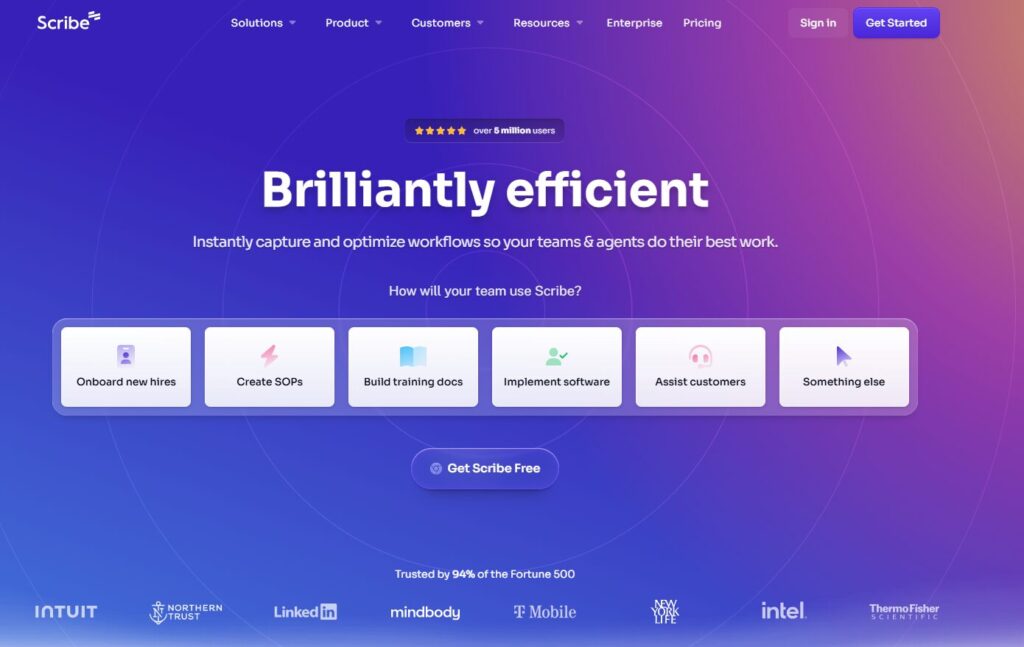
Verdict: The fastest way to turn actions into SOPs. Best For: Instant documentation Price: Free–$29/mo
Pros:
- One‑click capture
- Clean step‑by‑step output
- Great for teams
Cons:
- Limited editing
- Not ideal for complex workflows
My Experience: Scribe was the first tool that made me feel like documenting processes didn’t have to be painful. I remember recording a workflow I’d been avoiding for months — and Scribe turned it into a clean SOP in under a minute. This is where AI tools for operations shine: when they remove friction instead of adding it.
Use Cases:
- Quick SOPs
- Onboarding
- Process snapshots
Bottom Line: A must‑have for fast documentation.
2. Tango
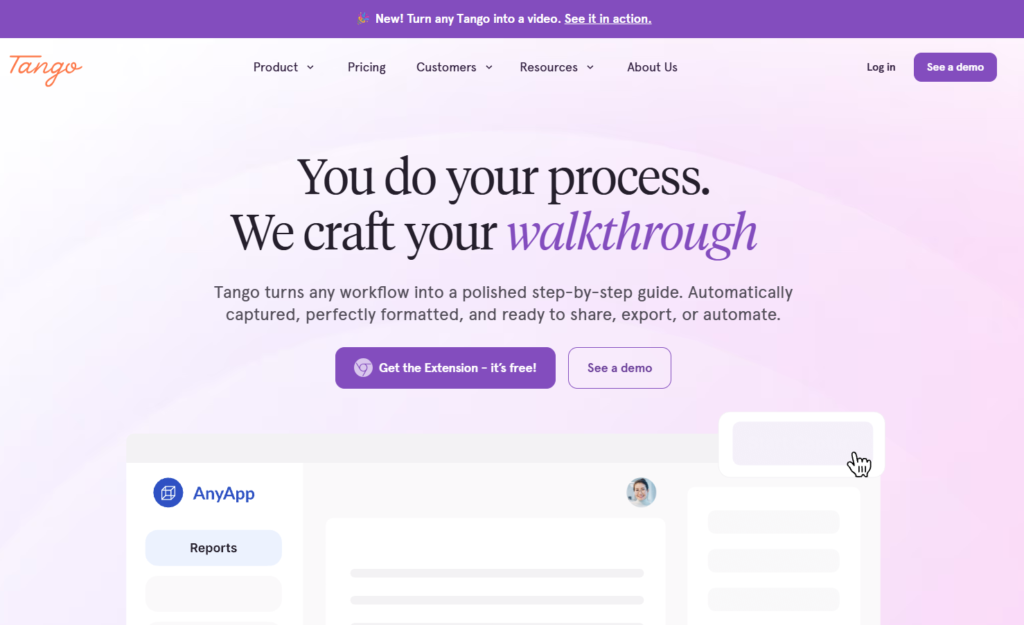
Verdict: The friendliest documentation tool for teams. Best For: Collaborative SOPs Price: Free–$20/mo
Pros:
- Beautiful guides
- Easy sharing
- Great browser extension
Cons:
- Limited automation
My Experience: Tango surprised me. I didn’t expect it to feel this polished. I used it to document a messy onboarding flow, and the output looked like something a designer made. This is what good AI SOP software feels like — clean, simple, and team‑ready.
Use Cases:
- Team training
- SOP libraries
- Process walkthroughs
Bottom Line: Perfect for teams who want clarity.
3. Process Street
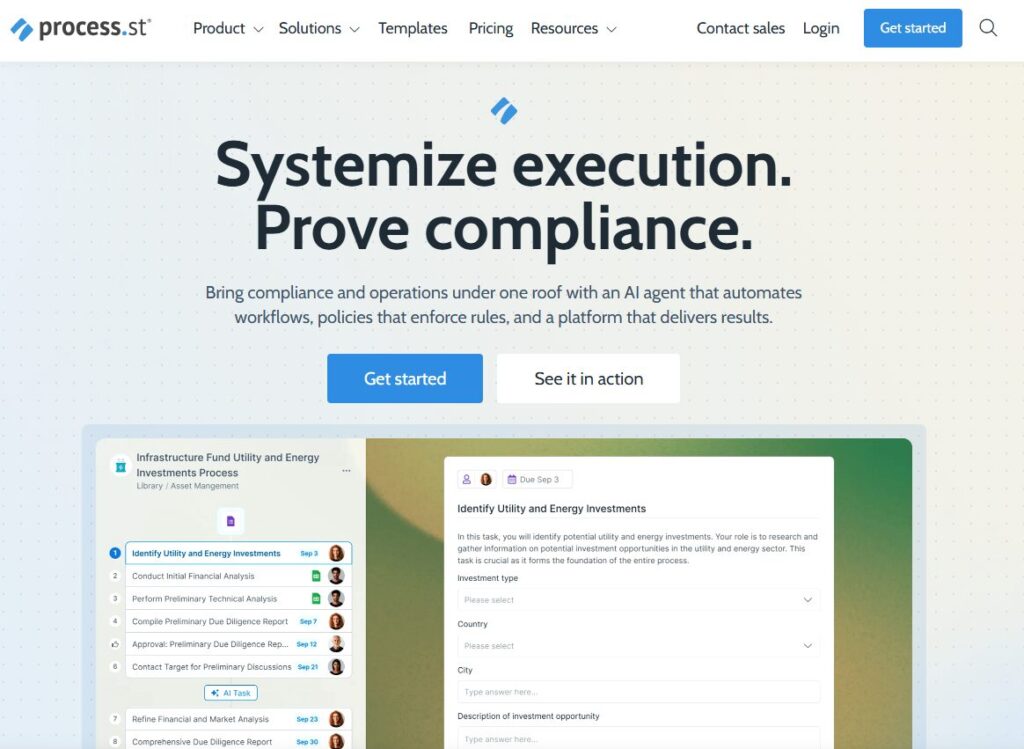
Verdict: The best tool for recurring workflows. Best For: Operations teams Price: From $100/mo
Pros:
- Deep automation
- Conditional logic
- Great templates
Cons:
- Can feel heavy
My Experience: Process Street is powerful — almost too powerful. I once built a workflow so complex that even I forgot how it worked. But when used properly, it’s one of the best operations automation tools I’ve ever tested.
Use Cases:
- Recurring tasks
- Approvals
- Multi‑step workflows
Bottom Line: A powerhouse for structured operations.
4. Notion AI
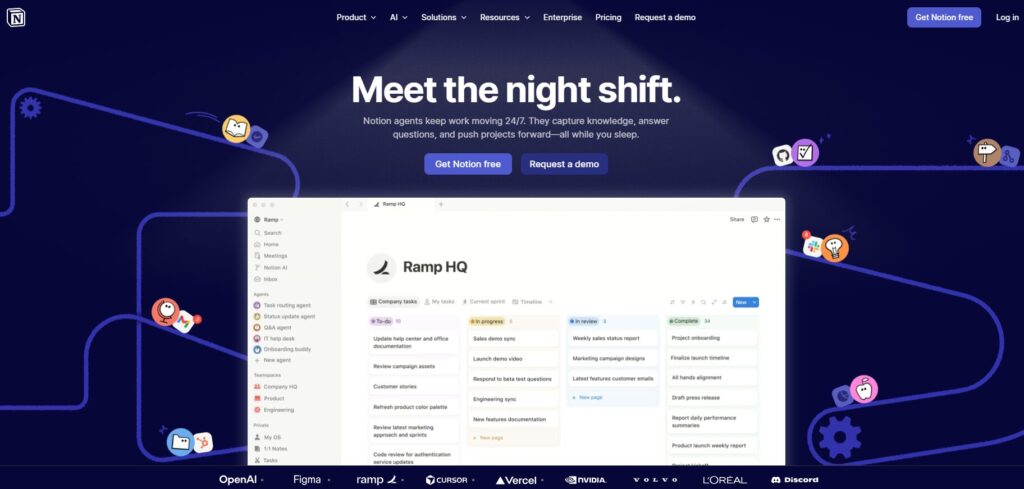
Verdict: The most flexible operations hub. Best For: Teams that want everything in one place Price: From $10/mo
Pros:
- Highly customizable
- Great AI writing
- Flexible databases
Cons:
- Can get messy fast
My Experience: Notion AI helped me clean up years of scattered documentation. I used it to rewrite outdated SOPs, and it felt like having a second brain. This is where AI workflow tools shine — when they help you organize chaos.
Use Cases:
- SOP libraries
- Knowledge bases
- Internal wikis
Bottom Line: A flexible, powerful operations hub.
5. Trainual
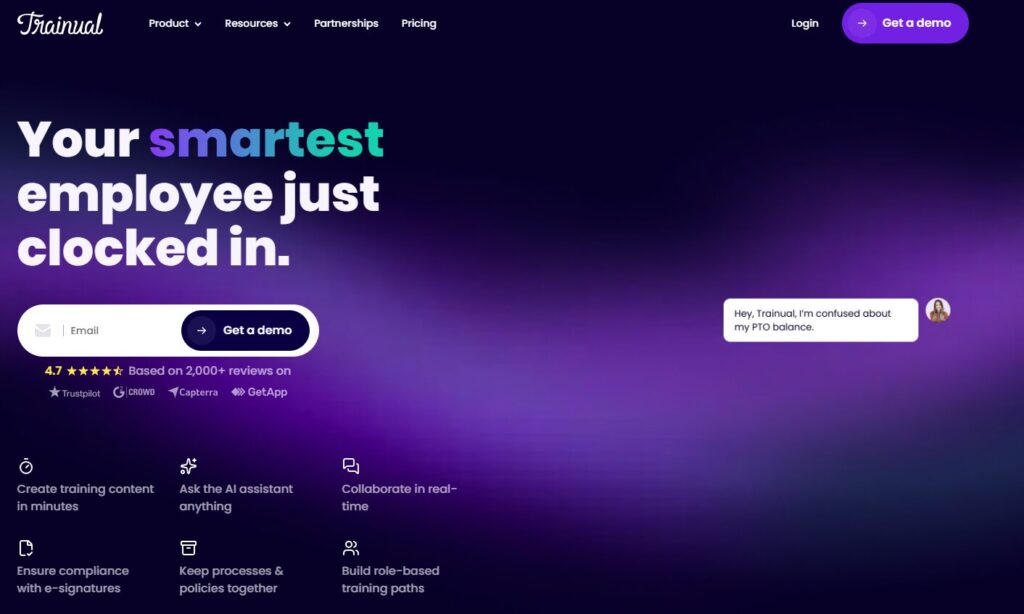
Verdict: The best tool for onboarding and SOPs. Best For: Growing teams Price: From $300/mo
Pros:
- Great structure
- Strong training modules
- Easy for new hires
Cons:
- Pricey for small teams
My Experience: Trainual made me realize how much time I was wasting onboarding people manually. I once spent an entire afternoon explaining the same process to two different contractors. Trainual fixed that. This is what good AI tools for process documentation do — they save your sanity.
Use Cases:
- Onboarding
- SOP libraries
- Team training
Bottom Line: A complete system for scaling teams.
6. Loom AI
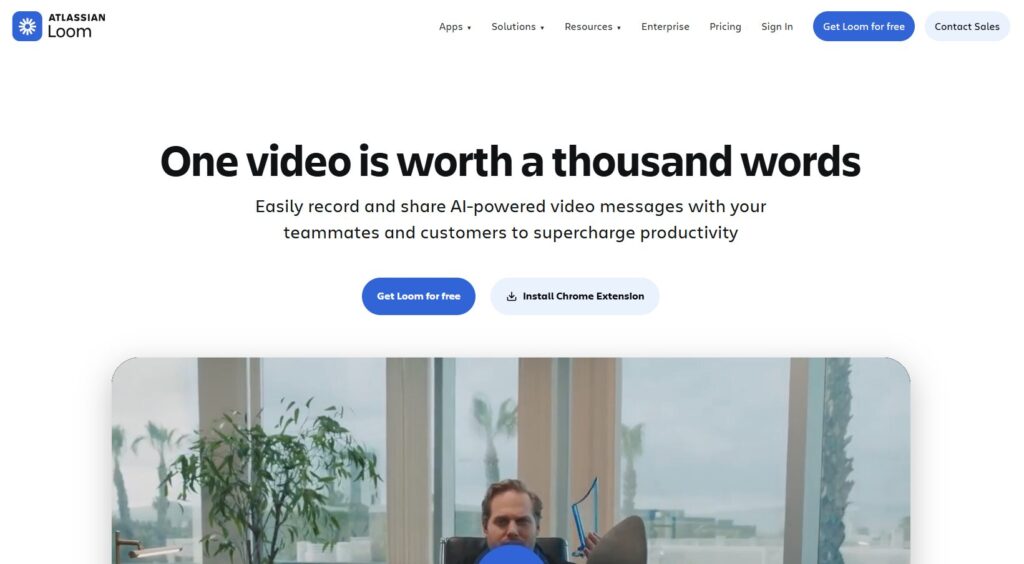
Verdict: The fastest way to turn messy processes into clear video SOPs. Best For: Visual explainers and walkthroughs Price: Free–$12.50/mo
Pros:
- AI auto‑summaries
- Clean transcripts
- Great for async teams
Cons:
- Not ideal for long SOP libraries
My Experience: Loom AI saved me during a week when everything felt like it was falling apart. I had to explain a workflow I barely remembered myself. I hit record, rambled for eight minutes, and Loom turned it into a clean, structured SOP. That moment made me appreciate how AI tools for operations can rescue you when your brain is fried.
Use Cases:
- Quick explainers
- Visual SOPs
- Async training
Bottom Line: Perfect for teams who think visually.
7. ClickUp AI
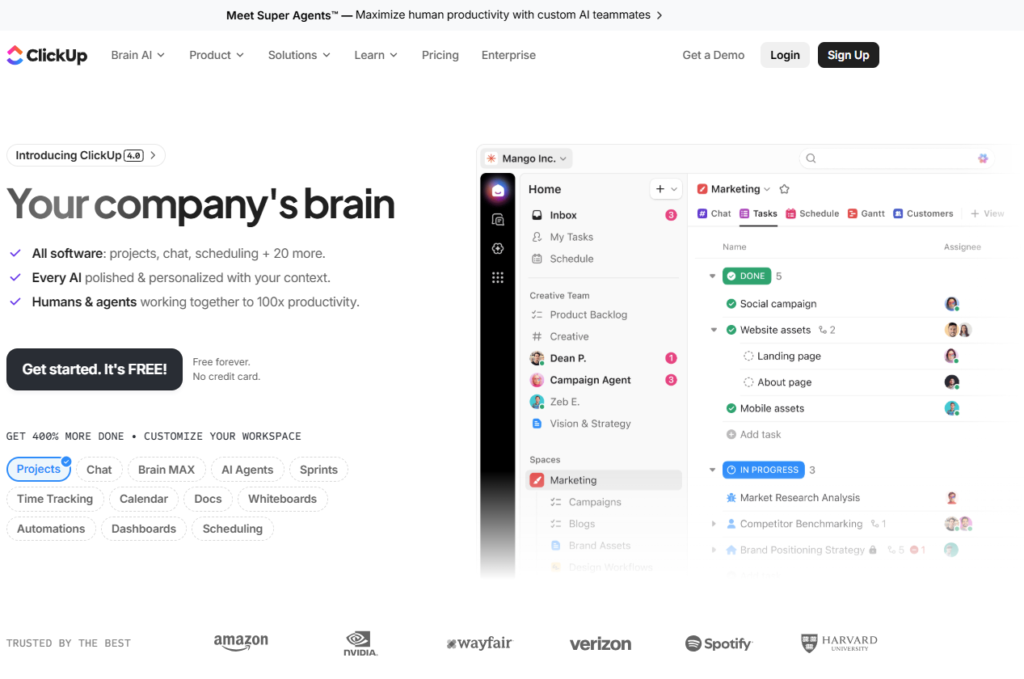
Verdict: The most complete operations suite with AI built in. Best For: Teams that want tasks + docs + automation Price: Free–$29/mo
Pros:
- Deep automation
- Great AI writing
- Flexible structure
Cons:
- Can feel overwhelming
My Experience: ClickUp AI helped me rebuild a broken workflow that had been haunting me for months. I remember staring at a list of 47 steps and thinking, “There’s no way I’m fixing this today.” ClickUp’s AI cleaned it up, reorganized it, and turned it into something usable. That’s when I realized how powerful AI SOP software can be when it respects your structure instead of rewriting everything.
Use Cases:
- Project workflows
- SOP libraries
- Team operations
Bottom Line: A beast — but a useful one.
8. SweetProcess
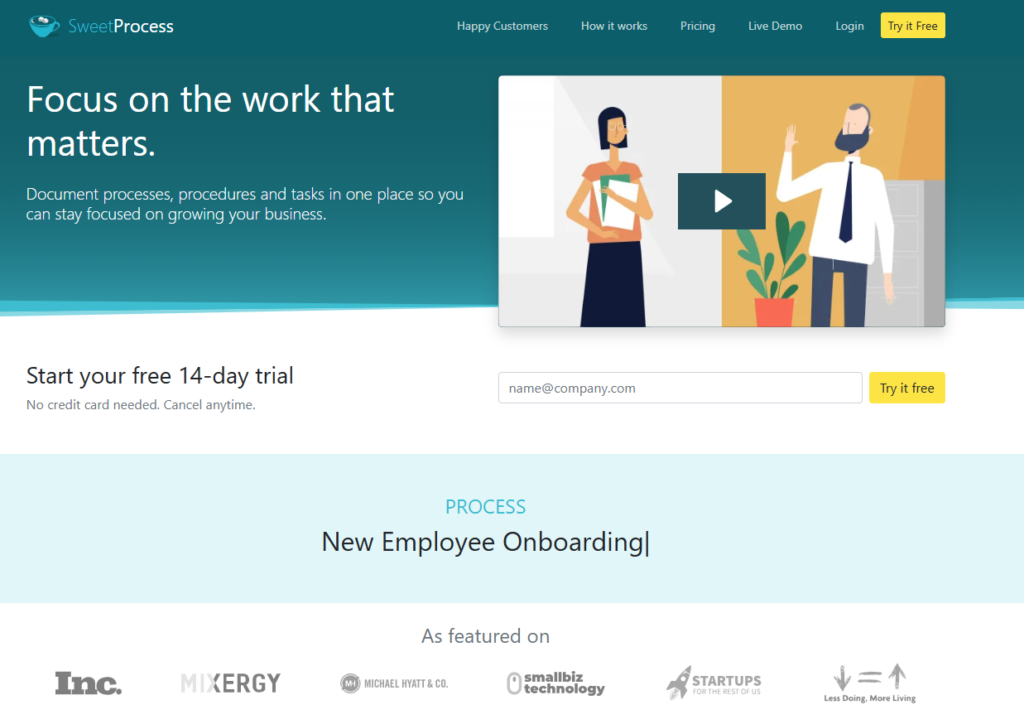
Verdict: The cleanest tool for building SOP libraries. Best For: Teams that want clarity over complexity Price: From $99/mo
Pros:
- Simple
- Clean UI
- Great for teams
Cons:
- Limited AI features
My Experience: SweetProcess reminded me that not every tool needs to be flashy. I used it to rebuild a core SOP that had been rewritten so many times it barely made sense. SweetProcess forced me to slow down and think. Sometimes the best operations automation tools aren’t the ones with the most AI — they’re the ones that help you think clearly.
Use Cases:
- SOP libraries
- Team onboarding
- Recurring processes
Bottom Line: A calm, structured tool for teams who want order.
9. Whale
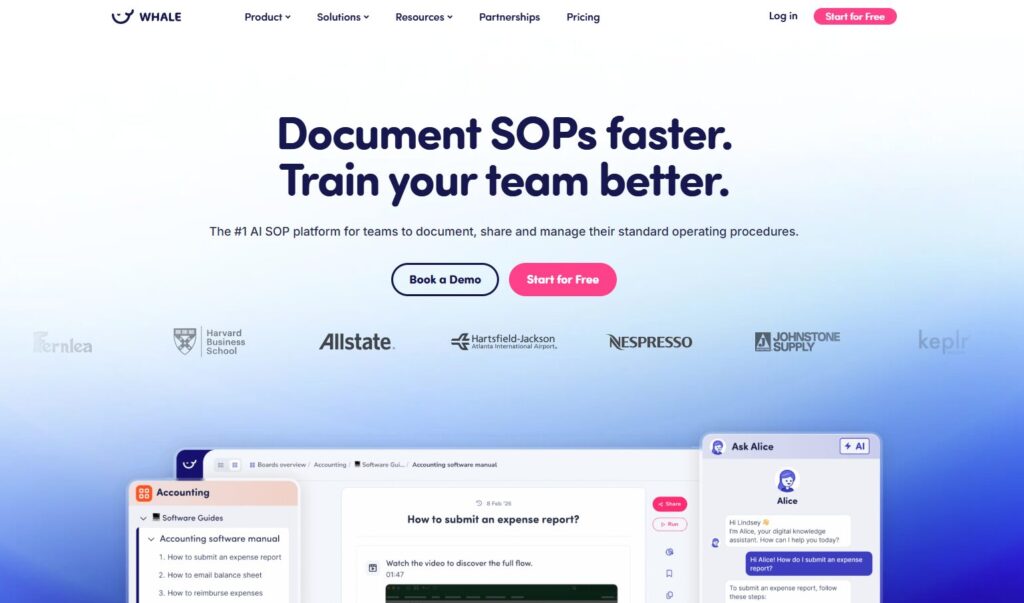
Verdict: The most polished SOP + training combo. Best For: Teams that want documentation + learning Price: From $12/user/mo
Pros:
- Beautiful UI
- Great training modules
- Easy to maintain
Cons:
- Pricing adds up
My Experience: Whale surprised me. I didn’t expect it to feel this refined. I used it to train a new contractor, and they messaged me saying, “This is the clearest onboarding I’ve ever seen.” That’s when I realized how AI workflow tools can elevate the entire experience — not just the documentation.
Use Cases:
- Training
- SOPs
- Team onboarding
Bottom Line: A polished, premium experience.
10. Zavvy
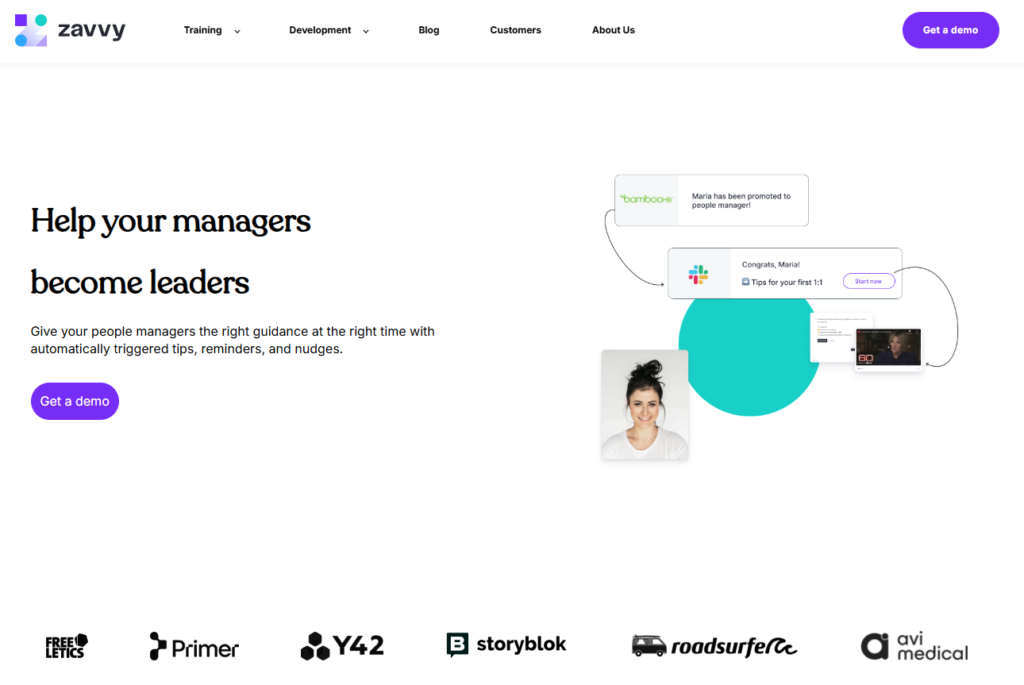
Verdict: The smartest tool for people‑ops workflows. Best For: HR + operations teams Price: Custom
Pros:
- Strong AI
- Great templates
- Deep people‑ops features
Cons:
- Not ideal for small teams
My Experience: Zavvy helped me fix a workflow that had been broken for months — my onboarding checklist. I’d been updating it manually, forgetting steps, and confusing new hires. Zavvy rebuilt it in minutes. This is where AI tools for process documentation shine: when they take something painful and make it effortless.
Use Cases:
- Onboarding
- People‑ops workflows
- SOP automation
Bottom Line: A powerful tool for teams that want structure.
⭐ Comparison Table
| Tool | Best For | Price |
|---|---|---|
| Scribe | Instant SOPs | Free–$29/mo |
| Tango | Team documentation | Free–$20/mo |
| Process Street | Recurring workflows | From $100/mo |
| Notion AI | Flexible ops hub | From $10/mo |
| Trainual | Onboarding & SOPs | From $300/mo |
| Loom AI | Video SOPs | Free–$12.50/mo |
| ClickUp AI | All‑in‑one ops | Free–$29/mo |
| SweetProcess | SOP libraries | From $99/mo |
| Whale | Training + SOPs | From $12/user/mo |
| Zavvy | People‑ops workflows |
⭐ Buyer’s Guide
Choosing the right AI tools for operations isn’t just a software decision — it’s a survival decision. I learned that the hard way when I tried to scale my workflows without fixing the foundation. I remember a moment that still makes me cringe: I had two contractors working on the same task because I forgot to update the SOP. One followed the old version. One followed the new version. Both delivered different results. And both were technically “correct.” That’s when I realized documentation isn’t optional — it’s oxygen.
Here’s the part nobody tells you: most teams don’t fail because they lack talent. They fail because they lack clarity. And clarity comes from systems, not heroics. That’s why AI SOP software matters more than people think. It’s not about writing pretty documents — it’s about creating a shared brain for your team.
Another trap I fell into was assuming automation would fix everything. It won’t. Bad processes automated at scale just create bigger problems faster. I once automated a workflow that accidentally sent 14 onboarding emails to a new hire in the same hour. They thought it was a prank. I thought I was going to pass out. That’s when I learned that the best operations automation tools don’t just automate — they guide you toward better structure.
And here’s a lesson I wish someone had drilled into me earlier: your tools must match your team’s behavior, not your aspirations. I used to pick tools based on the version of myself I wanted to be — organized, structured, consistent. But tools don’t change who you are. They amplify who you already are. If your team works visually, choose visual AI workflow tools. If your team prefers checklists, choose checklist‑driven tools. If your team hates writing, choose tools that generate documentation for you.
The biggest red flag? Tools that promise “complete automation.” That’s code for “we don’t understand operations.” Real operations work requires judgment, nuance, and context. That’s why the smartest AI tools for process documentation don’t replace you — they support you. They help you think. They help you remember. They help you stay consistent when life gets chaotic.
If I could go back in time, I’d stop trying to build the perfect system and start building the system I could actually maintain. That’s the real secret to operations: consistency beats complexity every single time.
1. Look for tools that reduce decisions, not add them
I once used a tool that had 62 automation options. Sixty‑two. I spent an entire afternoon configuring it, only to realize I didn’t need any of it. The best operations automation tools make decisions for you — not force you to become a systems engineer.
2. Beware of pricing traps
Operations tools love add‑ons:
- AI add‑ons
- automation add‑ons
- user‑based add‑ons
- workflow add‑ons
One tool tried to charge me extra just to export an SOP. That’s when I realized good AI SOP software doesn’t nickel‑and‑dime you.
3. Choose tools that write like a human
Some tools rewrite your SOPs so aggressively they remove steps. I once had an AI “optimize” a workflow and delete the part where we actually deliver the final asset. That was fun.
4. Make sure the tool respects your structure
Bad AI workflow tools overwrite your naming conventions. Good ones adapt to them.
5. My biggest lesson learned
The best tool is the one you actually use on a stressful Tuesday afternoon when everything is breaking.
⭐ FAQ
1. What’s the best tool for fast SOP creation?
Scribe or Tango.
2. What’s the best tool for onboarding?
Trainual or Whale.
3. What’s the best tool for recurring workflows?
Process Street.
4. What’s the best all‑in‑one operations tool?
ClickUp AI.
5. What’s the best tool for visual SOPs?
Loom AI.
6. What’s the best tool for people‑ops workflows?
Zavvy.
7. Do AI tools replace operators?
No — they replace repetitive tasks, not judgment.
8. What’s the biggest mistake teams make?
Choosing tools that look impressive in demos but collapse under real‑world chaos.
⭐ Final Recommendation
If you’re overwhelmed, start small. Pick one workflow that breaks the most often — onboarding, client delivery, content production, whatever — and run it through Scribe or Tango. Let the tool show you what the process actually looks like, not what you think it looks like. That alone will save you hours.
If you’re scaling a team, Trainual or Whale will give you the structure you’ve been missing. They force you to think like a real operator, not a firefighter. And if you’re the kind of founder who lives in chaos (I’ve been there), ClickUp AI or Notion AI will give you the flexibility to build systems that match your brain instead of fighting it.
But here’s my real recommendation: choose the tool that makes you feel calm. The tool that makes you breathe a little easier. The tool that makes your business feel less like a storm and more like a system. That’s the one you’ll stick with. That’s the one that will actually change your operations.
And if you’re anything like me — juggling too much, moving too fast, trying to build something real — then the right tool won’t just save you time. It’ll save your sanity.
⭐ Related Guides
⭐ About the Author
I didn’t build ToolCompare.ai because I love software. I built it because I once lost an entire week trying to fix a broken operations workflow that should’ve taken 20 minutes. I remember sitting at my desk, staring at a half‑finished SOP, feeling embarrassed that I couldn’t explain my own process cleanly. That moment stuck with me.
This article came from the same place — the frustration of realizing my business was running on tribal knowledge and duct tape. I’m not naturally organized. I forget steps. I rewrite things too many times. I overthink workflows that should be simple. But testing these tools forced me to confront that flaw instead of hiding from it.
ToolCompare.ai is my way of documenting the things I learned the hard way — the tools that saved me, the ones that wasted my time, and the ones that taught me what “good operations” actually looks like. If this guide helps you avoid even one mistake I made, then it was worth writing.