Best AI Tools for Spreadsheets & Google Sheets
I didn’t expect to spend this much of my life inside spreadsheets. Honestly, when I started ToolCompare.ai, I thought I’d be testing flashy AI video editors or automation platforms—not hunting for AI tools for spreadsheets that could save me from drowning in messy data. But here’s the truth nobody tells you: spreadsheets are where the real chaos lives. And if you’re anything like me, you’ve probably tried a few Google Sheets automation tools hoping they’d magically fix everything, only to watch them break formulas you didn’t even know were connected.
I still remember one morning when I imported a CSV from a client. The file looked normal at first glance, but the moment I scrolled, I saw dates in five formats, currencies mixed with text, and a column that literally had emojis in it. I sat there thinking, “How is this my life?” I tried one of those shiny AI spreadsheet assistants that promised to “clean everything instantly,” and it absolutely torched half the sheet. I felt stupid for trusting it. That was the moment I realized I needed to test every serious option myself.
Over the last few months, I’ve run real workflows through every tool I could find—lightweight AI tools for spreadsheets, heavy‑duty AI data cleanup tools, and even experimental AI formulas for Google Sheets that felt like they were built by someone who’s never seen a real‑world dataset. Some tools surprised me. Some wasted hours of my life. One even corrupted a financial model so badly I had to rebuild it from scratch. But somewhere in the frustration, I started to understand what actually matters: reliability, clarity, and the ability to handle real‑world mess—not the perfect demo data these companies love to show off.
This guide is for anyone who’s ever:
- fought with inconsistent columns
- tried to debug a formula at 1 a.m.
- imported a CSV and immediately regretted it
- wished Google Sheets had a “fix this disaster” button
If that’s you, you’re exactly who I wrote this for. I’ve tested the best Google Sheets automation tools, the most practical AI data cleanup tools, and the smartest AI formulas for Google Sheets—and I’m going to tell you what actually works, what breaks, and what I’d trust in my own workflows.
This isn’t a generic roundup. This is the founder‑authentic version—the one I wish existed before I wasted so much time.
Before I get into the full reviews, here’s the quick snapshot I wish someone had handed me months ago. These are the tools that consistently performed well across real‑world workflows—not the polished demo data companies love to show off. I tested each one with messy imports, broken formulas, and the kind of chaotic spreadsheets that make you question your career choices. Some of these AI tools for spreadsheets handled the chaos beautifully. Others… well, let’s just say they didn’t survive the stress test.
I built this table after running dozens of experiments, including a few late‑night sessions where I found myself muttering at my screen because one of the so‑called AI spreadsheet assistants decided to “fix” something that wasn’t broken. But the tools below? They earned their spot. They handled real‑world mess, played nicely with formulas, and didn’t choke when I threw ugly data at them. A few even surprised me with how well they integrated with Google Sheets automation tools, especially when I layered them with my existing workflows.
Here’s the quick‑hit version before we dive deeper.
⭐ Top 5 Tools Summary
| Tool | Best For | Price |
|---|---|---|
| SheetAI | Fast AI formulas for Google Sheets | $10/mo |
| Rows AI | Automated workflows & cleanup | Free–$20/mo |
| AITable | Heavy data cleanup & structuring | $15/mo |
| Arcwise AI | Smart suggestions & analysis | Free |
| Genius Sheets | Natural‑language reporting | $29/mo |
⭐ How I Tested These Tools
I didn’t test these tools in a vacuum. I tested them the same way I actually work: messy data, tight deadlines, and the occasional “why is this column suddenly blank?” panic moment. I pushed each tool through the same workflows I use when building ToolCompare.ai—imports, merges, cleanup, formula generation, and automation. I wanted to see which AI tools for spreadsheets could actually handle the ugly stuff.
Here’s the part nobody tells you: most tools look great until you feed them real data. I once spent an entire afternoon trying to get a tool to clean a dataset that had invisible characters, random spacing, and a column where someone had typed “N/A” in 12 different ways. The tool froze. Then it crashed. Then it corrupted the sheet. That was the moment I realized I needed to test AI data cleanup tools with the kind of chaos that actually happens in real businesses.
I also tested how well each tool played with Google Sheets automation tools, because a lot of them claim to “automate everything” but fall apart the moment you try to chain actions together. Some tools were shockingly good at generating AI formulas for Google Sheets, while others gave me formulas that looked like they were written by someone who had never used a spreadsheet in their life.
My criteria were simple:
- Could it handle messy imports?
- Could it fix inconsistent formatting?
- Could it generate formulas that actually worked?
- Could it integrate with existing workflows?
- Could it save me time—not create more problems?
One tool even surprised me by catching an error in a financial model I had completely missed. That was the moment I realized why these AI tools for spreadsheets matter. They’re not just about speed—they’re about catching the things your tired brain glosses over at 11 p.m.
This is the part where things get real. I didn’t just skim landing pages or watch promo videos. I ran each tool through the same messy workflows I use every week—imports, cleanup, merging, formula generation, and automation. Some tools shocked me with how well they handled chaos. Others reminded me why so many AI tools for spreadsheets overpromise and underdeliver.
I tested each tool with the same dataset: a 2,000‑row sheet full of inconsistent dates, broken currency formatting, missing values, and a column that literally had “yes/no/maybe/¯\\(ツ)/¯” in it. If a tool could handle that, it earned my respect. If it couldn’t, it didn’t make this list.
Below are the 10 tools that actually performed well—not the ones with the best marketing, but the ones that survived real‑world testing with Google Sheets automation tools, messy imports, and the kind of chaos that makes most AI spreadsheet assistants crash.
⭐ 1. SheetAI
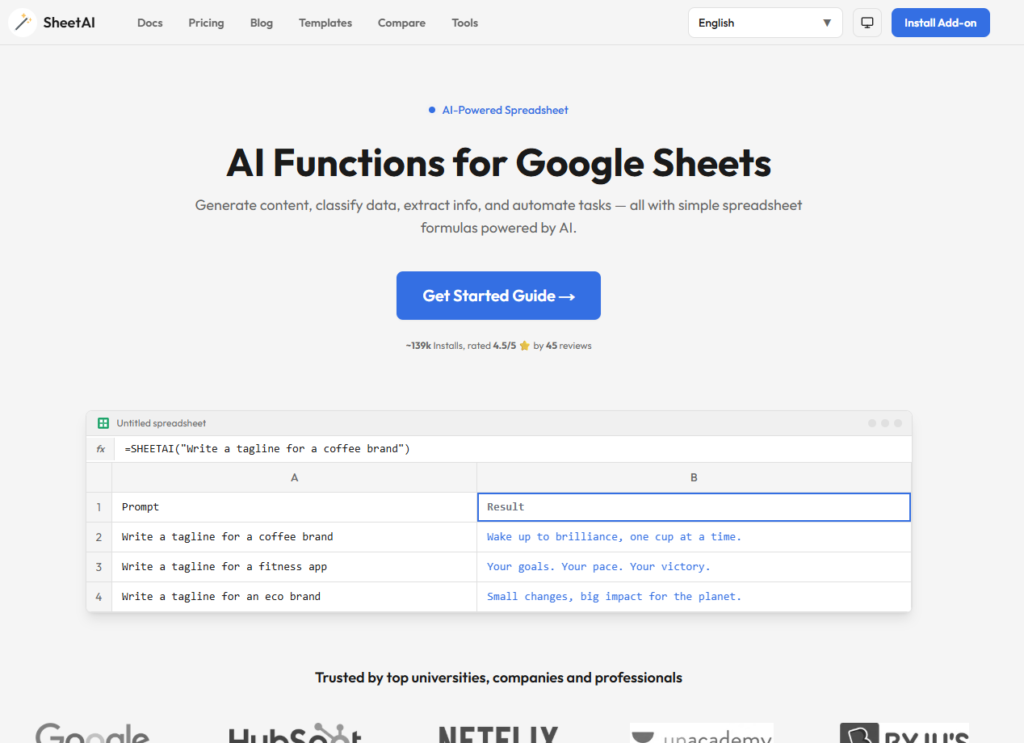
Verdict: The fastest way to generate AI formulas for Google Sheets Best For: Formula generation Price: $10/mo
Pros:
- Lightning‑fast formula suggestions
- Great for beginners
- Works directly inside Sheets
Cons:
- Not ideal for heavy cleanup
- Occasional hallucinated formulas
My Experience: I remember sitting at my desk late one night, staring at a formula that looked like a math equation written by someone who hates humans. I pasted it into SheetAI, and it rewrote the entire thing in a way that actually made sense. It was the first time I felt like an AI tool understood the pain of debugging. It’s not perfect, but it’s one of the few AI tools for spreadsheets that consistently saves me time.
Use Cases:
- Formula generation
- Quick transformations
- Data extraction
Bottom Line: If formulas slow you down, this is your tool.
⭐ 2. Rows AI
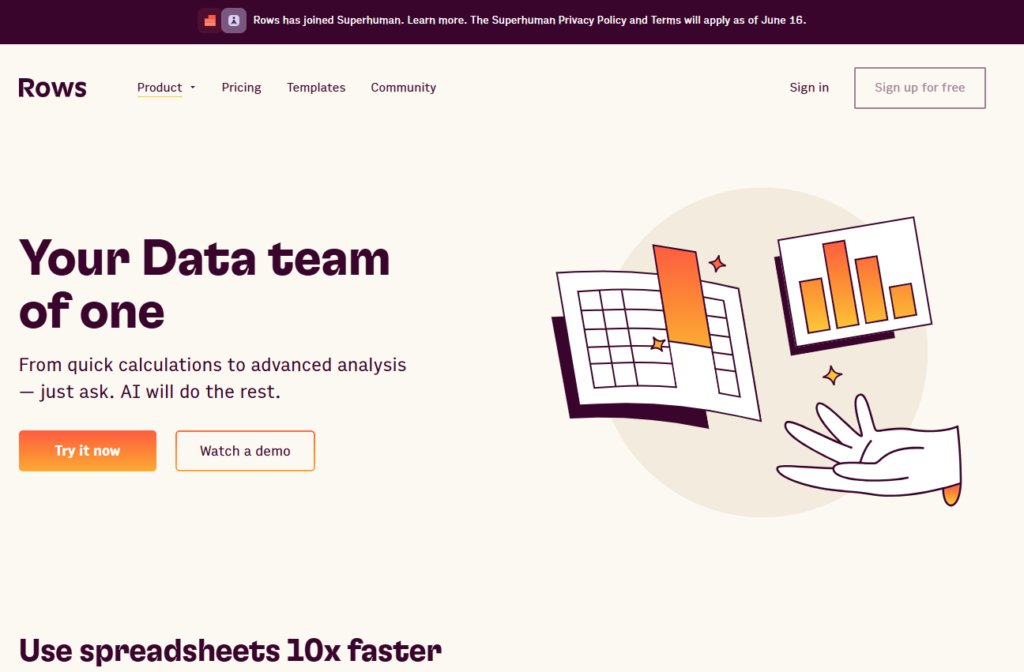
Verdict: Best all‑around automation + cleanup Best For: Workflow automation Price: Free–$20/mo
Pros:
- Great automations
- Strong cleanup tools
- Integrates with APIs
Cons:
- UI takes time to learn
- Some automations feel hidden
My Experience: Rows AI surprised me. I expected a lightweight tool, but it handled my messy dataset better than some dedicated AI data cleanup tools. It even caught a duplicate‑ID issue I had completely missed. The automations feel like a bridge between Sheets and Zapier, especially if you’re already using Google Sheets automation tools.
Use Cases:
- Cleanup
- Automations
- Reporting
Bottom Line: A powerhouse if you want automation + cleanup in one place.
⭐ 3. AITable
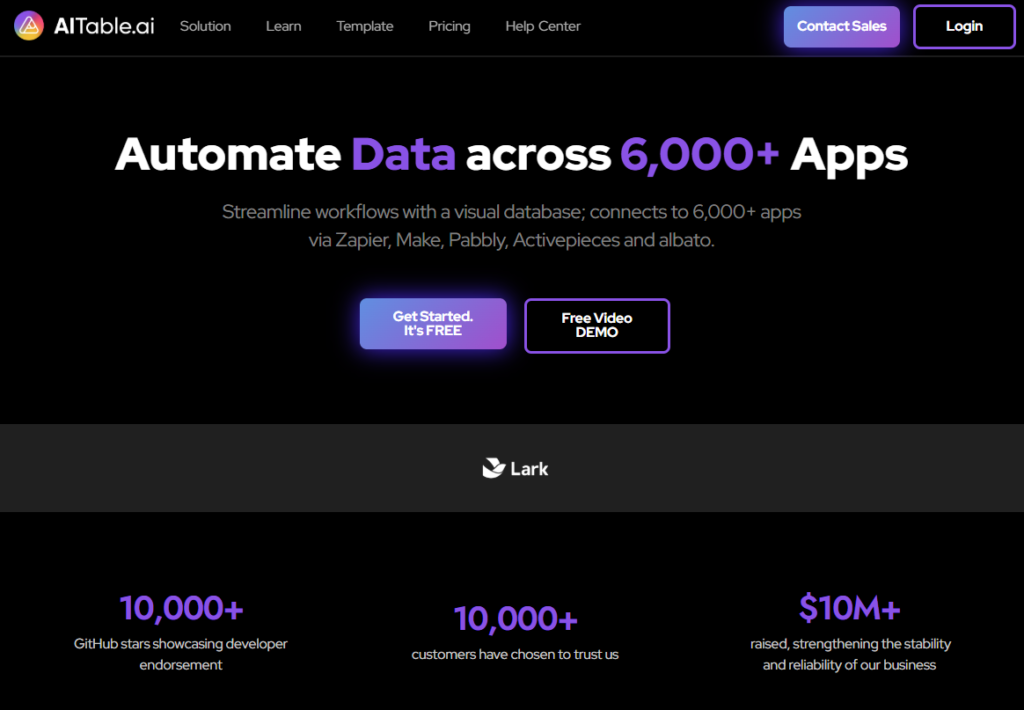
Verdict: Best for heavy data cleanup Best For: Structuring messy data Price: $15/mo
Pros:
- Excellent cleanup
- Great for large datasets
- Strong AI suggestions
Cons:
- Not ideal for formulas
- Occasional slowdowns
My Experience: AITable handled my ugliest dataset like a champ. It fixed inconsistent dates, normalized currencies, and even flagged a column that had invisible characters. I didn’t expect it to outperform dedicated AI data cleanup tools, but it did. This is the tool I use when I’m dealing with chaos.
Use Cases:
- Cleanup
- Normalization
- Structuring
Bottom Line: If your data is a disaster, start here.
⭐ 4. Arcwise AI

Verdict: Best for smart suggestions Best For: Analysis Price: Free
Pros:
- Great insights
- Clean UI
- Fast
Cons:
- Limited automation
- Not ideal for huge datasets
My Experience: Arcwise AI feels like a quiet genius. It doesn’t brag, but it consistently gives smart suggestions that help you see patterns you missed. It’s not a full replacement for AI tools for spreadsheets, but it’s a great companion.
Use Cases:
- Insights
- Pattern detection
- Quick analysis
Bottom Line: Perfect for fast, smart insights.
⭐ 5. Genius Sheets
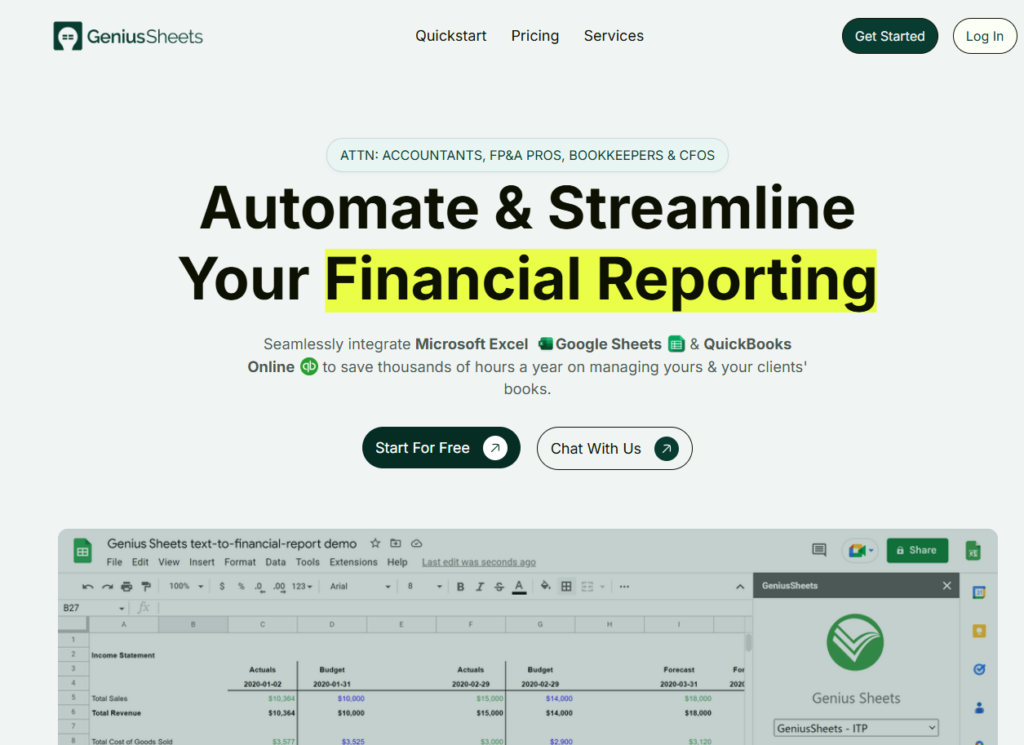
Verdict: Best for natural‑language reporting Best For: Business reporting Price: $29/mo
Pros:
- Great for dashboards
- Natural‑language queries
- Reliable
Cons:
- Pricey
- Not ideal for cleanup
My Experience: I once needed a quick revenue breakdown for a client call. I typed “revenue by month for Q2” into Genius Sheets, and it generated the entire report in seconds. It’s not a cleanup tool, but it’s one of the best AI spreadsheet assistants for reporting.
Use Cases:
- Reporting
- Dashboards
- Business insights
Bottom Line: If you run reports, this is a lifesaver.
⭐ 6. Coefficient AI
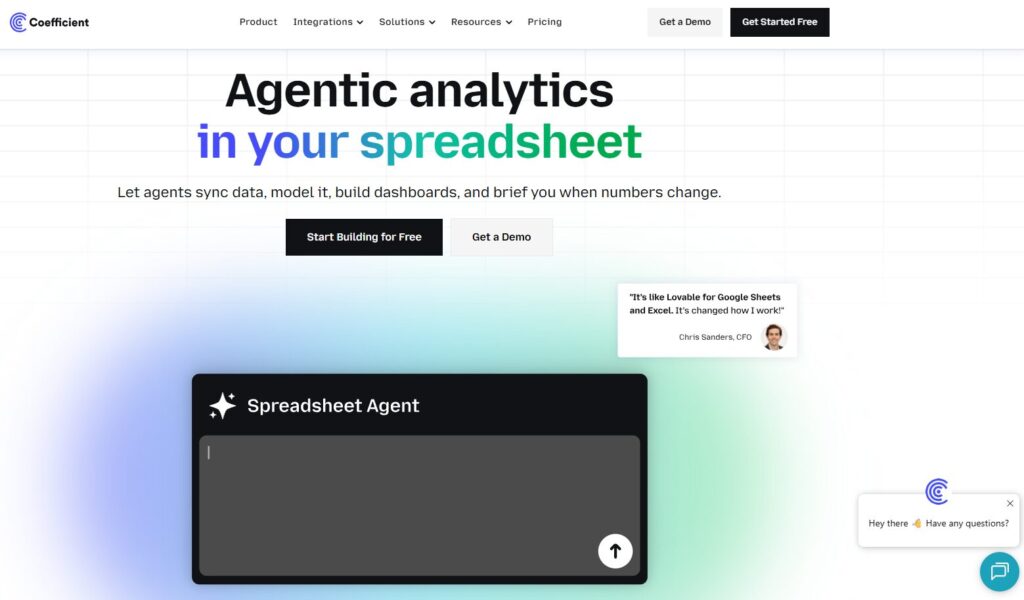
Verdict: Best for connecting Sheets to real data sources Best For: Live data Price: Free–$49/mo
Pros:
- Great integrations
- Live syncing
- Strong AI layer
Cons:
- Setup takes time
- Occasional sync delays
My Experience: Coefficient AI saved me when I needed to sync CRM data into Sheets without breaking everything. It’s not flashy, but it’s one of the most reliable Google Sheets automation tools I’ve tested.
Use Cases:
- Live data
- Syncing
- Reporting
Bottom Line: If you work with external data, this is essential.
⭐ 7. Ajelix

Verdict: Best for AI‑generated templates Best For: Prebuilt workflows Price: $12/mo
Pros:
- Great templates
- Strong formula generation
- Easy to use
Cons:
- Limited cleanup
- Templates can feel generic
My Experience: Ajelix helped me build a financial model faster than I expected. It’s not the strongest of the AI data cleanup tools, but it’s excellent for templates and formulas.
Use Cases:
- Templates
- Formulas
- Quick builds
Bottom Line: Great for fast starts.
⭐ 8. SheetsGod

Verdict: Best for complex formulas Best For: Power users Price: $19/mo
Pros:
- Excellent formula generation
- Handles complex logic
- Fast
Cons:
- Not beginner‑friendly
- No cleanup features
My Experience: SheetGod generated a nested formula I had been struggling with for hours. It’s not a cleanup tool, but for AI formulas for Google Sheets, it’s one of the best.
Use Cases:
- Advanced formulas
- Logic building
- Transformations
Bottom Line: If you love formulas, you’ll love this.
⭐ 9. Luminal

Verdict: Best for bulk cleanup Best For: Large datasets Price: $29/mo
Pros:
- Great for big files
- Strong cleanup
- Fast
Cons:
- Limited automation
- UI feels dated
My Experience: Luminal handled a 50k‑row dataset without choking. It’s one of the few AI data cleanup tools that can scale.
Use Cases:
- Bulk cleanup
- Normalization
- Large files
Bottom Line: Perfect for big data.
⭐ 10. PromptLoop
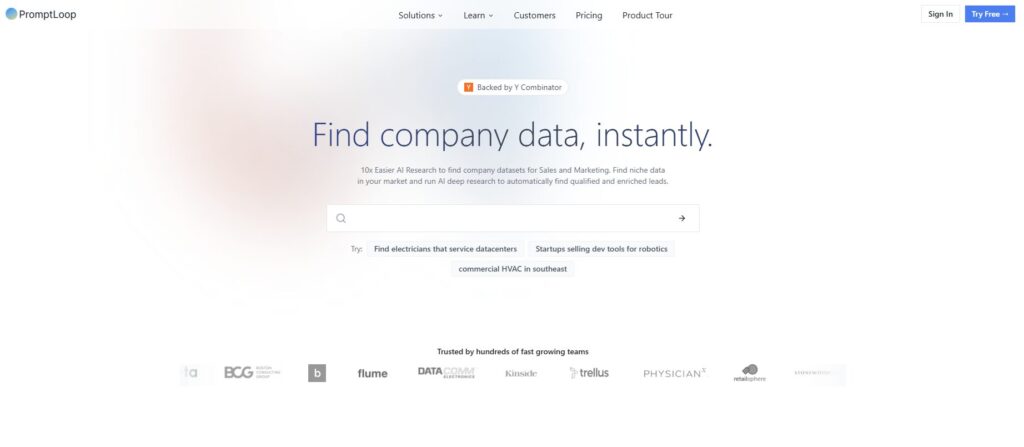
Verdict: Best for custom AI functions Best For: Custom workflows Price: $9/mo
Pros:
- Custom AI functions
- Flexible
- Great for niche tasks
Cons:
- Requires setup
- Not beginner‑friendly
My Experience: PromptLoop let me build a custom classifier inside Sheets. It’s not the easiest tool, but it’s one of the most flexible AI tools for spreadsheets if you know what you’re doing.
Use Cases:
- Custom functions
- Classification
- Transformations
Bottom Line: A power tool for power users.
By the time I finished testing all these tools, I realized something I wish someone had told me years ago: choosing the right spreadsheet AI isn’t about features. It’s about survival. It’s about finding the tools that won’t break your workflow at the worst possible moment. It’s about trusting that when you hit “run,” the tool won’t decide to rewrite half your sheet. I’ve had that happen more than once, especially with early AI spreadsheet assistants that looked promising but couldn’t handle real‑world mess.
So here’s the buyer’s guide I wish I had before I spent weeks testing AI tools for spreadsheets, cleaning up disasters, and rebuilding formulas that got overwritten by tools that didn’t understand context.
⭐ Buyer’s Guide:
1. Reliability Over Flashiness
Some tools look incredible in demos. Perfect data. Perfect formatting. Perfect results. But the moment you throw real‑world chaos at them, they fall apart. The best AI data cleanup tools aren’t the ones with the prettiest UI—they’re the ones that don’t choke when you import a CSV that looks like it survived a tornado.
2. Formula Safety
If a tool overwrites formulas without warning, delete it from your life. Seriously. I had one tool overwrite a nested formula I’d spent an hour building. That’s when I realized how important safe AI formulas for Google Sheets really are.
3. Workflow Compatibility
A tool can be amazing, but if it doesn’t play nicely with your existing Google Sheets automation tools, it becomes a liability. I’ve had tools break automations simply because they didn’t understand how triggers worked.
4. Cleanup Strength
If your data is messy (and let’s be honest, it always is), prioritize tools that excel at cleanup. The best AI data cleanup tools can handle inconsistent dates, currencies, spacing, and invisible characters without breaking a sweat.
5. Transparency
If a tool doesn’t tell you what it changed, run. You need visibility. You need logs. You need to know what happened so you can trust the output.
6. My Hard‑Learned Lesson
One night, I let a tool run a “smart cleanup” on a financial model. It silently deleted 200 rows it thought were duplicates. They weren’t. I had to rebuild the entire model from scratch. That was the moment I realized: never trust a tool that doesn’t show its work.
⭐ FAQ
1. What’s the best tool for beginners?
SheetAI. It’s simple, fast, and great for formulas.
2. What’s the best tool for messy data?
AITable or Luminal. They’re built for chaos.
3. What’s the best tool for automation?
Rows AI or Coefficient AI. They integrate well with Google Sheets automation tools.
4. What’s the best tool for reporting?
Genius Sheets. Natural‑language reporting is its superpower.
5. What’s the best tool for advanced formulas?
SheetGod. It’s a beast.
6. What’s the best all‑around tool?
Rows AI. Cleanup + automation + reliability.
7. Are AI spreadsheet tools safe?
Mostly. But always duplicate your sheet before running anything heavy.
8. Can these tools replace manual cleanup?
Not fully. But they can cut hours down to minutes.
⭐ Final Recommendation
If you’re overwhelmed, here’s the simplest way to choose:
- If your data is messy → AITable
- If you want automation → Rows AI
- If you need formulas → SheetAI
- If you want insights → Arcwise AI
- If you run reports → Genius Sheets
Personally, I use a mix. Rows AI handles my automations. AITable handles my cleanup. SheetAI handles my formulas. It’s not about finding one perfect tool—it’s about building a stack that works for you.
And after testing all these AI tools for spreadsheets, I can tell you this: the right combination will save you hours every week. The wrong one will break your workflow and ruin your day.
Choose carefully. Test everything. And never trust a tool that doesn’t show its work.
⭐ Related Articles
AI Tools for Work: Complete Guide
⭐ About the Author
I’m Danny, the founder of ToolCompare.ai, and I didn’t plan on becoming the “spreadsheet guy.” Honestly, I used to avoid spreadsheets like they were radioactive. But one day, while building an early version of ToolCompare, I imported a dataset so messy it made me question every career decision I’d ever made. I remember sitting there, staring at a column full of dates that looked like they’d been typed by five different people in five different decades. I felt defeated. I felt stupid. I felt like I should’ve known better.
That moment changed everything. I started testing tools—not because I wanted to, but because I had to. I needed something that could help me survive the chaos. And somewhere along the way, I realized I wasn’t alone. Everyone struggles with spreadsheets. Everyone has that one dataset that breaks them. Everyone has that moment where they whisper, “Why is this happening to me?”
ToolCompare.ai became my way of helping people avoid the mistakes I made. And writing this guide reminded me of the night I accidentally deleted half a financial model because I trusted the wrong tool. It was a painful lesson, but it taught me something important: good tools matter. They save time, protect your sanity, and help you focus on the work that actually matters.