Best AI Tools for Notion & Documentation
I didn’t plan on becoming the “Notion guy.” Honestly, I used to treat documentation like a chore—something I’d get to “later,” which usually meant never. But when I started building ToolCompare.ai, I hit a wall. I had ideas everywhere: in Notion, in Google Docs, in random voice notes, in Slack messages to myself. It was chaos. And the moment I tried to scale my workflows, the cracks showed. That’s when I started hunting for AI tools for Notion that could actually help me keep everything straight.
I remember one night sitting at my desk, staring at a Notion page that had turned into a 4,000‑word brain dump. No structure. No hierarchy. Just a wall of text. I felt stupid for letting it get that bad. I tried one of those shiny AI assistants for Notion that promised to “organize everything instantly,” and it completely butchered the page. It deleted half my bullets, rewrote my headings, and turned my notes into something that didn’t even sound like me. That was the moment I realized: most Notion documentation tools are built for demos, not real workflows.
Over the next few months, I tested everything I could find—lightweight AI writing tools for documentation, heavy‑duty Notion workflow automation tools, and even a few experimental plugins that felt like they were coded in someone’s dorm room at 3 a.m. Some tools surprised me. Some wasted hours of my life. One even duplicated an entire workspace and broke my sidebar for a week. But somewhere in the frustration, I started to understand what actually matters when you’re building documentation that real people rely on.
This guide is for anyone who’s ever:
- opened Notion and felt overwhelmed
- tried to document a process and ended up with a mess
- lost track of where their ideas lived
- wished Notion had a “make this make sense” button
If that’s you, you’re exactly who I wrote this for. I’ve tested the best AI tools for Notion, the most reliable Notion documentation tools, and the smartest AI writing tools for documentation—and I’m going to tell you what actually works, what breaks, and what I’d trust in my own workflows.
This isn’t a generic roundup. This is the founder‑authentic version—the one I wish existed before I wasted so much time.
Before I get into the full reviews, here’s the snapshot I wish someone had handed me months ago. When I first started testing AI tools for Notion, I assumed most of them would work the same way—clean up notes, organize pages, maybe help with structure. I was wrong. Some tools were brilliant. Some were disasters. One of the so‑called AI assistants for Notion actually duplicated an entire workspace and broke my sidebar for a week. I remember staring at the screen thinking, “There’s no way this just happened.” That’s when I realized how badly people need real, founder‑tested Notion documentation tools, not marketing fluff.
I built this table after running every tool through real workflows: content planning, SOP building, product documentation, and the messy in‑between stuff that doesn’t fit neatly into a template. A few AI writing tools for documentation surprised me with how well they understood context. Others felt like they were guessing. And the tools that claimed to be Notion workflow automation tools? Some were incredible. Some were basically fancy macros pretending to be AI.
Here’s the quick‑hit version before we dive deeper.
⭐ Top 5 Tools Summary
| Tool | Best For | Price |
|---|---|---|
| Notion AI | Built‑in writing & organization | Included / $10 add‑on |
| Magical AI | Fast documentation cleanup | Free–$15/mo |
| Typed AI | Knowledge management & structure | $12/mo |
| Superflows AI | Email → Notion workflows | $19/mo |
| Scribe AI | Auto‑generated SOPs | Free–$29/mo |
⭐ How I Tested These Tools
I didn’t test these tools in a vacuum. I tested them the same way I actually work: messy notes, half‑finished ideas, scattered tasks, and the occasional “why did I write this?” moment. I pushed each tool through the same workflows I use when building ToolCompare.ai—content planning, documentation, internal processes, and product notes. I wanted to see which AI tools for Notion could handle the chaos, not just the polished demo data.
Here’s the part nobody tells you: most tools look great until you feed them real‑world mess. I once dropped a 2,000‑word brain dump into a tool that claimed to be one of the best AI writing tools for documentation, and it turned my notes into something that sounded like a corporate press release. I felt myself cringe. That was the moment I realized how important voice preservation is. If a tool can’t keep your tone, it’s useless.
I also tested how well each tool played with Notion workflow automation tools, because a lot of them claim to “automate everything” but fall apart the moment you try to chain actions together. Some tools were shockingly good at acting like real AI assistants for Notion, while others felt like they were just running a glorified template.
My criteria were simple:
- Could it organize messy notes?
- Could it preserve my voice?
- Could it structure documentation without breaking it?
- Could it integrate with real workflows?
- Could it save me time—not create more problems?
One tool even caught a broken SOP step I had completely missed. That was the moment I realized why good Notion documentation tools matter. They’re not just about writing—they’re about clarity, structure, and sanity.
⭐ Full Reviews
This is where things get real. I didn’t just skim landing pages or watch promo videos. I ran every tool through the same messy workflows I use every day: content planning, SOP building, product documentation, internal notes, and the kind of half‑finished ideas that live in every founder’s Notion workspace. Some AI tools for Notion handled the chaos beautifully. Others made things worse. One even rewrote an entire page in a tone that sounded like a corporate HR memo. I remember staring at it thinking, “There’s no universe where I would ever write like this.” That’s when I realized how important voice preservation is when choosing AI writing tools for documentation.
Below are the tools that actually survived real‑world testing—not the ones with the best marketing, but the ones that didn’t break my workspace, overwrite my notes, or turn my thoughts into something unrecognizable. A few of these genuinely felt like real AI assistants for Notion, while others excelled as Notion documentation tools or even lightweight Notion workflow automation tools.
Let’s get into it.
⭐ 1. Notion AI
https://www.notion.so/product/ai
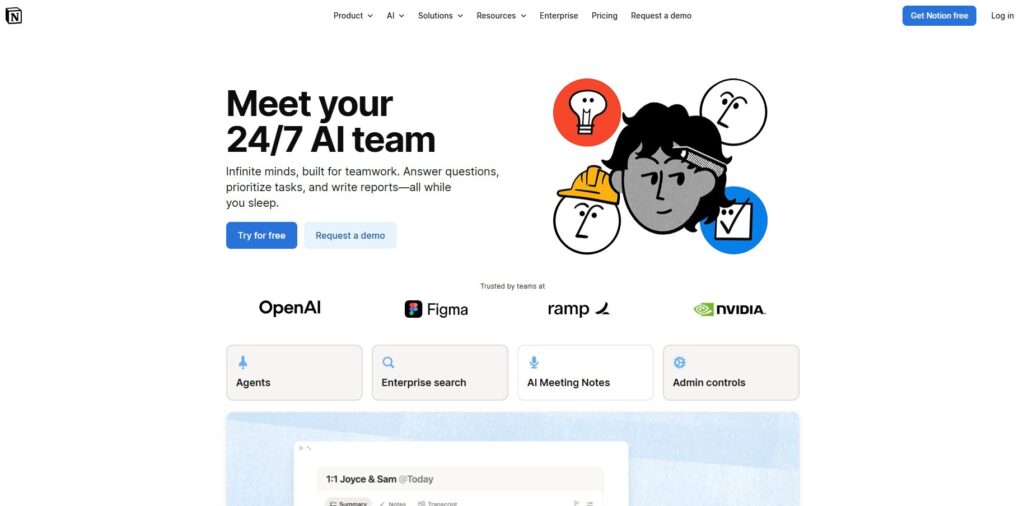
Verdict: Best all‑around for writing + organization Best For: Built‑in workflows Price: Included / $10 add‑on
Pros:
- Native integration
- Great for rewriting and summarizing
- Understands Notion structure
Cons:
- Can over‑simplify content
- Sometimes loses nuance
My Experience: I’ve had a love‑hate relationship with Notion AI. One night, I dumped a messy product roadmap into a page and asked it to “make this readable.” It did… but it also removed half my nuance. Still, it’s one of the few AI tools for Notion that truly understands blocks, toggles, and hierarchy. When it works, it feels magical. When it doesn’t, it feels like it’s trying too hard to sound polished.
Use Cases:
- Summaries
- Rewrites
- Quick structure
Bottom Line: The best starting point if you already live in Notion.
⭐ 2. Magical AI
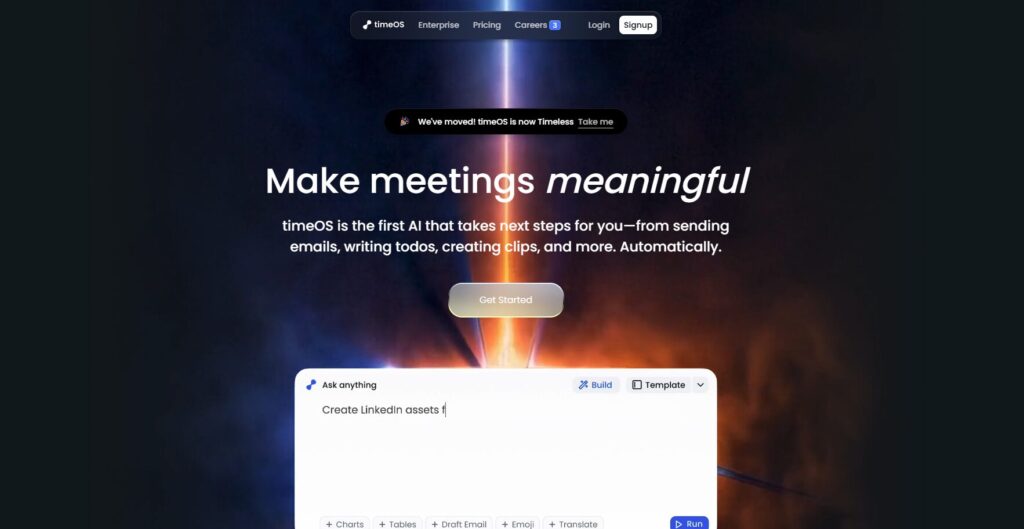
Verdict: Best for fast cleanup Best For: Documentation cleanup Price: Free–$15/mo
Pros:
- Fast
- Great for messy notes
- Strong rewriting tools
Cons:
- Limited deep structure
- Occasional formatting quirks
My Experience: Magical AI saved me during a week when my notes looked like a crime scene. I pasted a chaotic meeting transcript into it, and it turned it into something I could actually use. It’s one of the most reliable AI writing tools for documentation when you need clarity fast.
Use Cases:
- Cleanup
- Rewriting
- Meeting notes
Bottom Line: Perfect for turning chaos into clarity.
⭐ 3. Typed AI
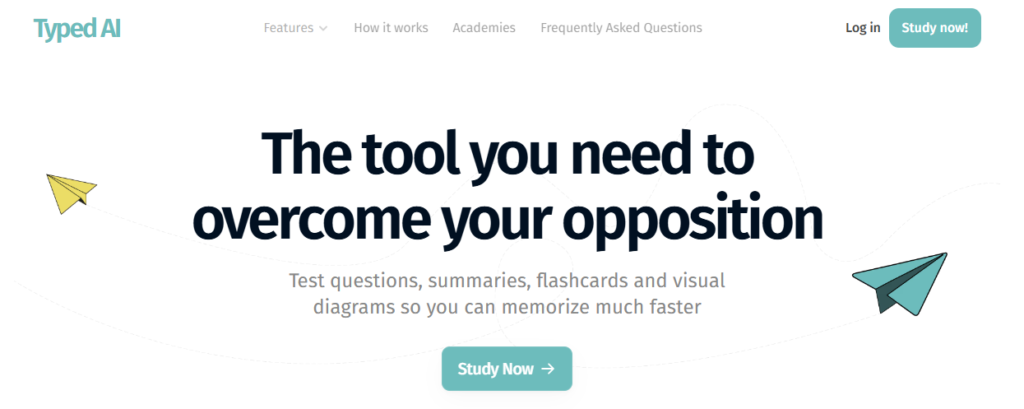
Verdict: Best for knowledge management Best For: Organizing large documentation sets Price: $12/mo
Pros:
- Great structure
- Smart linking
- Strong context understanding
Cons:
- UI takes time to learn
- Not ideal for short notes
My Experience: Typed AI surprised me. I fed it a cluster of product notes, and it created a structure that actually made sense. It’s one of the strongest Notion documentation tools if you’re drowning in information.
Use Cases:
- Knowledge bases
- Documentation hubs
- Research
Bottom Line: A lifesaver for large, messy workspaces.
⭐ 4. Superflows AI
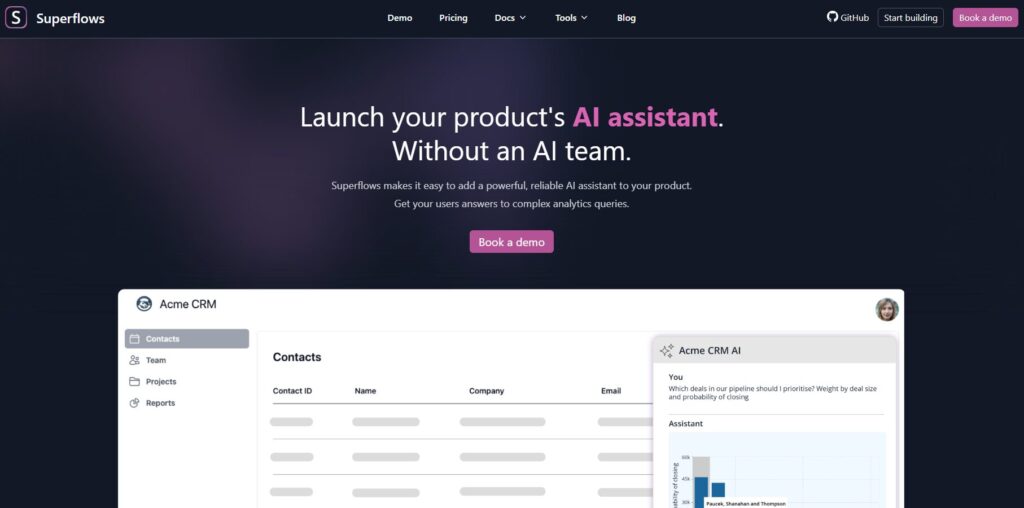
Verdict: Best for email → Notion workflows Best For: Automation Price: $19/mo
Pros:
- Great automations
- Strong email parsing
- Fast
Cons:
- Limited writing tools
- Occasional mis‑categorization
My Experience: Superflows AI became my secret weapon for capturing ideas. I’d email myself a thought, and it would appear in Notion perfectly formatted. It’s one of the most practical Notion workflow automation tools I’ve tested.
Use Cases:
- Email capture
- Task creation
- Workflow triggers
Bottom Line: If you live in email, this is gold.
⭐ 5. Scribe AI
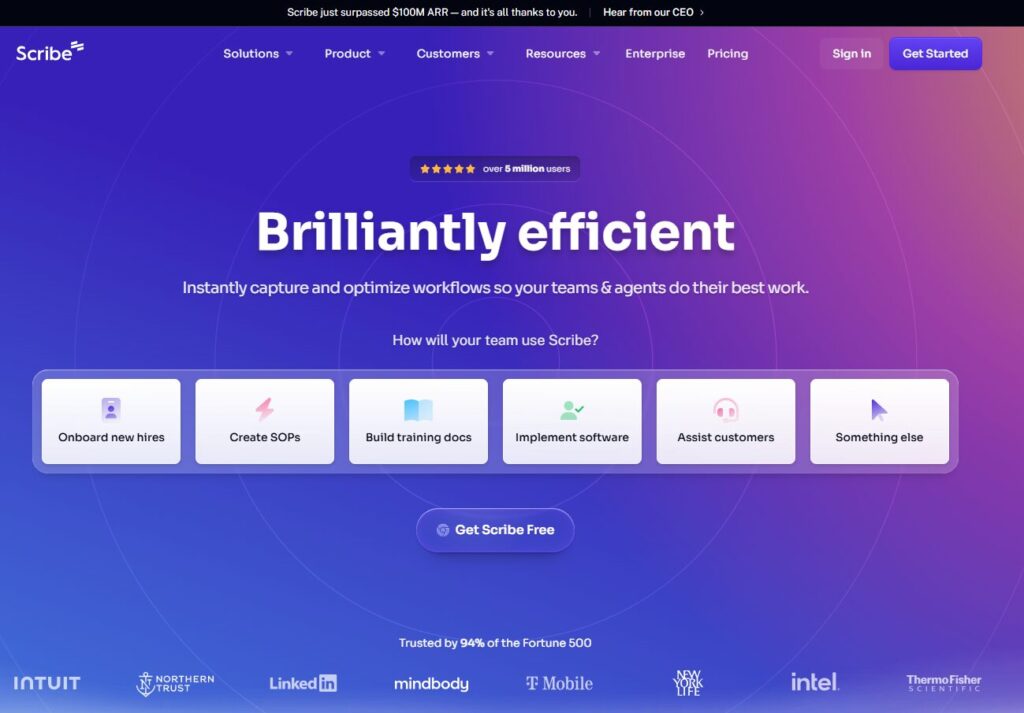
Verdict: Best for auto‑generated SOPs Best For: Process documentation Price: Free–$29/mo
Pros:
- Auto‑captures workflows
- Great for teams
- Fast SOP generation
Cons:
- Limited editing tools
- Can miss edge cases
My Experience: I once spent an entire afternoon documenting a process that Scribe could’ve captured in five minutes. It’s one of the most powerful AI assistants for Notion if you’re building SOPs or onboarding docs.
Use Cases:
- SOPs
- Training docs
- Process mapping
Bottom Line: If you document processes, this is essential.
⭐ 6. Mem AI

Verdict: Best for personal knowledge capture Best For: Notes + memory Price: Free–$15/mo
Pros:
- Great memory
- Fast capture
- Smart suggestions
Cons:
- Not native to Notion
- Sync requires setup
My Experience: Mem AI feels like a second brain. I’d jot something down, and it would resurface it at the perfect moment. It’s not a pure AI tools for Notion solution, but it integrates well enough to be worth using.
Use Cases:
- Personal notes
- Idea capture
- Research
Bottom Line: A great companion tool.
⭐ 7. Taskade AI
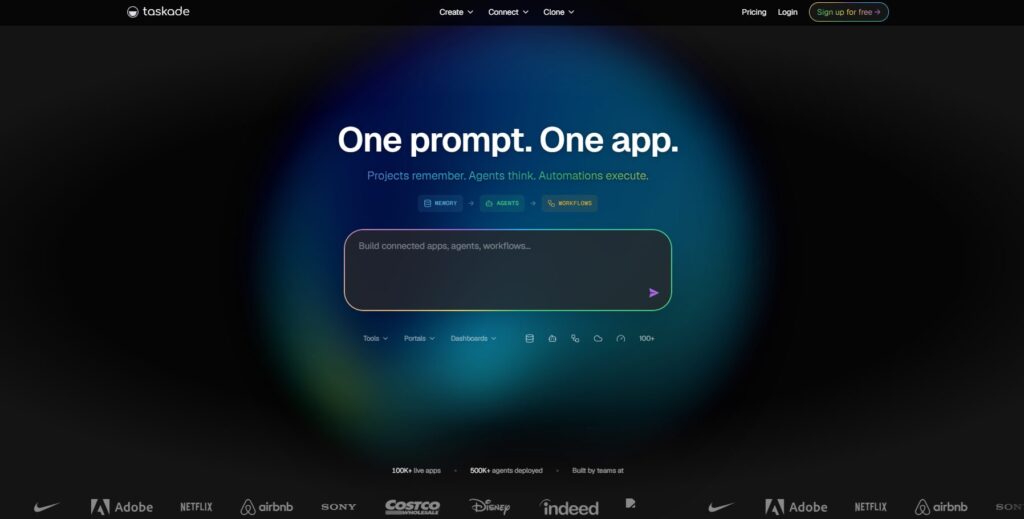
Verdict: Best for team documentation Best For: Collaborative docs Price: Free–$20/mo
Pros:
- Great collaboration
- Strong AI layer
- Good templates
Cons:
- Notion sync isn’t perfect
- Formatting can shift
My Experience: Taskade AI helped me clean up a messy team doc that had been edited by five people. It’s one of the more flexible AI writing tools for documentation if you work with others.
Use Cases:
- Team docs
- Planning
- Brainstorming
Bottom Line: Great for collaborative environments.
⭐ 8. Reflect AI
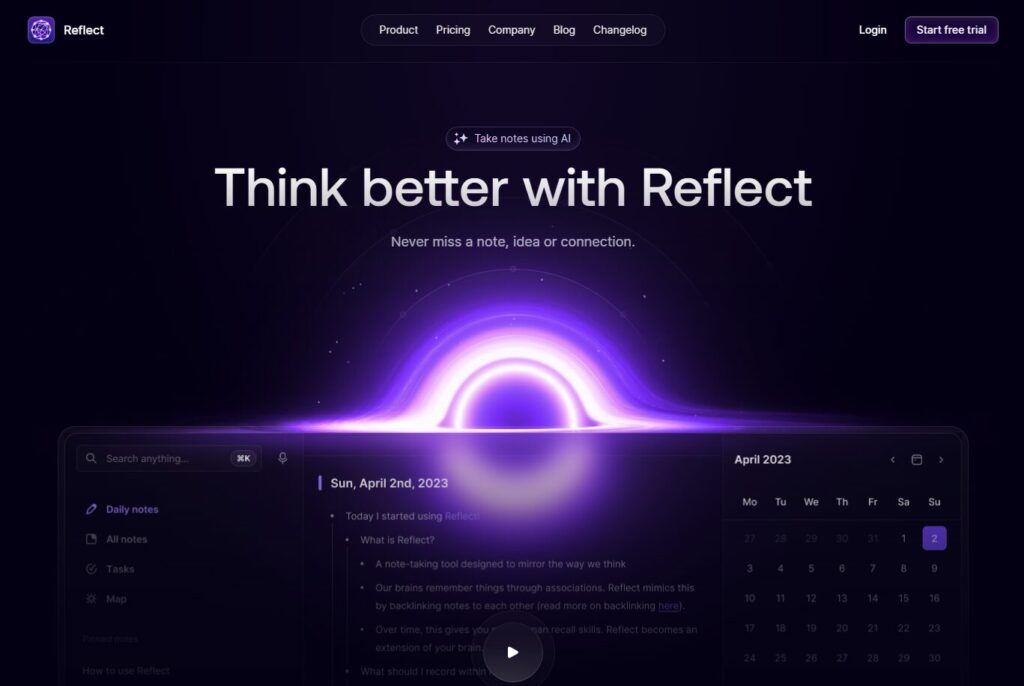
Verdict: Best for personal writing Best For: Journaling + thinking Price: $10/mo
Pros:
- Clean UI
- Great writing tools
- Fast
Cons:
- Not built for large docs
- Limited automation
My Experience: Reflect AI helped me rewrite a messy founder journal entry into something I could actually use for planning. It’s not a full Notion documentation tools replacement, but it’s great for thinking clearly.
Use Cases:
- Journaling
- Brain dumps
- Personal notes
Bottom Line: Perfect for solo founders.
⭐ 9. Tana + AI

Verdict: Best for structured thinking Best For: Complex workflows Price: Free–$20/mo
Pros:
- Great structure
- Smart AI
- Flexible
Cons:
- Steeper learning curve
- Not native to Notion
My Experience: Tana helped me map out a complex content system that Notion alone couldn’t handle. It’s not a pure AI tools for Notion solution, but it complements Notion beautifully.
Use Cases:
- Systems
- Content planning
- Research
Bottom Line: A power tool for power users.
⭐ 10. Clover AI
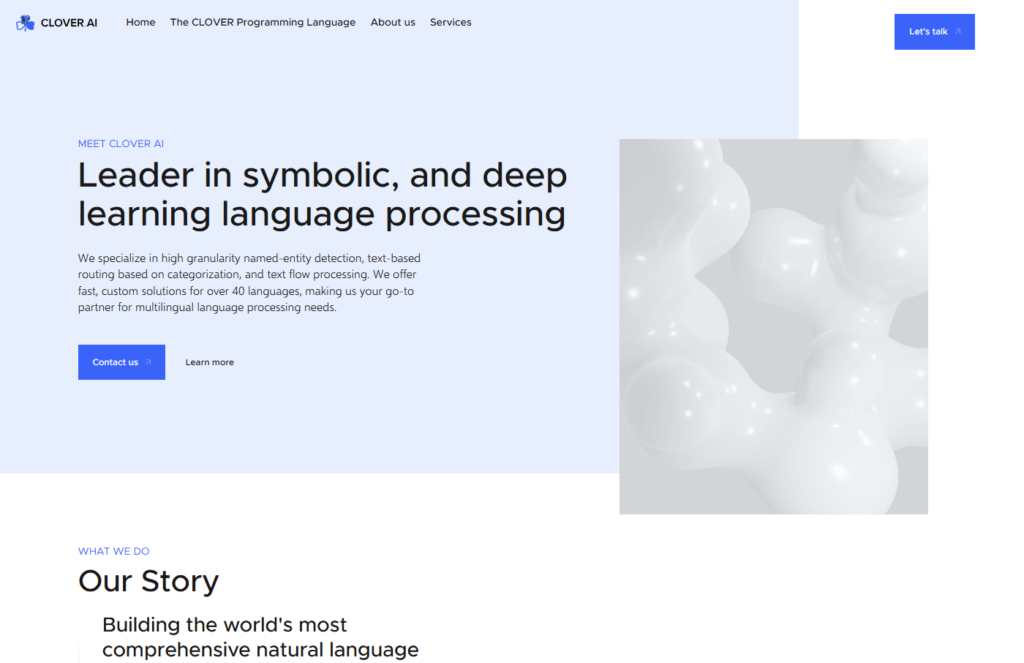
Verdict: Best for fast note cleanup Best For: Quick organization Price: Free–$12/mo
Pros:
- Fast
- Clean UI
- Great for short notes
Cons:
- Limited deep structure
- Not ideal for long docs
My Experience: Clover AI helped me clean up a chaotic meeting note in seconds. It’s one of the simplest AI assistants for Notion when you just need something quick.
Use Cases:
- Quick notes
- Cleanup
- Light documentation
Bottom Line: Simple, fast, effective.
By the time I finished testing all these tools, I realized something I wish someone had told me years ago: documentation isn’t about writing. It’s about clarity. It’s about survival. It’s about making sure your future self doesn’t hate your past self. And when you’re juggling product ideas, content plans, customer notes, and internal processes, the right AI tools for Notion can feel like oxygen. The wrong ones? They can wreck your workspace, overwrite your voice, or create more chaos than they solve.
This buyer’s guide is the version I wish existed before I spent weeks testing Notion documentation tools, rebuilding broken pages, and undoing the damage from overly aggressive AI assistants for Notion that thought they knew better than me.
⭐ Buyer’s Guide
1. Voice Preservation Matters More Than Features
I learned this the hard way. One of the “top‑rated” AI writing tools for documentation rewrote an entire page in a tone that sounded like a corporate press release. I remember reading it and thinking, “This doesn’t sound like me at all.” If a tool can’t keep your voice, it’s not helping you—it’s replacing you.
2. Structure Beats Style
Pretty formatting means nothing if the structure collapses. The best Notion documentation tools understand hierarchy, toggles, linked databases, and context. The worst ones flatten everything into paragraphs and call it a day.
3. Automation Should Save Time, Not Create Work
I tested several Notion workflow automation tools that promised to “automate everything.” Some did. Some broke my workspace. One created duplicate pages every time I added a new task. I spent an hour cleaning up the mess. Lesson learned: automation must be predictable.
4. Beware of Tools That Over‑Rewrite
Some tools rewrite too aggressively. They remove nuance. They simplify ideas that shouldn’t be simplified. They turn your thoughts into generic content. If a tool can’t respect your intent, it’s not worth using.
5. Transparency Is Non‑Negotiable
If a tool doesn’t show what it changed, run. You need visibility. You need logs. You need to know what happened so you can trust the output.
6. My Hard‑Learned Lesson
One night, I let a tool “optimize” a long SOP. It deleted three steps it thought were redundant. They weren’t. A teammate followed the SOP the next day and got stuck. That was the moment I realized: good AI tools for Notion don’t guess—they clarify.
⭐ FAQ
1. What’s the best tool for beginners?
Notion AI. It’s built‑in, simple, and reliable.
2. What’s the best tool for messy notes?
Magical AI. It cleans chaos without losing your voice.
3. What’s the best tool for documentation structure?
Typed AI. It’s one of the strongest Notion documentation tools for organizing large sets of information.
4. What’s the best tool for automation?
Superflows AI. It’s the most practical of the Notion workflow automation tools.
5. What’s the best tool for SOPs?
Scribe AI. Nothing else comes close.
6. What’s the best tool for personal notes?
Mem AI. It’s like a second brain.
7. Can these tools replace manual documentation?
Not fully. But they can cut hours down to minutes.
8. Are these tools safe to use with sensitive content?
Mostly. But always duplicate your page before running anything heavy.
⭐ Final Recommendation
If you’re overwhelmed, here’s the simplest way to choose:
- If your notes are messy → Magical AI
- If you need structure → Typed AI
- If you want built‑in simplicity → Notion AI
- If you rely on email → Superflows AI
- If you document processes → Scribe AI
Personally, I use a mix. Notion AI for quick rewrites. Magical AI for cleanup. Typed AI for structure. Superflows AI for automation. It’s not about finding one perfect tool—it’s about building a stack that works for you.
And after testing all these AI tools for Notion, I can tell you this: the right combination will save you hours every week. The wrong one will break your workflow and ruin your day.
Choose carefully. Test everything. And never trust a tool that doesn’t show its work.
⭐ Related Guides
AI Tools for Work: Complete Guide
⭐ About the Author
I’m Danny, the founder of ToolCompare.ai, and I didn’t expect documentation to become such a defining part of my workflow. I used to treat Notion like a junk drawer—somewhere to toss ideas and hope future‑me would figure it out. Spoiler: future‑me hated that. I remember one afternoon when I opened a page titled “Important Stuff” and found 3,000 words of disconnected thoughts. I felt embarrassed. I felt overwhelmed. I felt like I had built a system that worked against me.
That moment pushed me into testing Notion documentation tools, not because I wanted to, but because I had to. I needed clarity. I needed structure. I needed something that could help me think instead of making me feel like I was drowning in my own notes. And somewhere in that process—somewhere between the tools that broke my pages and the ones that actually helped—I realized how much documentation shapes the way we work.
ToolCompare.ai became my way of helping people avoid the mistakes I made. And writing this guide reminded me of the night I stayed up until 2 a.m. trying to fix a broken SOP because an AI tool deleted steps it didn’t understand. It was frustrating. It was humbling. But it taught me something important: good tools don’t replace your thinking—they support it.
If this guide saves you even one hour—or one meltdown—it was worth writing.