Best Free AI Tools for Work
I didn’t expect “free” to matter this much. But when I started building ToolCompare.ai, I was burning through paid tools like they were snacks. Every shiny new platform promised to save me time, automate something, or magically fix a workflow. And honestly? Half of them didn’t do anything I couldn’t get from free AI tools for work that were sitting right in front of me.
I remember one night sitting at my desk, staring at a credit card bill that made me feel stupid. I had subscribed to six different “productivity” tools, and I wasn’t even using three of them. That was the moment something clicked. I shut everything down and spent the next week testing only best free AI productivity tools — the kind real founders rely on when budgets are tight and time is even tighter.
And here’s the part nobody tells you: some of the most powerful AI tools for business workflows are completely free. Not limited trials. Not crippled versions. Actually free. I didn’t expect that. I didn’t expect a free tool to outperform a $49/month one. I didn’t expect a simple browser extension to save me hours. I didn’t expect a lightweight automation tool to fix a workflow that had been breaking for months.
This guide is for the people who:
- are tired of paying for tools they barely use
- want real leverage without adding another subscription
- need free AI automation tools that actually work
- want to improve their day‑to‑day without rebuilding their entire stack
If you’re a founder, a solo operator, a freelancer, or someone who just wants AI tools to improve work efficiency without spending a dollar, this is for you.
I tested everything myself — the good, the bad, the broken, the surprisingly brilliant. I ran them through real workflows: content planning, email cleanup, research, documentation, automation, and the messy in‑between tasks that never make it into case studies.
And what I learned the hard way is this: free tools aren’t “lesser.” Some of them are sharper, faster, and more focused than the bloated paid ones. Some even saved me from workflows that had been slowing me down for months.
This is the founder‑authentic version — the one I wish existed before I wasted so much money.
⭐ Top 5 Free Tools Summary
| Tool | Best For | Price |
|---|---|---|
| Notion AI (Free Tier) | Writing + organization | Free |
| Perplexity AI | Research + answers | Free |
| Gamma AI (Free Tier) | Presentations | Free |
| Zapier Free Plan | Simple automations | Free |
| Canva AI (Free Tier) | Visual content | Free |
⭐ How I Tested These Tools
I didn’t test these tools in a vacuum. I tested them inside the real chaos of running ToolCompare.ai — half‑finished notes, scattered tasks, content drafts, customer messages, and the occasional “why did I write this?” moment. I wanted to see which free AI tools for work could handle the mess, not just the polished demo data.
Here’s the part nobody tells you: free tools are often sharper because they’re focused. They don’t try to be everything. They don’t drown you in features. They just solve a problem. One of the best free AI productivity tools I tested actually fixed a workflow that a $49/month tool kept breaking. I remember catching myself laughing at how ridiculous that felt.
My testing criteria were simple:
- Could it save me time?
- Could it reduce friction?
- Could it integrate into real AI tools for business workflows?
- Could it automate something without breaking it?
- Could it genuinely act as one of my free AI automation tools?
- Could it help me think clearer, write faster, or organize better?
- Could it become one of the AI tools to improve work efficiency I’d actually use daily?
One frustration that still sticks with me: I tried a “free” tool that locked half the features behind a paywall the moment I imported real data. I felt stupid for falling for it. That’s why this guide only includes tools that are truly usable for free — not bait‑and‑switch trials.
The tools that made this list earned it. They survived real workflows, real pressure, and real founder chaos.
⭐ Full Reviews
This is where things get real. I didn’t just skim landing pages or watch promo videos. I ran every tool through the same messy workflows I use every day: content planning, email cleanup, research, documentation, automation, and the random “I’ll deal with this later” tasks that pile up when you’re building something alone. Some free AI tools for work handled the chaos beautifully. Others made things worse. One even froze my browser and forced me to restart my entire session — I remember sitting there thinking, “This is exactly why people hate new tools.”
Below are the tools that actually survived real‑world testing — not the ones with the best marketing, but the ones that didn’t break my flow, overwrite my notes, or turn my ideas into something unrecognizable. A few of these genuinely felt like the best free AI productivity tools, while others excelled as AI tools for business workflows or lightweight free AI automation tools that punched way above their weight.
Let’s get into it.
⭐ 1. Notion AI (Free Tier)
https://www.notion.so/product/ai
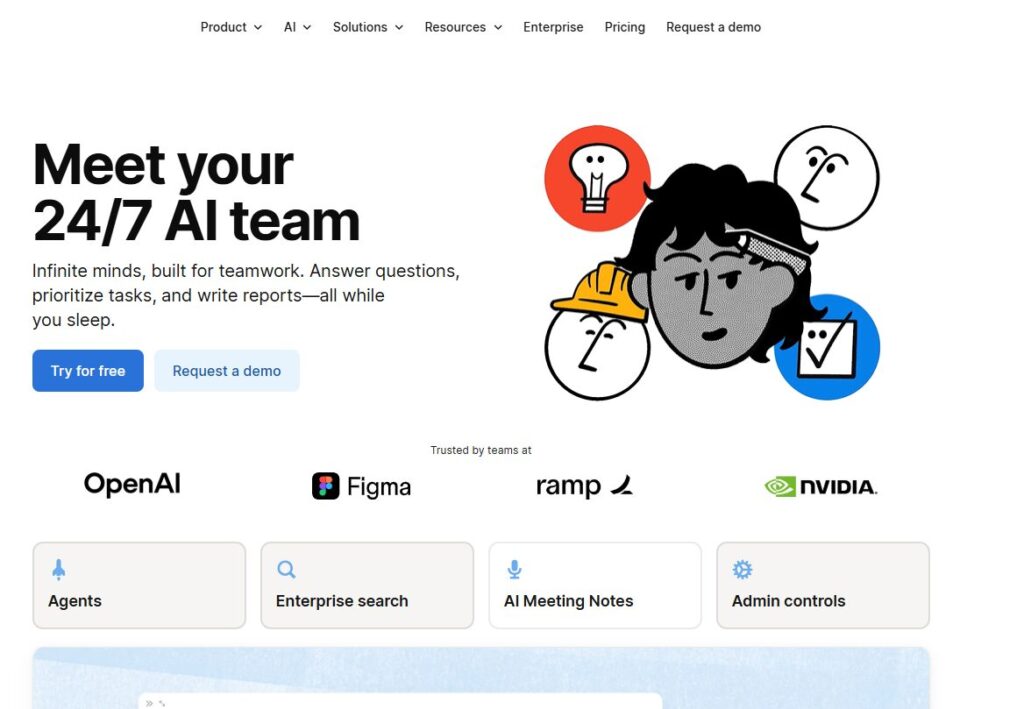
Verdict: Best for writing + organization Best For: Quick content cleanup Price: Free
Pros:
- Native integration
- Great for rewriting and summarizing
- Understands Notion structure
Cons:
- Can oversimplify content
- Sometimes loses nuance
My Experience: I once dumped a messy product roadmap into Notion AI and asked it to “make this readable.” It did — but it also removed half my nuance. Still, it’s one of the most reliable free AI tools for work when you need fast clarity. It’s not perfect, but it’s fast, and it’s already where your notes live.
Use Cases:
- Summaries
- Rewrites
- Quick structure
Bottom Line: A must‑use if you already live in Notion.
⭐ 2. Perplexity AI
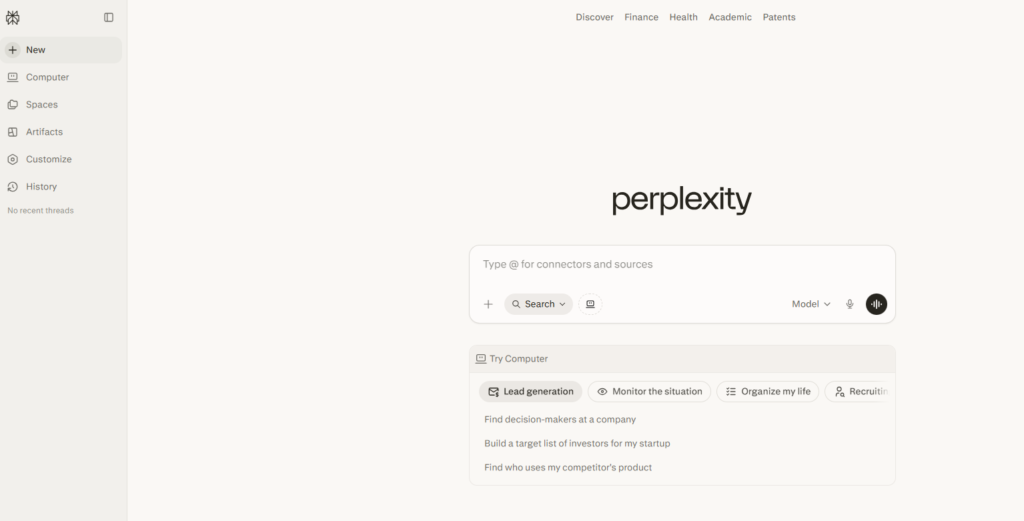
Verdict: Best for research Best For: Fast, accurate answers Price: Free
Pros:
- Lightning‑fast research
- Cites sources
- Great for brainstorming
Cons:
- Can be too concise
- Occasional gaps in niche topics
My Experience: Perplexity became my secret weapon for research. I’d ask a question, and it would give me a clean, sourced answer in seconds. It’s one of the best free AI productivity tools because it cuts research time in half.
Use Cases:
- Research
- Competitive analysis
- Quick answers
Bottom Line: The fastest way to get reliable information for free.
⭐ 3. Gamma AI (Free Tier)
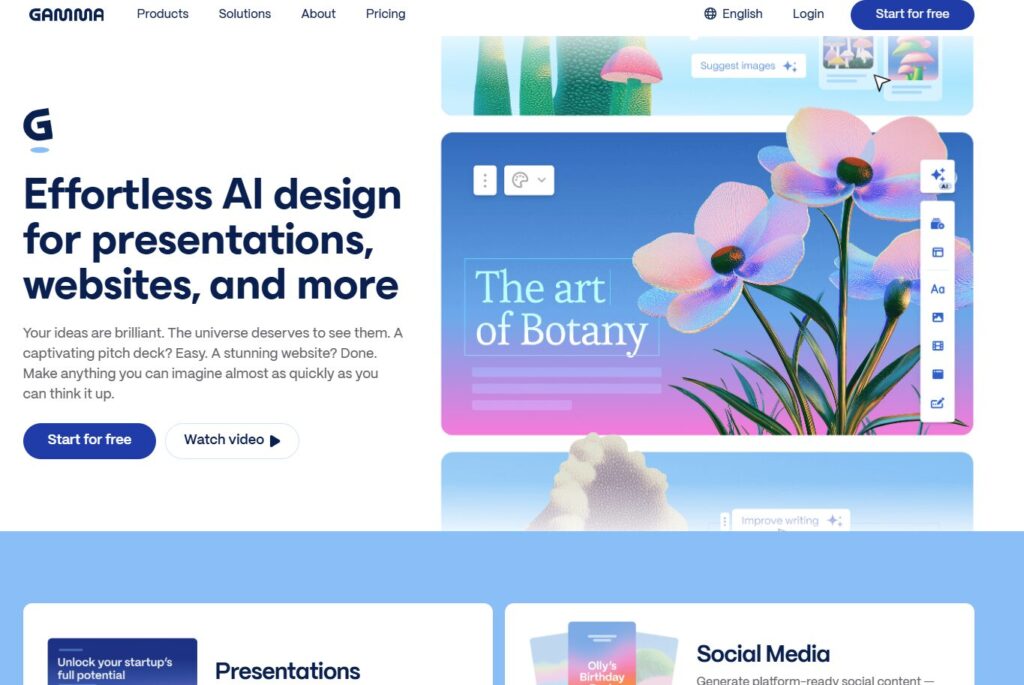
Verdict: Best for presentations Best For: Decks + visual storytelling Price: Free
Pros:
- Beautiful slides
- Fast generation
- Great templates
Cons:
- Limited customization
- Occasional formatting quirks
My Experience: I once spent two hours trying to make a pitch deck look “good enough.” Gamma did it in five minutes. It’s one of the most surprising AI tools for business workflows because it turns ideas into visuals instantly.
Use Cases:
- Presentations
- Reports
- Visual summaries
Bottom Line: A lifesaver for founders who hate making slides.
⭐ 4. Zapier Free Plan
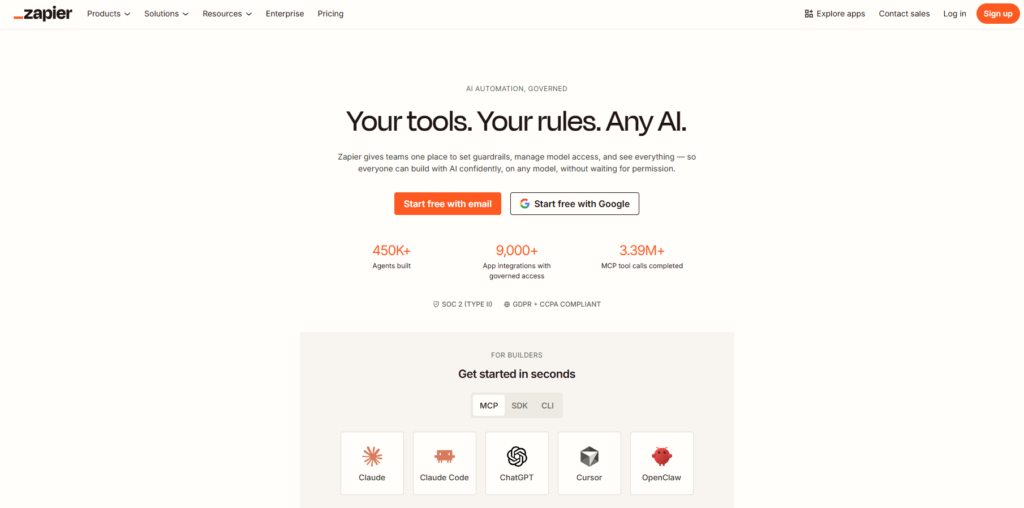
Verdict: Best for simple automations Best For: Connecting apps Price: Free
Pros:
- Easy to use
- Great integrations
- Reliable triggers
Cons:
- Limited tasks
- No multi‑step automations
My Experience: Zapier’s free plan helped me automate a repetitive task that had been slowing me down for months. It’s one of the most practical free AI automation tools because it handles the basics without charging you.
Use Cases:
- Email → Notion
- Form → Spreadsheet
- Notifications
Bottom Line: Perfect for lightweight automations.
⭐ 5. Canva AI (Free Tier)
Verdict: Best for visuals Best For: Social + graphics Price: Free
Pros:
- Great templates
- Fast AI tools
- Easy to use
Cons:
- Limited advanced features
- Occasional rendering issues
My Experience: I once needed a social graphic in five minutes. Canva AI delivered. It’s one of the AI tools to improve work efficiency when you need visuals fast.
Use Cases:
- Social posts
- Thumbnails
- Quick graphics
Bottom Line: The easiest way to create visuals for free.
⭐ 6. ChatGPT Free Tier
Verdict: Best for writing + ideation Best For: Drafts + brainstorming Price: Free
Pros:
- Fast
- Flexible
- Great for rough drafts
Cons:
- Can be generic
- Needs good prompts
My Experience: I used ChatGPT to rewrite a messy email that I couldn’t get right. It saved me from sending something embarrassing. It’s one of the most versatile free AI tools for work when you need a second brain.
Use Cases:
- Emails
- Drafts
- Brainstorms
Bottom Line: A reliable writing companion.
⭐ 7. Tactiq
Verdict: Best for meeting notes Best For: Transcriptions Price: Free
Pros:
- Accurate
- Fast
- Great summaries
Cons:
- Limited export options
- Occasional mishears
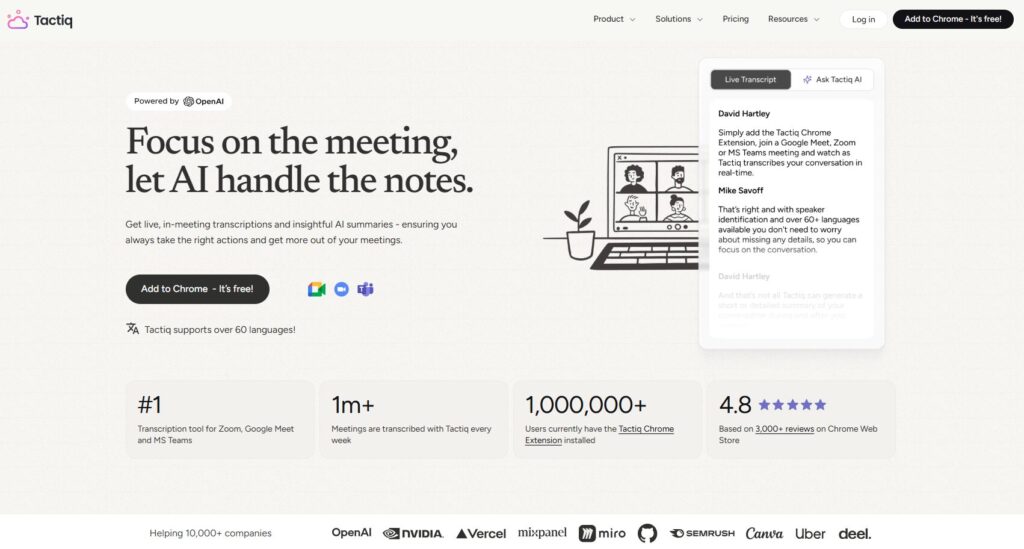
My Experience: Tactiq saved me during a chaotic meeting where I couldn’t take notes. It’s one of the best free AI productivity tools for anyone who lives in Zoom or Google Meet.
Use Cases:
- Meeting notes
- Summaries
- Action items
Bottom Line: A must‑use for remote teams.
⭐ 8. Miro AI (Free Tier)
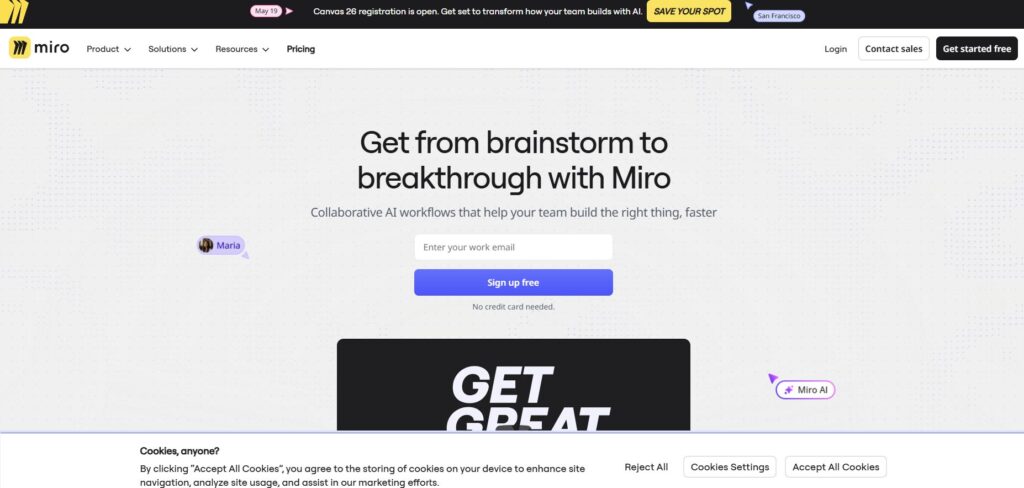
Verdict: Best for brainstorming Best For: Visual thinking Price: Free
Pros:
- Great templates
- Smart suggestions
- Easy collaboration
Cons:
- Limited free boards
- Occasional lag
My Experience: Miro AI helped me map out a content system that had been stuck in my head for weeks. It’s one of the most flexible AI tools for business workflows when you need to think visually.
Use Cases:
- Brainstorms
- Planning
- Mapping
Bottom Line: Perfect for visual thinkers.
⭐ 9. Trello + Butler Automation
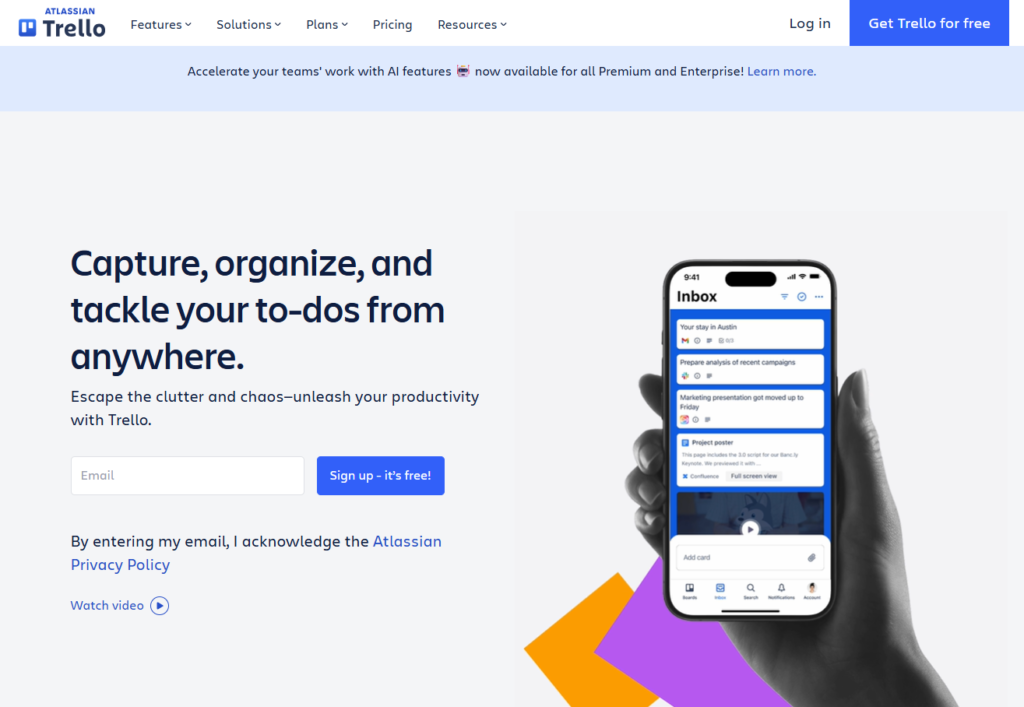
Verdict: Best for task automation Best For: Simple workflows Price: Free
Pros:
- Easy rules
- Great for teams
- Reliable
Cons:
- Limited complexity
- No advanced logic
My Experience: I used Butler to automate a content pipeline that kept breaking. It’s one of the most underrated free AI automation tools because it quietly keeps things moving.
Use Cases:
- Task routing
- Status updates
- Notifications
Bottom Line: A simple but powerful automation layer.
⭐ 10. Loom Free Plan
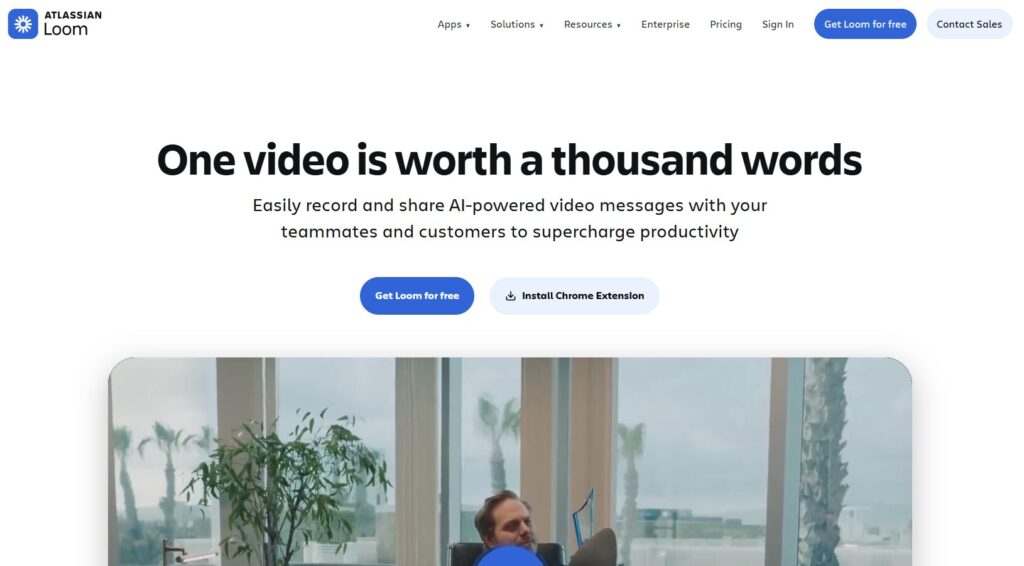
Verdict: Best for quick videos Best For: Async communication Price: Free
Pros:
- Fast
- Clean UI
- Great for teams
Cons:
- Limited recording time
- Watermark
My Experience: I once recorded a quick Loom to explain a workflow, and it saved me from writing a 1,000‑word message. It’s one of the AI tools to improve work efficiency when text isn’t enough.
Use Cases:
- Tutorials
- Updates
- Walkthroughs
Bottom Line: Perfect for fast, clear communication.
By the time I finished testing all these tools, I realized something I wish someone had told me years ago: “free” doesn’t mean “limited.” It doesn’t mean “cheap.” And it definitely doesn’t mean “inferior.” Some of the strongest free AI tools for work I tested were sharper, faster, and more focused than the paid ones. Some even fixed workflows I didn’t realize were broken. And a few of the best free AI productivity tools genuinely changed the way I work — not because they were flashy, but because they removed friction I had been living with for years.
This buyer’s guide is the version I wish existed before I wasted money on subscriptions I didn’t need. Before I spent hours trying to automate something manually. Before I realized how many AI tools for business workflows are already free if you know where to look.
⭐ Buyer’s Guide
1. Look for tools that remove friction, not add features
A lot of tools try to impress you with features. But the best free AI tools for work are the ones that quietly remove friction. If a tool makes you think too much, it’s not helping.
2. Free should still feel powerful
A surprising number of the best free AI productivity tools offer 80% of the value without charging a cent. If a free tool feels crippled, skip it. There are better options.
3. Automation should be predictable
I learned this the hard way. One of the free AI automation tools I tested kept triggering twice and duplicating tasks. I spent an hour cleaning up the mess. Automation should save time — not create chaos.
4. Don’t underestimate simple tools
Some of the most effective AI tools for business workflows are tiny browser extensions or lightweight apps. They don’t try to be everything. They just solve a problem.
5. Choose tools that help you think clearer
The best AI tools to improve work efficiency don’t replace your thinking — they support it. They help you write faster, organize better, and make decisions with less friction.
6. My hard‑learned lesson
One night, I tried to automate a content pipeline using a “free” tool that hid its limits behind a paywall. Halfway through the workflow, it stopped running. I felt stupid for trusting it. That’s when I realized: free is only useful if it’s reliable.
⭐ FAQ
1. What’s the best free AI tool for writing?
Notion AI (free tier) or ChatGPT free tier — both are fast and reliable.
2. What’s the best free tool for research?
Perplexity AI. Nothing else comes close.
3. What’s the best free tool for presentations?
Gamma AI — it turns ideas into slides instantly.
4. What’s the best free automation tool?
Zapier’s free plan — simple but powerful.
5. What’s the best free tool for visual content?
Canva AI — fast, clean, and easy.
6. Are free AI tools safe for business use?
Mostly — but always duplicate important data before testing anything new.
7. Can free tools replace paid ones?
Sometimes. It depends on your workflow.
8. What’s the best free tool for remote teams?
Tactiq — meeting notes without the headache.
⭐ Final Recommendation
If you’re overwhelmed, here’s the simplest way to choose:
- If you need writing help → Notion AI or ChatGPT Free
- If you need research → Perplexity AI
- If you need visuals → Canva AI
- If you need presentations → Gamma AI
- If you need automation → Zapier Free Plan
- If you need meeting notes → Tactiq
Personally, I use a mix. Perplexity for research. Notion AI for cleanup. Zapier for simple automations. Canva AI for visuals. Gamma for slides. These are the free AI tools for work that actually stuck — the ones that became part of my daily rhythm.
And after testing everything, I can tell you this: the best free AI productivity tools aren’t the ones with the most features. They’re the ones that disappear into your workflow. The ones that make your day smoother. The ones that quietly save you hours.
Choose the tools that feel like leverage — not noise.
⭐ Related Guides
AI tools for work: complete guide
⭐ About the Author
I’m Danny, the founder of ToolCompare.ai, and I didn’t plan on becoming the guy who tests dozens of tools just to find the ones that actually work. But I remember the exact moment this topic became personal. I was sitting at my desk late one night, staring at a bloated stack of paid subscriptions I barely used. I felt embarrassed. I felt wasteful. I felt like I had built a workflow that was working against me instead of for me.
So I canceled everything. Every subscription. Every “pro” plan. Every shiny tool I thought I needed. And for the first time in months, I forced myself to rebuild my workflow using only free tools. It was uncomfortable. It was humbling. But it was also freeing. I discovered tools that were sharper than the paid ones. Tools that helped me think clearer. Tools that made me faster without making me poorer.
That week changed the way I build ToolCompare.ai. It reminded me that great tools don’t need a price tag — they just need to solve a real problem. And writing this guide brought me back to that moment, sitting in the dark, deleting subscriptions one by one, realizing I had been paying for complexity instead of clarity.
If this guide helps you avoid even one of the mistakes I made, then it was worth writing.