Best AI Tools for Work (2026)
If there’s one thing I’ve learned running my own business, it’s that AI tools for work aren’t “nice to have” anymore — they’re the backbone of how I stay organized, move faster, and keep the entire operation from collapsing under the weight of tiny tasks. I didn’t come to this conclusion from reading press releases or watching polished demos. I came to it the hard way: by actually using these tools inside my real workflows, where things are messy, unpredictable, and never as simple as the marketing pages make them sound.
Over the past year, I’ve tested dozens of AI tools for work across productivity, operations, admin, and automation. Some tools genuinely made my life easier. Some slowed me down. A few surprised me in ways I didn’t expect. And a handful became so deeply integrated into my day that I now catch myself thinking, “Let me throw this into the AI real quick,” without even realizing I’m doing it.
This guide is built from that lived experience — not theory, not hype. Just me, my workflows, and the AI tools for work that actually helped me get more done with less friction. My goal is simple: help you skip the trial‑and‑error and go straight to the tools that genuinely improve your output.
I’ve tested so many workplace platforms now that I’ve learned exactly where each one fits into a real business workflow. Some of them shine as AI productivity tools, helping me move faster through planning, writing, and day‑to‑day execution. Others work better as AI tools for operations, the kind that streamline processes, reduce bottlenecks, and keep teams aligned without constant oversight. Then you have the more specialized AI admin tools, which quietly handle scheduling, documentation, inbox cleanup, and all the small tasks that normally drain your time. And of course, there are the systems built for AI workflow automation
The ones that connect everything together and keep work flowing even when you’re not paying attention. Over time, I’ve realized the real power comes from choosing the right mix of tools that support the way you work, not the way software companies think you should.
⭐ Let’s dive into the tools that actually earned their place in my daily stack.
🔥 Top AI Tools for Work (2026)
A quick look at the tools I personally tested while building real workflows across writing, organization, planning, and automation.
1. Microsoft Copilot
Best for: everyday productivity Why it wins: writing, summarizing, email, and deep Office integration
2. Notion AI
Best for: knowledge + docs Why it wins: notes, wikis, content generation, and organization
3. ClickUp AI
Best for: project workflows Why it wins: tasks, planning, team ops, and structured output
4. Zapier AI
Best for: automation Why it wins: integrations, triggers, and workflow automation
⭐ Comparison Table: Best AI Tools for Work
| Tool | Best For | Key Features |
|---|---|---|
| Microsoft Copilot | Everyday productivity | Writing, summarizing, email, Office integration |
| Notion AI | Knowledge + docs | Notes, wikis, content generation, organization |
| ClickUp AI | Project workflows | Tasks, planning, team ops, structured output |
| Zapier AI | Automation | Integrations, triggers, workflow automation |
⭐ How I Test AI Tools for Work (My Real Process)
I don’t test AI tools for work in a vacuum. I test them inside the exact workflows that keep my business running — the same workflows that break when a tool overpromises or adds friction. My testing process is built around one simple question: Does this tool actually make my work easier? If the answer isn’t a clear yes, it doesn’t make the list.
1. I test inside real workflows
I run every tool through the same scenarios I deal with daily:
- Writing long‑form content
- Cleaning up messy notes
- Planning projects
- Managing tasks
- Handling admin
- Automating repetitive steps
- Organizing information
- Supporting operations
If a tool can’t survive real‑world chaos, it’s out.
2. I benchmark speed, clarity, and friction
I measure:
- How fast it responds
- How accurate the output is
- How many steps it removes
- Whether it reduces cognitive load
- Whether I actually want to keep using it
A tool that saves me 10 minutes once is fine. A tool that saves me 10 minutes every day is essential.
3. I test across multiple devices
Because real work doesn’t happen in one place. I test on:
- Desktop
- Mobile
- Browser
- App
- Inside other tools
If it breaks on mobile, it’s not a real AI tool for work.
4. I push tools until they fail
I give them:
- Messy prompts
- Half‑finished ideas
- Long documents
- Conflicting instructions
- Real‑world ambiguity
This is where most tools fall apart — and where the best ones shine.
5. I evaluate long‑term usefulness
Some tools impress you on day one but fade fast. Others quietly become part of your workflow.
I only recommend the ones that stick.
⭐ Now that you know how I test, let’s get into the tools that actually earned their spot.
⭐ The Best AI Tools for Work (Full Breakdown)
When I talk about the “best” AI tools for work, I’m not talking about hype or feature lists. I’m talking about the tools that actually survived my real workflows — the ones that helped me write faster, organize better, automate more, and remove friction from my day. These are the AI tools for work that earned their place because they made me more productive, not more overwhelmed.
Below is my full breakdown of the four tools that consistently delivered results.
⭐ Microsoft Copilot
https://www.microsoft.com/en-us/microsoft-copilot
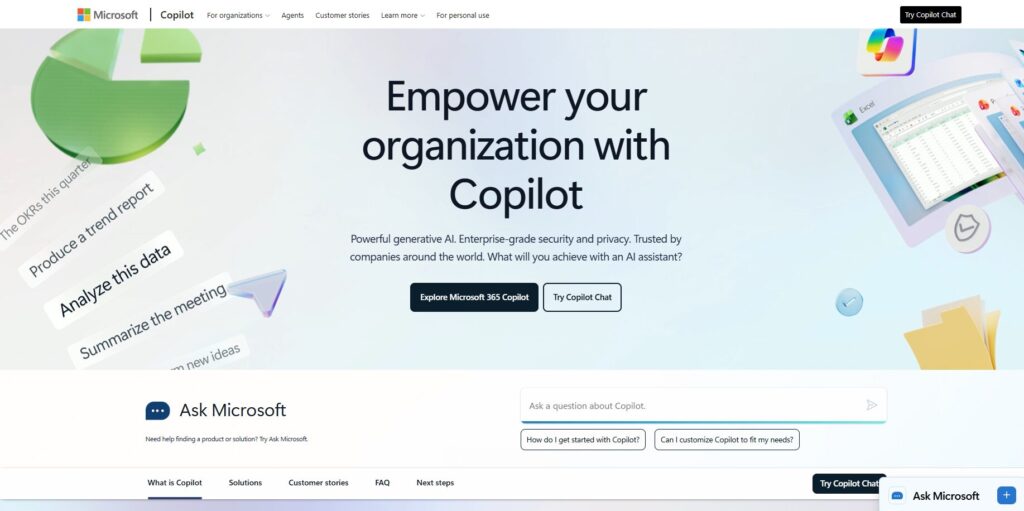
If there’s one tool that surprised me with how quickly it became part of my daily routine, it’s Microsoft Copilot. I didn’t expect it to be this good — but once I started using it inside real workflows, it became one of the most reliable AI tools for work I’ve tested.
Copilot shines because it sits directly inside the tools I already use: Word, Excel, Outlook, Teams, and the browser. I don’t have to switch tabs or copy/paste prompts. I just highlight something, ask Copilot to help, and it does. Whether I’m rewriting an email, summarizing a long document, or generating a first draft of a plan, Copilot removes friction from the process.
What makes Copilot stand out among other AI tools for work is how well it handles context. It understands the structure of documents, the tone of emails, and the formatting of spreadsheets. It’s not perfect, but it’s consistent — and consistency is what makes a tool worth using every day.
Pros
- Deep integration with Microsoft 365
- Great for rewriting, summarizing, and drafting
- Strong at understanding document structure
Cons
- Works best if you’re already in the Microsoft ecosystem
- Can be slow with very large files
- Formatting sometimes needs cleanup
Pricing
Included in Microsoft 365 plans (varies by tier)
Best For
Anyone who lives inside Word, Excel, Outlook, or Teams and wants AI tools for work that blend seamlessly into their existing workflow.
⭐ Notion AI
https://www.notion.so/product/ai
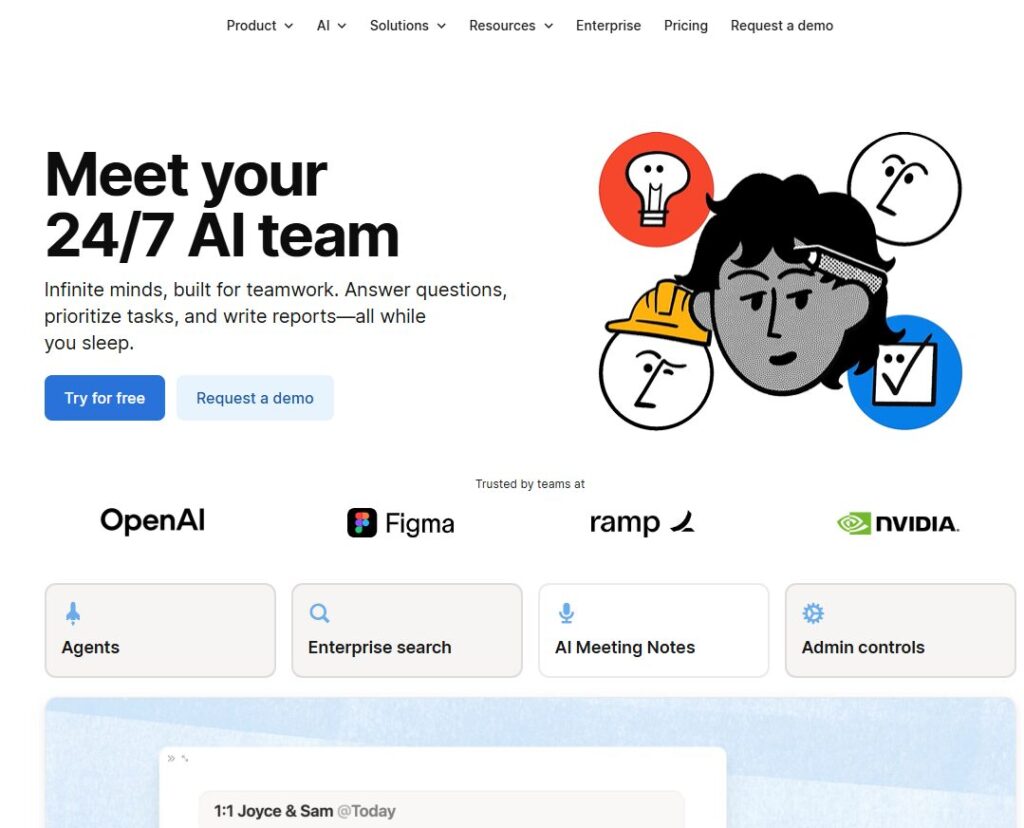
Notion AI is the tool I reach for when I need to think, plan, or organize. It’s not just a writing assistant — it’s a thinking partner. Among all AI tools for work, Notion AI is the one that helps me turn chaos into clarity.
I use it for everything:
- Brainstorming ideas
- Cleaning up messy notes
- Turning bullet points into structured documents
- Creating wikis
- Summarizing meeting notes
- Drafting content
- Organizing research
What makes Notion AI special is how it works inside the Notion workspace. It doesn’t feel like a separate tool — it feels like part of the page. I can highlight anything and instantly transform it. When I’m deep in a project, this saves me a ridiculous amount of time.
Notion AI also excels at long‑form structure. If I give it a rough outline, it can turn it into something polished. If I give it a messy paragraph, it can rewrite it cleanly. It’s one of the most flexible AI tools for work I’ve ever used.
Pros
- Amazing for notes, wikis, and documentation
- Great at structuring messy ideas
- Works seamlessly inside Notion pages
Cons
- Not ideal for highly technical tasks
- Can over‑simplify complex content
- Requires Notion adoption across your workflow
Pricing
Add‑on to Notion plans (monthly fee)
Best For
People who want AI tools for work that help them think, plan, and organize — not just generate text.
⭐ ClickUp AI
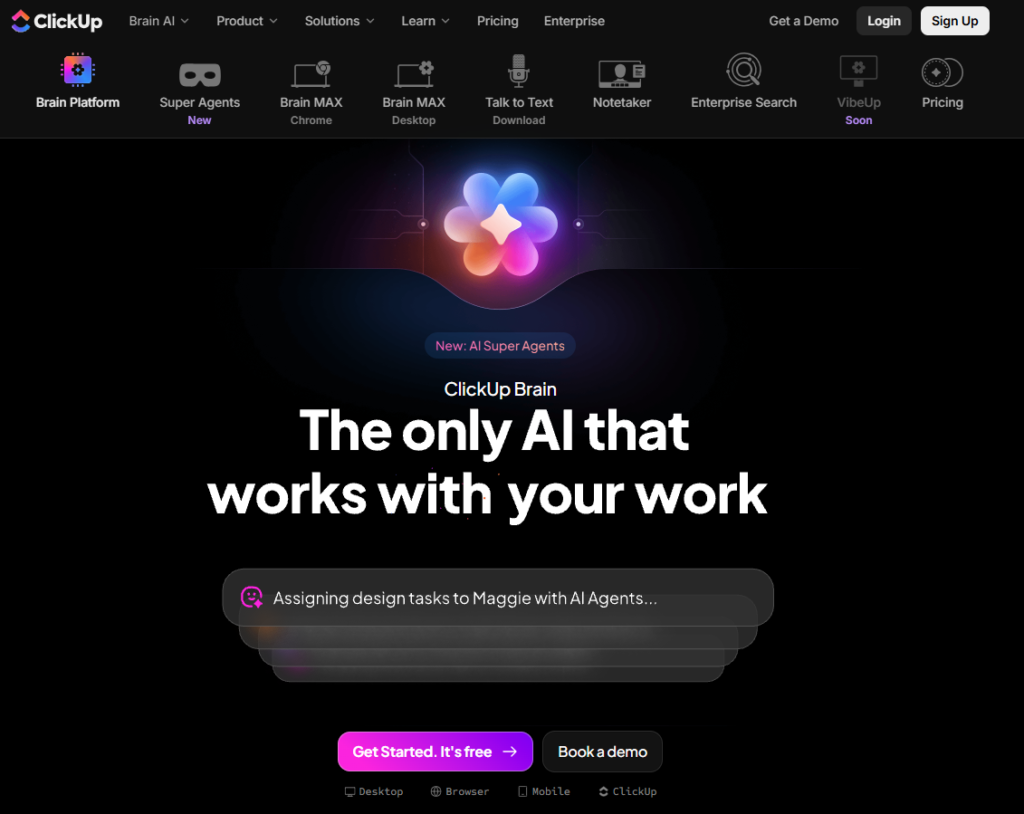
ClickUp AI is the tool I rely on when I need structure, clarity, and operational support. It’s one of the few AI tools for work that actually understands tasks, projects, and workflows — not just text.
I use ClickUp AI for:
- Writing task descriptions
- Creating project plans
- Generating SOPs
- Summarizing updates
- Turning ideas into actionable steps
- Drafting briefs
- Cleaning up team communication
What makes ClickUp AI different is how it blends AI with project management. It doesn’t just write — it organizes. It turns vague ideas into structured tasks. It turns long updates into clear summaries. It turns goals into step‑by‑step plans.
If you run a team or manage complex workflows, this is one of the most valuable AI tools for work you can add to your stack.
Pros
- Great for structured output
- Perfect for teams and operations
- Strong templates for tasks and projects
Cons
- Works best if your whole workflow is in ClickUp
- Can feel heavy for solo users
- Some outputs need manual refinement
Pricing
Available as an add‑on to ClickUp plans
Best For
Teams, operators, and founders who need AI tools for work that turn ideas into organized, actionable workflows.
⭐ Zapier AI
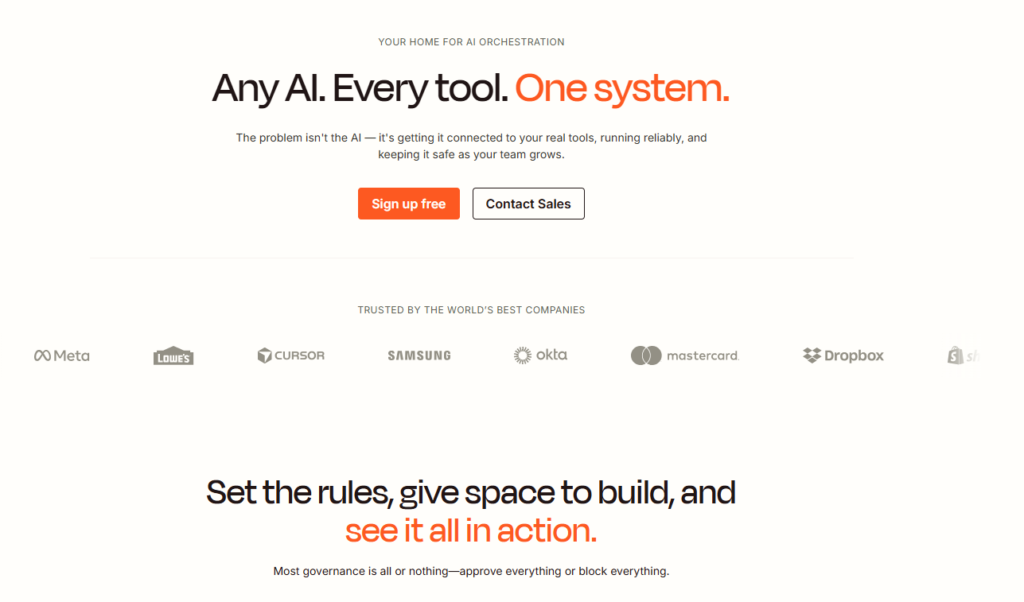
Zapier AI is the automation engine behind almost everything I do. If the other tools help me think, write, and organize, Zapier AI helps me automate. It’s the glue that connects all my apps and removes repetitive tasks from my day.
Zapier AI is one of the most powerful AI tools for work because it doesn’t just automate — it understands intent. I can describe a workflow in plain English, and it builds the automation for me. No triggers, no filters, no complex logic. Just natural language.
I use Zapier AI for:
- Sending data between apps
- Automating notifications
- Cleaning up spreadsheets
- Moving content between tools
- Triggering workflows
- Creating multi‑step automations
- Replacing manual admin tasks
Zapier AI is the tool that gives me back hours every week. It’s not flashy, but it’s essential.
Pros
- Natural‑language automation
- Works with thousands of apps
- Removes repetitive tasks
Cons
- Complex workflows still need manual setup
- Can get expensive at scale
- Requires some testing to avoid errors
Pricing
Tiered plans based on usage
Best For
Anyone who wants AI tools for work that automate the boring stuff and free up time for real work.
⭐ Task‑Based Comparison Table
| Task | Best Tool | Why It Wins |
|---|---|---|
| Writing | Microsoft Copilot | Strong rewriting + summarizing |
| Coding | Microsoft Copilot | Best IDE + Office integration |
| Research | Notion AI | Great for organizing info |
| Business | ClickUp AI | Structured workflows + planning |
| Beginners | Notion AI | Easiest learning curve |
| Speed | Microsoft Copilot | Fastest everyday assistant |
| Accuracy | ClickUp AI | Best structured output |
⭐ How to Choose the Right AI Tools for Work
Choosing the right AI tools for work isn’t about picking the flashiest platform or the one with the longest feature list. It’s about choosing the tool that actually fits the way you work. I’ve made the mistake of forcing tools into my workflow just because they were popular — and every time, it slowed me down instead of speeding me up.
Over time, I’ve learned that choosing the right AI tools for work comes down to a few core principles.
⭐ 1. Start with your real use cases
Don’t start with the tool. Start with the problem. Ask yourself:
- What slows me down?
- What do I repeat every day?
- What do I avoid because it’s annoying?
- What do I wish I could automate?
When I mapped my own friction points, the right AI tools for work became obvious.
⭐ 2. Match the tool to your workflow
If you live in documents → Copilot If you live in notes → Notion AI If you live in tasks → ClickUp AI If you live in automations → Zapier AI
The best AI tools for work are the ones that fit naturally into your existing habits.
⭐ 3. Consider your budget
Some tools are cheap. Some tools are expensive. Some tools look cheap but get expensive fast.
I always ask:
- Will this tool save me more time than it costs?
- Will I use it every day?
- Does it replace something else I’m paying for?
If the answer is yes, it’s worth it.
⭐ 4. Look at the learning curve
A tool is only useful if you actually use it. Some AI tools for work are plug‑and‑play. Others require setup, templates, or training.
I always choose the tool I can start using immediately — not the one that promises the most someday.
⭐ 5. Check integrations
Your AI tools for work should talk to each other. If they don’t, you’ll spend more time fixing problems than solving them.
Zapier AI helps here, but native integrations are always better.
⭐ 6. Prioritize data privacy
This matters more than people realize. I always check:
- Does the tool store my data?
- Does it train on my data?
- Can I delete my data?
- Does it integrate securely with my stack?
If a tool feels sketchy, I don’t use it — no matter how good it looks.
⭐ Pros & Cons Table
| Category Aspect | Pros | Cons |
|---|---|---|
| Productivity | Faster writing, clearer thinking | Can over‑automate or oversimplify |
| Operations | Better structure + workflows | Requires setup + adoption |
| Admin | Saves hours on repetitive tasks | Can break if inputs are messy |
| Automation | Removes manual work | Complex flows need testing |
| Knowledge | Organizes info beautifully | Requires consistent usage |
⭐ FAQ Section
⭐ 1. What are AI tools for work?
AI tools for work are software platforms that help you automate tasks, write faster, organize information, manage operations, and streamline your workflow. I use them to remove friction from my day and stay focused on high‑value work.
2. Which AI tools for work are best for beginners?
Notion AI is usually the easiest place to start. It feels natural, it’s forgiving, and it helps you think through ideas instead of overwhelming you with features.
3. Are AI tools for work expensive?
They can be, but they don’t have to be. I always measure cost against time saved. If a tool saves me an hour a week, it’s worth it. If it saves me nothing, it’s gone.
4. Can AI tools for work replace employees?
No — but they can replace repetitive tasks. I use them to support my work, not replace people. They help me move faster, stay organized, and automate the boring stuff.
5. How do I know if I’m using the right AI tools for work?
If a tool makes your day easier, it’s right. If it adds friction, it’s wrong. The best AI tools for work disappear into your workflow — you barely notice them because they just help.
6. Do AI tools for work require technical skills?
Most don’t. Tools like Copilot, Notion AI, and ClickUp AI are built for everyday users. Zapier AI is slightly more technical, but the natural‑language builder makes it much easier.
7. How many AI tools for work should I use?
I stick to 3–4 core tools. Too many tools create chaos. The right stack creates clarity.
⭐ Final Verdict
After living inside these tools day after day, I’ve realized something I didn’t expect: the right AI tools for work don’t just make me more productive — they change the way I feel about work. I didn’t start using these tools because I wanted to be some hyper‑optimized machine. I started using them because I was tired. Tired of doing the same repetitive tasks. Tired of rewriting the same emails. Tired of drowning in notes, tasks, and admin. Tired of feeling like I was always behind.
And that’s why these AI tools for work matter to me so much. They gave me breathing room again.
Microsoft Copilot became the tool I lean on when my brain is foggy and I need clarity fast. I can hand it a messy paragraph or a long email thread and it gives me back something clean, something usable, something that feels like it came from the version of me who slept eight hours and had a calm morning.
Notion AI became the place where I think. I dump everything in there — half‑formed ideas, scattered notes, random thoughts — and it helps me turn them into something structured. It’s the closest thing I’ve ever had to a second brain, and I rely on it more than I ever expected.
ClickUp AI became the tool that keeps me honest. When I’m overwhelmed, it helps me break things down. When I’m planning something big, it helps me turn ideas into steps. When I’m juggling too much, it helps me see the path forward. It’s one of the few AI tools for work that actually makes me feel more in control.
And Zapier AI… honestly, it’s the quiet hero. It’s the tool that saves me hours without me even noticing. It’s the tool that handles the boring stuff so I can stay focused on the work that actually matters. It’s the tool that makes me feel like I’m running a bigger, more capable operation than I actually am.
When I look at all of these AI tools for work together, what I see isn’t software. I see support. I see leverage. I see the difference between feeling overwhelmed and feeling capable. I see the difference between working all day and actually getting things done.
And that’s why I rely on them. Not because they’re trendy. Not because they’re “the future.” But because they make my day easier. Because they help me show up as the best version of myself. Because they let me focus on the work I actually care about.
If you’re trying to figure out where to start, start with the tool that solves the thing you dread the most. That’s how I built my stack. One pain point at a time. One small win at a time. And over time, these AI tools for work became the foundation of how I operate.
And I mean this honestly: I wouldn’t want to run my business without them.
👉 Related Guides
AI Tools for Work — Complete Guide
AI Tool Comparisons: How to Choose the Right AI Stack (2026)
⭐ About the Author
I’m Danny, the founder of ToolCompare.ai — and someone who has spent years trying to make work feel less chaotic and more intentional. Before this site existed, I was juggling projects, content, operations, and a million tiny tasks that never seemed to end. When AI tools finally became powerful enough to take some of that weight off my shoulders, I went all‑in. I tested everything I could get my hands on — not out of curiosity, but out of necessity.
ToolCompare.ai grew out of that real‑world pressure. I wanted a place where people could get honest, experience‑based guidance on the tools that actually make work easier. Not hype. Not generic summaries. Just the truth from someone who uses these tools every day to stay organized, move faster, and keep the wheels turning.
If you’re trying to build a smoother, smarter workflow — one that actually supports the way you work instead of slowing you down — I’m here to help you find the tools that genuinely make a difference.