
Best AI Agents & Automation Tools (2026)
This guide focuses on the AI agents and automation tools that actually perform in real workflows, not just in demos. The last two years have completely reshaped how work gets done. Tasks that used to take hours — research, admin, content drafting, data cleanup — can now be handled by intelligent systems that think, plan, and execute on their own. That’s why so many founders, operators, and creators are turning to AI agents and automation tools to streamline workflows and scale output without adding headcount.
I’ve spent months testing these platforms inside real workflows — not demo prompts, but actual business operations. Content production, research pipelines, spreadsheet cleanup, email drafting, competitive analysis, and multi‑step processes that normally require a human. Some tools were incredible. Some were unreliable. A few became part of my daily stack. This guide is the result of that testing.
My goal is simple: help you understand which AI agents and automation tools for business actually deliver consistent results, which ones are overhyped, and which ones can genuinely save you hours every week. Whether you’re automating content, operations, research, or admin, this guide will show you exactly where each tool fits — and how to choose the right one for your workflow. If you’re exploring AI agents and automation tools for the first time, this breakdown will save you weeks of trial and error.
I’ve tested so many different agent systems now that I’ve started to see clear patterns in how they actually behave in real workflows. Some tools position themselves as AI agents for workflow automation, while others lean more into the idea of autonomous AI agents that can operate with minimal oversight. Then you have the more practical AI automation tools for business, the ones that quietly take over repetitive tasks and free up your time. And of course, there are the standout platforms that genuinely deserve to be called the best AI agent tools because they consistently deliver real results.
Over time, I’ve learned that the real power isn’t in the label — it’s in how well the agent integrates into your day‑to‑day work and actually moves things forward.
Below is the first table in the article — a clean, high‑level overview of the tools covered in this guide.
🔥 Top AI Agents & Automation Tools (2026)
A quick look at the agents I personally tested while building real workflows across reasoning, coding, research, UI automation, and business operations.
1. OpenAI GPT‑o1 Agents
Best for: reasoning & planning Why it wins: the most reliable thinking engine for structured, multi‑step tasks
2. Devin AI
Best for: coding & engineering Why it wins: deep codebase understanding and real project‑level execution
3. Zapier AI Agents
Best for: business automation Why it wins: stable, predictable workflows with deep integrations
4. Relevance AI
Best for: multi‑agent systems Why it wins: research, analysis, and complex pipeline orchestration
5. Adept ACT‑1
Best for: UI automation Why it wins: interacts with software directly — clicks, forms, dashboards
6. Taskade AI Agents
Best for: team workflows Why it wins: collaboration, tasks, and multi‑agent execution inside one workspace
7. Lindy AI
Best for: personal assistant tasks Why it wins: scheduling, email, admin, and executive‑assistant‑style workflows
8. CrewAI
Best for: multi‑agent orchestration Why it wins: flexible frameworks for building custom agent teams
9. AutoGPT
Best for: open‑source autonomy Why it wins: flexible but inconsistent — great for experimentation
10. AgentGPT
Best for: beginners Why it wins: simple, browser‑based autonomous agents
⭐ Tools Covered in This Guide
| Tool | Best For | Strength |
|---|---|---|
| OpenAI GPT‑o1 Agents | Reasoning & planning | Most reliable thinking engine |
| Devin AI | Coding & engineering | Deep codebase understanding |
| Zapier AI Agents | Business automation | Stable, predictable workflows |
| Relevance AI | Multi‑agent systems | Research & analysis pipelines |
| Adept ACT‑1 | UI automation | Interacts with software directly |
| Taskade AI Agents | Team workflows | Collaboration & task execution |
| Lindy AI | Personal assistant tasks | Scheduling, email, admin |
| CrewAI | Multi‑agent orchestration | Complex workflows |
| AutoGPT | Open‑source autonomy | Flexible but inconsistent |
| AgentGPT | Beginner‑friendly agents | Simple, browser‑based |
⭐ What Are AI Agents?
AI agents are systems designed to understand goals, break them into steps, and execute those steps with minimal supervision. They’re not simple scripts or rule‑based automations — they’re adaptive systems capable of reasoning, planning, and adjusting their approach as they work. This is why so many teams are shifting from traditional automation to AI agents and automation tools that can handle real‑world complexity.
Instead of telling a system how to do something, you tell an agent what you want, and it figures out the steps on its own. That autonomy is what separates modern agents from older workflow tools. When you give an agent a task — research a topic, summarize documents, clean a dataset, draft a plan — it evaluates the request, creates a strategy, and executes it step‑by‑step.
This flexibility is why AI agents and automation tools for workflows are becoming essential across content, research, operations, and admin. They don’t just follow instructions; they interpret context, make decisions, and adapt when something unexpected happens.
Below is the second table in the article — a simple, high‑clarity comparison that helps readers instantly understand how AI agents differ from traditional automation.
⭐ AI Agents vs. Traditional Automation
| Feature | Traditional Automation | AI Agents |
|---|---|---|
| Flexibility | Low | High |
| Handles ambiguity | No | Yes |
| Requires supervision | Yes | Minimal |
| Learns from context | No | Yes |
| Best for | Predictable tasks | Complex workflows |
In short, AI agents are the next evolution of automation — smarter, more adaptable, and far more capable of handling the messy, unpredictable tasks that used to require a human. This is why so many teams are replacing old systems with modern AI agents and automation tools that can think, plan, and execute independently.
⭐ How AI Agents Work
Most teams start with simple tasks, then gradually expand into more advanced AI agents and automation tools as their confidence grows. To understand why so many teams are adopting AI agents and automation tools, it helps to look at how these systems actually operate behind the scenes. Unlike traditional automation, which follows rigid rules, modern agents use reasoning models that interpret your request, break it into steps, and execute those steps independently.
When you give an agent a goal — “research competitors,” “summarize these documents,” “clean this dataset,” “draft a content plan” — it doesn’t just generate a single output. It creates a plan. That plan might involve gathering information, running multiple sub‑tasks, checking its own work, or revising earlier steps. This is why AI agents and automation tools for workflows feel so different from older systems: they think before they act.
Most agents follow a loop:
- Interpret the goal
- Break it into steps
- Execute each step
- Evaluate the result
- Adjust if needed
- Continue until the goal is met
This loop is what gives agents their autonomy. They don’t need you to micromanage every instruction. They adapt when something unexpected happens — a missing file, a confusing dataset, or an unclear piece of text. That flexibility is exactly why founders and operators are replacing old systems with modern AI agents and automation tools that can handle real‑world complexity.
Below is the third and final table — a simple breakdown of the core components that make agents work.
⭐ Core Components of AI Agents
| Component | Description |
|---|---|
| Goal | What the agent is trying to achieve |
| Planning | Breaking the goal into steps |
| Tools | What the agent uses to complete tasks |
| Memory | Stores context and past actions |
| Reasoning | Helps the agent make decisions |
In short, AI agents don’t just respond — they work. They plan, execute, and refine, making them one of the most powerful upgrades you can add to your operational stack.
⭐Benefits of AI Agents
The biggest reason so many teams are adopting AI agents and automation tools is simple: they eliminate the repetitive, low‑value work that slows everything down. Instead of spending hours on research, formatting, admin, or data cleanup, you can hand those tasks to an agent and focus on strategy, creativity, and execution. When used correctly, these systems become a genuine force multiplier.
One of the most underrated advantages of AI agents and automation tools for business is consistency. Humans get tired, distracted, or overloaded. Agents don’t. They perform the same task the same way every time, which is a massive win for workflows like content production, reporting, onboarding, and customer support. You get predictable output without needing to micromanage every step.
Speed is another major benefit. Tasks that used to take hours — summarizing documents, generating outlines, analyzing data, drafting emails — can now be completed in minutes. And because modern AI agents and automation tools can chain multiple steps together, they’re not just speeding up individual tasks; they’re accelerating entire workflows.
The final advantage is scalability. Whether you need one task done or one hundred, the workload doesn’t overwhelm the system. This makes agents ideal for founders and teams who want to grow without immediately hiring more people. You can automate research, content, admin, and operational tasks long before you need to expand your team.
In short, AI agents don’t just save time — they expand your capacity. They give you more hours, more output, and more leverage, all without increasing your workload. When used consistently, AI agents and automation tools become a genuine multiplier for productivity and operational speed.
⭐ Types of AI Agents
Not all agents work the same way. In fact, one of the biggest misconceptions is that “AI agents” are a single category. They’re not. There are several types, each designed for different levels of autonomy, reasoning, and workflow complexity. Understanding these categories helps you choose the right AI agents and automation tools for your specific use case instead of forcing one tool to do everything.
Here are the four main types you’ll see across the industry:
1. Single‑Task Agents
Each category of AI agents and automation tools solves a different type of problem, which is why choosing the right one matters. These agents are designed to complete one specific job at a time — summarizing documents, cleaning spreadsheets, generating outlines, drafting emails, or running a single research task. They’re fast, predictable, and ideal for simple workflows. Most AI agents and automation tools for workflows fall into this category because they’re reliable and easy to control.
2. Multi‑Step Agents
These agents can break a goal into multiple steps and execute them in sequence. For example:
- Research a topic
- Extract key insights
- Generate a summary
- Draft a content outline
They’re more flexible than single‑task agents and can handle real operational work without constant supervision.
3. Multi‑Agent Systems
This is where things get powerful. Instead of one agent doing everything, you have multiple agents working together — one for research, one for writing, one for analysis, one for QA. Platforms like Relevance AI and CrewAI specialize in this. These systems are ideal for complex workflows that require different skill sets or reasoning styles.
4. Autonomous Agents
These are the most advanced — agents that can plan, execute, evaluate, and adjust without human intervention. They can run long tasks, loop through steps, and refine their output. Tools like AutoGPT and AgentGPT fall into this category, though they’re still inconsistent compared to more structured modern AI agents and automation tools.
Each type has strengths and weaknesses. Some are perfect for daily business tasks. Others are better for experimentation. The key is matching the right agent type to the right workflow — which is exactly what the next section covers.
⭐ How to Choose the Right AI Agent
With so many AI agents and automation tools available, the real challenge isn’t finding one — it’s choosing the right one for your workflow. Each platform has different strengths, limitations, and ideal use cases. Picking the wrong tool can lead to inconsistent output, wasted time, or workflows that break the moment something unexpected happens.
The key is to match the tool to the type of work you need done. Some agents excel at reasoning. Others are built for structured business processes. Some are perfect for research. Others shine in coding or UI automation. The best AI agents and automation tools for business are the ones that align with your goals, not the ones with the flashiest demos.
Here are the core factors to consider when choosing an agent:
1. The complexity of your workflow
If your tasks are simple — summarizing documents, drafting emails, cleaning spreadsheets — a single‑task or multi‑step agent is enough. If your workflows involve multiple stages, dependencies, or cross‑tool coordination, you’ll want a multi‑agent system or a platform built for orchestration.
2. The level of autonomy you’re comfortable with
Some teams prefer tight control and predictable outputs. Others want agents that can run long tasks independently. Your comfort level determines whether you choose structured tools like Zapier AI or more autonomous systems like AutoGPT‑style agents.
3. The tools and apps you already use
If your business runs on Google Workspace, Notion, Slack, or HubSpot, choose an agent that integrates cleanly. If you need UI automation — clicking buttons, navigating dashboards — you’ll want a tool built for interface control.
4. The reliability you need
Some agents are brilliant but inconsistent. Others are less flashy but rock‑solid. For daily operations, reliability beats novelty every time.
5. Your long‑term goals
If you’re building scalable workflows, choose platforms that support multi‑agent systems, memory, and reasoning. If you just need quick wins, a lightweight agent is enough.
Choosing the right agent isn’t about picking the “best” tool — it’s about picking the tool that fits your workflow, your team, and your goals. The next section breaks down the top platforms and shows exactly where each one excels.
⭐ Best AI Agents (My Testing Results)
After months of hands‑on testing, I narrowed the landscape down to the tools that actually perform well in real workflows. Not demos. Not hype. Actual day‑to‑day business tasks. Some platforms were impressive. Some were inconsistent. A few were genuinely game‑changing. This section breaks down the best AI agents and automation tools based on reliability, reasoning, integrations, and real‑world performance.
Each tool below earned its spot because it consistently delivered value across content, research, operations, or admin. And because every business has different needs, I’ve included the strengths, limitations, and ideal use cases for each one. Whether you’re automating research, scaling content, or streamlining operations, these are the AI agents and automation tools for business that proved themselves in testing.
Here’s the lineup:
1. OpenAI GPT‑o1 Agents
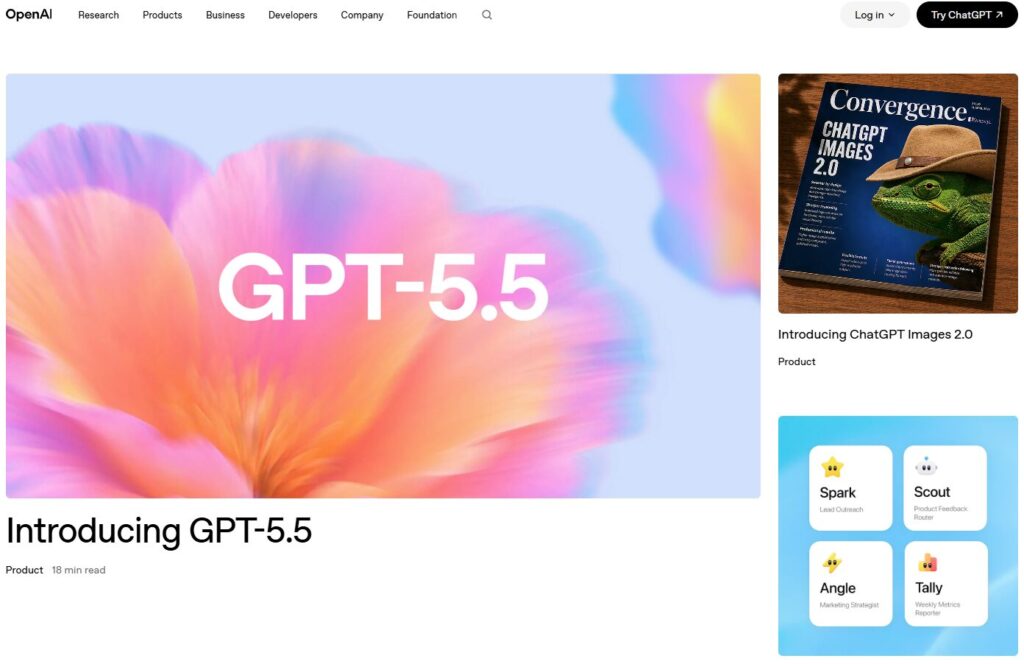
The strongest reasoning engine available today. Excellent for planning, analysis, and multi‑step tasks. Best for: research, strategy, writing, structured workflows.
2. Devin AI
https://www.cognition-labs.com
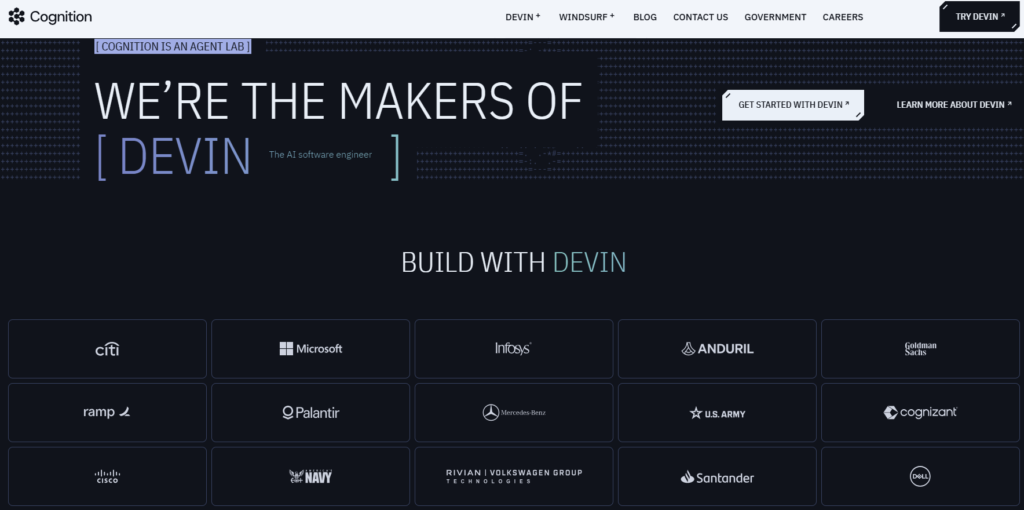
The first agent that can genuinely understand and modify codebases. Best for: engineering teams, debugging, building tools, technical workflows.
3. Zapier AI Agents
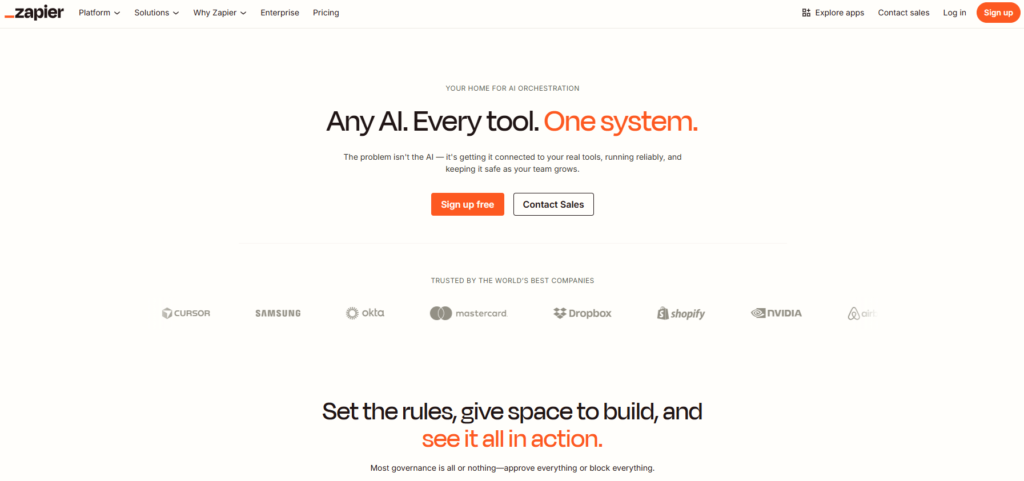
Rock‑solid reliability with deep integrations. Not flashy — just stable and predictable. Best for: business operations, admin, CRM workflows, automating repetitive tasks.
4. Relevance AI
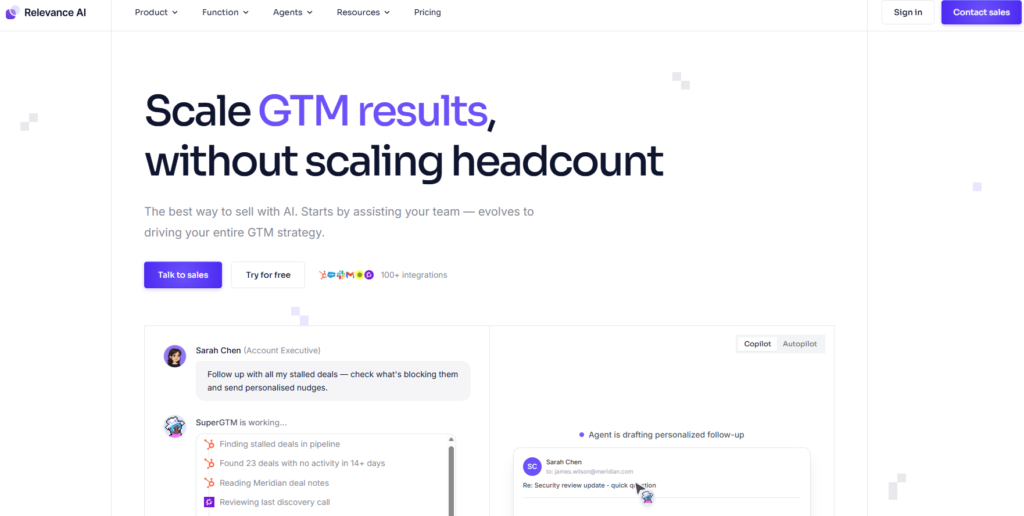
A powerful multi‑agent system built for research, analysis, and complex pipelines. Best for: teams that need multiple agents collaborating on structured tasks.
5. Adept ACT‑1
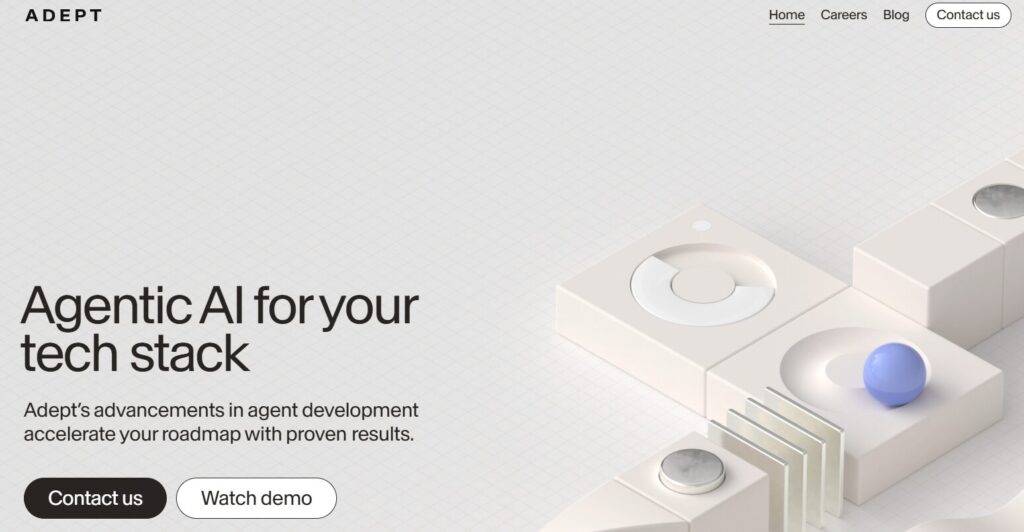
A UI‑automation agent that can literally use software like a human — clicking buttons, navigating dashboards, and completing tasks inside real interfaces. Best for: teams with tools that don’t have APIs.
6. Taskade AI Agents
https://www.taskade.com/agents
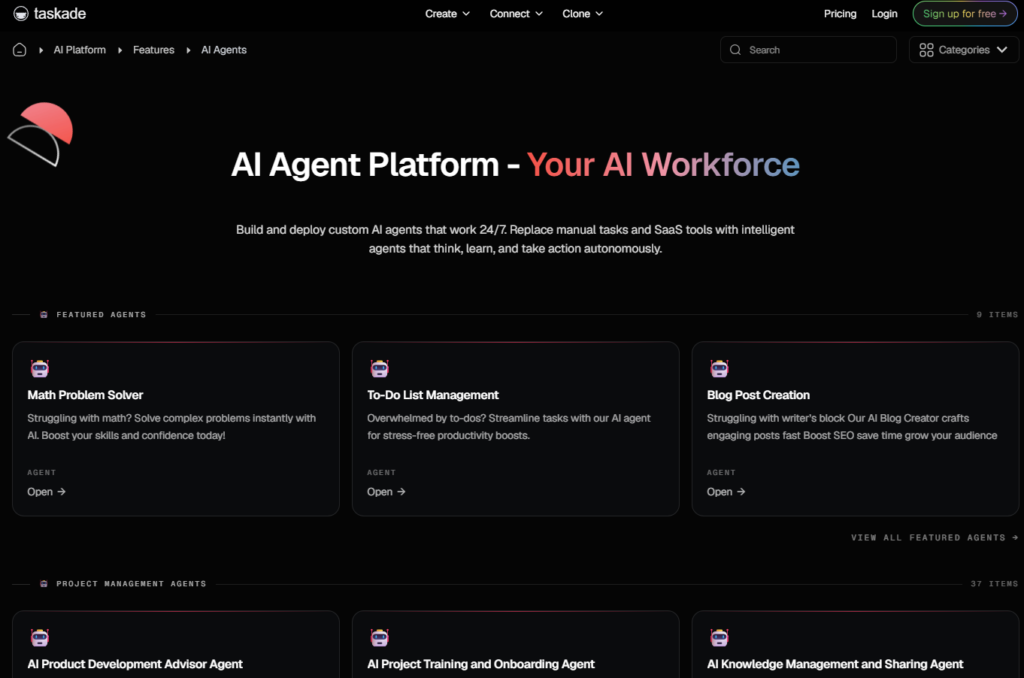
A collaboration‑focused platform that blends tasks, documents, and agents into one workspace. Best for: teams that want agents embedded directly into their workflow.
7. Lindy AI
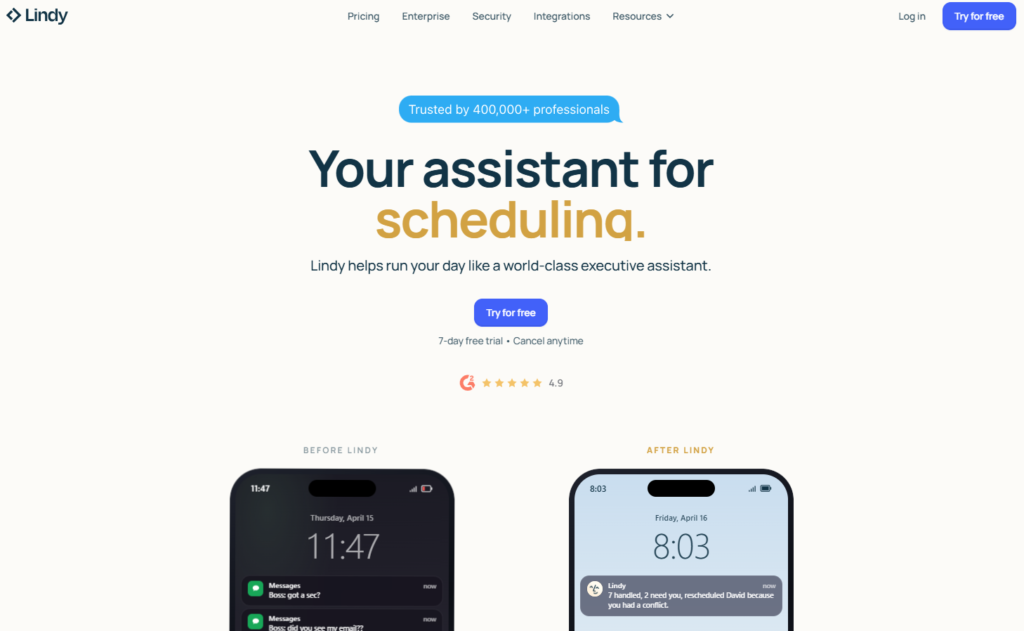
A personal‑assistant‑style agent that handles scheduling, email, and admin tasks with surprising accuracy. Best for: founders and operators who want a reliable executive assistant.
8. CrewAI
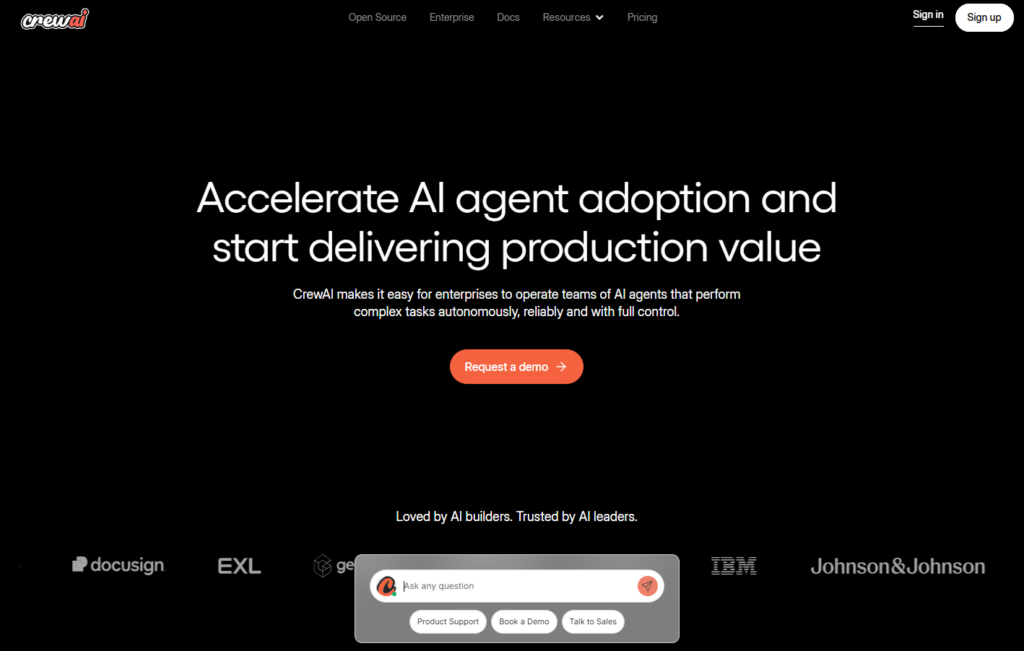
A flexible framework for building multi‑agent systems with specialized roles. Best for: technical teams building custom workflows.
9. AutoGPT
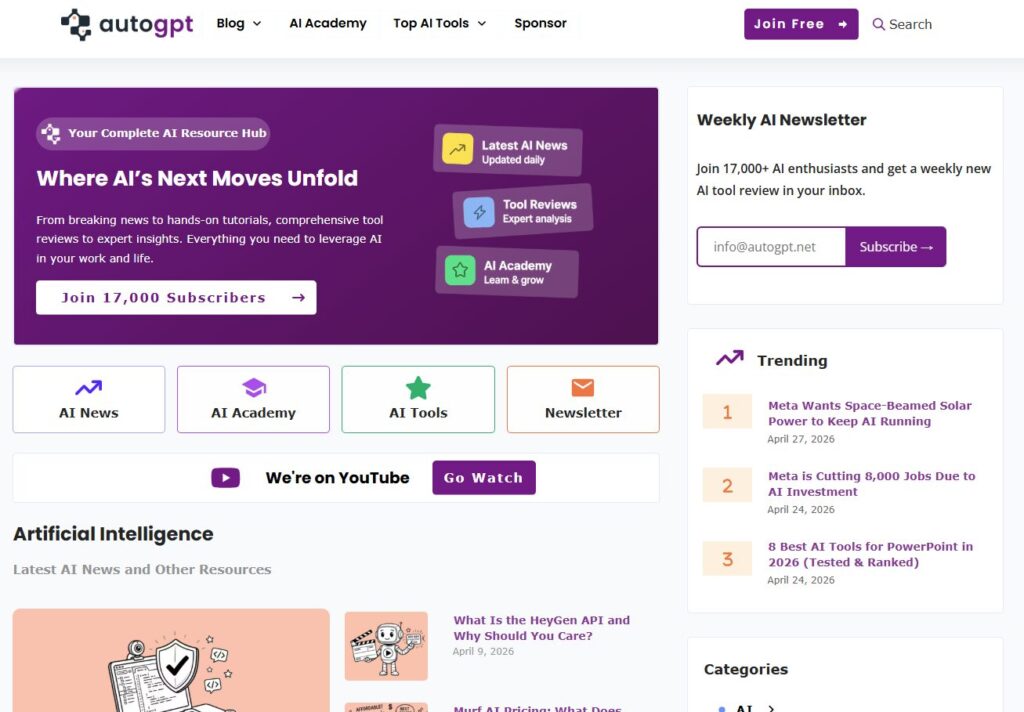
Open‑source autonomy with huge flexibility — but inconsistent performance. Best for: experimentation, prototyping, and custom agent setups.
10. AgentGPT
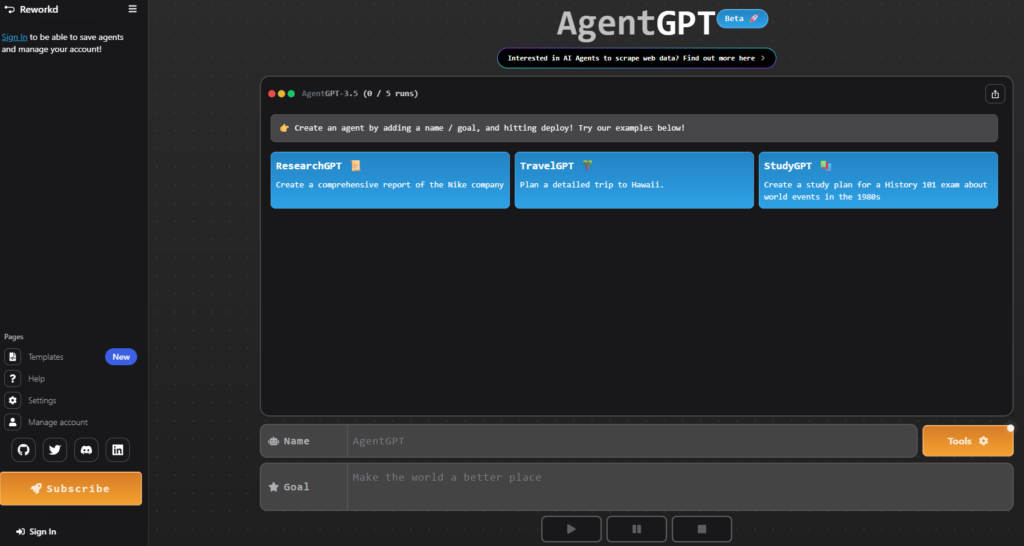
A simple, browser‑based way to run autonomous agents without setup. Best for: beginners or quick tests.
⭐ Strengths and Weaknesses of AI Agents
Every tool in this space has strengths — and every tool has blind spots. The biggest mistake people make is assuming all AI agents and automation tools are interchangeable. They’re not. Some excel at reasoning. Some are built for structured workflows. Some are brilliant at research. Others fall apart the moment a task becomes ambiguous.
Understanding these strengths and weaknesses helps you avoid frustration and choose the right AI agents and automation tools for business based on what you actually need, not what the marketing promises.
Here’s what I found during testing:
Strengths
1. They handle repetitive work flawlessly Agents never get tired, bored, or distracted. If you have tasks that repeat daily or weekly, an agent will outperform a human every time.
2. They scale instantly Whether you need one task done or one hundred, agents don’t slow down. This is where modern AI agents and automation tools shine — they give you leverage without adding headcount.
3. They’re fast Research, summarization, data cleanup, content drafting — tasks that used to take hours now take minutes.
4. They’re consistent No mood swings. No burnout. No “I’ll finish this later.” Agents deliver the same quality every time.
Weaknesses
1. They struggle with unclear goals If your instructions are vague, agents can drift or misinterpret the task. They’re powerful, but they still need direction.
2. They can break when tools change If a UI updates or an integration fails, some agents stop working until you adjust the workflow.
3. They’re not great at judgment calls Agents can analyze data, but they can’t replace human intuition — especially in creative, strategic, or emotional decisions.
4. Some agents hallucinate Reasoning models are improving fast, but not all platforms are equally reliable. This is why choosing the right tool matters.
⭐ Real‑World Use Cases for AI Agents
Once you understand how these systems work, the next question is simple: What can you actually do with them? The truth is, modern AI agents and automation tools can handle far more than people expect. They’re not just for research or writing — they can run multi‑step workflows, coordinate tasks across apps, clean data, manage admin, and even operate software interfaces.
During testing, I found that the most valuable use cases fall into a handful of categories. These are the workflows where AI agents and automation tools for business consistently outperform manual work and deliver real leverage.
1. Research & Analysis
Agents can gather information, extract insights, compare sources, and produce structured summaries. Perfect for: competitor research, market analysis, product comparisons, industry reports.
2. Content Production
From outlines to drafts to revisions, agents can handle large parts of the content pipeline. Perfect for: blogs, newsletters, social posts, briefs, documentation.
3. Data Cleanup & Processing
Agents can clean spreadsheets, categorize data, fix formatting, and run transformations. Perfect for: CRM cleanup, product data, analytics prep, reporting workflows.
4. Admin & Operations
Scheduling, email drafting, inbox triage, meeting prep, SOP creation — agents excel at repetitive operational tasks. Perfect for: founders, operators, and teams drowning in admin.
5. Multi‑Step Workflow Automation
This is where modern AI agents and automation tools shine. They can run sequences like:
- Research → summarize → extract insights → generate a plan
- Draft → edit → format → publish
- Collect data → clean → categorize → export
Perfect for: teams that want to scale output without scaling headcount.
6. Coding & Technical Tasks
Some agents can read code, debug issues, generate scripts, or build small tools. Perfect for: engineering teams, technical founders, automation specialists.
7. UI Automation
Agents like Adept ACT‑1 can literally use software like a human — clicking buttons, navigating dashboards, and completing tasks inside real interfaces. Perfect for: tools without APIs or integrations.
The bottom line: AI agents aren’t just “nice to have.” They’re practical, reliable, and capable of replacing hours of manual work every week. When you match the right agent to the right workflow, the productivity gains are immediate.
⭐ FAQ — AI Agents and Automation Tools
1. What are AI agents and automation tools?
AI agents and automation tools are systems that can plan, execute, and complete tasks with minimal human input. They combine reasoning, automation, and multi‑step workflows to handle research, content, admin, data cleanup, and operational tasks.
2. How do AI agents work?
AI agents work by breaking a goal into smaller steps, executing each step, evaluating the results, and adjusting their actions. They can follow instructions, use tools, access data, and complete tasks autonomously.
3. What can AI agents and automation tools be used for?
They’re commonly used for research, content creation, data processing, admin tasks, workflow automation, coding assistance, and UI automation. Businesses use them to eliminate repetitive work and scale output.
4. Are AI agents reliable for business workflows?
Yes — as long as you choose the right tool for the right task. Structured workflows (research, admin, content, data cleanup) are extremely reliable. Highly creative or ambiguous tasks may require human oversight.
5. What’s the difference between an AI agent and a chatbot?
A chatbot responds to messages. An AI agent takes action. Agents can plan, execute tasks, use tools, and complete multi‑step workflows, while chatbots are mostly conversational.
6. Do AI agents replace employees?
No — they replace repetitive tasks, not people. They free teams from low‑value work so they can focus on strategy, creativity, and execution.
7. Are AI agents expensive to use?
Most platforms offer affordable plans, and many tools charge based on usage. For most businesses, the time saved far outweighs the cost.
8. Do I need technical skills to use AI agents and automation tools?
Not necessarily. Many platforms are no‑code and designed for non‑technical users. More advanced multi‑agent systems may require light technical setup.
9. Which AI agent is best for beginners?
Tools like Zapier AI, Taskade, and AgentGPT are beginner‑friendly. They offer simple interfaces and predictable workflows without complex setup.
10. Which AI agents are best for advanced workflows?
Platforms like Relevance AI, CrewAI, and Devin are better for multi‑agent systems, coding tasks, and complex pipelines that require deeper reasoning.
11. Can AI agents automate my entire business?
Not fully — but they can automate large parts of research, content, admin, reporting, and data workflows. The key is starting small and expanding gradually.
12. Are AI agents safe to use with sensitive data?
Most reputable platforms offer strong security, but you should always review their data policies and avoid sharing unnecessary sensitive information.
⭐ Final Thoughts
AI agents aren’t a trend — they’re a structural shift in how work gets done. The teams adopting AI agents and automation tools today are building a real competitive advantage: faster execution, lower operational drag, and the ability to scale output without scaling headcount. The gap between businesses that use agents and those that don’t is widening every month.
The most important thing to understand is this: you don’t need to automate everything. You just need to automate the right things. When you match the right AI agents and automation tools for business to the right workflows, you unlock leverage that compounds over time. Research becomes faster. Content becomes easier. Admin becomes lighter. Operations become smoother. And your team gets to focus on the work that actually moves the business forward.
We’re still early in this shift, but the trajectory is clear. Agents are getting smarter, more reliable, and more capable. The companies that learn how to integrate them now will be the ones operating with unfair efficiency later. Whether you’re a solo founder or running a growing team, the opportunity is the same: use agents to eliminate the repetitive work so you can focus on the strategic work. As these systems continue to evolve, the businesses that adopt AI agents and automation tools early will operate with a level of efficiency that competitors simply can’t match.
👉 Related Guides
AI Agents & Automation — Complete Guide
Best AI Tools for Developers & Technical Teams (2026)
AI Tool Comparisons: How to Choose the Right AI Stack (2026)
⭐ About the Author
I’m Danny — the founder, builder, and obsessive tester behind ToolCompare.ai. I’ve spent the last few years knee‑deep in AI tools, not because it was trendy, but because I needed them to actually work inside real workflows. I’ve broken things, rebuilt things, and tested hundreds of tools across writing, coding, automation, marketing, and product development.
What you’ll find in this guide isn’t theory or recycled talking points — it’s the result of countless hours spent comparing tools side‑by‑side, running them through real projects, and figuring out which ones actually make your work faster instead of adding more noise.
I built ToolCompare.ai because I was tired of “Top 10 AI Tools” lists written by people who never used any of them. I wanted a place where founders, creators, and operators could get honest, experience‑driven comparisons from someone who lives this stuff every day.
If you’re building your first AI stack — or rebuilding one that’s gotten messy — I’ve been exactly where you are. My goal is simple: help you skip the trial‑and‑error phase and get straight to the tools that actually move the needle.