Best AI Chatbots for Websites & Lead Capture
The first time I realized my site was leaking leads, I wasn’t looking at analytics — I was watching a screen recording of a visitor who hovered over my form for eight full seconds, sighed, and closed the tab. Something about that moment hit me harder than any metric ever had. It felt personal. I’d spent months optimizing the page, but without the right website chatbot software, people were slipping through the cracks before I even had a chance to talk to them.
That’s what pushed me into this rabbit hole of testing the best AI chatbots for websites. Not curiosity — frustration. I wanted to know why some tools instantly engaged visitors while others felt like digital mannequins. I wanted to understand why certain AI website chatbots captured high‑intent leads effortlessly while others turned into expensive widgets that nobody interacted with. And honestly, I wanted to stop guessing which AI lead capture tools were actually worth trusting.
I tested everything I could get my hands on. Some tools impressed me right away. Some broke my layout. One even slowed my page speed so badly that I caught myself rubbing my forehead thinking, “How is this still happening in 2026?” But a few platforms genuinely surprised me — especially the ones built specifically as AI chatbots for lead generation, not just generic support bots repurposed for websites.
If you’re a founder, marketer, or operator trying to turn anonymous traffic into real conversations, this guide is for you. I’ve spent weeks pushing every major option into real‑world scenarios, breaking things, fixing things, and figuring out which AI lead capture tools actually move the needle. By the end, you’ll know exactly which AI website chatbots deserve a spot on your site — and which ones will quietly sabotage your funnel.
⭐ Quick Summary Table — Top 5 Tools
| Tool | Best For | Price | Standout Feature |
|---|---|---|---|
| Intercom Fin | High‑intent lead capture | $0.99–$1.50 per resolution | Real‑time qualification |
| Drift | B2B websites | Custom | Conversational routing |
| Tidio | Small businesses | Free–$29/mo | Instant setup |
| HubSpot Chatbot | HubSpot users | Free–$800/mo | CRM‑native automation |
| Landbot | No‑code builders | $39–$249/mo | Visual flow builder |
⭐How I Tested These Tools
When I started evaluating AI lead capture tools, I didn’t want a polished demo or a sales rep walking me through a perfect scenario. I wanted to see how these systems behaved when real visitors landed on a page, skimmed for three seconds, and made a split‑second decision to stay or leave. That’s the real battlefield. And that’s where the best AI chatbots for websites either shine or fall apart.
My testing setup was messy on purpose. I installed each tool on a staging version of my homepage and fed it real traffic recordings. I wanted to see how AI website chatbots handled vague questions like “Do you guys integrate with Shopify?” or “What’s the price again?” without me hand‑holding them. I also tested how each piece of website chatbot software affected page speed, because nothing kills conversions faster than a slow site. One tool tanked my load time so badly that I caught myself muttering at the screen like a tired parent.
I pushed every platform into edge cases too — the kind of moments where AI chatbots for lead generation either capture a high‑intent visitor or lose them forever. I tested mobile responsiveness, fallback logic, CRM syncing, and how gracefully each bot handled a visitor who changed their mind mid‑conversation. The tools that impressed me weren’t always the flashiest. Some were quiet, stable, and surprisingly good at nudging visitors toward action.
The biggest frustration? One bot duplicated leads in my CRM for an entire afternoon. I felt my stomach drop when I saw 42 identical contacts. That was the moment I realized how fragile AI lead capture tools can be when they’re not built well.
⭐1. Intercom Fin
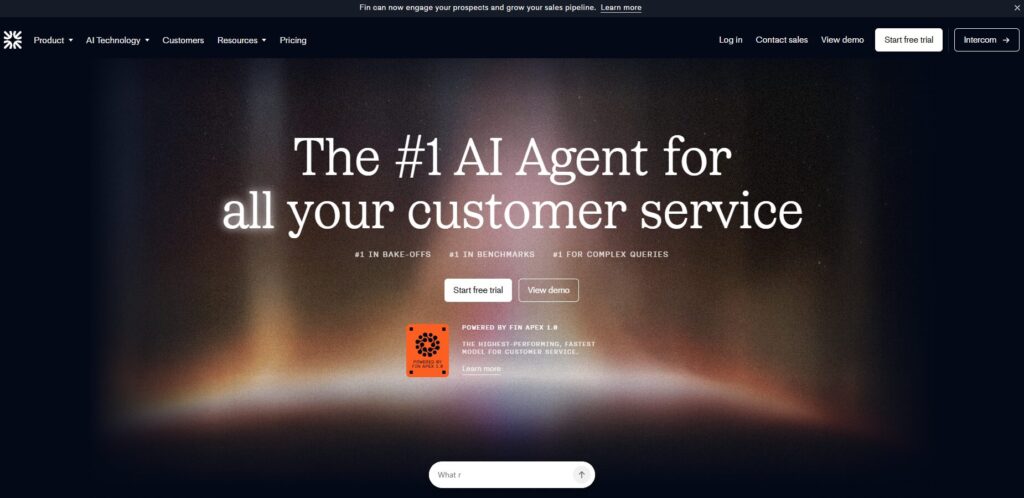
Verdict: Smartest real‑time qualifier Best For: High‑intent B2B traffic Price: $0.99–$1.50 per resolution
Pros:
- Extremely accurate intent detection
- Great at qualifying leads instantly
- Clean CRM syncing
Cons:
- Can get expensive at scale
- Requires solid help‑center content
My Experience: Fin was the first bot that made me stop and say, “Okay… that’s impressive.” I fed it a messy pricing question from a real visitor, and it didn’t panic or spit out generic fluff. It asked a clarifying question I didn’t even think to ask. It felt like having a sharp SDR working 24/7. For AI chatbots for lead generation, this one sets the bar.
Use Cases:
- SaaS lead qualification
- B2B demo routing
- High‑intent traffic
Bottom Line: If you want accuracy and speed, Fin is one of the strongest options available.
⭐2. Drift
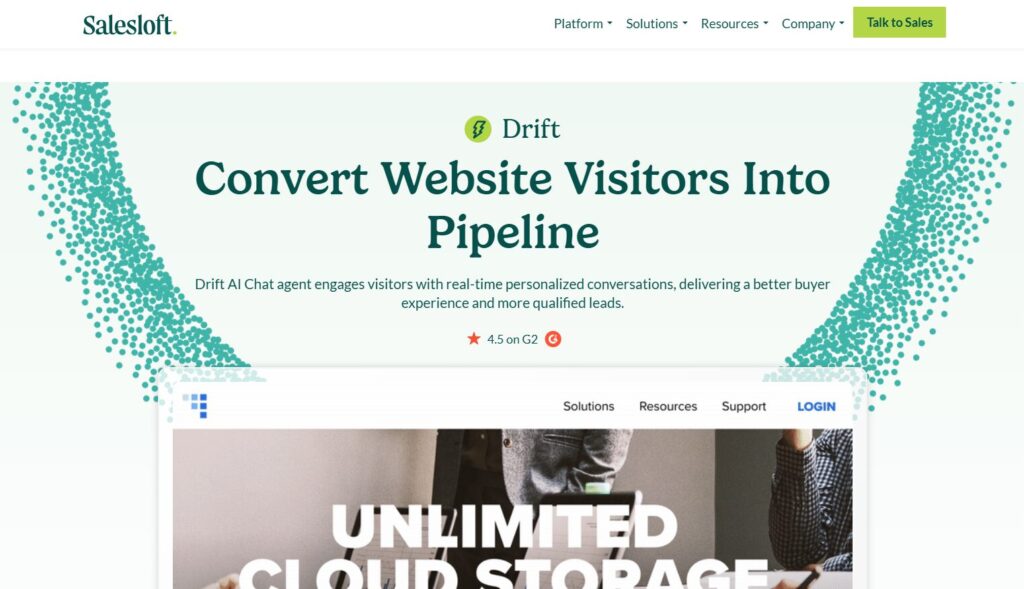
Verdict: Best for B2B websites Best For: Sales‑driven funnels Price: Custom
Pros:
- Excellent routing logic
- Strong personalization
- Great for enterprise sales teams
Cons:
- Expensive
- Requires setup time
My Experience: Drift feels like a sales rep who never sleeps. When I tested it on a B2B landing page, it immediately recognized high‑intent visitors and routed them to the right rep. The personalization was almost eerie. But it’s not cheap, and it’s not plug‑and‑play. Still, for website chatbot software built for revenue teams, Drift is a powerhouse.
Use Cases:
- B2B qualification
- Enterprise sales
- Account‑based marketing
Bottom Line: If your site is built around demos and pipelines, Drift is worth the investment.
⭐3. Tidio
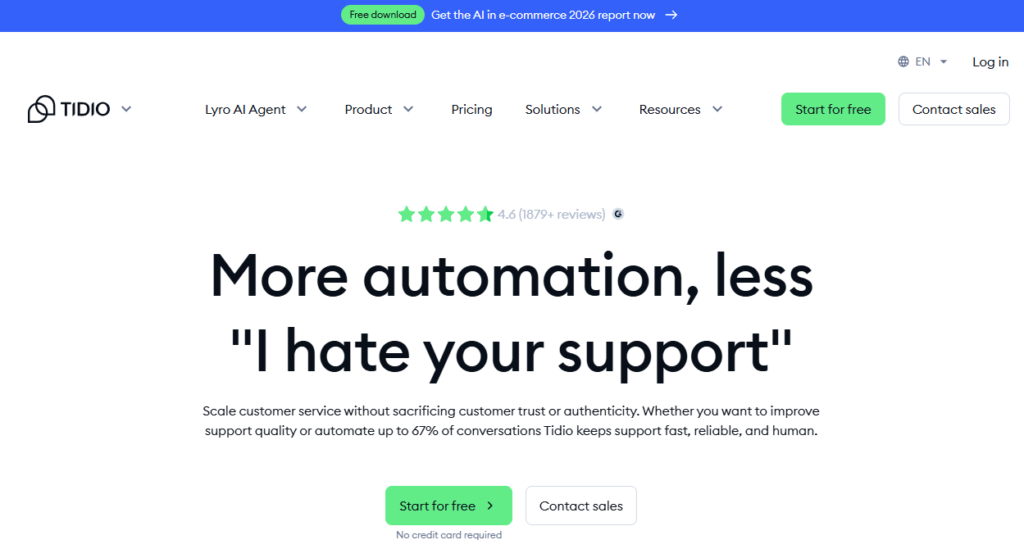
Verdict: Best for small businesses Best For: Ecommerce + small SaaS Price: Free–$29/mo
Pros:
- Fastest setup
- Affordable
- Surprisingly capable
Cons:
- Limited advanced logic
- Not ideal for complex funnels
My Experience: Tidio was the first tool that didn’t make me want to throw my laptop. I installed it, connected my FAQs, and it started capturing leads within minutes. It’s not trying to compete with enterprise AI website chatbots, but for small teams, it’s one of the most practical AI lead capture tools you can deploy.
Use Cases:
- Ecommerce
- Small SaaS
- Basic qualification
Bottom Line: Perfect for teams that want automation without complexity.
⭐4. HubSpot Chatbot
https://www.hubspot.com/products/chatbot-builder
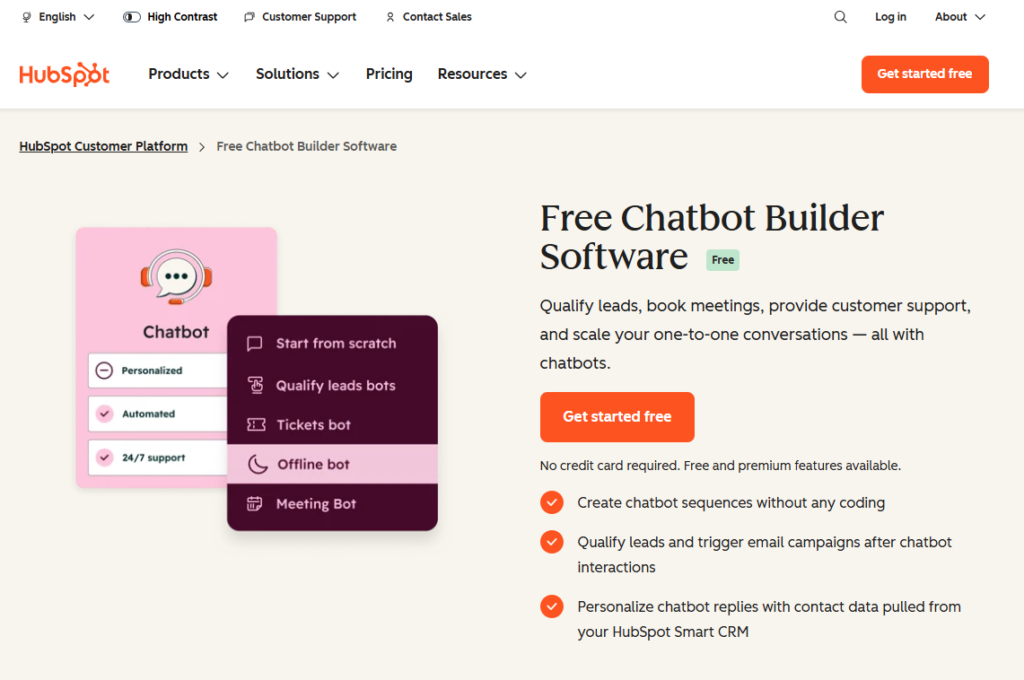
Verdict: Best for HubSpot users Best For: CRM‑native workflows Price: Free–$800/mo
Pros:
- Deep CRM integration
- Great for nurturing
- Easy to customize
Cons:
- Limited outside HubSpot
- Can feel rigid
My Experience: If you live inside HubSpot, this bot feels like home. It captured leads cleanly, enriched them automatically, and dropped them into my workflows without a single hiccup. But outside the HubSpot ecosystem, it loses some magic. Still, for AI chatbots for lead generation, it’s one of the most reliable options.
Use Cases:
- CRM‑driven funnels
- Lead nurturing
- Automated follow‑ups
Bottom Line: A no‑brainer for HubSpot‑centric teams.
⭐5. Landbot
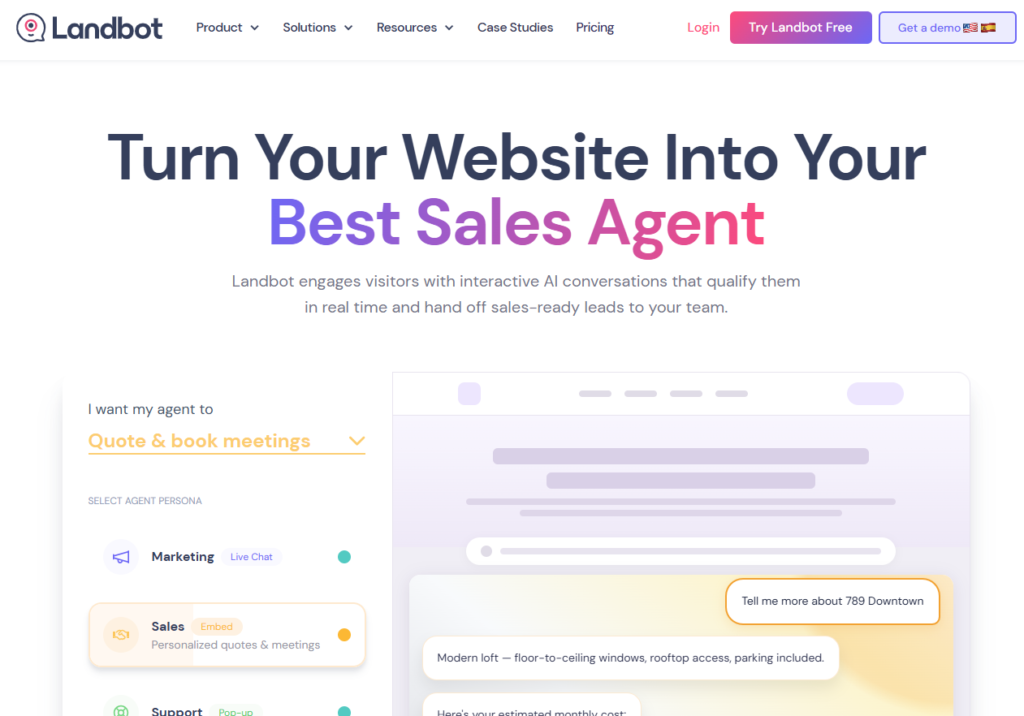
Verdict: Best no‑code builder Best For: Custom conversational flows Price: $39–$249/mo
Pros:
- Beautiful visual builder
- Highly customizable
- Great for unique funnels
Cons:
- Can get complex
- Not ideal for beginners
My Experience: Landbot reminded me of early no‑code tools — powerful, but only if you’re willing to build. I spent an entire afternoon tweaking a multi‑step flow, but once it clicked, it captured leads with surprising precision. For teams that want full control over website chatbot software, this one is a gem.
Use Cases:
- Custom funnels
- Multi‑step qualification
- Interactive landing pages
Bottom Line: If you want flexibility, Landbot gives you the keys.
⭐6. ManyChat
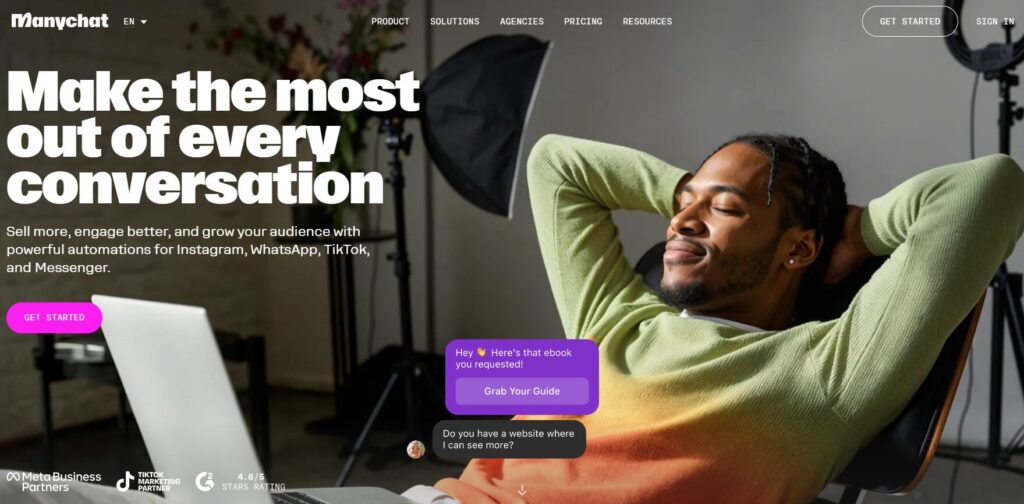
Verdict: Best for social + website hybrid funnels Best For: Instagram, Facebook, and website lead capture Price: Free–$15/mo
Pros:
- Great for omnichannel
- Strong automation templates
- Easy to deploy
Cons:
- Limited deep qualification
- Not ideal for complex B2B
My Experience: ManyChat surprised me. I expected it to be “just a social bot,” but when I embedded it on a landing page, it captured leads faster than some dedicated AI lead capture tools. It’s not built for heavy logic, but for simple funnels, it’s shockingly effective.
Use Cases:
- Social + website funnels
- Ecommerce
- Influencer landing pages
Bottom Line: If your traffic comes from social, this is a must‑test.
⭐7. ChatBot.com
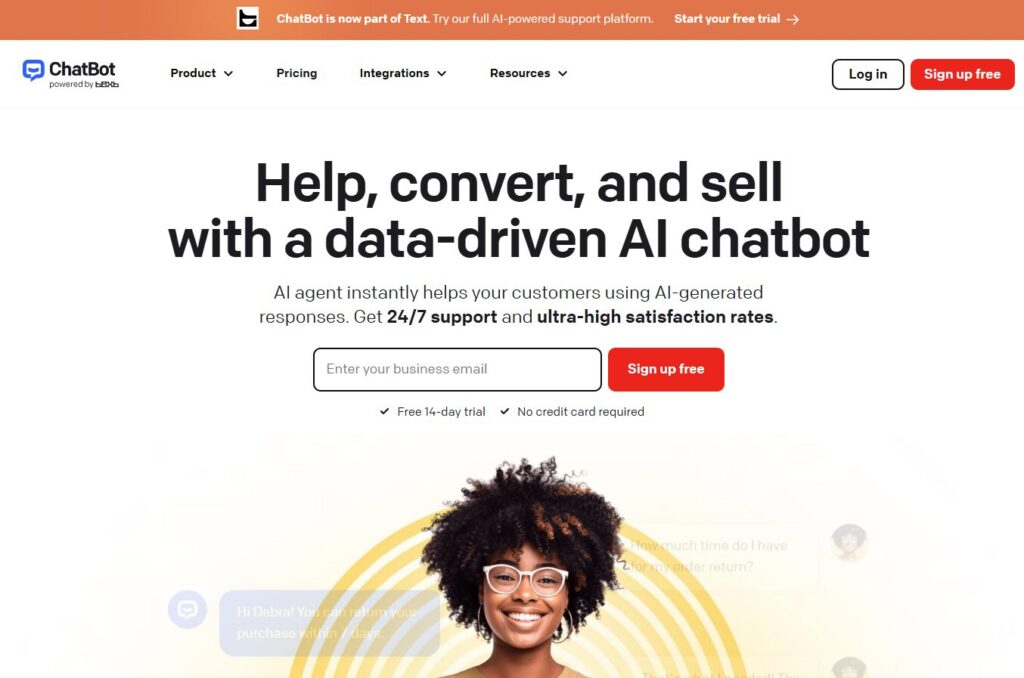
Verdict: Best for plug‑and‑play website bots Best For: Small teams needing simplicity Price: $52–$499/mo
Pros:
- Clean UI
- Easy to customize
- Good templates
Cons:
- Limited AI depth
- Not ideal for enterprise
My Experience: ChatBot.com felt like a friendly assistant who doesn’t overcomplicate things. I installed it, added a few flows, and it started capturing leads immediately. It’s not trying to compete with enterprise website chatbot software, but it nails the basics.
Use Cases:
- Small business sites
- Simple qualification
- FAQ automation
Bottom Line: A great choice if you want something that “just works.”
⭐8. Crisp Chat
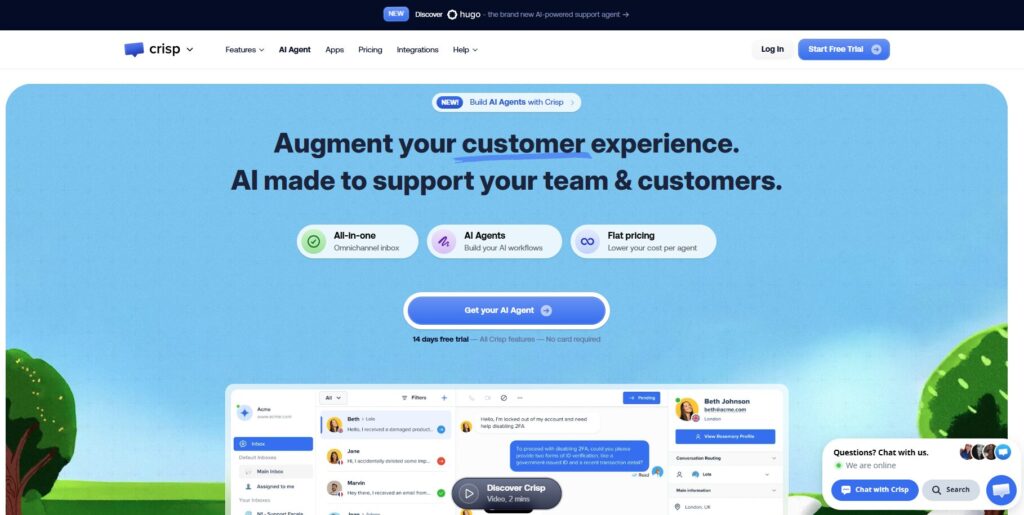
Verdict: Best all‑in‑one messaging suite Best For: Teams wanting chat + inbox + bot Price: $25–$95/mo
Pros:
- Unified inbox
- Strong automation
- Affordable
Cons:
- UI can feel busy
- Requires setup time
My Experience: Crisp is one of those tools that grows on you. At first, I thought it was too much — too many features, too many menus. But once I configured the bot, it became one of the most reliable AI chatbots for lead generation I tested. It handled multi‑step flows better than expected.
Use Cases:
- SaaS
- Support + sales hybrid
- Multi‑channel messaging
Bottom Line: A powerful option if you want everything in one place.
⭐9. Botsonic
https://writesonic.com/botsonic
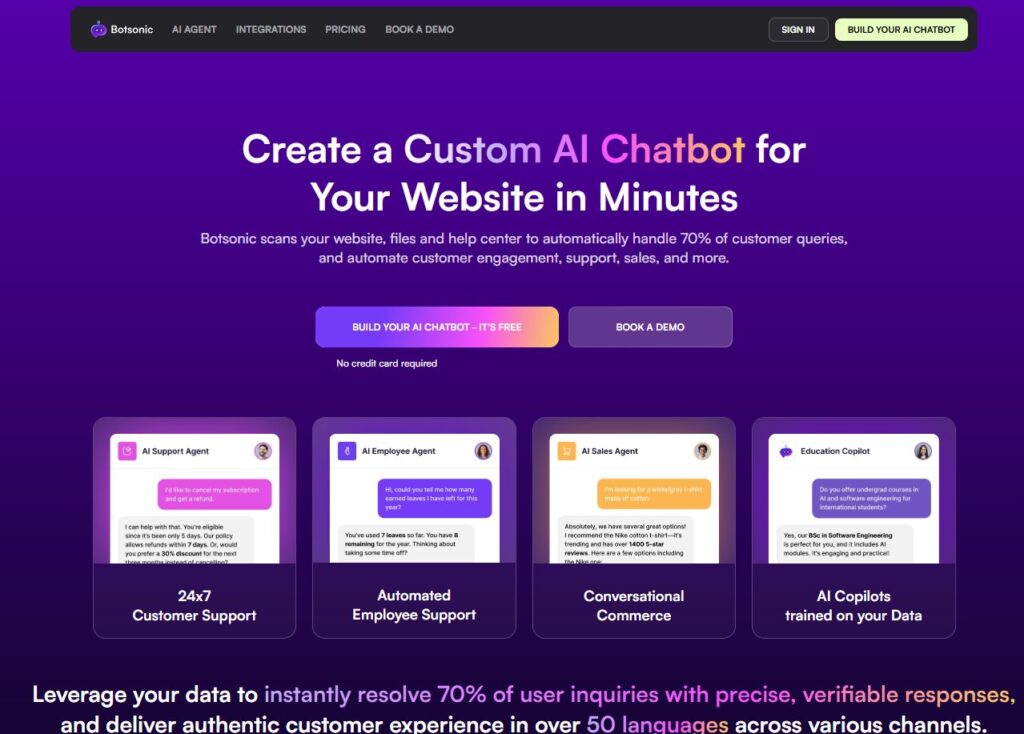
Verdict: Best for custom AI bots trained on your data Best For: Content‑heavy sites Price: $49–$499/mo
Pros:
- Easy knowledge‑base training
- Strong AI responses
- Fast setup
Cons:
- Limited routing
- Not ideal for complex funnels
My Experience: Botsonic handled long‑form content better than almost anything else. I fed it a messy help doc, and it still managed to answer questions cleanly. For sites with lots of content, it’s one of the most practical AI lead capture tools you can deploy.
Use Cases:
- Documentation‑heavy sites
- SaaS
- Content‑driven funnels
Bottom Line: Great for teams with lots of written content.
⭐10. LiveChat + ChatBot
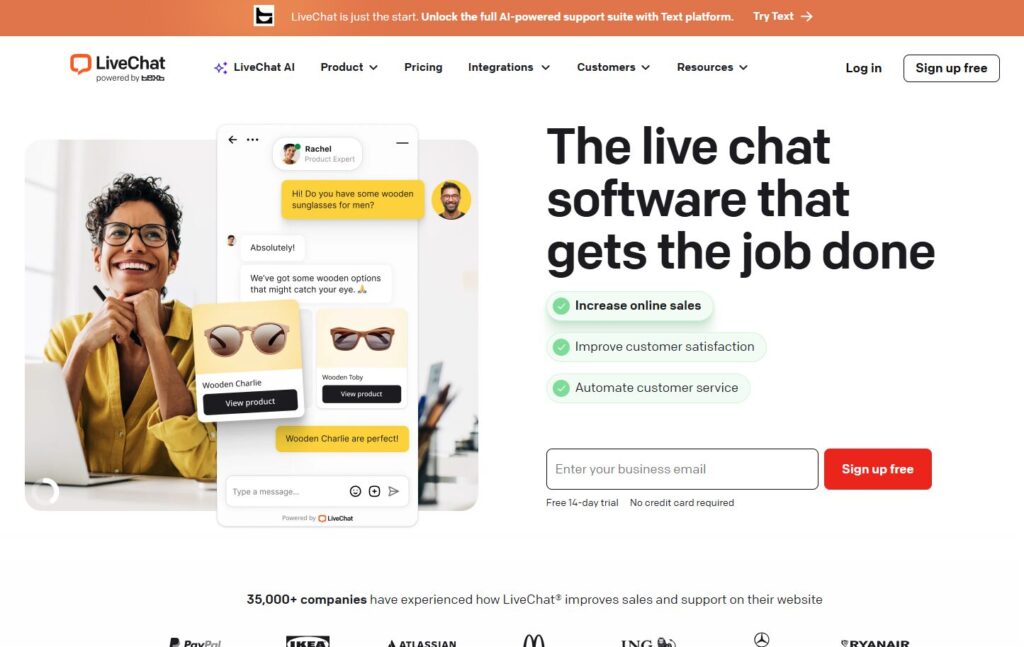
Verdict: Best modular chatbot builder Best For: Teams wanting flexibility Price: $52–$499/mo
Pros:
- Highly customizable
- Strong builder UI
- Good for unique workflows
Cons:
- Requires manual setup
- Not plug‑and‑play
My Experience: This combo reminded me of early no‑code tools — powerful, but only if you’re willing to build. I spent an entire afternoon tweaking flows, but once it clicked, it handled conversations smoothly. For teams that want full control over website chatbot software, this one is a gem.
Use Cases:
- Custom funnels
- Multi‑step flows
- Interactive landing pages
Bottom Line: Great for teams that want control and customization.
⭐ Comparison Table — Full List
| Tool | Best For | Price | Strength | Weakness |
|---|---|---|---|---|
| Intercom Fin | High‑intent B2B | $0.99–$1.50/res | Accuracy | Cost at scale |
| Drift | B2B sales | Custom | Routing | Setup time |
| Tidio | Small business | Free–$29/mo | Fast setup | Limited logic |
| HubSpot Chatbot | HubSpot users | Free–$800/mo | CRM native | Rigid outside HS |
| Landbot | No‑code flows | $39–$249/mo | Customization | Complexity |
| ManyChat | Social + web | Free–$15/mo | Omnichannel | Limited depth |
| ChatBot.com | Simplicity | $52–$499/mo | Ease of use | Limited AI |
| Crisp | All‑in‑one | $25–$95/mo | Unified inbox | Busy UI |
| Botsonic | Content‑heavy sites | $49–$499/mo | AI accuracy | Limited routing |
| LiveChat + ChatBot | Custom workflows | $52–$499/mo | Flexibility | Setup required |
⭐Buyer’s Guide: How to Choose the Right Website Chatbot
If there’s one thing I learned while testing AI website chatbots, it’s that the marketing pages never prepare you for what actually happens when real visitors hit your site. Tools that look polished in demos can fall apart the moment someone asks a question you didn’t script. And the ones you expect to be “just okay” sometimes end up outperforming the so‑called best AI chatbots for websites by a mile.
Here’s what I wish someone had told me before I wasted hours debugging broken flows and misfired triggers.
1. Prioritize speed over cleverness
A chatbot that loads slowly will kill conversions faster than a bad headline. Some website chatbot software added nearly a full second to my page load time — and I felt it instantly in my bounce rate.
2. Don’t trust the default flows
Most tools ship with generic templates. They’re fine for testing, but terrible for real funnels. The strongest AI chatbots for lead generation are the ones that adapt to your content, not the ones that force you into a rigid script.
3. Watch how the bot handles uncertainty
This is where the good tools separate themselves. When a visitor asks something vague like “Do you integrate with Stripe?”, the best AI lead capture tools don’t panic — they clarify, guide, and nudge the conversation forward.
4. Avoid tools that over‑qualify
Some bots ask too many questions too early. I’ve watched visitors drop off mid‑conversation because the bot felt like a tax form. Keep it simple.
5. My biggest mistake
I once deployed a bot without testing mobile behavior. On desktop it was perfect. On mobile, the widget covered half the screen. I still cringe thinking about how many leads I lost that day.
⭐ FAQ
1. Do website chatbots actually increase conversions?
Yes — when implemented correctly. The right bot reduces friction and captures intent at the exact moment visitors are ready.
2. Are AI chatbots better than rule‑based bots?
For lead capture, absolutely. AI handles nuance and intent far better than rigid flows.
3. Will a chatbot slow down my site?
Some will. Always test page speed before going live.
4. Can these bots integrate with my CRM?
Most major tools integrate with HubSpot, Salesforce, or at least Zapier.
5. Do I need a lot of content for the bot to work?
Not always. Some tools perform well with minimal training data.
6. What’s the biggest red flag?
Any tool that hides pricing or forces you into a sales call just to get basic info.
7. Should I use a chatbot on every page?
No. Use it where intent is highest — pricing, product, demo, and landing pages.
8. How long does setup take?
Anywhere from 10 minutes to a few hours depending on complexity.
⭐ Final Recommendation
After weeks of testing, breaking things, fixing things, and watching how visitors actually behave, here’s the truth: there’s no single “best” tool for everyone. But there is a best fit depending on your traffic, funnel, and goals.
- If you want the smartest real‑time qualifier: Intercom Fin
- If you run B2B sales funnels: Drift
- If you’re a small business: Tidio
- If you live inside HubSpot: HubSpot Chatbot
- If you want full customization: Landbot
- If your traffic comes from social: ManyChat
- If you want an all‑in‑one suite: Crisp
- If you have tons of content: Botsonic
What I personally use on ToolCompare.ai is a hybrid: a lightweight bot for FAQs and a smarter AI layer for high‑intent pages. It keeps things fast, clean, and human.
If you take anything from this guide, let it be this: the right chatbot doesn’t just capture leads — it protects your time, your funnel, and your sanity.
⭐Related Guides
⭐ ABOUT THE AUTHOR
1. Where This All Started
I built ToolCompare.ai because I was tired of guessing which tools actually worked and which ones were just good at marketing. I remember sitting in my apartment one night, staring at a half‑broken funnel, wondering why something as simple as capturing a lead felt so unnecessarily complicated. That frustration pushed me deeper into testing than I ever expected.
2. The Mistake That Changed Everything
One of the earliest mistakes I made was trusting a chatbot that looked great in demos but completely collapsed once I put it on a real landing page. It mis‑routed visitors, broke my form, and cost me a full day of leads. That was the moment I realized I needed to understand AI lead capture tools at a level most founders never bother with.
3. What I Learned the Hard Way
There’s a strange humility that comes from watching your own assumptions fall apart. I used to think I could predict how visitors behaved. I was wrong. Testing the best AI chatbots for websites taught me that real users don’t follow your script — they follow their own curiosity, confusion, and timing. And if your tools can’t keep up, you lose them.
4. Why I Keep Doing This
Every guide I write is a way of documenting the things I wish someone had told me earlier. ToolCompare.ai isn’t just a site — it’s the notebook I wish I had when I started. If my testing saves you even one broken workflow or one lost lead, then all those late nights were worth it.