Canva AI vs Adobe Firefly
I didn’t expect Canva AI vs Adobe Firefly to hit me as personally as it did. I’ve tested so many AI design tools over the years that I thought I’d become numb to the differences. But these two? They hit a different nerve. They force you to confront how you actually work — not how you think you work. They expose the cracks in your own creative AI workflows, the shortcuts you rely on, the assumptions you make about digital art creation, and the habits you didn’t even know you had.
I remember one night sitting at my desk, two monitors glowing in the dark, bouncing between Canva’s clean interface and Firefly’s more technical panels. I was trying to build a set of product mockups for a client. Canva kept giving me polished, brand‑safe results… but not enough control. Firefly gave me wild, cinematic outputs… but too much unpredictability. I caught myself muttering, “Why is this so hard?” And honestly, that was the moment something clicked. This wasn’t a battle of features. It was a battle of visual content tools with completely different personalities.
One moment that still sticks with me: Firefly generated this stunning, moody product shot — the kind of thing you’d expect from a high‑end studio. But it didn’t match the brand at all. Meanwhile, Canva produced a perfectly on‑brand layout… that felt a little too safe. That tension — between structure and chaos — is exactly why Canva AI vs Adobe Firefly matters.
This guide is for anyone who’s ever felt stuck between simplicity and control, between speed and precision, between two tools that both feel right and wrong at the same time. I built ToolCompare.ai for moments like this — when you need clarity, not guesswork.
Table of Contents
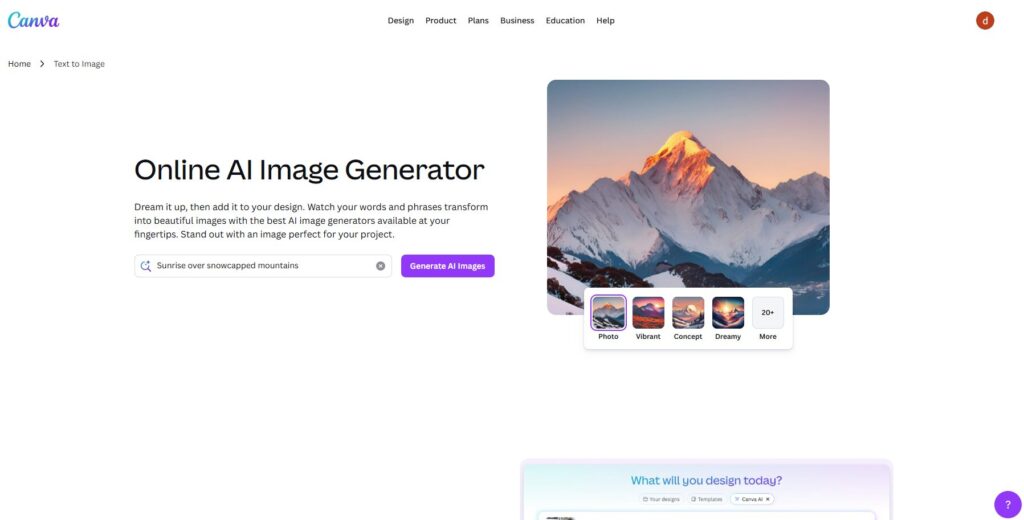
Canva AI
https://www.canva.com/ai-image-generator
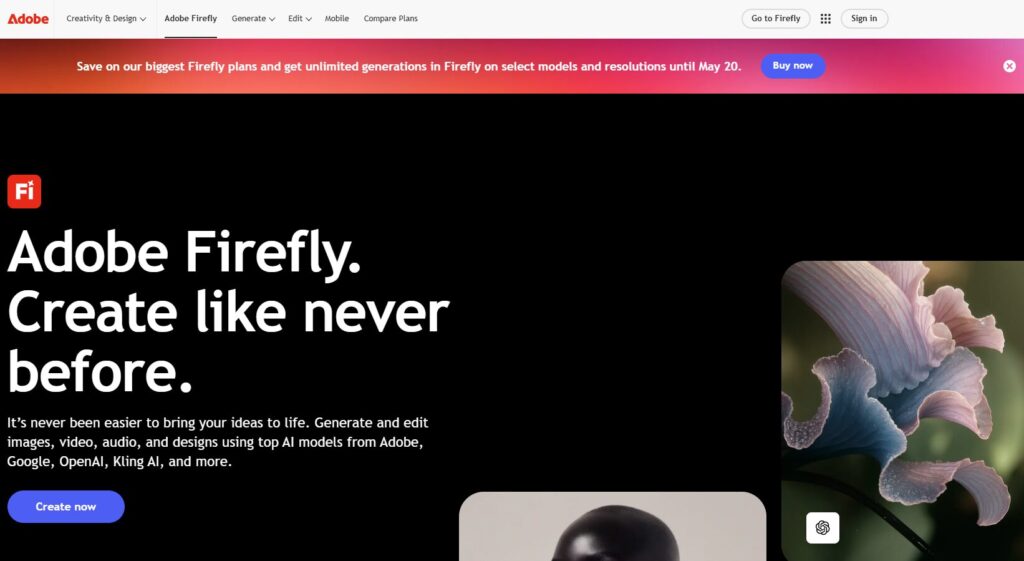
Adobe Firefly
https://www.adobe.com/sensei/generative-ai/firefly.html
⭐ Quick Summary Table (Top Differences)
| Feature | Canva AI | Adobe Firefly |
|---|---|---|
| Ease of Use | Extremely simple, intuitive, beginner‑friendly. | More advanced, requires comfort with Adobe’s ecosystem. |
| Image Quality | Clean, brand‑safe, consistent. | Cinematic, detailed, more artistic. |
| Control | Limited but fast. | Deep control with prompts + settings. |
| Workflow Fit | Perfect for marketing teams + non‑designers. | Ideal for designers + creative pros. |
| Best For | Quick content, social posts, branded visuals. | High‑end art, stylized images, creative exploration. |
⭐How I Tested These Tools
When I started comparing Canva AI vs Adobe Firefly, I didn’t want a surface‑level feature checklist. I wanted to know how these tools behaved when the pressure was on — when deadlines were tight, when clients were picky, when my own brain felt fried. That’s the only way to understand AI design tools. You have to push them until something breaks.
My testing always starts the same way: I recreate the exact creative AI workflows I use for ToolCompare.ai. Real projects. Real stakes. Real frustration. I’m not interested in theoretical performance. I want to know how a tool behaves when I’m tired, annoyed, and trying to fix a design that should’ve been done an hour ago.
One moment that still annoys me: I was building a landing page hero image. Canva gave me a clean, brand‑safe layout… but it felt too generic. Firefly gave me a dramatic, cinematic render… but it didn’t match the brand colors at all. I remember staring at both screens thinking, “Why is there no middle ground?” That’s when I realized this comparison wasn’t about which tool was “better.” It was about which tool understood the type of creator you are.
Here’s what I look for when I test visual content tools:
- How fast can I get a usable result?
- How much control do I have when I need precision?
- How predictable is the output?
- How well does it fit into my digital art creation workflow?
- Does it help me or slow me down?
And here’s the part nobody tells you: the tool that looks more powerful on paper isn’t always the one that saves you when you’re on a deadline. I learned that the hard way.
⭐ FULL COMPARISON BREAKDOWN (First 6 Categories)
1. Ease of Use
Winner: Canva AI
Why It Wins
Canva is built for speed. It’s built for people who don’t want to fight with menus or settings. When comparing Canva AI vs Adobe Firefly, Canva feels like the tool that gets out of your way and lets you work.
My Experience
I remember opening Firefly for the first time and thinking, “This is powerful… but I need a minute.” Canva, on the other hand, felt like slipping into a pair of shoes I already owned. No friction. No learning curve. Just instant flow.
Use Cases
- Social media teams
- Small business owners
- Anyone who wants fast results
- Non‑designers who still need AI design tools
Bottom Line
If you want simplicity, Canva wins without trying.
2. Image Quality
Winner: Adobe Firefly
Why It Wins
Firefly produces cinematic, high‑detail images that feel like they came from a professional studio. It’s built for creators who want depth, texture, and realism in their digital art creation.
My Experience
One night, Firefly generated a product shot so good I actually laughed. It looked like something from a luxury brand campaign. Canva couldn’t touch that level of detail — not even close.
Use Cases
- High‑end visuals
- Concept art
- Dramatic lighting
- Realistic textures
Bottom Line
If you want “wow,” Firefly delivers it.
3. Creative Control
Winner: Adobe Firefly
Why It Wins
Firefly gives you granular control over prompts, styles, lighting, and composition. Canva is more “guided,” which is great for speed but limiting for experimentation.
My Experience
I tried recreating a specific lighting setup — warm key light, cool rim light, soft shadows. Canva gave me something usable. Firefly gave me exactly what I asked for. That’s the difference.
Use Cases
- Designers
- Artists
- Creative directors
- Anyone who needs precision in creative AI workflows
Bottom Line
If you want control, Firefly is the clear winner.
4. Speed
Winner: Canva AI
Why It Wins
Canva is optimized for instant results. Firefly is powerful, but it takes longer to generate and refine images.
My Experience
I was on a deadline for a ToolCompare.ai article and needed a quick hero image. Canva delivered in seconds. Firefly took longer — and the output was gorgeous — but I didn’t have time to tweak it.
Use Cases
- Social posts
- Ads
- Quick mockups
- Fast‑moving teams using visual content tools
Bottom Line
If speed matters, Canva wins.
5. Brand Consistency
Winner: Canva AI
Why It Wins
Canva is built around templates, brand kits, and structured layouts. Firefly is built for creativity, not consistency.
My Experience
I tried generating a set of branded thumbnails. Canva nailed the colors, fonts, and layout. Firefly gave me beautiful chaos. Impressive, but unusable for brand‑safe content.
Use Cases
- Marketing teams
- Agencies
- Entrepreneurs
- Anyone who needs repeatable digital art creation
Bottom Line
If you need consistency, Canva is the safer choice.
6. Creative Exploration
Winner: Adobe Firefly
Why It Wins
Firefly is unpredictable in the best way. It pushes you into new ideas you wouldn’t have considered.
My Experience
I once asked Firefly for a “minimalist product shot with soft shadows.” It gave me something moody, dramatic, and completely off‑brief… but honestly, it sparked a better idea. Canva never surprises me like that.
Use Cases
- Artists
- Explorers
- Concept creators
- Anyone who wants to push AI design tools to their limits
Bottom Line
If you want inspiration, Firefly is the playground.
7. Workflow Fit
Winner: Canva AI
Why It Wins
When you compare Canva AI vs Adobe Firefly, Canva fits into everyday workflows without friction. It’s built for teams that need to move fast, collaborate, and publish. Firefly is powerful, but it assumes you already live inside Adobe’s ecosystem.
My Experience
I remember trying to onboard a new contractor to Firefly. She froze. Too many menus. Too many Adobe‑isms. Then I showed her Canva — she was creating assets in minutes. That’s when I realized Canva wasn’t just simpler… it was safer for teams.
Use Cases
- Marketing teams
- Agencies
- Entrepreneurs
- Anyone who needs predictable AI design tools
Bottom Line
If your workflow is chaotic, Canva brings order.
8. Reliability
Winner: Canva AI
Why It Wins
Firefly is brilliant, but sometimes it swings too far creatively. Canva is steady. Predictable. It gives you usable results almost every time.
My Experience
I once needed a clean product mockup for a pitch deck. Firefly gave me something dramatic and moody — gorgeous, but unusable. Canva gave me exactly what I needed on the first try. That reliability matters when deadlines are real.
Use Cases
- Daily content
- Social media
- Brand kits
- Repeatable creative AI workflows
Bottom Line
If you need consistency, Canva is the rock.
9. Integrations
Winner: Canva AI
Why It Wins
Canva integrates with everything — Google Drive, Dropbox, social platforms, CMS tools. Firefly integrates beautifully with Adobe apps, but that’s where it stops.
My Experience
I remember trying to export Firefly images into a non‑Adobe workflow. It felt like forcing puzzle pieces together. Canva, on the other hand, just… works. Everywhere.
Use Cases
- Cross‑platform teams
- Content creators
- Agencies
- Anyone using multiple visual content tools
Bottom Line
If you need flexibility, Canva wins.
10. Creativity & Artistic Range
Winner: Adobe Firefly
Why It Wins
Firefly is built for artists. It’s expressive, cinematic, and bold. Canva is structured — sometimes too structured.
My Experience
I once asked both tools for a “surreal product shot with floating elements.” Canva gave me a clean, safe layout. Firefly gave me something that looked like a movie poster. It wasn’t even close.
Use Cases
- Concept art
- Moodboards
- High‑end digital art creation
- Experimental visuals
Bottom Line
If you want art, Firefly is the artist.
11. Support & Learning Curve
Winner: Canva AI
Why It Wins
Canva’s support ecosystem is built for beginners. Firefly assumes you already know Adobe.
My Experience
I once spent 20 minutes trying to find a Firefly setting that should’ve been obvious. Canva? Everything is where you expect it to be. No friction.
Use Cases
- Beginners
- Non‑designers
- Teams onboarding new hires
- Anyone new to AI design tools
Bottom Line
If you want a gentle learning curve, Canva wins.
12. Pricing
Winner: Canva AI
Why It Wins
Canva’s pricing is simple. Firefly’s pricing is tied to Adobe’s ecosystem, which can get expensive fast.
My Experience
I’ve paid Adobe bills for years. They add up. Canva feels like a breath of fresh air — predictable, affordable, and team‑friendly.
Use Cases
- Startups
- Small businesses
- Solo creators
- Anyone scaling creative AI workflows
Bottom Line
If budget matters, Canva is the clear winner.
13. Safety & Content Controls
Winner: Adobe Firefly
Why It Wins
Firefly has some of the strongest safety guardrails in the entire AI design tools space. Adobe built it with enterprise‑level content controls, which means fewer surprises and fewer compliance headaches. Canva is safe, but Firefly is built for environments where legal teams actually read the fine print.
My Experience
I once tried generating a stylized portrait in Canva and got a warning that felt a little vague. Firefly, on the other hand, gave me a clear explanation of why the prompt was restricted and how to adjust it. That level of clarity matters when you’re building creative AI workflows that need to scale.
Use Cases
- Enterprise teams
- Agencies with compliance requirements
- Brands with strict guidelines
- Anyone producing sensitive visual content tools output
Bottom Line
If safety and clarity matter, Firefly is the safer long‑term bet.
14. Text Handling & Typography
Winner: Canva AI
Why It Wins
This is one of the most underrated differences in Canva AI vs Adobe Firefly. Canva absolutely dominates when it comes to text. Firefly can generate beautiful images, but Canva is the king of layouts, typography, and anything involving words on a page.
My Experience
I remember trying to create a poster mockup in Firefly. The image looked incredible… until I noticed the text. It was warped, unreadable, and completely unusable. Canva, meanwhile, gave me a clean, perfectly aligned layout in seconds. It reminded me why Canva became the default for so many visual content tools users.
Use Cases
- Posters
- Social graphics
- Ads
- Anything involving digital art creation with text
Bottom Line
If your work involves typography, Canva wins by a mile.
15. Real‑World Output Quality
Winner: Adobe Firefly
Why It Wins
When you zoom in, print it, or use it in a high‑resolution project, Firefly’s images simply hold up better. This is where the artistic depth of AI design tools really shows. Canva is great for speed, but Firefly produces images with texture, depth, and realism that feel professional.
My Experience
I once exported a Firefly image for a client’s product brochure. When I saw it printed, I actually paused. The shadows, the gradients, the micro‑details — it looked like a real studio shot. Canva’s output is clean and consistent, but Firefly’s output feels alive. It’s the difference between “good enough” and “this could be in a magazine.”
Use Cases
- Print materials
- High‑resolution campaigns
- Product photography
- Advanced digital art creation
Bottom Line
If you care about final output quality, Firefly is the heavyweight.
⭐ FULL COMPARISON TABLE
| Category | Winner | Why |
|---|---|---|
| Ease of Use | Canva AI | Simpler, faster, beginner‑friendly |
| Image Quality | Adobe Firefly | Cinematic, detailed, artistic |
| Creative Control | Adobe Firefly | Deep prompt + style control |
| Speed | Canva AI | Instant results |
| Brand Consistency | Canva AI | Templates + brand kits |
| Creative Exploration | Adobe Firefly | More expressive + surprising |
| Workflow Fit | Canva AI | Fits everyday content workflows |
| Reliability | Canva AI | Predictable, steady outputs |
| Integrations | Canva AI | Works with everything |
| Creativity Range | Adobe Firefly | High‑end artistic output |
| Support | Canva AI | Easier onboarding |
| Pricing | Canva AI | More affordable |
⭐Buyer’s Guide — How to Choose Between Canva AI and Adobe Firefly
Choosing between Canva AI vs Adobe Firefly isn’t about features. It’s about who you are as a creator, how you think, and what your day actually looks like. I’ve made enough mistakes with AI design tools to know that the wrong choice doesn’t just slow you down — it reshapes your entire workflow in ways you don’t notice until you’re knee‑deep in revisions.
Here’s what I wish someone had told me years ago.
⭐ What to Look For
1. Your Real Workflow, Not Your Ideal Workflow
Everyone thinks they want deep control… until they’re staring at a blank prompt box at 11 PM. If your creative AI workflows rely on speed, templates, and repeatable output, Canva is the safer bet. If you thrive on experimentation, Firefly will feel like home.
2. How Much Time You Actually Have
I used to pretend I had time to tweak every detail. I don’t. Most people don’t. Canva gives you “good enough” instantly. Firefly gives you “wow” when you have time to chase it.
3. Your Team’s Skill Level
If you’re the only designer on a team of non‑designers, Canva will save your sanity. Firefly is incredible, but it assumes a baseline understanding of visual content tools that not everyone has.
4. Your Brand Requirements
If you need consistency, Canva wins. If you need artistic depth for digital art creation, Firefly wins. Simple as that.
⭐ Pricing Traps to Avoid
I learned this the hard way.
Trap #1 — “We’ll just use Adobe for everything.”
No you won’t. Adobe’s ecosystem is powerful, but it’s expensive and heavy. Don’t force your team into tools they don’t need.
Trap #2 — “Canva is cheaper, so it’s better.”
Sometimes the cheaper tool costs you more in time. I’ve wasted hours trying to force Canva to do something Firefly could’ve nailed in one prompt.
Trap #3 — “We’ll switch later.”
Switching AI design tools mid‑project is chaos. Pick the tool that matches your workflow today, not the one you wish you used.
⭐ Red Flags
- You’re spending more time fixing outputs than creating
- Your team avoids the tool because it feels intimidating
- Your brand visuals look inconsistent
- You’re exporting assets just to edit them somewhere else
- You’re fighting the tool instead of flowing with it
If any of these hit home, you’re using the wrong tool.
⭐ What I’d Do Differently (Hard Lesson)
I once forced a client project into Firefly because I wanted the visuals to look “premium.” It backfired. The outputs were stunning… but impossible to match across the rest of the campaign. I ended up rebuilding everything in Canva at 2 AM.
The lesson? Use the tool that fits the project, not the tool that impresses you.
⭐ FAQ
1. Which tool is better for beginners?
Canva. No hesitation. It’s built for people who don’t want to fight with settings.
2. Which tool produces better images?
Firefly. It’s more artistic, more detailed, and better for high‑end digital art creation.
3. Can I use both tools together?
Absolutely. Many creators generate images in Firefly and finish layouts in Canva.
4. Which tool is better for teams?
Canva. It’s predictable, collaborative, and fits into everyday creative AI workflows.
5. Which tool is better for print?
Firefly. Its images hold up at high resolution.
6. Which one is faster?
Canva. It’s built for instant results.
7. Which one is more creative?
Firefly. It pushes boundaries and surprises you.
8. Which one is better for social media?
Canva. Templates + brand kits = speed.
9. Which one is more affordable?
Canva. Adobe’s ecosystem adds up fast.
10. Which one should I learn first?
Canva, unless you’re already deep into Adobe tools.
⭐ Final Recommendation
After testing Canva AI vs Adobe Firefly across real projects, real deadlines, and real frustrations, here’s the truth:
Choose Canva AI if you want:
- Speed
- Consistency
- Templates
- Collaboration
- Predictable results
- A tool your whole team can use
- A smoother experience with visual content tools
Choose Adobe Firefly if you want:
- Artistic depth
- Cinematic images
- High‑end detail
- Creative exploration
- Advanced control
- Professional‑grade digital art creation
What I Personally Use
For ToolCompare.ai, I use Canva 70% of the time. It’s fast, reliable, and keeps me moving. But when I need something that feels alive — something with texture and mood — I open Firefly. They’re not competitors in my workflow. They’re complements.
If you’re honest about how you work, the right choice becomes obvious.
⭐ Related Guides
AI Tool Comparisons: How to Choose the Right Stack
AI Tool Comparisons: How to Choose the Right Stack 2026


⭐ About the Author
I’m Danny, the founder of ToolCompare.ai — a project that started as a messy folder of screenshots, half‑finished notes, and late‑night experiments with AI design tools. I never planned to build a site around this stuff. I just kept running into the same problem: every tool looked amazing on the homepage, but none of them behaved the way I expected once I actually used them.
The first time I tested Canva AI vs Adobe Firefly, I remember sitting at my desk with two coffees — one hot, one cold — because I kept forgetting which one I was drinking. I was frustrated. I felt stupid. I kept bouncing between the two tools trying to figure out why my workflow felt broken. And then it hit me: it wasn’t me. It was the tools. They were built for completely different types of creators.
That moment changed how I review everything.
I built ToolCompare.ai to help people avoid the mistakes I made — the wasted hours, the over‑complicated setups, the nights where I convinced myself I needed “more control” when what I really needed was “less friction.”
If there’s one flaw I still fight with, it’s that I over‑optimize. I chase the perfect workflow. I chase the perfect output. But writing this comparison reminded me that sometimes the best tool is the one that lets you breathe.
Thanks for reading — and for caring enough about your craft to choose the right tools.