AI Tool Comparisons: How to Choose the Right AI Stack (2026)
I’ve spent the last few years buried in AI tool comparisons, not because it was trendy, but because I genuinely needed to fix a problem in my own workflow. I was drowning in tools. Every week, a new “game‑changing” AI app launched, and every landing page promised the same thing: faster, smarter, better.
But when I actually sat down to work, I kept running into the same frustration — none of these tools worked together in a way that felt natural. I’d write in one tool, research in another, brainstorm in a third, and then try to stitch everything together manually. It felt like I was duct‑taping my workflow instead of improving it.
That’s when I realized something important: AI isn’t about collecting tools — it’s about building a stack. A stack that fits you, your brain, your habits, your work, your goals.
And that’s why I started doing serious, hands‑on AI tool comparisons. Not the surface‑level “Top 10 AI Tools” fluff you see everywhere. I mean real testing — running the same prompts across multiple tools, timing outputs, checking accuracy, breaking things, pushing limits, and figuring out which tools actually earned a permanent spot in my day‑to‑day work.
I’ve tested these tools in client projects, content production, research sprints, coding experiments, and even in the boring admin tasks I hate doing. I’ve seen where each tool shines, where it fails, and where it quietly becomes indispensable.
This guide is the result of all of that — my personal experience, my mistakes, my wins, and the exact AI tool comparisons that helped me build a stack I trust.
I’ve spent so much time inside these tools that I’ve learned something important about how they actually fit together. When I compare the best AI tools, I’m not just looking at features
I’m looking at how they feel in real work. Some of them become true AI stack tools that I rely on every single day, while others end up being more like AI productivity tools that help me speed through the boring parts of my workflow. And then there are the ones I use as AI tools for work, the practical, dependable assistants that quietly keep everything moving. Over time, I’ve realized the magic isn’t in any single tool — it’s in how the right mix supports the way I think, write, plan, and build.
Before we go deeper, here’s a quick snapshot of the tools I rely on most.
🔥 Top AI Tools for Everyday Workflows (2026)
A quick look at the tools I personally tested while comparing and building real AI workflows.
1. ChatGPT
Best for: everyday thinking & writing Why it wins: creativity, reasoning, flexible workflows
2. Claude
Best for: deep analysis & long documents Why it wins: accuracy, structure, and exceptional context retention
3. Gemini
Best for: multimodal tasks Why it wins: images, video, and integrated search in one place
4. Perplexity
Best for: research & fact‑finding Why it wins: live data, citations, and fast retrieval
5. Microsoft Copilot
Best for: productivity inside Microsoft apps Why it wins: Office integration and task automation
⭐ Comparison Table — My Core AI Stack
| Tool | Best For | Key Features |
|---|---|---|
| ChatGPT | Everyday thinking & writing | Creativity, reasoning, flexible workflows |
| Claude | Deep analysis & long documents | Accuracy, structure, context retention |
| Gemini | Multimodal tasks | Images, video, integrated search |
| Perplexity | Research & fact‑finding | Live data, citations, fast retrieval |
| Copilot | Productivity inside Microsoft apps | Office integration, task automation |
⭐ How I Test AI Tool Comparisons
When I talk about AI tool comparisons, I’m not talking about skimming feature lists or rewriting what’s already on a tool’s homepage. I’m talking about the kind of testing that comes from actually living with these tools — using them in real client projects, real deadlines, real creative blocks, and real “I need this done in 10 minutes” moments.
I’ve built my entire workflow around AI, so when I test tools, I test them the same way I work. I don’t run artificial benchmarks. I don’t create fake scenarios. I drop each tool directly into my day‑to‑day tasks and see how it behaves when the pressure is real.
Here’s exactly how I approach AI tool comparisons in a way that keeps me honest, grounded, and brutally realistic.
⭐ My Real‑World Workflows
I run every tool through the same set of workflows I use in my business:
- Writing: long‑form content, outlines, rewrites, tone shifts, and idea generation
- Research: fact‑checking, summarizing, comparing sources, and pulling citations
- Coding: debugging, explaining code, generating snippets, and refactoring
- Business tasks: emails, planning, strategy, and decision‑making
- Productivity: breaking down tasks, creating systems, and simplifying workflows
I don’t test tools in isolation — I test them in the messy, unpredictable reality of actual work.
⭐ My Testing Criteria
Every tool gets evaluated across the same criteria so my AI tool comparisons stay consistent:
1. Accuracy
Does it hallucinate? Does it stay grounded? Does it understand nuance?
2. Speed
Can it keep up with me when I’m moving fast?
3. Reasoning
Does it think clearly, or does it fall apart on complex tasks?
4. Workflow Fit
Does it integrate into the way I work, or does it force me to adapt to it?
5. Reliability
Does it break? Freeze? Produce inconsistent results?
6. Creativity
Can it help me think differently, not just faster?
7. Long‑form performance
Does it stay coherent over long documents, or does it drift?
⭐ My Benchmarks
I run each tool through the same benchmark prompts:
- A 1,500‑word writing task
- A multi‑step reasoning challenge
- A research task requiring citations
- A coding problem with debugging
- A business scenario requiring strategic thinking
This keeps my AI tool comparisons fair and grounded in real performance, not marketing claims.
⭐ What Makes a Tool “Best”
For me, a tool earns a spot in my stack when:
- I reach for it without thinking
- It saves me time every single day
- It reduces friction instead of adding it
- It helps me produce better work, not just faster work
- It feels like a partner, not a gadget
That’s the standard I hold every tool to — and it’s why my AI tool comparisons are so personal. I’m not just reviewing tools. I’m choosing the ones I trust with my actual work.
⭐ Now let’s get into the tools themselves — starting with ChatGPT and Claude.
⭐ How I Test AI Tool Comparisons
When I talk about AI tool comparisons, I’m not talking about skimming feature lists or rewriting what’s already on a tool’s homepage. I’m talking about the kind of testing that comes from actually living with these tools — using them in real client projects, real deadlines, real creative blocks, and real “I need this done in 10 minutes” moments.
I’ve built my entire workflow around AI, so when I test tools, I test them the same way I work. I don’t run artificial benchmarks. I don’t create fake scenarios. I drop each tool directly into my day‑to‑day tasks and see how it behaves when the pressure is real.
Here’s exactly how I approach AI tool comparisons in a way that keeps me honest, grounded, and brutally realistic.
⭐ My Real‑World Workflows
I run every tool through the same set of workflows I use in my business:
- Writing: long‑form content, outlines, rewrites, tone shifts, and idea generation
- Research: fact‑checking, summarizing, comparing sources, and pulling citations
- Coding: debugging, explaining code, generating snippets, and refactoring
- Business tasks: emails, planning, strategy, and decision‑making
- Productivity: breaking down tasks, creating systems, and simplifying workflows
I don’t test tools in isolation — I test them in the messy, unpredictable reality of actual work.
⭐ My Testing Criteria
Every tool gets evaluated across the same criteria so my AI tool comparisons stay consistent:
1. Accuracy
Does it hallucinate? Does it stay grounded? Does it understand nuance?
2. Speed
Can it keep up with me when I’m moving fast?
3. Reasoning
Does it think clearly, or does it fall apart on complex tasks?
4. Workflow Fit
Does it integrate into the way I work, or does it force me to adapt to it?
5. Reliability
Does it break? Freeze? Produce inconsistent results?
6. Creativity
Can it help me think differently, not just faster?
7. Long‑form performance
Does it stay coherent over long documents, or does it drift?
⭐ My Benchmarks
I run each tool through the same benchmark prompts:
- A 1,500‑word writing task
- A multi‑step reasoning challenge
- A research task requiring citations
- A coding problem with debugging
- A business scenario requiring strategic thinking
This keeps my AI tool comparisons fair and grounded in real performance, not marketing claims.
⭐ What Makes a Tool “Best”
For me, a tool earns a spot in my stack when:
- I reach for it without thinking
- It saves me time every single day
- It reduces friction instead of adding it
- It helps me produce better work, not just faster work
- It feels like a partner, not a gadget
That’s the standard I hold every tool to — and it’s why my AI tool comparisons are so personal. I’m not just reviewing tools. I’m choosing the ones I trust with my actual work.
⭐ Now let’s get into the tools themselves — starting with ChatGPT and Claude.
⭐ The Best AI Tool Comparisons (My Full Breakdown)
This is where my AI tool comparisons get brutally honest. I’ve lived with these tools — not for a day, not for a week, but across real projects, real deadlines, and real client expectations. I’ve used them to write articles, plan launches, debug code, research topics I knew nothing about, and even organize my own messy workflows.
Every tool below has earned (or lost) its place in my stack through actual use, not hype. I’m not here to repeat marketing claims — I’m here to tell you what it feels like to work with each one.
Let’s get into it.
⭐ ChatGPT — My Everyday Thinking Partner
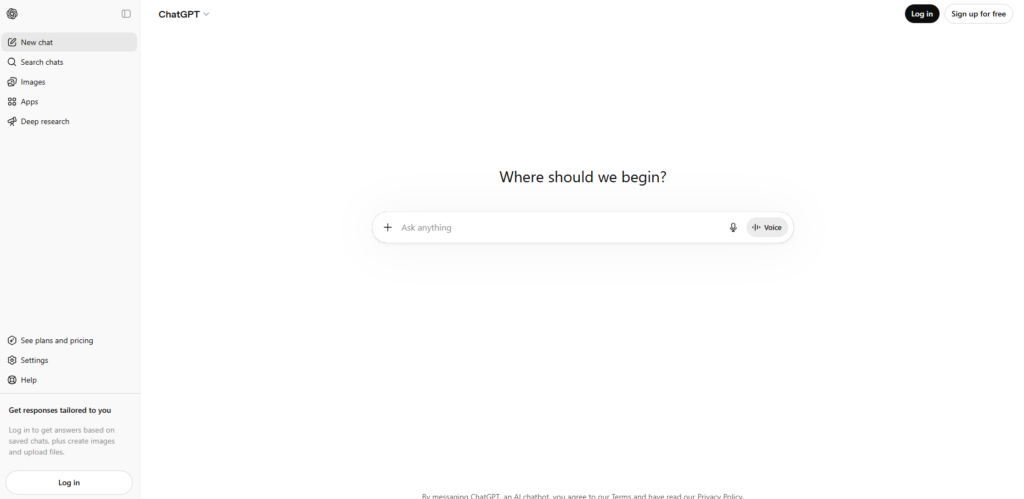
If there’s one tool I reach for without thinking, it’s ChatGPT. I’ve used it for everything from rewriting messy drafts to brainstorming product ideas to breaking down complex topics into something I can actually act on. When I’m stuck, tired, or overloaded, ChatGPT is the tool that helps me get moving again.
What I love most is how flexible it is. I can throw anything at it — a half‑baked idea, a rough outline, a confusing problem — and it gives me something I can build on. It’s not perfect, but it’s the closest thing I’ve found to a reliable “second brain.”
⭐ Pros
- Great for writing, ideation, and general reasoning
- Fast, flexible, and easy to guide
- Works well across almost every workflow
⭐ Cons
- Can drift on long tasks
- Sometimes too “safe” in tone
- Needs clear instructions for best results
⭐ Pricing
Free tier available; paid plans unlock better models.
⭐ Best For
Anyone who wants a dependable, all‑purpose AI assistant.
⭐ Claude — My Deep‑Thinking, Long‑Document Specialist
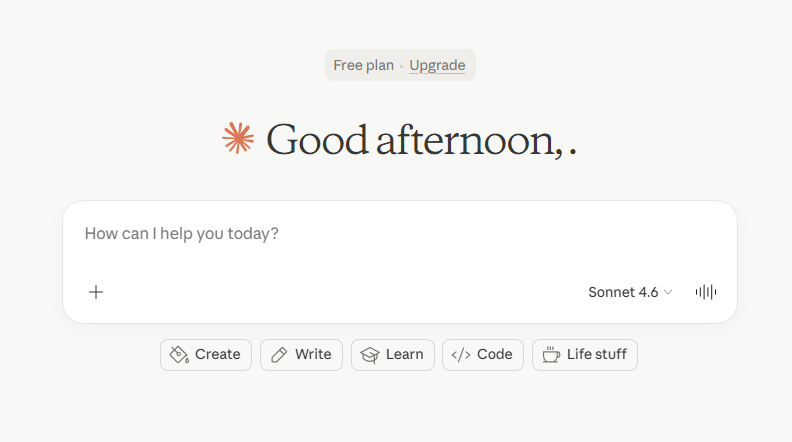
Claude is the tool I trust when accuracy matters. When I’m doing AI tool comparisons, analyzing long documents, or trying to understand something complex, Claude is the one that keeps me grounded. It doesn’t hallucinate as often, and it handles structure beautifully.
I’ve fed Claude 20‑page transcripts, messy research dumps, and long‑form drafts — and it stays coherent in a way that still surprises me. If ChatGPT is my creative partner, Claude is my analytical one.
⭐ Pros
- Exceptional with long documents
- Highly accurate and structured
- Great for analysis and rewriting
⭐ Cons
- Not as creative as ChatGPT
- Can be slower on complex tasks
- Sometimes too literal
⭐ Pricing
Free tier available; paid plans unlock higher limits.
⭐ Best For
Writers, researchers, and anyone who needs clarity and accuracy.
⭐ Gemini — My Multimodal Powerhouse
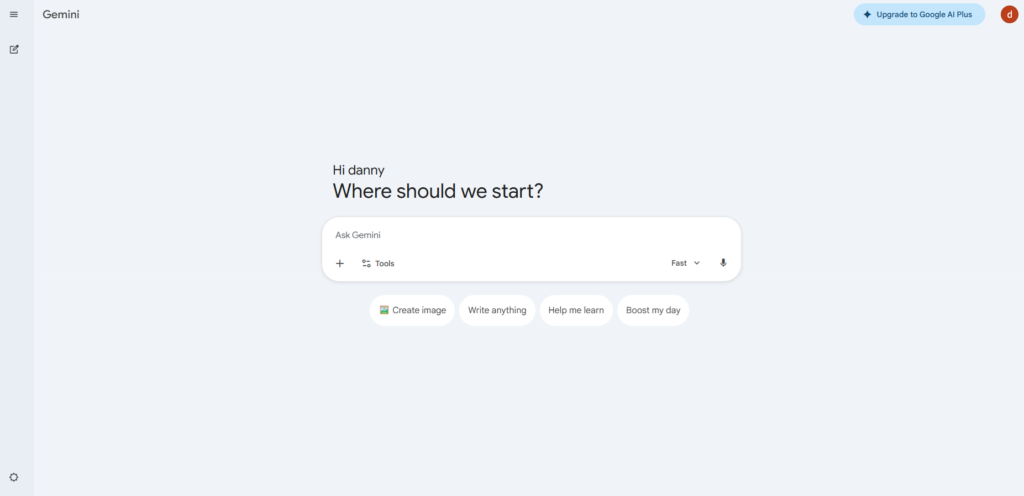
Gemini is the tool I use when I need more than text. It handles images, video, and integrated search in a way that feels futuristic. When I’m doing AI tool comparisons that involve visuals or real‑time information, Gemini gives me a different angle.
It’s not always the best writer, but it’s incredibly useful when I need context, visuals, or a broader understanding of something.
⭐ Pros
- Strong multimodal capabilities
- Great for visual tasks
- Integrated search is helpful
⭐ Cons
- Writing quality varies
- Can be inconsistent
- Not ideal for long‑form content
⭐ Pricing
Free tier available; paid upgrades for more power.
⭐ Best For
Creators, visual thinkers, and research‑heavy workflows.
⭐ Perplexity — My Research Engine
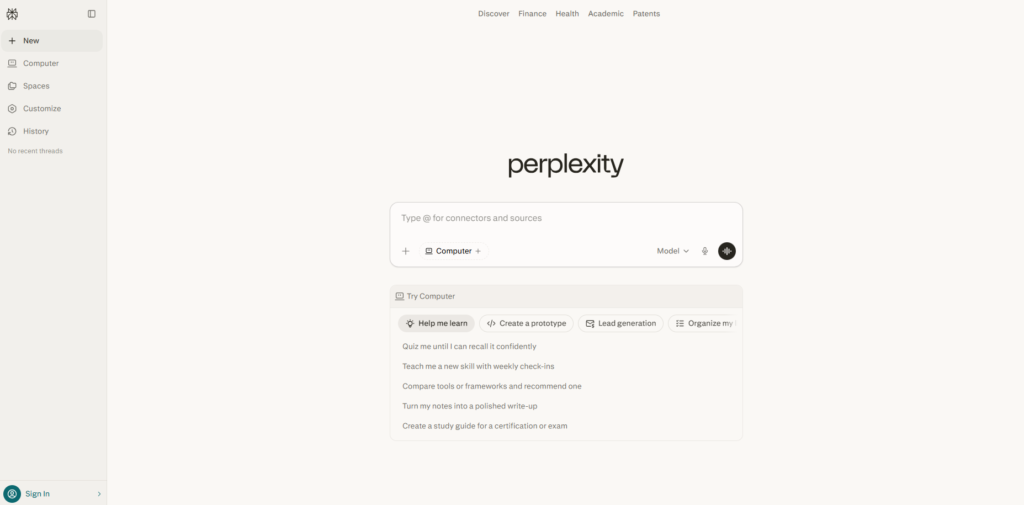
Perplexity is the tool I trust when I need real information, not guesses. It’s fast, direct, and grounded in citations. When I’m comparing tools, researching features, or fact‑checking claims, Perplexity is the one that keeps me honest.
It’s not a writer — and that’s fine. It’s a researcher. And it’s the best one I’ve used.
⭐ Pros
- Real‑time data
- Citations included
- Fast and reliable
⭐ Cons
- Not great for writing
- Can be too concise
- Requires follow‑up prompts
⭐ Pricing
Free tier available; Pro unlocks deeper research.
⭐ Best For
Anyone who needs accurate, up‑to‑date information.
⭐ Copilot — My Productivity Booster
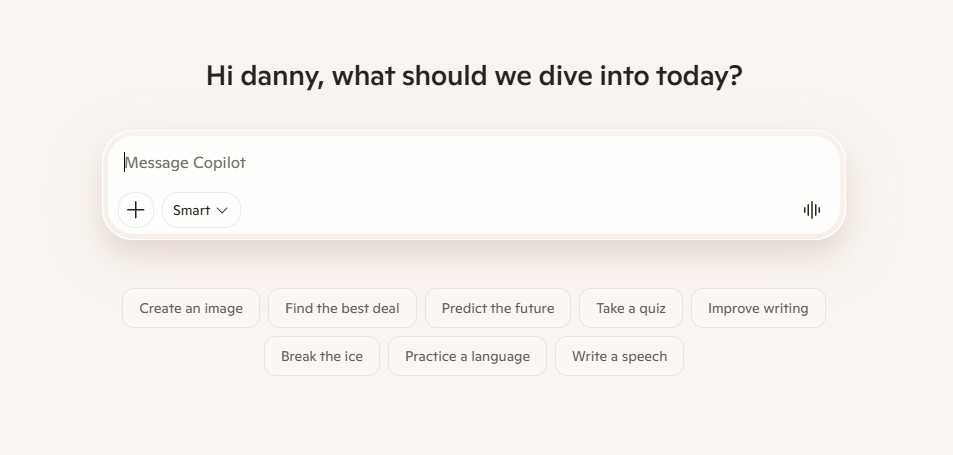
Copilot is the tool that quietly saves me hours. It’s not flashy, but inside Microsoft apps — Word, Excel, Outlook — it’s a game‑changer. When I’m deep in admin tasks or organizing my week, Copilot is the one that keeps everything moving.
It’s not the best writer or researcher, but it’s the best assistant.
⭐ Pros
- Perfect inside Microsoft apps
- Great for productivity
- Automates repetitive tasks
⭐ Cons
- Limited outside Microsoft ecosystem
- Not ideal for creative tasks
- Requires clear instructions
⭐ Pricing
Included with certain Microsoft plans.
⭐ Best For
Professionals who live inside Office apps.
⭐ Task‑Based Comparison Table
| Task | Best Tool | Why It Wins |
|---|---|---|
| Writing | ChatGPT | Most flexible and creative |
| Coding | Claude | Clear reasoning and structure |
| Research | Perplexity | Fast, accurate, cited results |
| Business | Copilot | Deep Microsoft integration |
| Beginners | ChatGPT | Easiest to learn and guide |
| Speed | Perplexity | Instant, concise answers |
| Accuracy | Claude | Lowest hallucination rate |
⭐How to Choose the Right AI Tool Stack (My Personal Framework)
After years of doing AI tool comparisons across real projects, I realized something that completely changed the way I choose tools: the “best” AI tool doesn’t exist in isolation. The best tool is the one that fits you, your workflow, your habits, your goals, and the way your brain naturally works.
I used to chase features. Then I chased models. Then I chased benchmarks. None of that helped me build a stack I actually enjoyed using. What finally worked was stepping back and asking myself a different question:
“What do I actually need help with every day?”
Once I started answering that honestly, my entire approach to AI tool comparisons changed. Here’s the framework I use now — the same one I use when I help others build their AI stack.
⭐ 1. Start With Your Use Cases
I always begin by listing the tasks I do most often:
- Writing
- Research
- Planning
- Coding
- Admin
- Brainstorming
- Decision‑making
Then I match each task to the tool that feels most natural. This is where AI tool comparisons become personal — because your daily tasks aren’t the same as mine.
⭐ 2. Consider Your Budget
I’ve tested free plans, mid‑tier plans, and enterprise plans. Here’s what I’ve learned:
- Free plans are great for experimenting
- Paid plans unlock reliability
- The best value is usually the tool you use every day
I don’t pay for tools I don’t reach for instinctively. That’s my rule.
⭐ 3. Look at Features You’ll Actually Use
It’s easy to get distracted by shiny features. I’ve done it too many times. But when I look at my real AI tool comparisons, the tools that stick are the ones that help me:
- Think faster
- Write clearer
- Research deeper
- Organize better
Everything else is noise.
⭐ 4. Evaluate the Learning Curve
Some tools feel natural from day one (ChatGPT). Others require a bit of patience (Claude). Some feel like a different language entirely (Gemini).
I always ask myself:
“Does this tool make me feel smarter, or does it make me feel slower?”
If it slows me down, it’s out.
⭐ 5. Check Integrations
This is where your stack becomes powerful. When tools talk to each other, your workflow becomes frictionless.
For example:
- Copilot inside Word + ChatGPT for drafting
- Perplexity for research + Claude for analysis
- Gemini for visuals + ChatGPT for writing
This is where AI tool comparisons turn into real productivity gains.
⭐ 6. Don’t Ignore Data Privacy
I’ve learned to check:
- What data is stored
- What data is used for training
- Whether I can delete my history
- Whether I can opt out of training
A tool that compromises your data is never worth it.
⭐ Choosing the right AI stack isn’t about picking the “best” tool — it’s about picking the right combination of tools that make you better.
⭐ Pros & Cons Table
| Category Aspect | Pros | Cons |
|---|---|---|
| Flexibility | Many tools for every task | Overwhelming choices |
| Pricing | Free tiers available | Best features locked behind paywalls |
| Accuracy | Tools like Claude excel | Others hallucinate |
| Speed | Perplexity is instant | Some tools lag on complex tasks |
| Creativity | ChatGPT shines | Some tools feel rigid |
| Integrations | Copilot is seamless | Limited cross‑tool support |
⭐ FAQ — Your Biggest Questions, Answered
⭐ 1. What are AI tool comparisons, and why do they matter?
AI tool comparisons are the process I use to evaluate tools side‑by‑side based on real workflows, not marketing claims. They matter because choosing the wrong tool wastes time, money, and mental energy. Choosing the right one can transform your entire workflow.
2. How many AI tools should I use in my stack?
In my experience, the sweet spot is 3–5 tools. Enough to cover your needs, not enough to overwhelm you. My personal stack is ChatGPT, Claude, Perplexity, Gemini, and Copilot.
3. Which AI tool is best for beginners?
ChatGPT. It’s the easiest to learn, the most flexible, and the most forgiving when you’re still figuring out how to prompt effectively.
4. Which AI tool is the most accurate?
Claude. When I’m doing AI tool comparisons that require precision, structure, or long‑form analysis, Claude consistently performs the best.
5. Do I need paid plans to get good results?
Not always. But if you rely on AI daily — like I do — paid plans give you reliability, speed, and better models. Free plans are great for testing, not for long‑term workflows.
6. Can I use multiple AI tools at the same time?
Absolutely. In fact, that’s the whole point of building a stack. Each tool has strengths and weaknesses. The magic happens when you combine them.
7. How often should I update my AI stack?
I revisit my AI tool comparisons every few months. Tools evolve fast, and your needs evolve too.
⭐ Final Verdict — My Honest Take
After years of testing, breaking, comparing, and rebuilding my workflow, here’s the truth: there is no single “best” AI tool. What matters is how the tools fit together — how AI tool comparisons can help choose tools to support your thinking, your creativity, your productivity, and your goals.
For me:
- ChatGPT is my everyday thinking partner
- Claude is my accuracy engine
- Perplexity is my research backbone
- Gemini is my multimodal assistant
- Copilot is my productivity booster
Together, they form a stack I trust — a stack built through real AI tool comparisons, real testing, and real work.
⭐ If you build your stack with intention, honesty, and a willingness to experiment, you’ll find the combination that makes you unstoppable.
👉 Related Guides
AI Tool Comparisons — How to Choose the Right Stack
Best AI Image Generators (2026)
Best AI Video Tools for Script, Editing & Publishing (2026)
Best AI Audio & Podcast Tools (2026)
Best AI Tools for Developers & Technical Teams (2026)
Best AI Marketing Tools for Modern Growth (2026)
Best AI Agents & Automation Tools (2026)
⭐ About the Author
I’m Danny, the founder of ToolCompare.ai — and the person who has spent far too many late nights testing AI tools until my coffee went cold. I built this site because I was tired of reviews written by people who never actually used the tools. Every comparison here comes from real workflows, real projects, and real frustrations I’ve had to solve myself.
Before ToolCompare.ai, I was constantly switching between AI platforms, trying to figure out which ones actually made my work faster instead of adding more noise. That experience shaped how I evaluate tools today: not by hype, but by how they perform under pressure in real‑world use.
My goal is simple: help you build an AI stack that feels smooth, predictable, and genuinely useful — without wasting hours testing tools that won’t deliver. If you want honest, hands‑on insights from someone who actually lives inside these tools every day, you’re in the right place.