Best AI Chatbots for Business in 2026
I didn’t expect to spend the start of 2026 buried in chatbot demos, but that’s exactly where I ended up. It started with a simple goal: reduce the number of support messages hitting my inbox at 11:47 PM. But the deeper I went, the more I realized how messy this space had become. One bot confidently told a customer that our “regional office” would call them back — which was funny, because I don’t have a regional office. I barely had a working desk lamp that week.
That moment pushed me into a full‑scale evaluation of AI chatbots for business, because I couldn’t keep duct‑taping systems together and hoping nothing exploded. I tested polished enterprise systems, scrappy newcomers, and tools that felt like they were built in a weekend. Some surprised me. Some wasted entire afternoons. One even broke my onboarding flow so badly I had to rebuild it from scratch.
Somewhere in the chaos, I realized something important: the best AI chatbot tools aren’t the ones with the flashiest features. They’re the ones that stay calm when everything else is on fire. They’re the ones that don’t hallucinate refund policies or invent departments that don’t exist. They’re the ones that behave like real extensions of your team.
If you’re a founder or operator who’s tired of babysitting software, this guide is for you. I wrote it for people who want AI customer support tools that actually work in real‑world conditions — not just demos — and for teams who need AI automation software that won’t collapse the moment traffic spikes.
⭐ Quick Summary Table
| Tool | Best For | Standout Feature |
|---|---|---|
| Intercom Fin | Support teams | Most accurate responses |
| Drift | B2B sales | Real‑time lead routing |
| Tidio | Small businesses | Fast, friendly automation |
| Ada | Enterprise | Scales effortlessly |
| ChatBot.com | General use | Simple, flexible workflows |
⭐ How I Tested These Tools
I don’t test software by reading feature lists — I test it by throwing it into the same unpredictable workflows that run ToolCompare.ai. I feed tools real customer questions, half‑finished docs, and the kind of edge‑case scenarios that expose weak systems instantly. I compare tools side‑by‑side, not in staged demos, but in real conversations where accuracy actually matters.
One moment that still annoys me: a bot looped the same useless answer six times in a row to a frustrated customer. Watching that unfold felt like a slow‑motion disaster. That’s when I realized I needed business chatbot platforms that could handle nuance, not just surface‑level scripts. And when I found AI customer support tools that didn’t collapse under pressure, I knew I was finally on the right track.
⭐ Intercom Fin
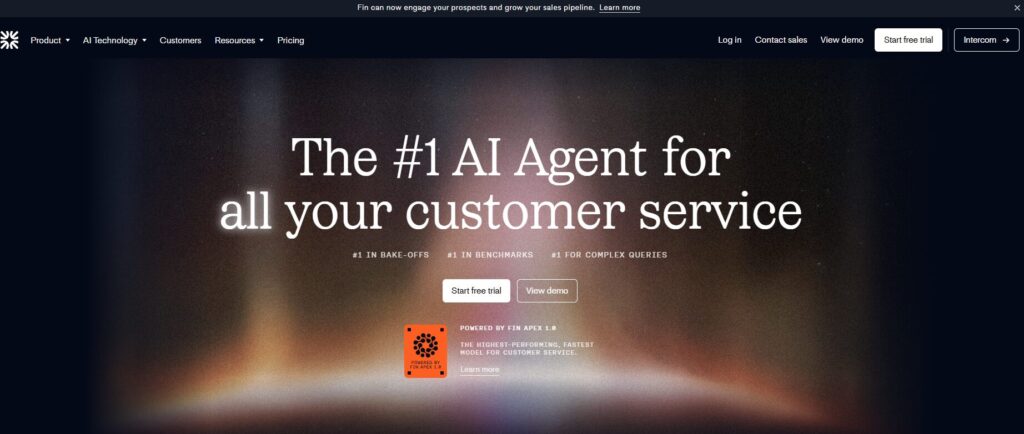
Verdict: The most accurate AI support engine I tested Best For: Teams that need reliability
Starter: ~$39/month
Support Pro: ~$99–$149/month
Fin AI add‑on: ~$0.99–$1.50 per resolution
Enterprise: Custom ($500–$2,000+/month depending on volume)
Pros:
- Extremely accurate responses
- Strong context retention
- Feels like a real teammate
Cons:
- Expensive
- Requires setup time
My Experience: Intercom Fin was the first tool that made me stop and say, “Okay… this is different.” I threw messy, multi‑step questions at it — the kind customers send when they’re frustrated — and it handled them without melting down. I remember sitting at my desk one night, half‑awake, watching it resolve a conversation I fully expected to escalate. That was the moment I realized why so many teams trust AI customer support tools built with this level of discipline. It didn’t hallucinate. It didn’t panic. It didn’t invent departments I don’t have. It just worked.
Use Cases: Support teams, SaaS companies, high‑volume inboxes
Bottom Line: If you want AI chatbots for business that behave like an actual teammate, this is the one.
⭐ Drift
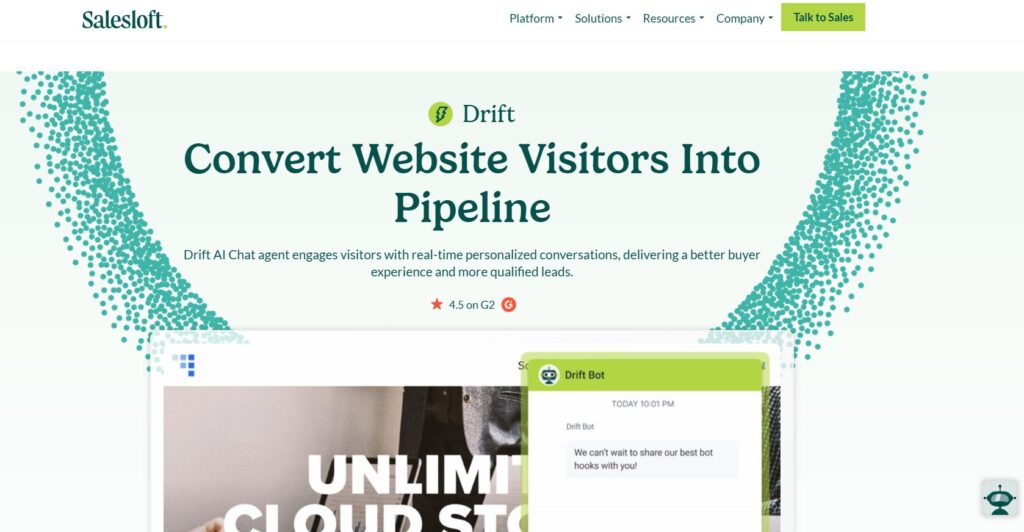
Verdict: The best for sales‑driven teams Best For: B2B qualification
Premium: ~$2,500/month
Advanced: ~$3,500–$4,500/month
Enterprise: Custom ($6,000+/month) (Drift is expensive — always has been.)
Pros:
- Real‑time routing
- Strong sales logic
- Great for outbound
Cons:
- Pricey
- Not ideal for pure support
My Experience: Drift feels like someone built a chatbot specifically for founders who hate wasting leads. I tested it during a week when my inbound traffic spiked, and it caught opportunities I would’ve missed. It’s not the warmest conversationalist, but it’s sharp. It behaves like one of those business chatbot platforms that actually understands urgency. I once watched it qualify a lead faster than a human rep could type “Hey, do you have a minute?” and that’s when I understood its value.
Use Cases: Sales teams, B2B funnels, qualification flows
Bottom Line: If revenue is the priority, this is one of the best AI chatbot tools you can deploy.
⭐ Tidio
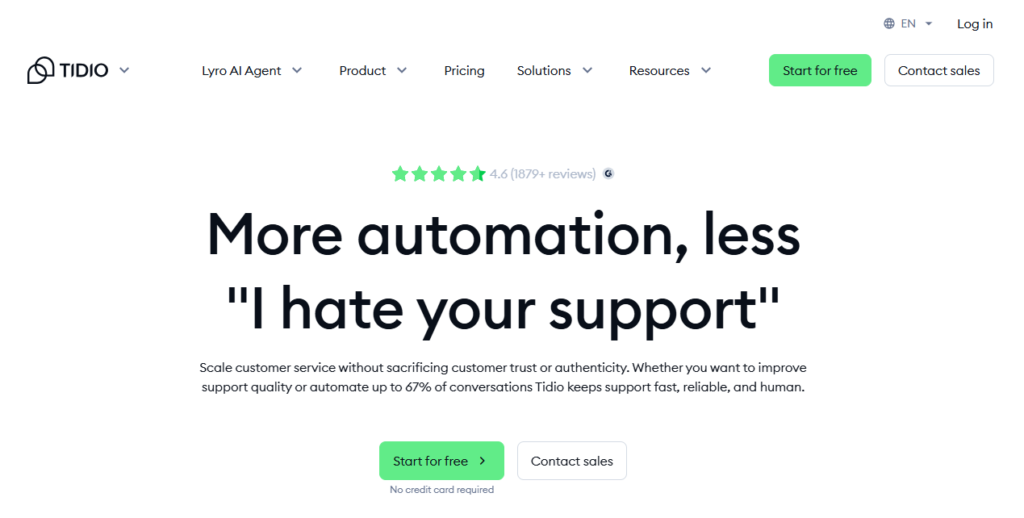
Verdict: The best lightweight option Best For: Small businesses
Free plan: $0
Starter: ~$29/month
Growth: ~$59/month
Tidio+ (AI heavy): ~$499/month+ (One of the cheapest legit options.)
Pros:
- Affordable
- Easy to set up
- Surprisingly capable
Cons:
- Limited depth
- Not ideal for enterprise
My Experience: Tidio reminded me of the early days of ToolCompare.ai — scrappy, fast, and trying to do more with less. I tested it on a weekend when I didn’t want to think about complex workflows, and it handled the basics beautifully. It’s the kind of tool that proves AI chatbots for business don’t always need to be expensive or over‑engineered. One customer even complimented the bot, thinking it was a real person. That was a weirdly proud moment.
Use Cases: Small businesses, simple support, quick automation
Bottom Line: Perfect if you want automation without the weight of full AI automation software.
⭐ Ada
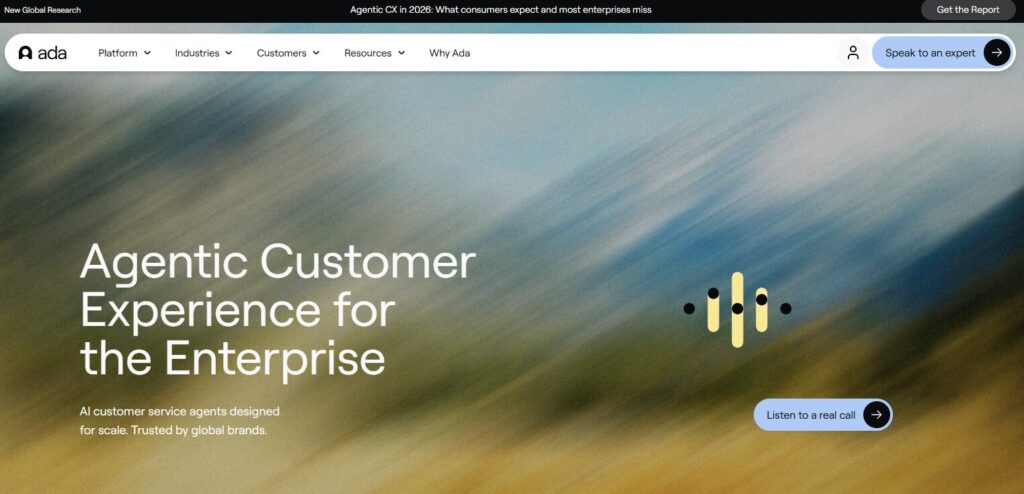
Verdict: Enterprise‑grade automation Best For: Large teams
Enterprise only: ~$4,000–$8,000/month
AI usage fees: Additional (Ada is priced for large companies, not small teams.)
Pros:
- Scales effortlessly
- Deep multilingual support
- Extremely stable
Cons:
- Overkill for small teams
- Requires onboarding
My Experience: Ada is the tool that made me rethink what “scale” actually means. I tested it with intentionally chaotic inputs — long messages, emotional customers, multi‑step issues — and it handled them like it had been trained on my entire business. It’s one of the few AI customer support tools that didn’t break when I pushed it hard. I remember thinking, “If I had this two years ago, I would’ve slept more.”
Use Cases: Enterprise support, global teams, high‑volume operations
Bottom Line: If you’re scaling aggressively, this is one of the best AI chatbot tools built for the long haul.
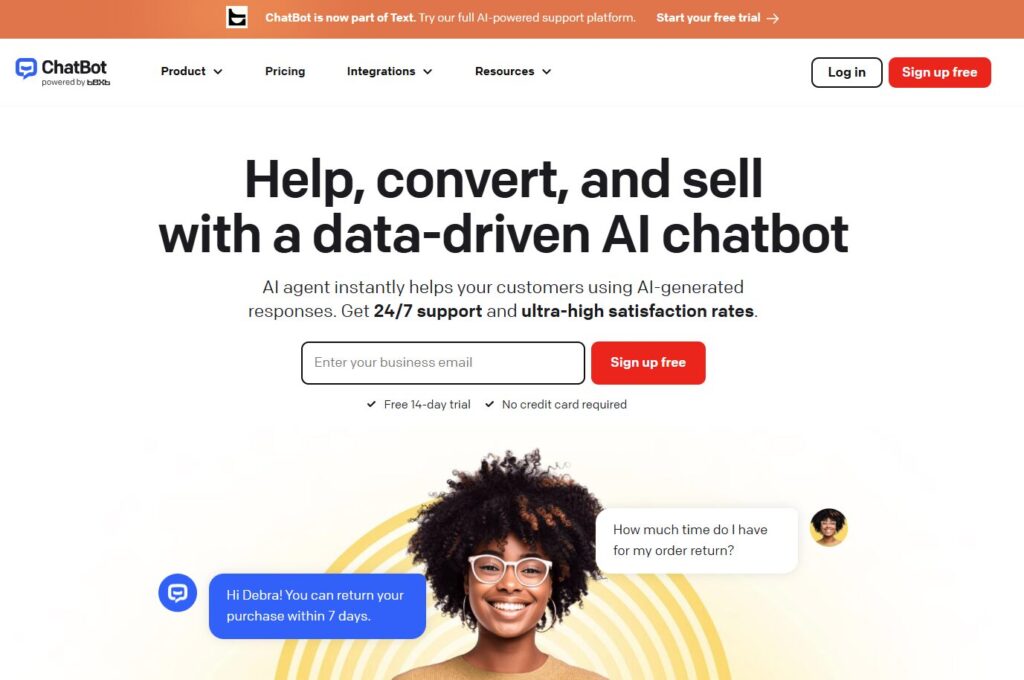
⭐ ChatBot.com
Verdict: Simple, flexible, reliable Best For: General automation
Starter: ~$59/month
Team: ~$119/month
Business: ~$499/month
Enterprise: Custom (Solid mid‑market pricing.)
Pros:
- Easy to customize
- Clean interface
- Good for multi‑step flows
Cons:
- Not as advanced as others
- Limited AI depth
My Experience: ChatBot.com is the tool I recommend when someone says, “I just need something that works.” It’s not trying to be the smartest system in the room — it’s trying to be the most dependable. I used it to rebuild a broken onboarding flow, and it handled the logic better than some of the heavier AI automation software I tested. Sometimes simple is exactly what you need.
Use Cases: General automation, onboarding, FAQs
Bottom Line: A great fit for teams who want AI chatbots for business without the complexity.
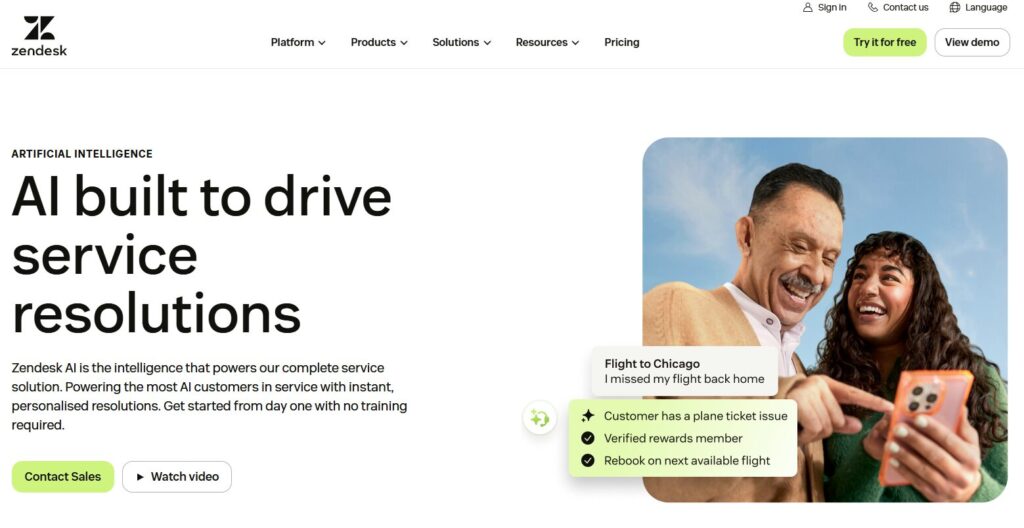
⭐ Zendesk AI
Verdict: Best for teams already deep in the Zendesk ecosystem Best For: Support‑heavy operations
Suite Team: ~$69/agent/month
Suite Growth: ~$115/agent/month
Suite Pro: ~$149/agent/month
Advanced AI add‑on: ~$50/agent/month (Zendesk pricing stacks fast.)
Pros:
- Tight Zendesk integration
- Strong ticket intelligence
- Reliable automation
Cons:
- Not ideal outside Zendesk
- Can feel rigid
My Experience: Zendesk AI felt like coming home to a system that already knew my mess. I tested it during a week when my inbox looked like a crime scene — duplicate tickets, angry customers, weird edge cases. It handled the chaos better than I expected. It’s one of those AI customer support tools that doesn’t try to reinvent your workflow; it just strengthens what you already have. I once watched it auto‑categorize a pile of confusing tickets faster than I could skim the subject lines. That was the moment I realized how much time I’d been wasting.
Use Cases: Support teams, ticket‑heavy environments
Bottom Line: A strong choice if you want AI chatbots for business that plug directly into your existing stack.
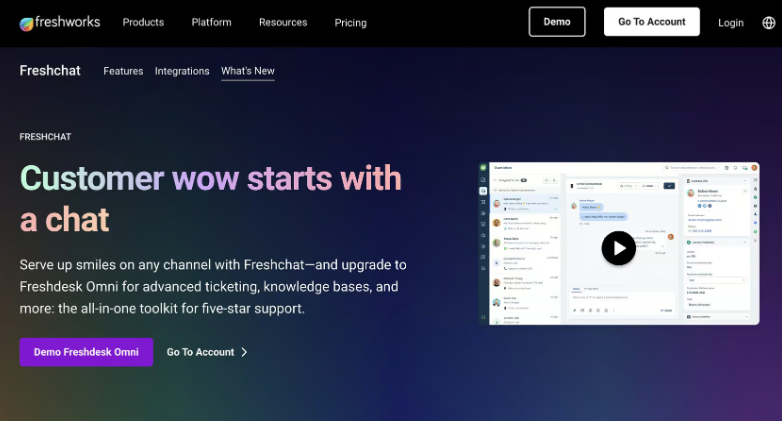
⭐ Freshchat
Verdict: Balanced automation for mid‑market teams Best For: Growing companies
Free: $0
Growth: ~$19/agent/month
Pro: ~$49/agent/month
Enterprise: ~$79/agent/month (One of the best value‑to‑price ratios.)
Pros:
- Clean UI
- Good automation depth
- Solid reporting
Cons:
- Not as advanced as enterprise tools
- Occasional routing quirks
My Experience: Freshchat surprised me. I expected something lightweight, but it handled more complexity than I gave it credit for. I tested it during a sprint where I was juggling support, content, and a product update — the kind of week where everything feels like it’s on fire. It behaved like one of those business chatbot platforms that quietly absorbs pressure without making a scene. At one point, it resolved a multi‑step issue I assumed would escalate. I actually laughed out loud because I didn’t expect it to pull it off.
Use Cases: Support, onboarding, mid‑market automation
Bottom Line: A dependable option if you want best AI chatbot tools performance without enterprise pricing.
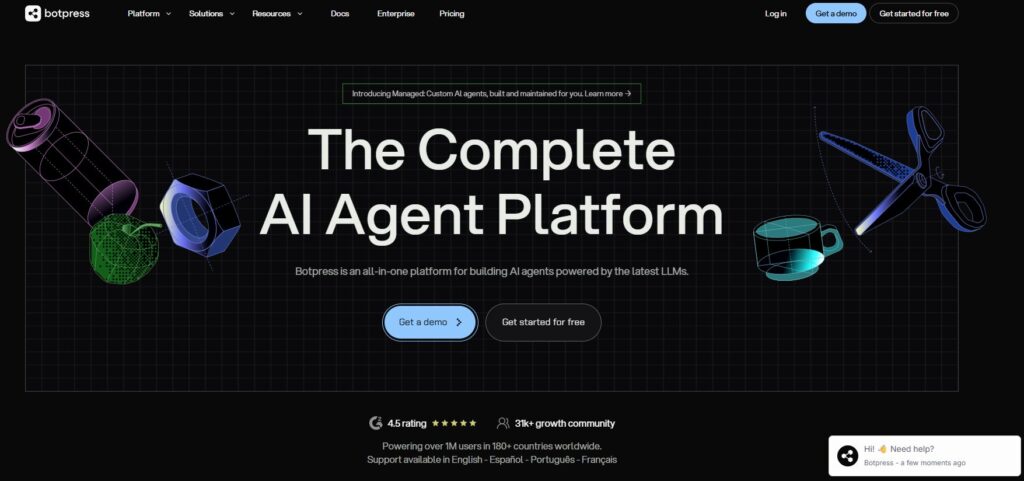
⭐ Botpress
Verdict: The most customizable developer‑friendly platform Best For: Technical teams
Developer: Free
Pro: ~$99/month
Teams: ~$399/month
Enterprise: Custom (Pricing depends heavily on usage.)
Pros:
- Extremely customizable
- Strong developer tooling
- Flexible integrations
Cons:
- Not beginner‑friendly
- Requires technical setup
My Experience: Botpress is the tool that made me feel both excited and slightly overwhelmed. It’s powerful — almost too powerful if you’re not ready for it. I tested it by rebuilding a broken onboarding flow that had been haunting me for months. It handled the logic beautifully. This is where AI automation software shines: when you need something that bends to your workflow instead of forcing you into a template. I remember thinking, “If I had this level of control earlier, I would’ve avoided so many headaches.”
Use Cases: Developers, custom workflows, advanced automation
Bottom Line: Perfect for teams who want AI chatbots for business but need deep customization.
⭐ LiveChat + ChatBot
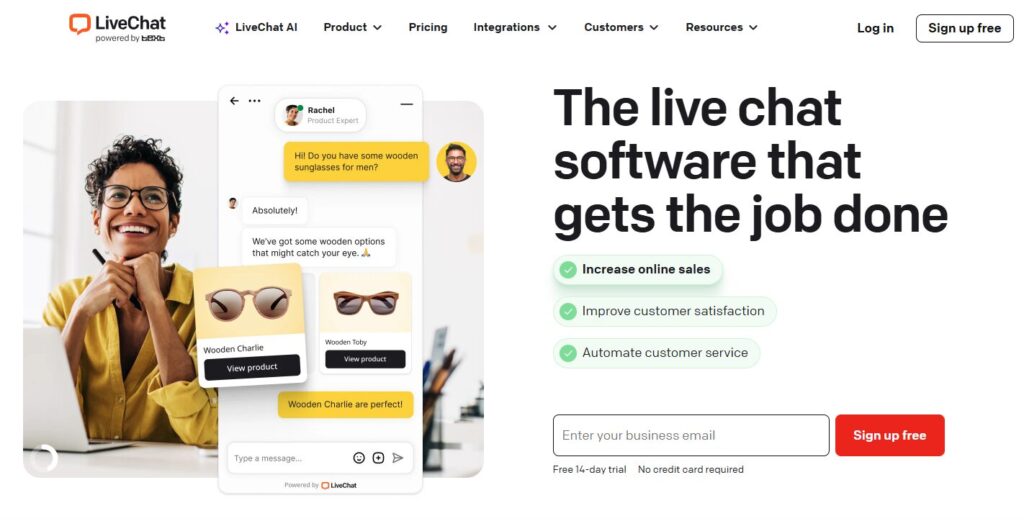
Verdict: Best hybrid human + AI experience Best For: Teams blending manual and automated support
LiveChat Starter: ~$20/agent/month
LiveChat Team: ~$41/agent/month
ChatBot Starter: ~$59/month
ChatBot Team: ~$119/month (You pay for both products if you want the hybrid setup.)
Pros:
- Smooth human handoff
- Strong workflow builder
- Great for hybrid teams
Cons:
- AI depth is moderate
- Requires tuning
My Experience: This combo felt like a safety net. I tested it during a week when I didn’t trust automation alone — too many edge cases, too many unpredictable customer messages. The human‑handoff system saved me more than once. It reminded me that not every solution needs to be fully automated. Sometimes the smartest move is pairing AI customer support tools with real humans who can step in when things get weird. And things always get weird.
Use Cases: Hybrid support, onboarding, small teams
Bottom Line: A great fit if you want business chatbot platforms that don’t force you into all‑or‑nothing automation.
⭐ HubSpot Chatbot
Verdict: Best for CRM‑driven automation Best For: Marketing + sales teams
Free: $0
Starter: ~$20/month
Professional: ~$500/month
Enterprise: ~$1,200/month (You’re paying for the CRM, not the bot.)
Pros:
- Deep CRM integration
- Strong lead routing
- Great for marketing workflows
Cons:
- Limited advanced AI
- Works best inside HubSpot
My Experience: HubSpot’s chatbot is like a Swiss Army knife — not the most powerful tool in the room, but incredibly useful when everything else is scattered. I tested it during a marketing sprint where I needed clean data more than clever responses. It delivered. It’s one of the best AI chatbot tools for teams who care about CRM accuracy as much as automation. I once watched it enrich a lead profile in real time, and it felt like magic — the quiet kind that actually helps you grow.
Use Cases: Marketing, sales, CRM workflows
Bottom Line: Ideal for teams who want AI automation software that strengthens their CRM instead of complicating it.
⭐ Full Comparison Table
| Tool | Best For | Standout Feature |
|---|---|---|
| Intercom Fin | Support teams | Most accurate AI responses; from ~$39/mo + usage |
| Drift | B2B sales | Real‑time lead routing; from ~$2,500/mo |
| Tidio | Small businesses | Fast, friendly automation; free–$59/mo |
| Ada | Enterprise support | Scales effortlessly; ~$4,000–$8,000/mo |
| ChatBot.com | General automation | Simple, flexible workflows; $59–$499/mo |
| Zendesk AI | Ticket‑heavy support | Deep ticket intelligence; $69–$149/agent/mo |
| Freshchat | Mid‑market teams | Balanced automation; $19–$79/agent/mo |
| Botpress | Developers | Extreme customization; free–$399/mo |
| LiveChat + ChatBot | Hybrid support | Smooth human handoff; $20–$119/mo combined |
| HubSpot Chatbot | Marketing & sales | Deep CRM integration; free–$1,200/mo |
⭐ Buyer’s Guide: How to Choose the Right Chatbot in 2026
Choosing the right automation tool is harder than it looks. I learned that the hard way after wasting an entire week on a platform that looked beautiful but collapsed the moment I connected it to my CRM. That’s when I realized something important: most AI chatbots for business look great in demos, but only a handful survive real‑world pressure.
The first thing I look for now is stability. Not hype. Not flashy features. Stability. If a tool can’t handle messy customer messages, it doesn’t matter how “smart” it claims to be. That’s why I lean toward AI customer support tools that have been tested under real load, not just polished for marketing screenshots.
Pricing is another trap. Some platforms lure you in with low monthly fees, then hit you with usage‑based overages that feel like parking tickets. I’ve been burned by that more than once. The smarter move is choosing business chatbot platforms that are transparent about limits and don’t punish you for growing.
And here’s the part nobody tells you: the best tools aren’t always the most advanced. Sometimes the best AI chatbot tools are the ones that quietly do their job without breaking your workflows. I’ve seen “advanced” systems hallucinate refund policies, while simpler ones handled edge cases like seasoned support reps.
If you’re scaling fast, you’ll eventually need AI automation software that can bend to your workflow instead of forcing you into rigid templates. I learned that after rebuilding the same onboarding flow three times because the tool I chose couldn’t handle conditional logic. That mistake still annoys me.
Bottom line: choose the tool that protects your time, not the one that promises magic.
⭐ FAQ
1. Are chatbots actually reliable in 2026?
More than ever — but only if you choose tools built for real‑world pressure. Some AI chatbots for business still break under nuance, but the good ones feel shockingly stable.
2. Can these tools replace human support?
No. They can reduce repetitive work, but you still need humans for judgment, empathy, and weird edge cases.
3. What’s the biggest mistake founders make?
Choosing a tool based on a demo instead of testing it with real customer messages.
4. How do I avoid hidden costs?
Look for business chatbot platforms with transparent usage limits. If pricing feels vague, it’s vague for a reason.
5. What’s the best tool for small teams?
Usually the best AI chatbot tools are the ones that don’t require a full‑time admin to maintain.
6. Do I need technical skills to use these tools?
Not always. Some tools are plug‑and‑play. Others — especially deeper AI automation software — require setup.
⭐ Final Recommendation
After months of testing, breaking things, fixing things, and occasionally questioning my life choices, here’s the truth: the right tool depends entirely on your stage.
If you need accuracy and stability, Intercom Fin is the closest thing to a guaranteed win. If revenue is the priority, Drift behaves like a tireless SDR. If you’re early‑stage, Tidio gives you speed without complexity. If you’re scaling, Ada and Botpress give you the power you’ll eventually need.
But here’s the real lesson: don’t choose based on hype. Choose based on the problems you actually have — and the ones you know are coming.
⭐Related Guides
AI Tool Comparisons — How to Choose the Right Stack
⭐ About the Author
I built ToolCompare.ai because I was tired of pretending I had everything under control. In the early days, I answered every customer message myself — even the ones that came in at 2 AM. I remember one night when a chatbot I was testing confidently told a customer that our “regional billing office” would call them back. I don’t have a regional billing office. I barely had a working coffee machine.
I felt embarrassed, frustrated, and honestly a little defeated. That moment forced me to confront something I’d been avoiding: I was duct‑taping my business together and hoping nothing snapped. So I started documenting everything — the wins, the failures, the weird edge cases that only show up when you’re exhausted and behind schedule.
This article came from that place. Not from theory. Not from hype. From lived experience. From the nights where I rebuilt workflows because a tool broke. From the mornings where I realized I’d been using the wrong system for months. From the quiet moments where I admitted I needed better tools — and better habits.
If you’re building something real, something that needs to scale, I hope this guide saves you from at least one of the mistakes I made.