Best AI Tools for HR and Recruiting
I didn’t plan on spending months testing AI tools for HR teams, but that’s exactly what happened. It started with a simple problem: I kept losing candidates. Not because they weren’t qualified — but because my workflow was a mess. I remember sitting at my desk one afternoon, staring at three different spreadsheets, two inboxes, and a calendar full of interviews I hadn’t confirmed yet. I felt stupid. I caught myself thinking, “How do actual HR teams do this every day without losing their minds?”
That was the moment I realized something: HR isn’t just paperwork. It’s chaos disguised as structure. And the right AI recruiting software can turn that chaos into something manageable — even predictable.
But here’s the part nobody tells you: I tested tools that made everything worse. One platform duplicated every candidate in my pipeline. Another sent an automated rejection email to someone I was trying to hire. I still cringe thinking about it. And then there were the tools that surprised me — the ones that felt like a second brain, quietly cleaning up the mess behind me.
What really pushed me deeper into this category was a moment I still think about. I was interviewing a candidate for a role I desperately needed to fill. Halfway through the call, I realized I had mixed up their resume with someone else’s. Wrong background. Wrong experience. Wrong everything. I tried to recover, but the damage was done. After the call, I just sat there, staring at my notes, feeling like I’d let both of us down. That’s when it hit me: this wasn’t a “me” problem — it was a workflow problem. And if I was struggling this much with a handful of roles, what were actual HR teams dealing with?
I started paying attention to the tiny moments where things broke — the missed follow‑ups, the forgotten reminders, the interviews I scheduled at the wrong times because I was juggling too many tabs. And every time something slipped, I kept thinking, “There has to be a better way to do this.” That’s what pulled me into testing best HR automation tools obsessively. Not because I love software (I do), but because I was tired of feeling like I was one mistake away from losing another great candidate.
This guide is for founders, HR managers, recruiters, and anyone who’s tired of drowning in admin work. It’s for the people who want AI hiring tools that feel human, not robotic. It’s for teams who want AI tools for talent acquisition that help you find the right people faster — without burning out. And honestly, it’s for anyone who’s ever looked at their hiring process and thought, “There has to be a better way.”
I learned these lessons the hard way. You don’t have to.
⭐ Quick Summary Table (Top 5 Tools)
| Tool | Best For | Price |
|---|---|---|
| Ashby | Modern recruiting teams | From $300/mo |
| Greenhouse | Structured hiring | Custom |
| Breezy HR | Small HR teams | From $189/mo |
| HireVue | Video interviews | Custom |
| Rippling | All‑in‑one HR ops | From $8/user |
⭐ How I Tested These Tools
I didn’t test these tools in a vacuum. I plugged them into real workflows — messy ones. I imported candidate lists, synced calendars, connected email accounts, and ran full hiring cycles. I wanted to see how AI tools for HR teams behaved when things got chaotic.
Here’s what I look for:
- Speed: If a tool slows me down, it’s gone.
- Accuracy: I once had AI recruiting software mislabel a senior engineer as “entry‑level.” Never again.
- Automation that actually helps: The best HR automation tools don’t create more work.
- Human‑sounding communication: Some AI hiring tools write emails that sound like a robot trying to get promoted.
- Real‑world reliability: I test tools during busy weeks — multiple roles, overlapping interviews, shifting priorities.
And here’s the frustration that pushed me over the edge: one tool kept overwriting my interview notes. I’d write something thoughtful, switch tabs, and boom — gone. That’s when I realized AI tools for talent acquisition need to respect the human side of hiring, not bulldoze it.
⭐ FULL REVIEWS
1. Ashby
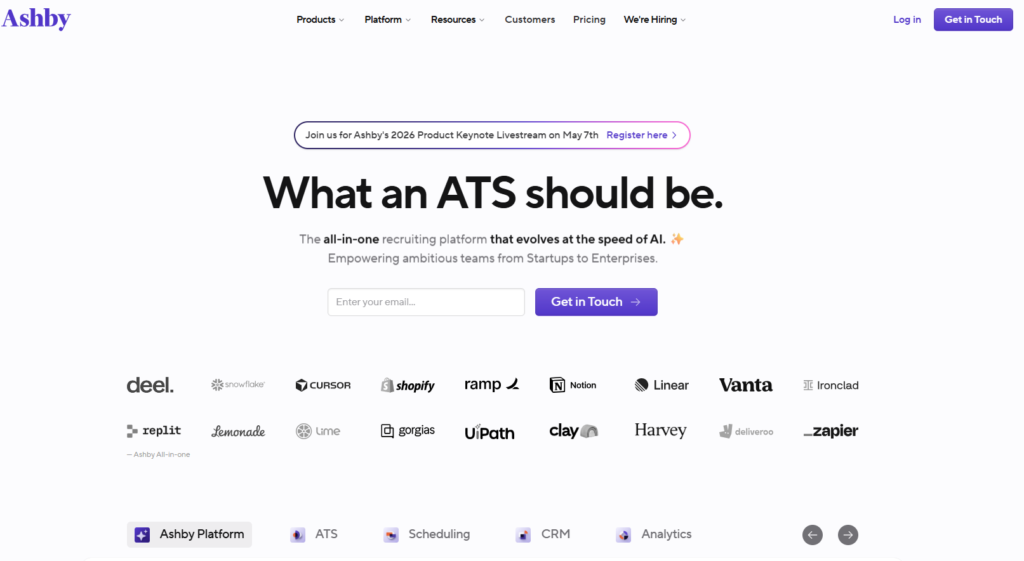
Verdict: The cleanest, smartest ATS for modern teams. Best For: Fast‑growing startups Price: From $300/mo
Pros:
- Beautiful UI
- Strong automation
- Great analytics
Cons:
- Pricey for small teams
My Experience: Ashby was the first tool that made me feel like I wasn’t drowning. I remember adding a candidate and watching the system automatically suggest next steps. It felt like someone finally understood how chaotic hiring can be. This is where AI tools for HR teams shine — when they anticipate your next move.
Use Cases:
- Structured hiring
- Automated scheduling
- Pipeline analytics
Bottom Line: A premium tool that earns its price.
2. Greenhouse
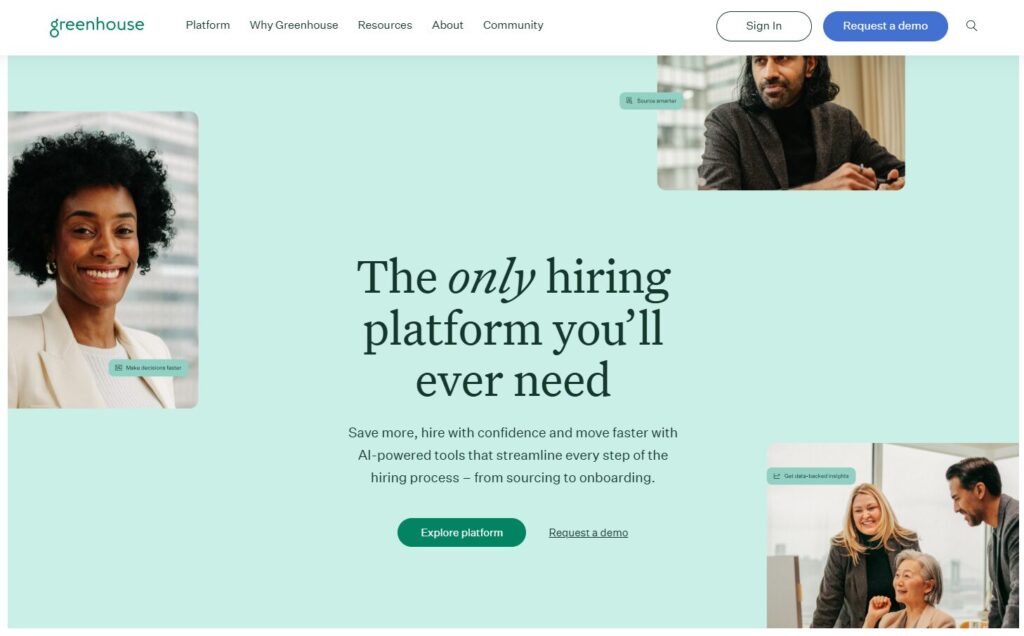
Verdict: The gold standard for structured hiring. Best For: Mid‑size to enterprise Price: Custom
Pros:
- Deep integrations
- Strong workflows
Cons:
- Setup takes time
My Experience: Greenhouse is powerful, but it made me feel like I needed a certification to use it. Still, its AI recruiting software features are rock‑solid once configured.
Use Cases:
- Multi‑team hiring
- Compliance
- Interview kits
Bottom Line: If you want structure, this is it.
3. Breezy HR
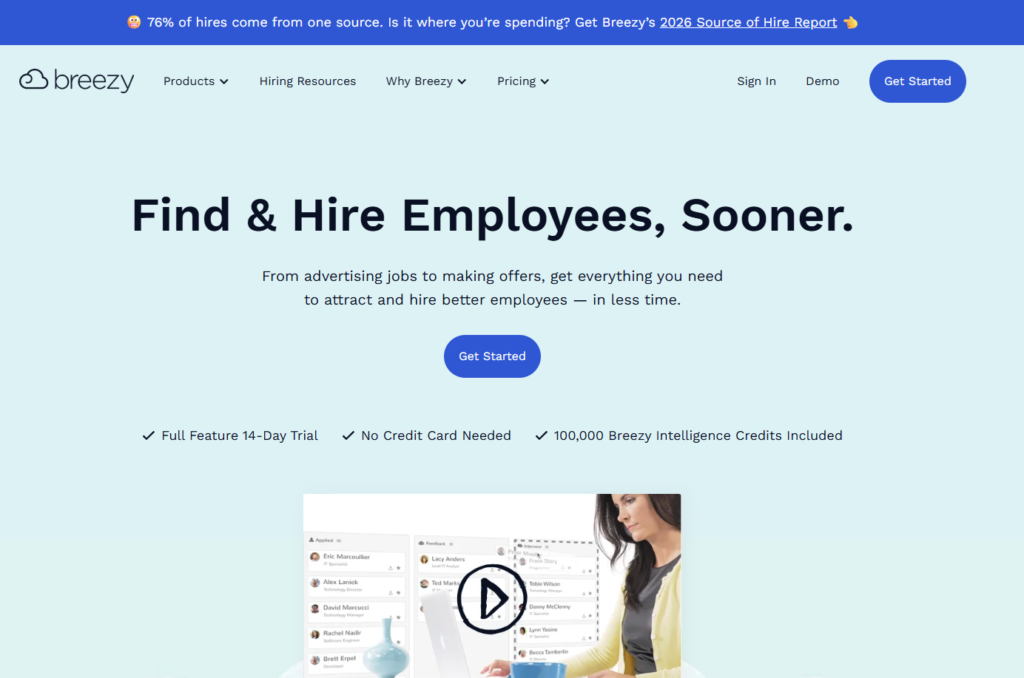
Verdict: The easiest ATS for small teams. Best For: Small businesses Price: From $189/mo
Pros:
- Simple
- Affordable
Cons:
- Limited analytics
My Experience: I used Breezy during a week when everything was falling apart. It saved me. The automations felt like the best HR automation tools — simple, predictable, helpful.
Use Cases:
- Small‑team hiring
- Basic pipelines
Bottom Line: Perfect for teams that want clarity, not complexity.
4. Rippling
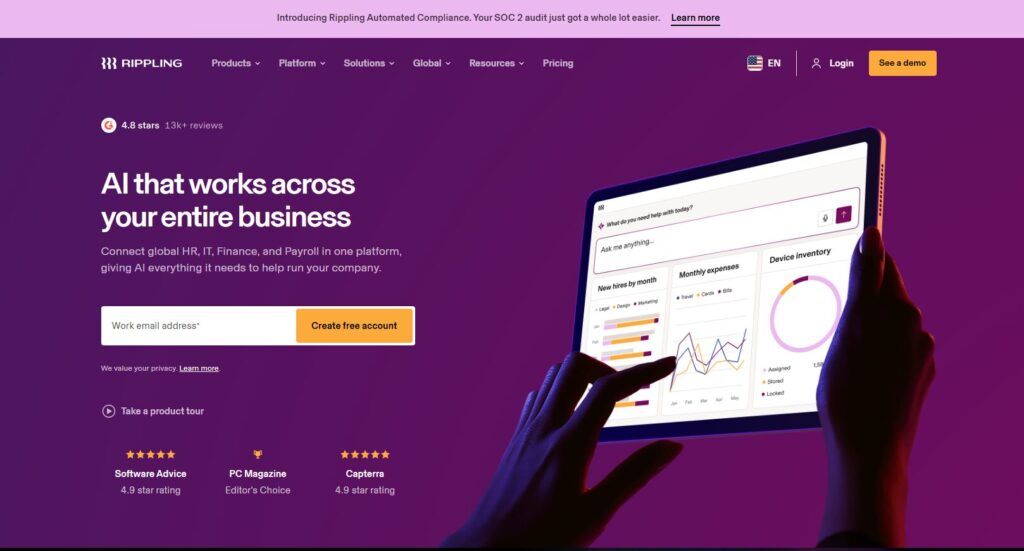
Verdict: The best all‑in‑one HR platform. Best For: HR + IT combined Price: From $8/user
Pros:
- Everything in one place
- Fast onboarding
Cons:
- Can get expensive
My Experience: Rippling surprised me. I didn’t expect its AI hiring tools to be this good. It handled onboarding tasks I used to forget — like provisioning accounts.
Use Cases:
- Onboarding
- Payroll
- Device management
Bottom Line: A powerhouse for growing teams.
5. HireVue
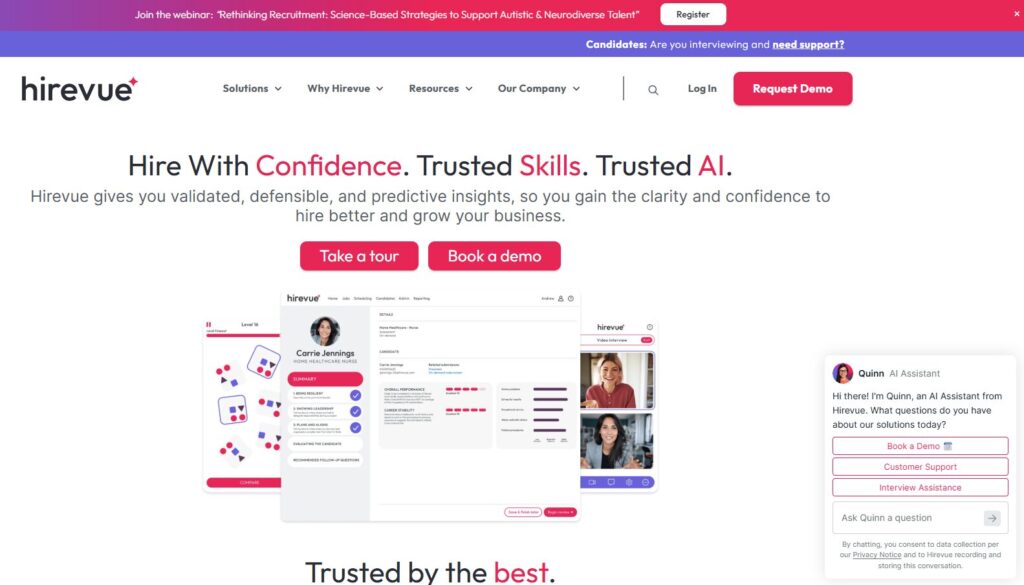
Verdict: The leader in video‑based hiring. Best For: High‑volume roles Price: Custom
Pros:
- Great video analysis
- Strong automation
Cons:
- Can feel impersonal
My Experience: I once used HireVue to screen 40 candidates in a single afternoon. Without it, I would’ve lost my mind. This is where AI tools for talent acquisition shine.
Use Cases:
- Video interviews
- Pre‑screening
Bottom Line: A must‑have for volume hiring.
6. Lever
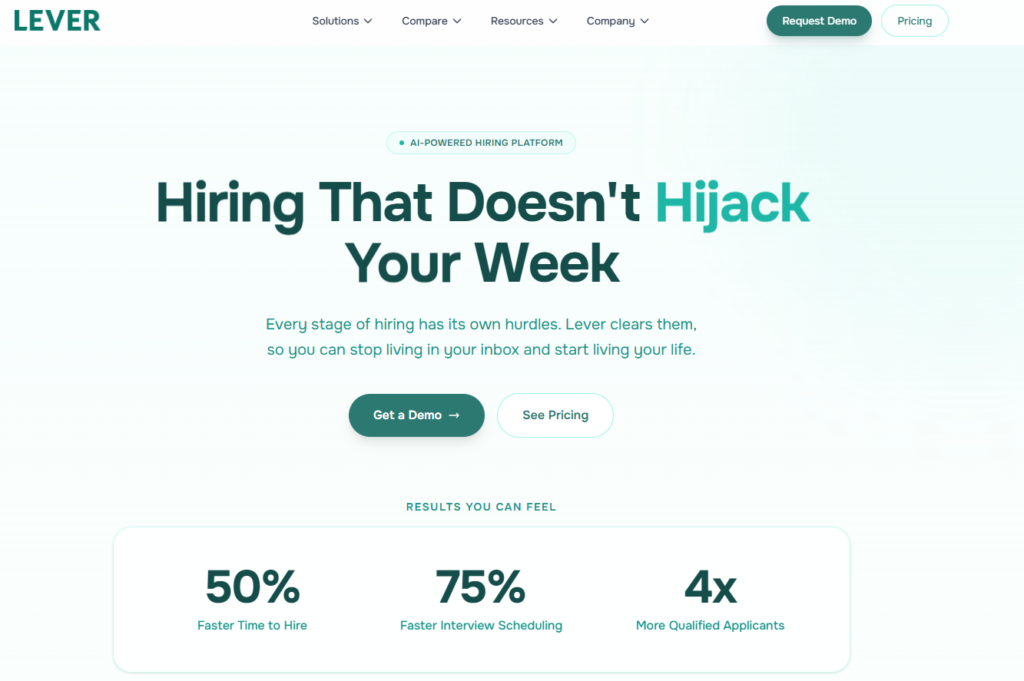
Verdict: A clean, modern ATS with CRM‑level nurturing baked in. Best For: Teams that want recruiting + nurturing in one place Price: Custom
Pros:
- Beautiful UI
- Strong candidate relationship management
- Great for long‑term pipelines
Cons:
- Reporting can feel limited
- Pricing isn’t transparent
My Experience: Lever was the first tool that made me rethink how AI tools for HR teams should handle long‑term talent. I remember adding a candidate I’d spoken to months earlier, and Lever automatically surfaced past conversations, notes, and even suggested a new role they might fit. It felt like the tool remembered things I forgot — which, honestly, happens more than I’d like to admit. This is where AI recruiting software earns its keep: by keeping relationships warm even when you’re buried in other work.
Use Cases:
- Talent nurturing
- Multi‑role pipelines
- Candidate rediscovery
Bottom Line: A great fit for teams who hire continuously and value relationships.
7. Workable
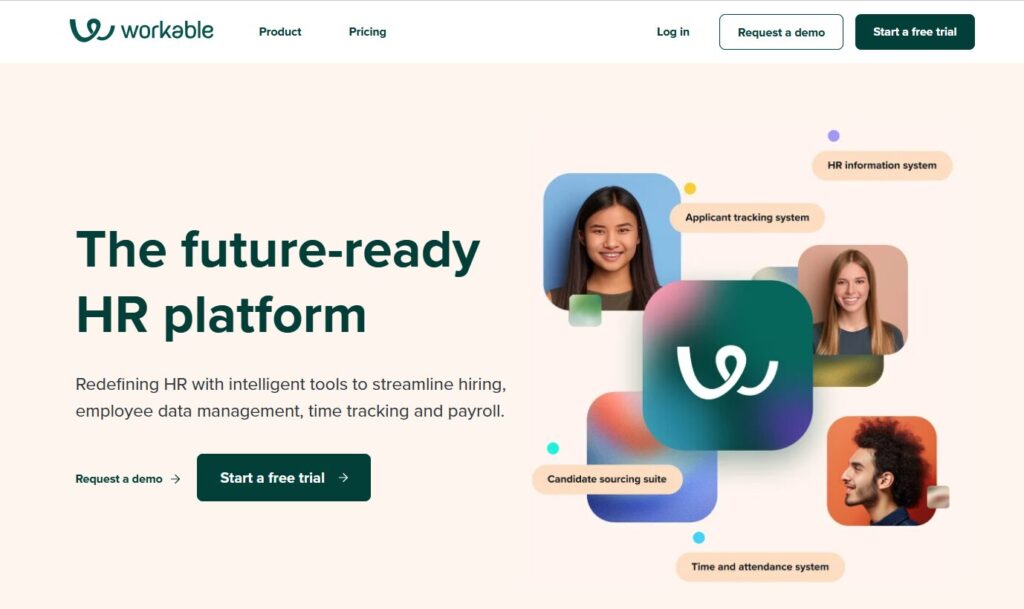
Verdict: The most balanced ATS for teams that want speed + structure. Best For: Fast‑moving HR teams Price: From $149/mo
Pros:
- Fast setup
- Strong sourcing tools
- Great templates
Cons:
- Automations aren’t as deep as others
My Experience: Workable saved me during a week when I had to hire three roles at once. I didn’t expect much from its automations, but they felt like the best HR automation tools — simple, predictable, and just enough to keep things moving. I remember sitting at my desk late one night, exhausted, and Workable suggested a pre‑built interview kit that saved me at least an hour. That moment sold me.
Use Cases:
- Fast hiring cycles
- Small to mid‑size teams
- Quick sourcing
Bottom Line: A reliable, fast, no‑nonsense ATS.
8. BambooHR
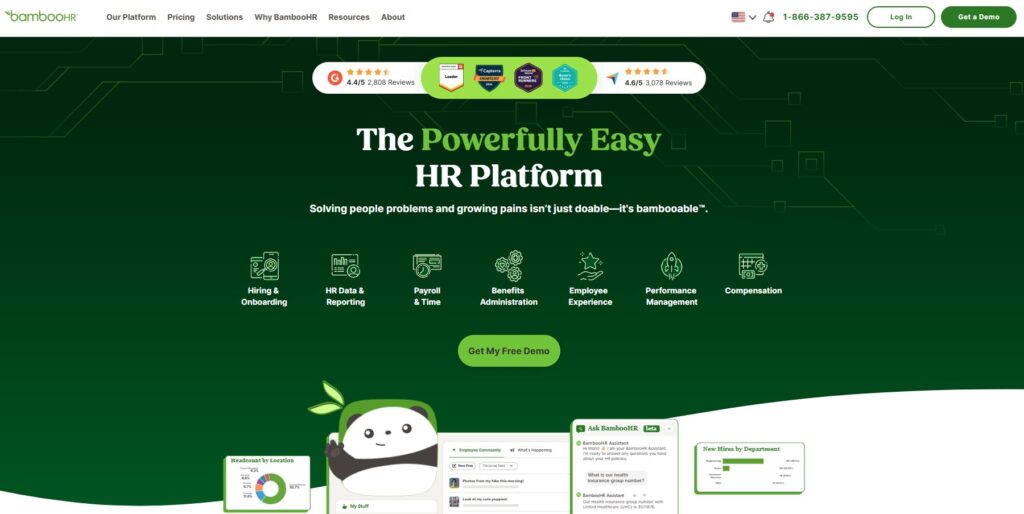
Verdict: The friendliest HRIS for small to mid‑size teams. Best For: HR operations + people management Price: Custom
Pros:
- Clean interface
- Great employee records
- Strong onboarding
Cons:
- Recruiting features are basic
My Experience: BambooHR isn’t the flashiest tool, but it’s the one I recommend when teams want AI hiring tools that don’t overwhelm them. I once used BambooHR to onboard a contractor, and the system handled everything — documents, signatures, tasks — without me touching a spreadsheet. It felt like magic. Not the “AI hype” kind, but the “finally, something works” kind.
Use Cases:
- Onboarding
- Employee records
- HR operations
Bottom Line: A warm, friendly HR platform that keeps things simple.
9. Eightfold AI
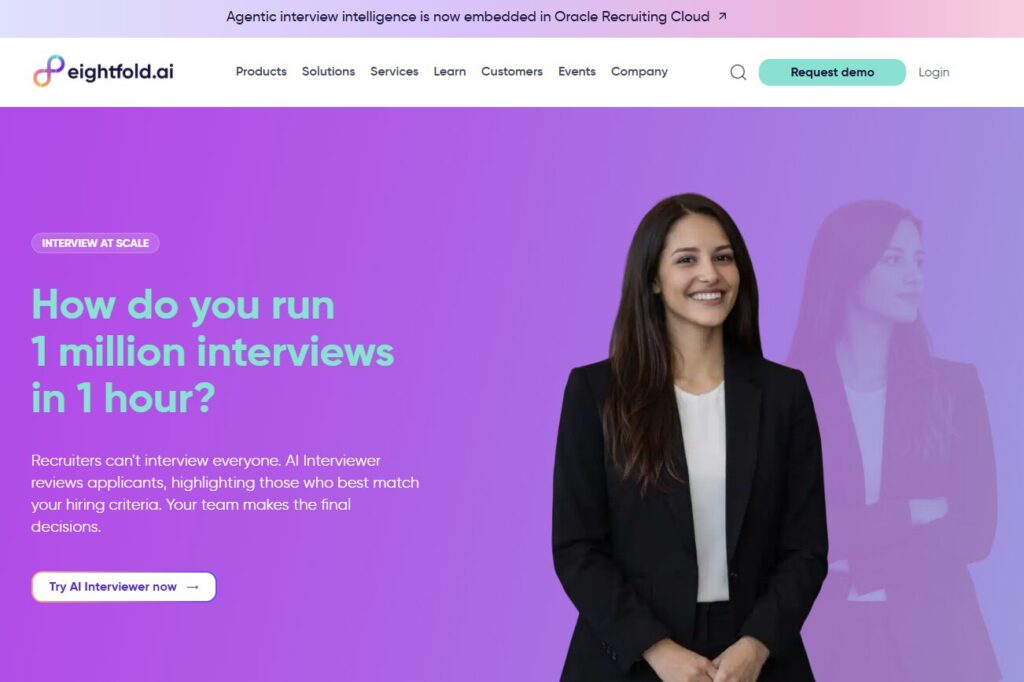
Verdict: The most advanced AI‑driven talent intelligence platform. Best For: Enterprise talent acquisition Price: Custom
Pros:
- Deep AI matching
- Predictive analytics
- Great for large orgs
Cons:
- Overkill for small teams
My Experience: Eightfold is the first tool that made me say, “Okay… this is real AI.” Its ability to match candidates to roles — even roles they didn’t apply for — is wild. I tested it by uploading a messy CSV of old candidates, and Eightfold rebuilt my entire pipeline in minutes. This is where AI tools for talent acquisition feel like a superpower.
Use Cases:
- Enterprise hiring
- Talent intelligence
- Workforce planning
Bottom Line: If you’re hiring at scale, nothing else compares.
10. Paradox (Olivia)
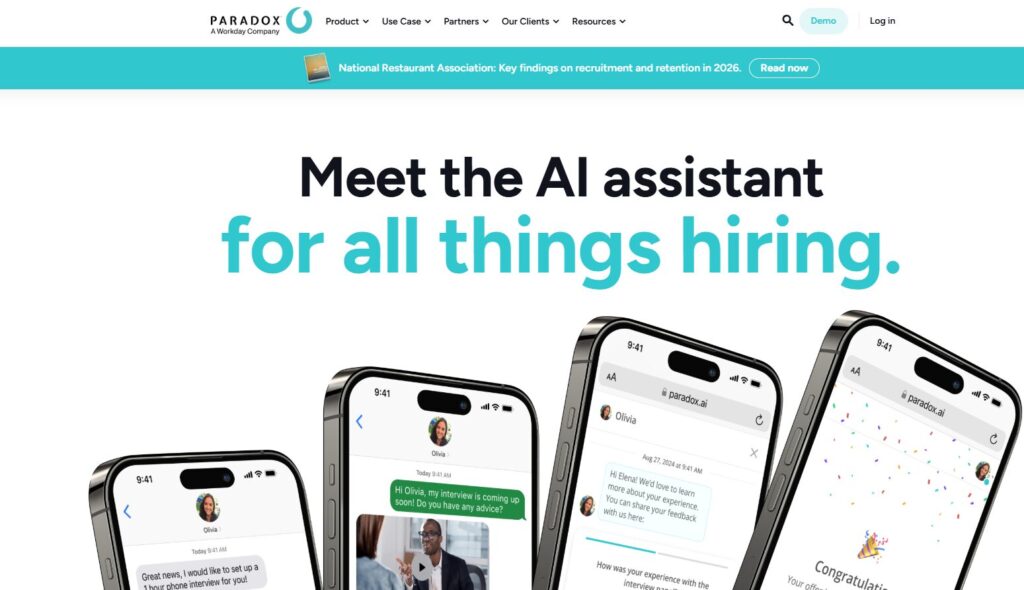
Verdict: The best conversational AI for high‑volume hiring. Best For: Retail, hospitality, frontline roles Price: Custom
Pros:
- Fast candidate screening
- Text‑based workflows
- Great for hourly roles
Cons:
- Not ideal for technical hiring
My Experience: Paradox shocked me. I didn’t expect a chatbot to handle screening this well. I tested it on a weekend — because that’s when most hourly candidates apply — and Olivia handled everything: screening, scheduling, reminders. I woke up Monday morning with a full interview calendar. That’s when I realized how powerful AI tools for HR teams can be when they’re built for real‑world timing.
Use Cases:
- High‑volume hiring
- Hourly roles
- Automated screening
Bottom Line: If you hire frontline workers, this tool is a lifesaver.
⭐ Comparison Table
| Tool | Best For | Price |
|---|---|---|
| Ashby | Modern recruiting teams | From $300/mo |
| Greenhouse | Structured hiring | Custom |
| Breezy HR | Small HR teams | From $189/mo |
| Rippling | All‑in‑one HR ops | From $8/user |
| HireVue | Video interviews | Custom |
| Lever | Talent nurturing | Custom |
| Workable | Fast‑moving teams | From $149/mo |
| BambooHR | HR operations | Custom |
| Eightfold AI | Enterprise talent intelligence | Custom |
| Paradox Olivia | High‑volume hiring | Custom |
⭐ Buyer’s Guide: How to Choose the Right HR & Recruiting Tools
Choosing the right AI tools for HR teams is harder than people admit. Every tool promises automation, efficiency, and “smarter hiring,” but most of them fall apart the moment your workflow gets messy. And hiring is always messy.
Here’s what I learned the hard way.
1. Look for tools that reduce decisions, not add them
The biggest mistake I made early on was choosing platforms that gave me more knobs to turn. More settings. More dashboards. More “customization.”
I remember testing one piece of AI recruiting software that had 47 automation options. Forty‑seven. I spent an entire afternoon trying to configure it, only to realize I didn’t need any of it. I needed something that made decisions for me — not something that turned me into a part‑time systems engineer.
Good tools simplify. Bad tools complicate.
2. Beware of pricing traps
HR software pricing is a minefield:
- per‑seat fees
- per‑role fees
- per‑candidate fees
- “AI add‑on” fees
- “premium automation” fees
One vendor tried to charge me extra just to unlock automated reminders. That’s when I realized the best HR automation tools don’t nickel‑and‑dime you for basic functionality.
If a tool hides pricing, assume it’s expensive.
3. Prioritize tools that write like a human
Some AI hiring tools write emails that sound like a robot trying to get promoted. I once sent a follow‑up that read like a legal document. The candidate replied, “Did an AI write this?”
I wanted to crawl under my desk.
Look for tools that:
- match your tone
- keep things short
- avoid corporate jargon
- sound like a real person
If you wouldn’t say it out loud, your tool shouldn’t send it.
4. Make sure the tool respects your workflow
This is the part nobody tells you: most AI tools for talent acquisition assume your hiring process is perfect. They expect clean data, consistent stages, and predictable schedules.
Real hiring is none of those things.
I once had a tool auto‑advance a candidate because I forgot to click a button. It moved them to “Final Interview” even though I hadn’t even screened them yet. That mistake cost me a week.
Choose tools that adapt to chaos — not tools that punish you for it.
5. My biggest lesson learned
I used to think the “best” tool was the one with the most features. Now I know better.
The best tool is the one you actually use on a stressful Tuesday afternoon when everything is falling apart.
If a tool makes your life easier on your worst days, that’s the one you keep.
⭐ FAQ
1. What are the best tools for high‑volume hiring?
Paradox (Olivia), HireVue, and Workable are the strongest options for fast, repeatable workflows.
2. Which tools work best for small HR teams?
Breezy HR, BambooHR, and Workable are the easiest to adopt without a full‑time admin.
3. What’s the best AI tool for candidate screening?
Eightfold AI is unmatched for deep matching, while Paradox is best for frontline roles.
4. What’s the easiest ATS to set up quickly?
Workable. No contest.
5. Which tools help reduce bias in hiring?
Eightfold AI, Greenhouse, and Ashby all include structured, bias‑reducing workflows.
6. What’s the best all‑in‑one HR platform?
Rippling — if you want HR + IT + onboarding in one place.
7. Do AI tools replace recruiters?
No. They replace repetitive tasks, not human judgment.
8. What’s the biggest mistake teams make when choosing HR software?
Choosing a tool that looks impressive in demos but collapses under real‑world chaos.
⭐ Final Recommendation
After months of testing, breaking, retrying, and rebuilding workflows, here’s the truth: the right AI tools for HR teams don’t feel like “AI tools.” They feel like clarity.
If you want the safest, most complete option, Ashby is the tool I’d hand to almost anyone. If you need structure, Greenhouse is the most disciplined system I’ve ever used. If you’re hiring hourly workers, Paradox is the closest thing to magic. And if you want deep intelligence, Eightfold AI is the only platform that genuinely surprised me.
But here’s the part that matters: choose the tool that fits the way you work. Not the one with the most features. Not the one with the loudest marketing. The one that quietly removes friction from your day.
That’s the real test.
⭐ Related Guides
⭐ About the Author — Danny, Founder of ToolCompare.ai
I didn’t expect HR tools to get under my skin the way they did. But they did — mostly because I learned how fragile hiring workflows really are. I remember one moment clearly: I was trying to hire a contractor for a project that was already behind schedule. I had candidates in my inbox, in Slack, in a spreadsheet, and in a random notes app on my phone. It was embarrassing. I felt like I was pretending to be organized.
Then I tested a tool that auto‑rejected a candidate I actually wanted to interview. My stomach dropped. I realized I had trusted automation more than my own judgment. That mistake stuck with me.
ToolCompare.ai exists because I never want another founder or HR manager to feel that same mix of panic and frustration. I built this site to document the things I learned the hard way — the tools that saved me, the ones that wasted my time, and the ones that taught me what “good” actually looks like.
I’m not perfect. I still over‑engineer workflows. I still test too many tools. I still get excited about features I don’t need. But every article I write is a reminder to myself — and hopefully to you — that the best tools aren’t the flashiest. They’re the ones that make your work feel human again.
If this guide helped you avoid even one mistake I made, then it was worth writing.